
 TechyTron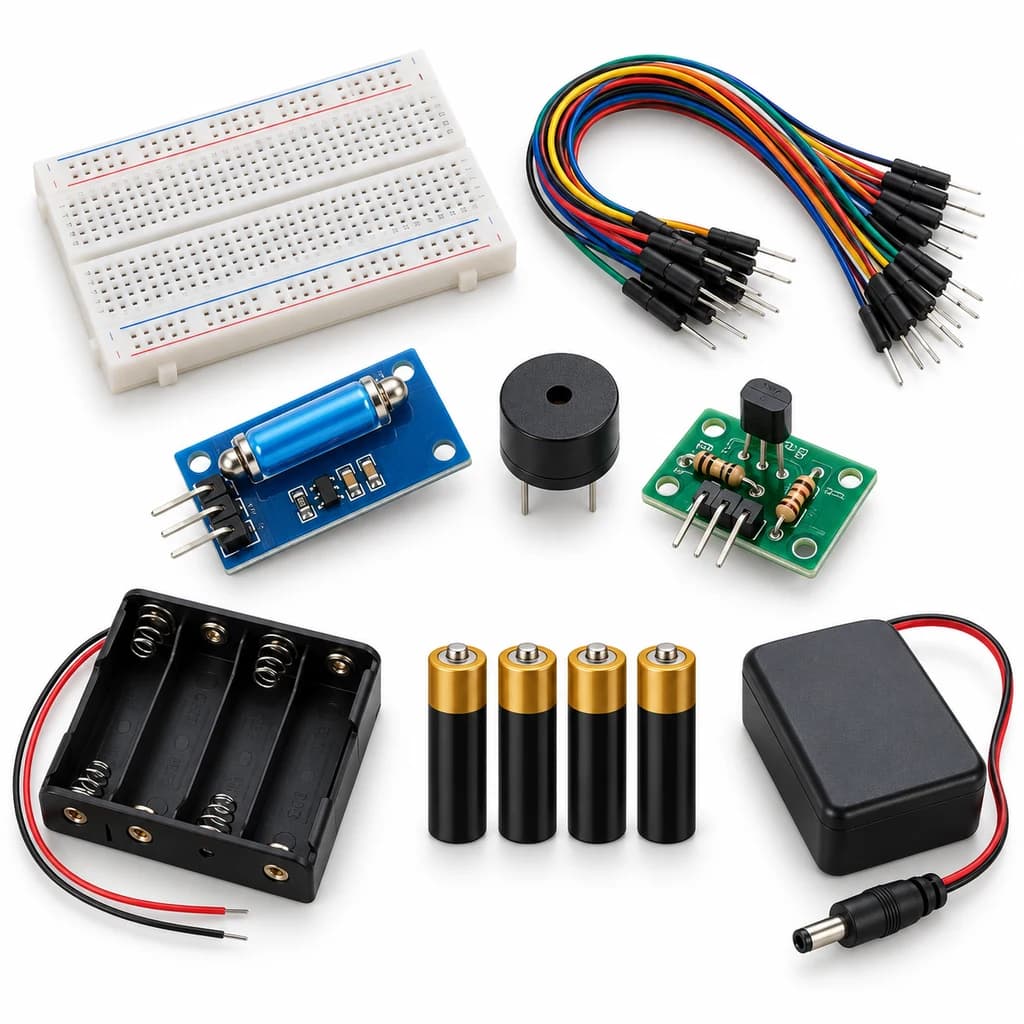
Tilt Alarm Lab Kit
SKU: TT-SE-05-06
₹631.00
Includes 18% GST
Earn 6 reward points per unit. How rewards work
Make an alarm that responds when its sensor tilts. Classes 5-6 · Ages 10–12. Complete electronics kit with an illustrated guide.
Delivery options
Courier from ₹79.00 per order · Free above ₹999.00
Product description
Classes 5-6, typical ages 10–12. Age ranges vary by learner. Guided low-voltage electronics.
Activity engagement
45–65 minutes. Explore 5–10 min · Build 15–20 min · Test and discuss 25–35 min. Estimated time for building, testing and discussion.
What you need
No computer required. An adult helps inspect connections.
Included components
- Small Breadboard / Mini Solderless Board - 400 points — 1 breadboard
- Jumper Wire Combo - Male to Male, Male to Female and Female to Female Breadboard Connecting Wires (10 Qty Each) — 1 set
- Illustrated Activity Guide and Observation Sheets — 1 set
- Fitted Headers and Labelled Connection Leads — 1 set
- 4 CELL AA BATTERY HOLDER WITH SWITCH / COVER — 1 holder
- AA BATTERY — 4 battery (individual units)
- Regulated 5 V Power Supply with Short-Circuit Protection — 1 power supply
- SW520D Tilt Sensor Module — 1 sensor module
- 5 V Active Buzzer — 1 buzzer
- 5 V Sensor Output Driver with Trigger Selector — 1 interface circuit
What you learn
- A ball/contact tilt sensor changes its digital state with orientation.
- A comparator turns a changing sensor signal into a digital threshold output.
- A separate output driver keeps the sensor signal separate from its load.
Connection guide
- tilt sensor VCC/GND → regulated +5 V/GND; its labelled DO output → driver IN.
- Driver VCC/GND → the same supply; use its supplied active-low/high trigger selector to match the module.
- Buzzer positive → driver labelled load +; buzzer negative → driver labelled load −.
Steps to make it
- Disconnect all power and identify the supplied part labels and pinouts before wiring.
- Switch the supply off and identify the sensor DO terminal; do not confuse it with AO.
- Connect the sensor, preassembled labelled driver and output using the connection card.
- Power on and adjust the sensor sensitivity at the baseline condition until the output is stable.
- Slowly tilt the sensor from level to each side; return it to level between trials.
- Repeat five controlled trials, changing only one condition, then switch off and dry/clean the sensing surface as appropriate.
Test challenge
Slowly tilt the sensor from level to each side; return it to level between trials.
Observation task
Angle category, predicted alarm state and observed state.
Expected result
A ball/contact tilt sensor changes its digital state with orientation. The driver makes that change visible or audible.
If it does not work
Check the DO pin, shared ground, sensitivity setting and driver trigger selector. A brief sensor pulse gives only a brief output; this is not a latching alarm.
Try next
Try mounting the module in a different orientation and compare the trigger point.
Use and supervision
Use only supplied 5 V DC. Keep fingers away from the buzzer opening and use a comfortable sound level. Disconnect power before rewiring.
How this experiment works
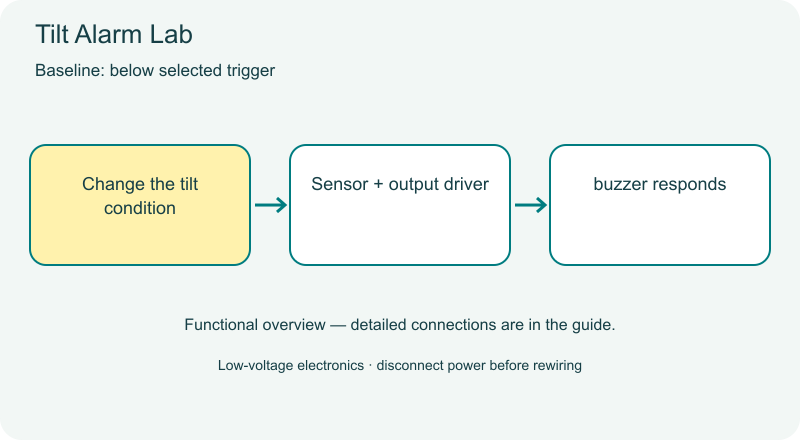
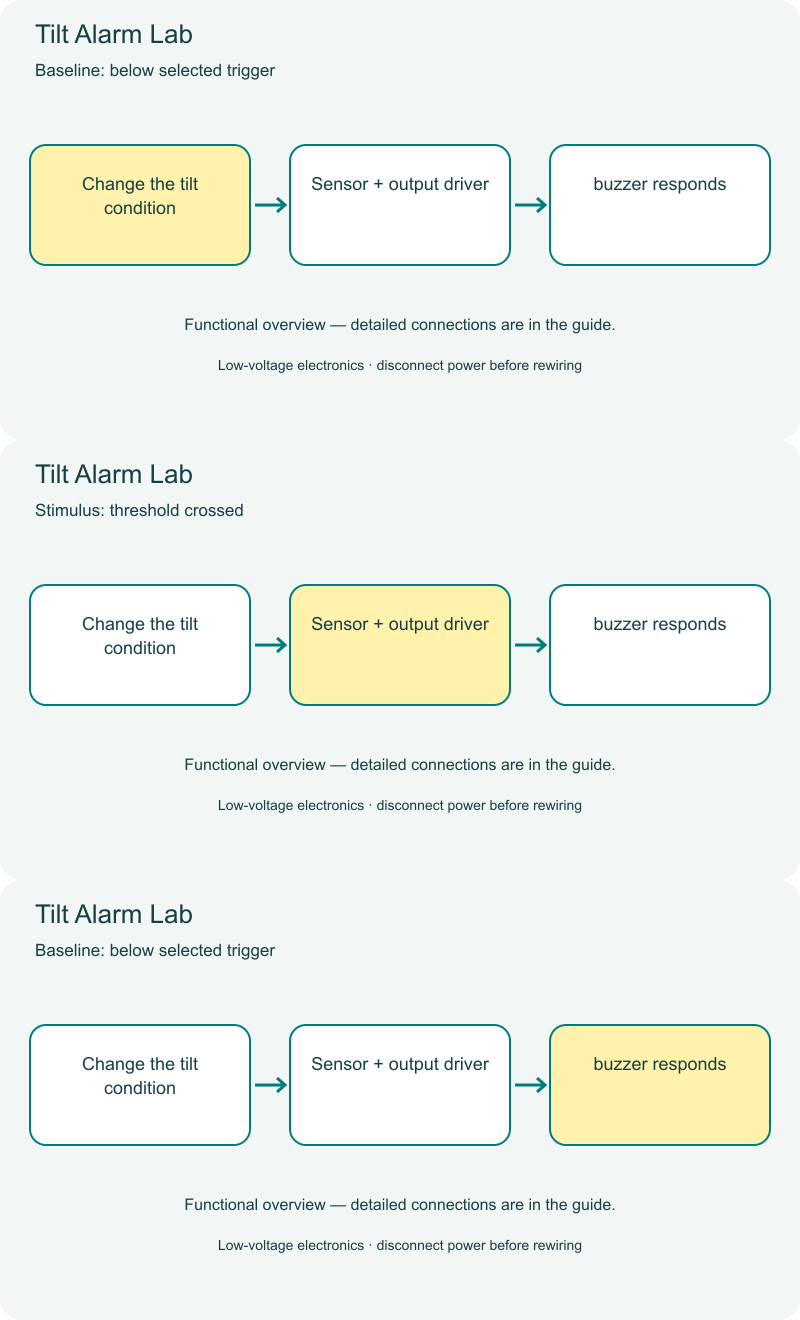
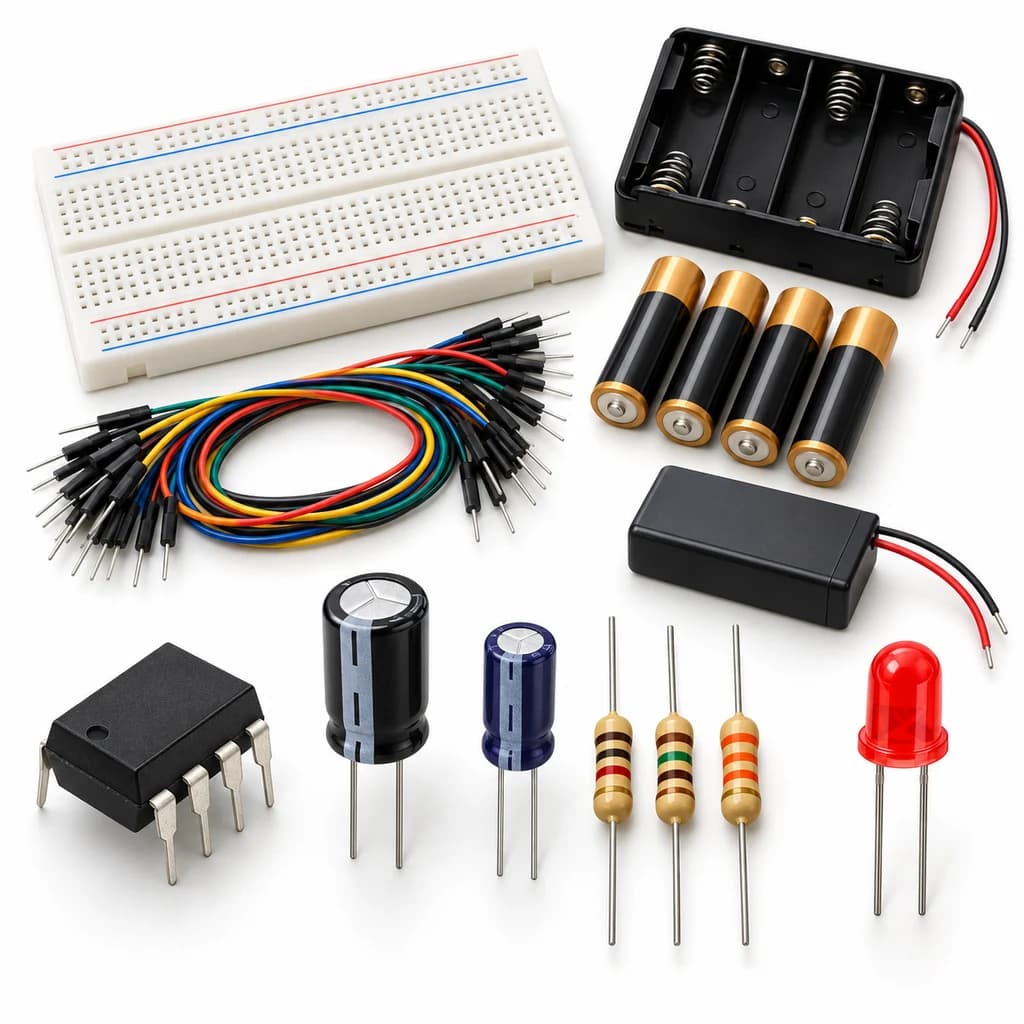
Cover illustrations show component types. Functional animations explain principles and are not recorded prototype tests. Follow the supplied connection labels and pinouts.
Customer feedback
Reviews
No published reviews yet. Be the first to share useful feedback.
Shop Related in this category
Related in this category
9 catalogue productsTechyTron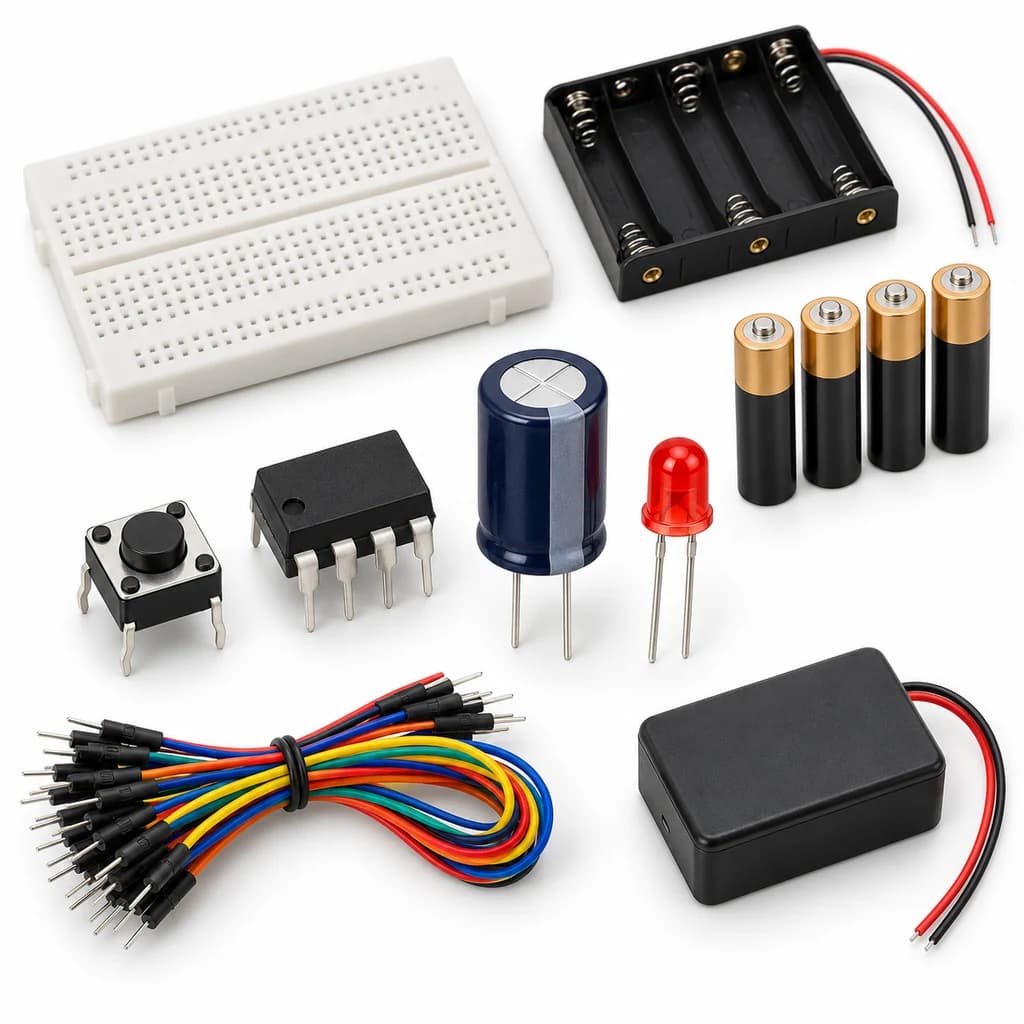 TechyTron
Capacitor Countdown Kit
₹537.50Earn 5 points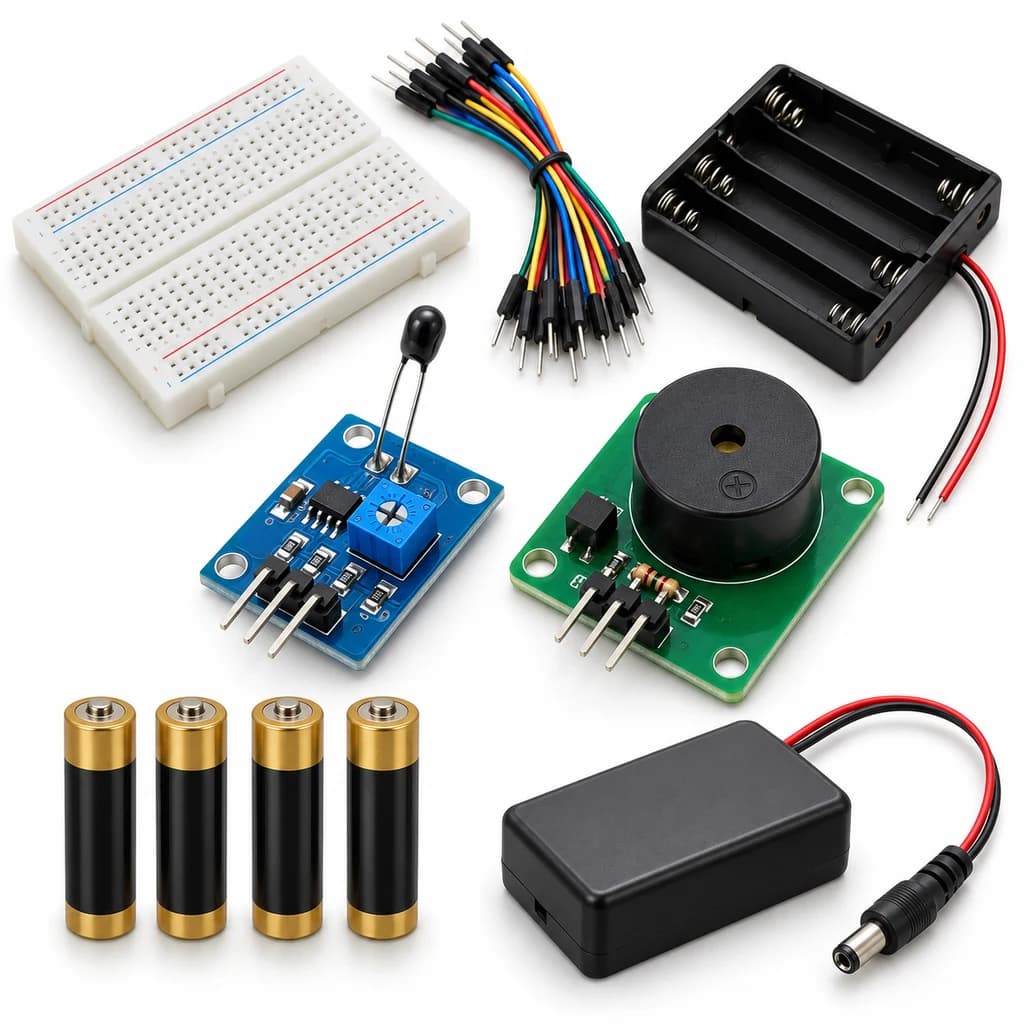 TechyTron
Heat Sense Alarm Kit
₹631.00Earn 6 points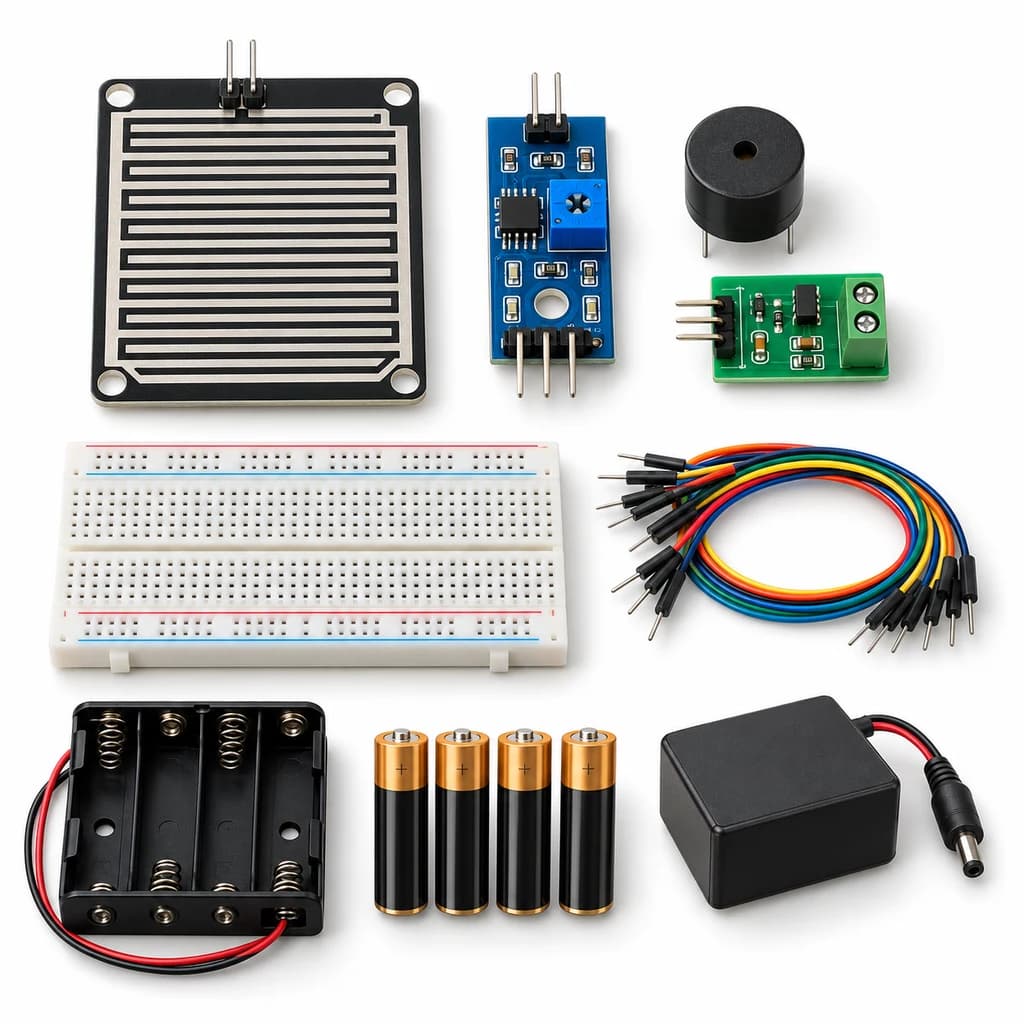 TechyTron
Rain Drop Alarm Kit
₹637.00Earn 6 points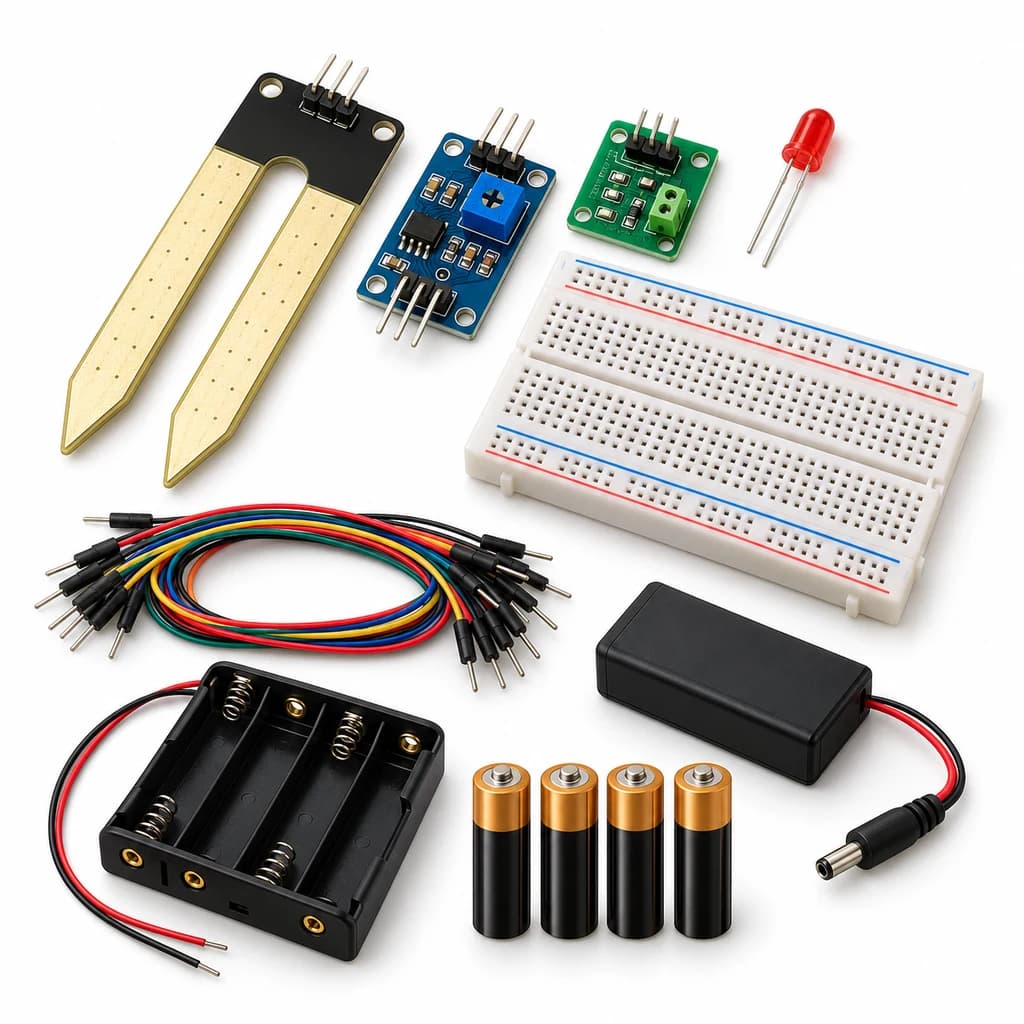 TechyTron
Soil Moisture Signal Kit
₹608.00Earn 6 points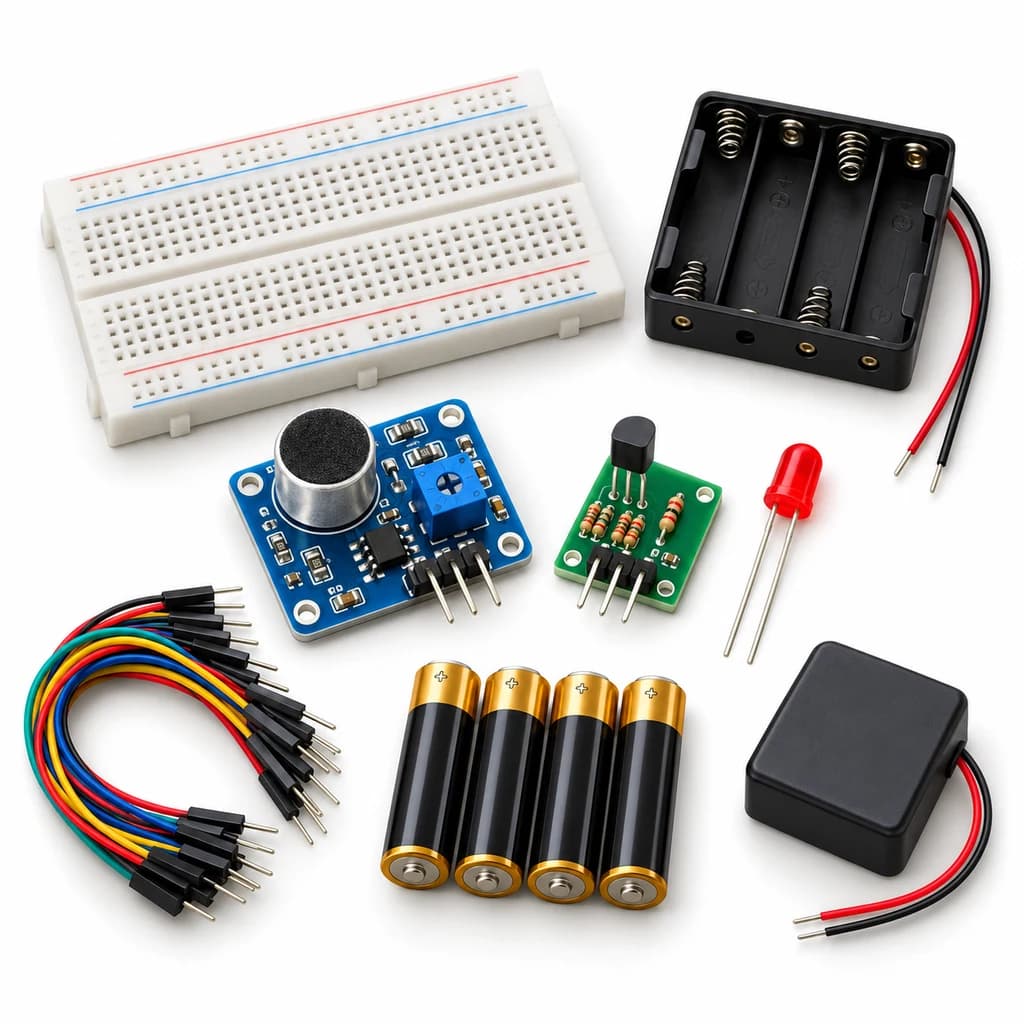 TechyTron
Sound Trigger Light Kit
₹609.00Earn 6 points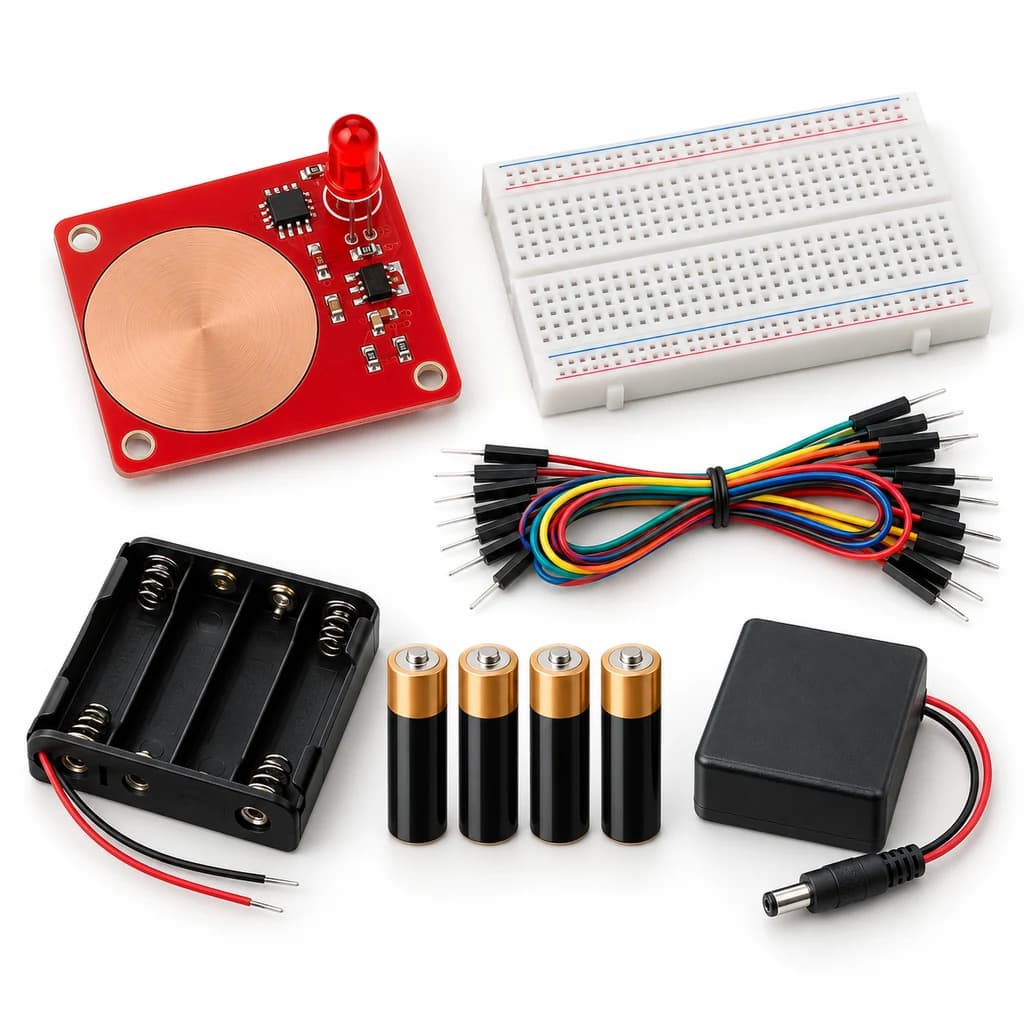 TechyTron
Touch Pad Light Kit
₹519.00Earn 5 points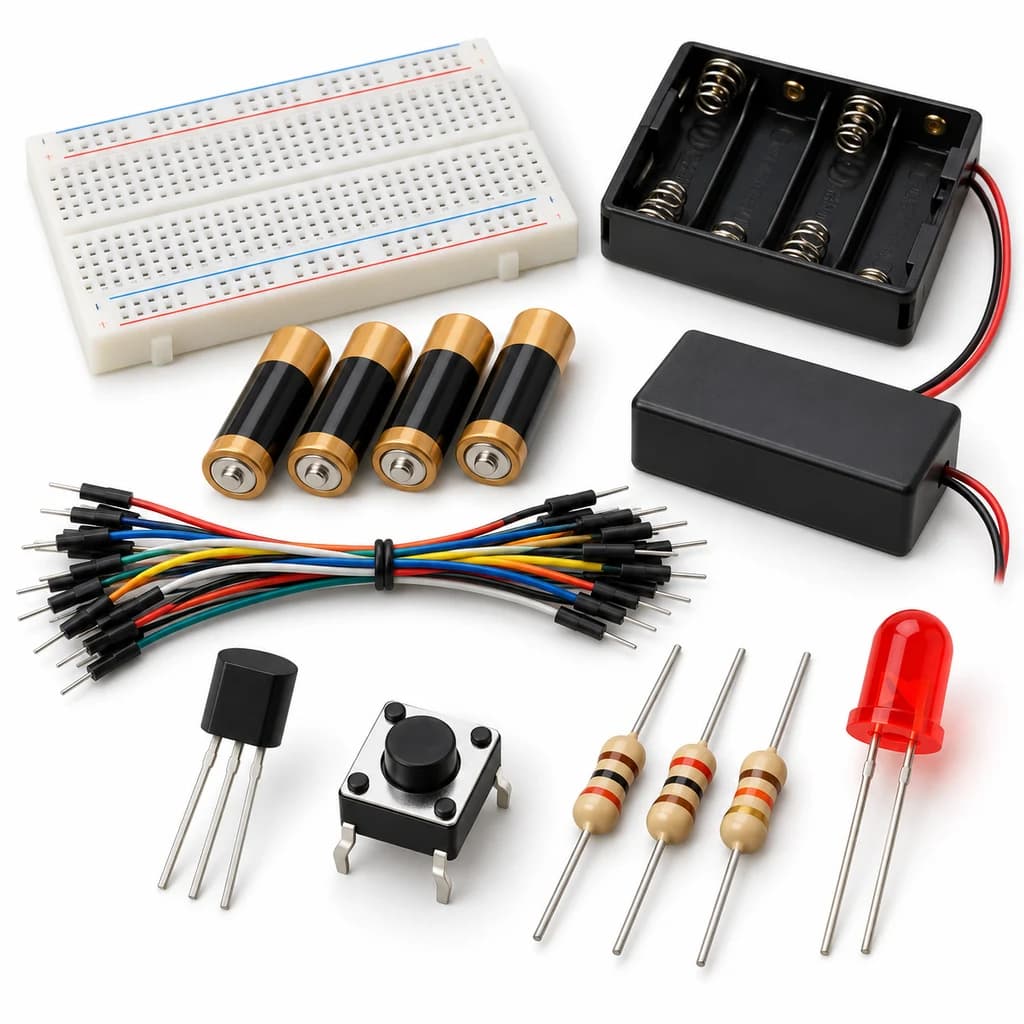 TechyTron
Transistor Light Switch Kit
₹521.50Earn 5 points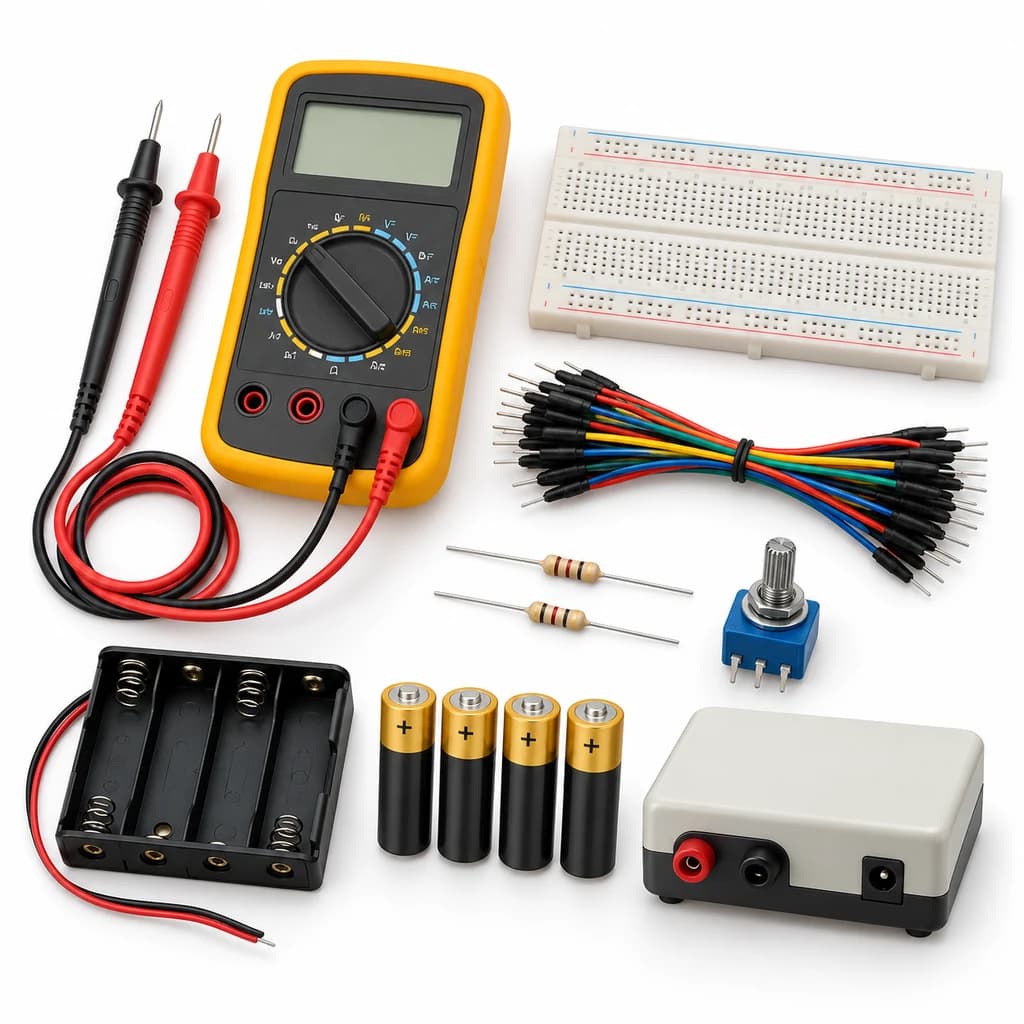 TechyTron
Voltage Explorer Kit
₹1,098.50Earn 10 pointsShop Related by product name
Related by product name
10 catalogue products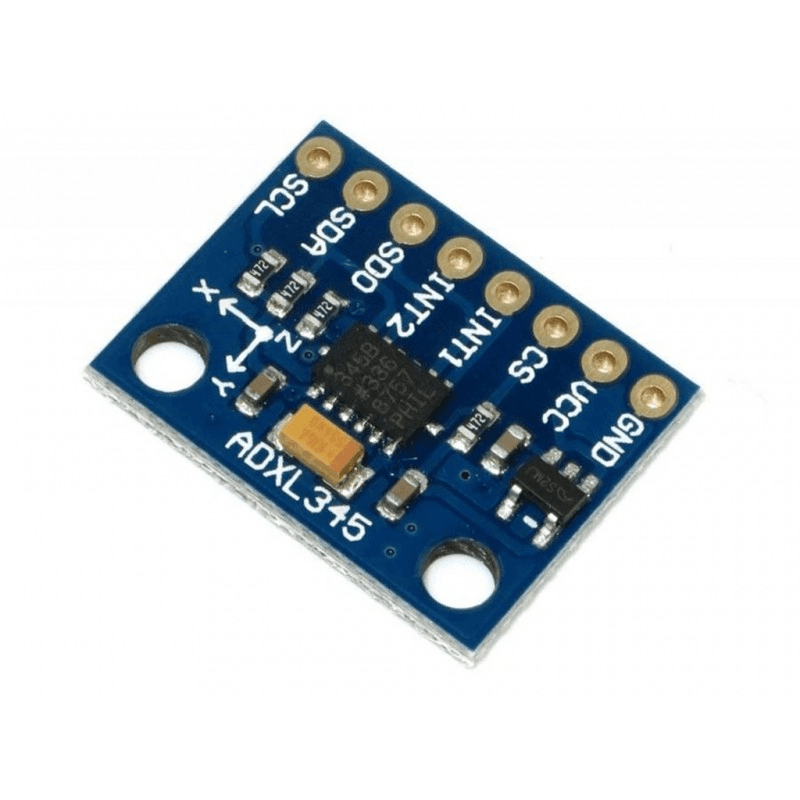 Accelerometer / Gyroscope Sensors
Adxl345 Triple Axis Accelerometer Sensor Module I2C/SPI
₹132.00Earn 1 points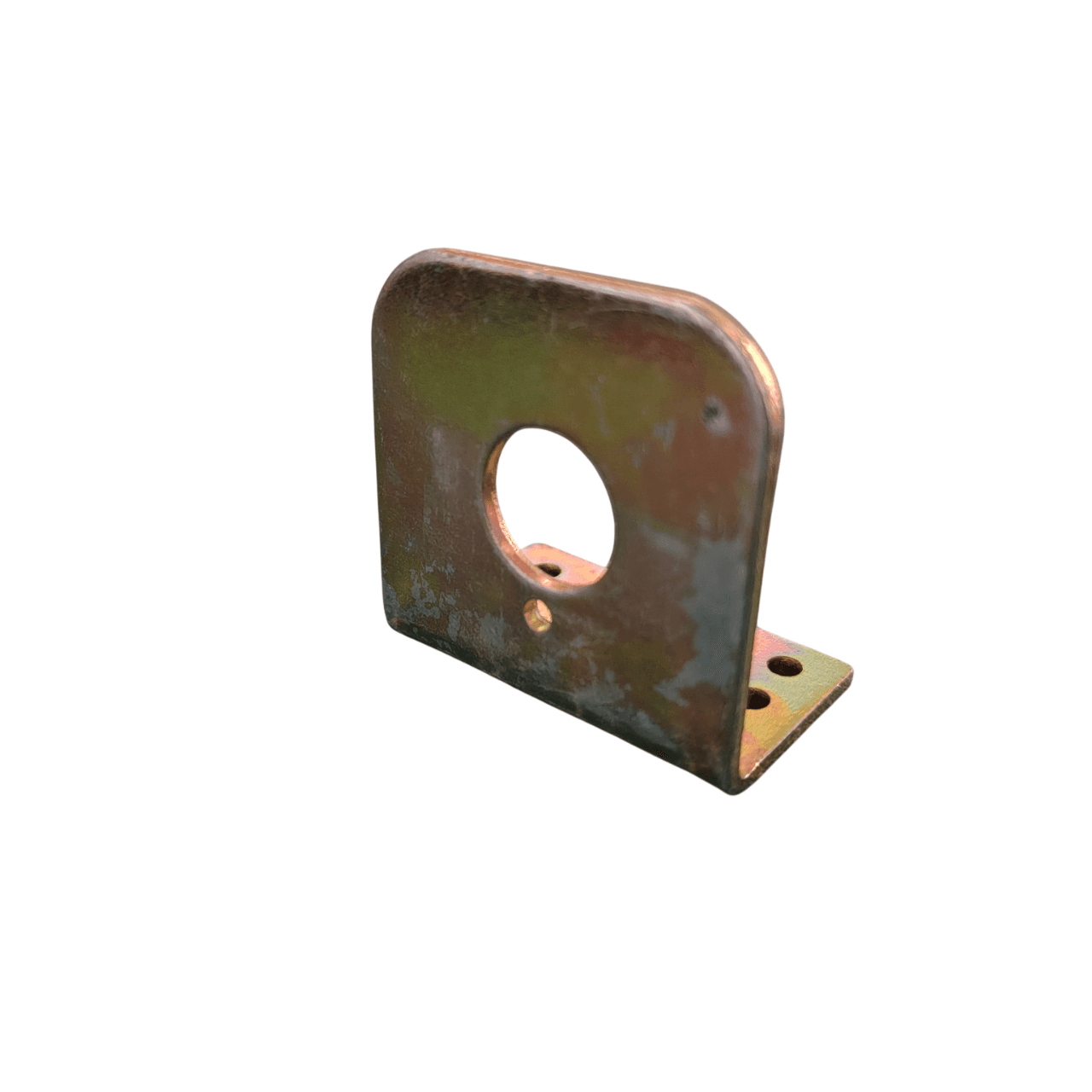 Motor Mounting Accessories
Center Shaft Motor L Clamp – 2mm Thick Heavy Duty Bracket
₹21.00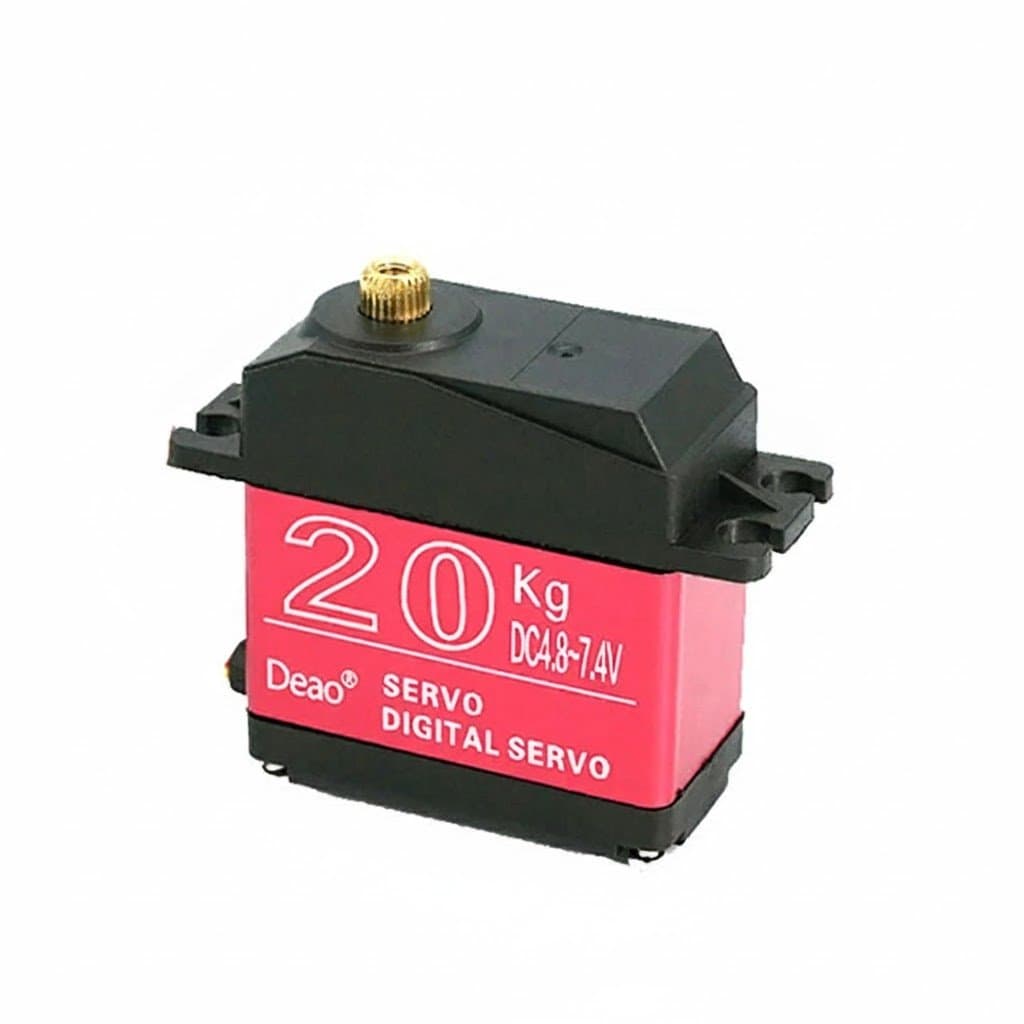 Servo Motors
Deao 20kg High Torque Digital Servo Motor
₹897.00Earn 8 points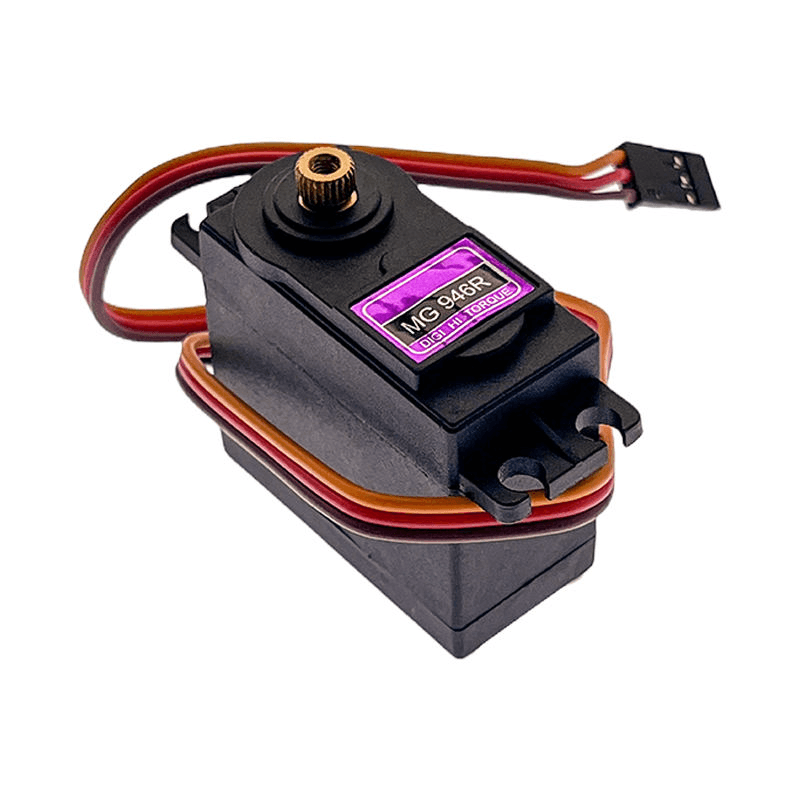 Servo Motors
MG946R Digital Metal Gear Servo Motor – High Torque
₹295.00Earn 2 points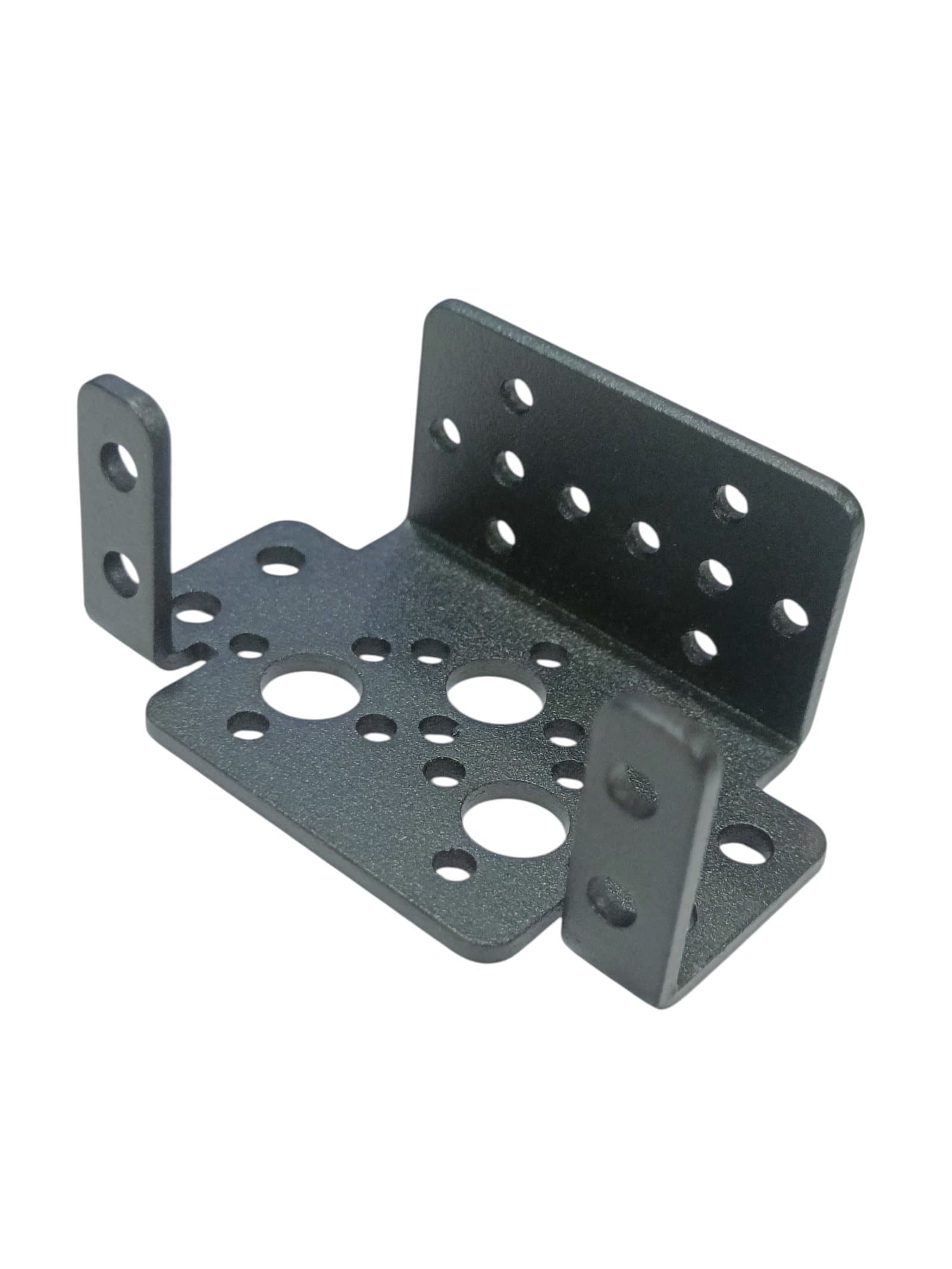 Motors, Drivers & Pumps
Multipurpose Aluminium Standard Servo Bracket – Pan Tilt Servo Mount
₹105.00Earn 1 points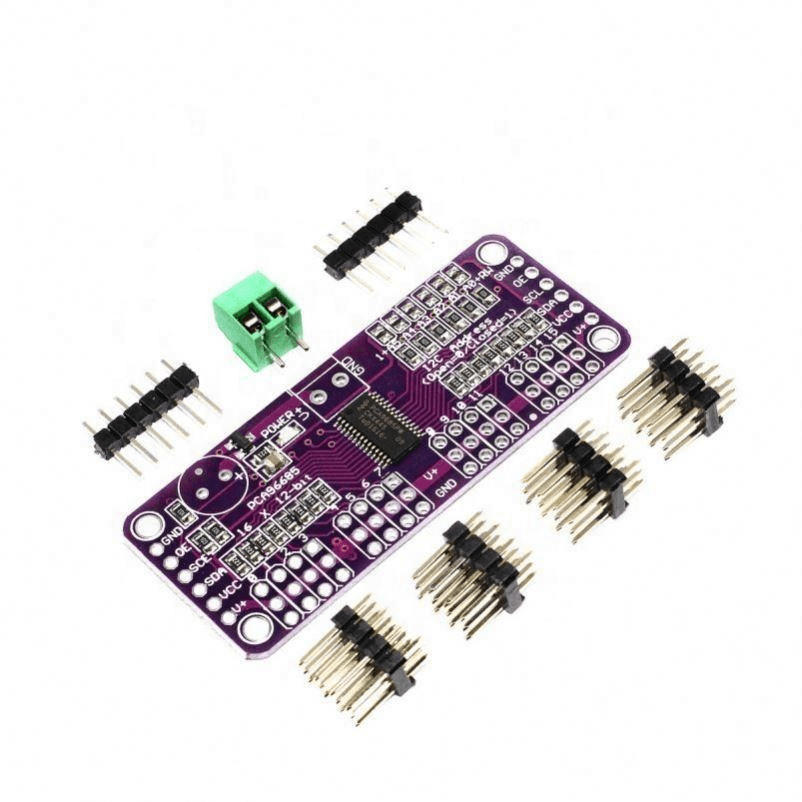 Servo Drivers & Controllers
PCA9685 16 Channel 12 Bit Servo Motor Driver – Without Solder Headers
₹255.00Earn 2 points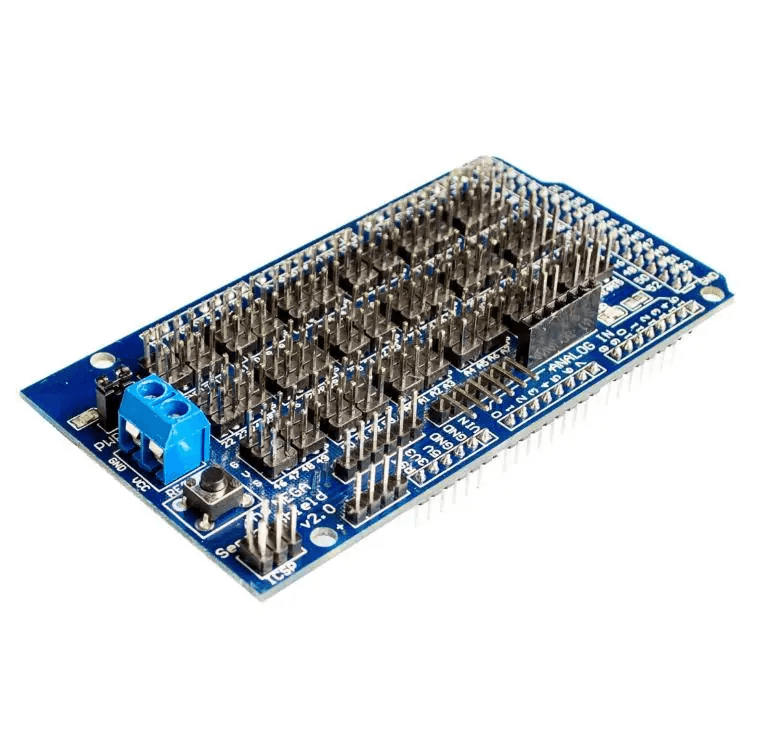 Board Support
Sensor Shield V2.0 for Arduino Mega 2560 R3
₹200.50Earn 2 points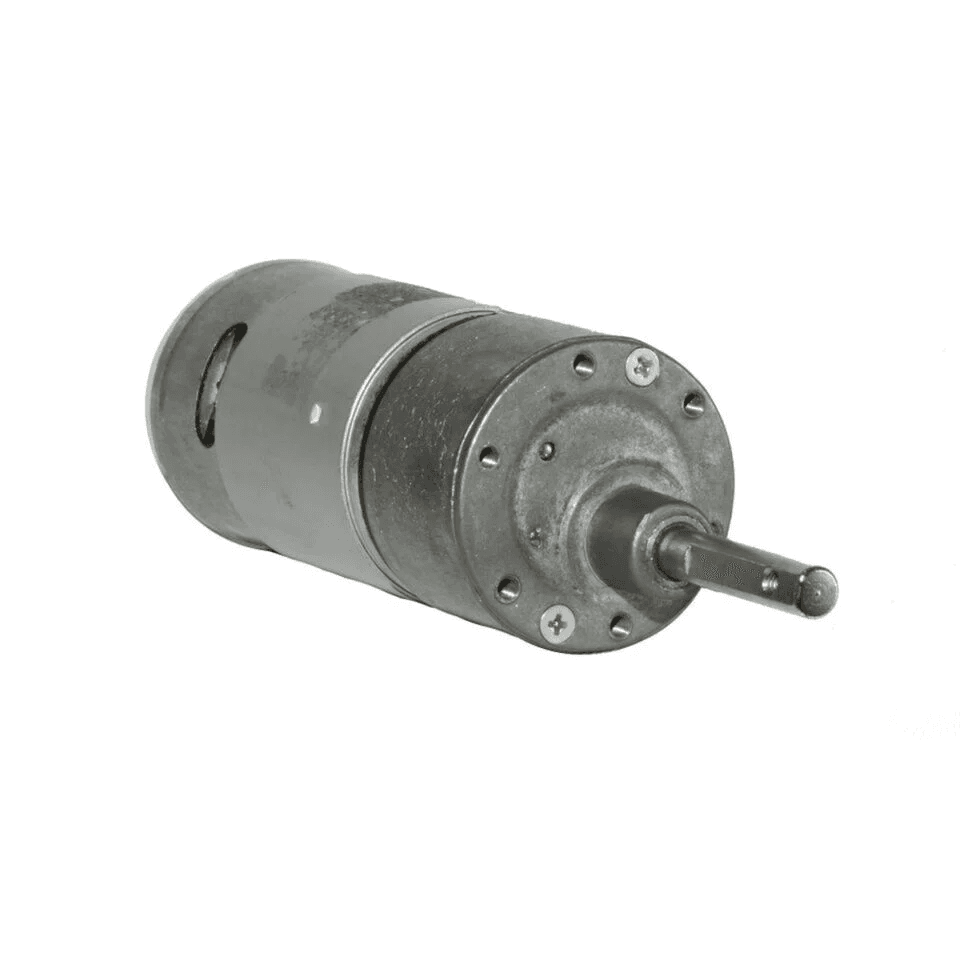 DC Motors
10 RPM 12V DC RS-37-555 High Torque Geared DC Motor
₹543.00Earn 5 points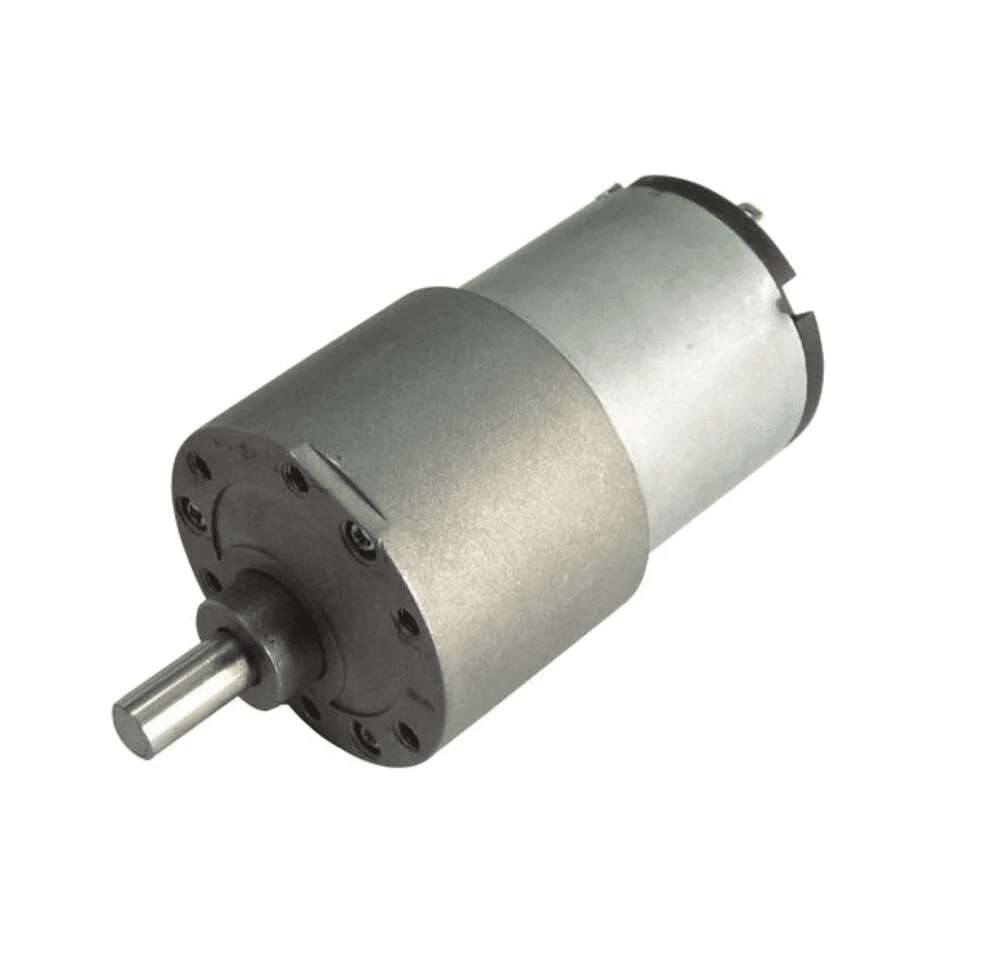 DC Motors
10 RPM 12V DC SIDE SHAFT GEAR MOTOR FOR ROBOTICS
₹413.00Earn 4 points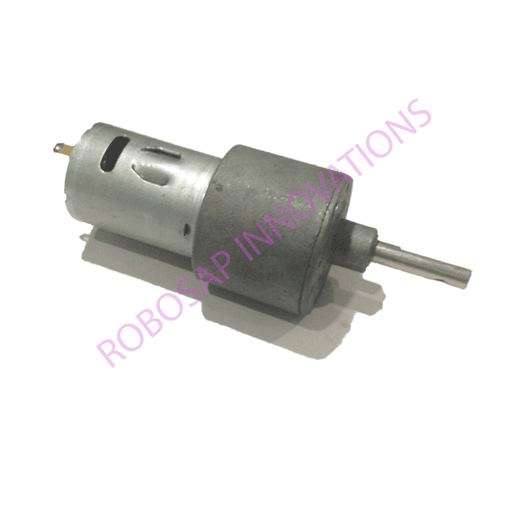 DC Motors