
 TechyTron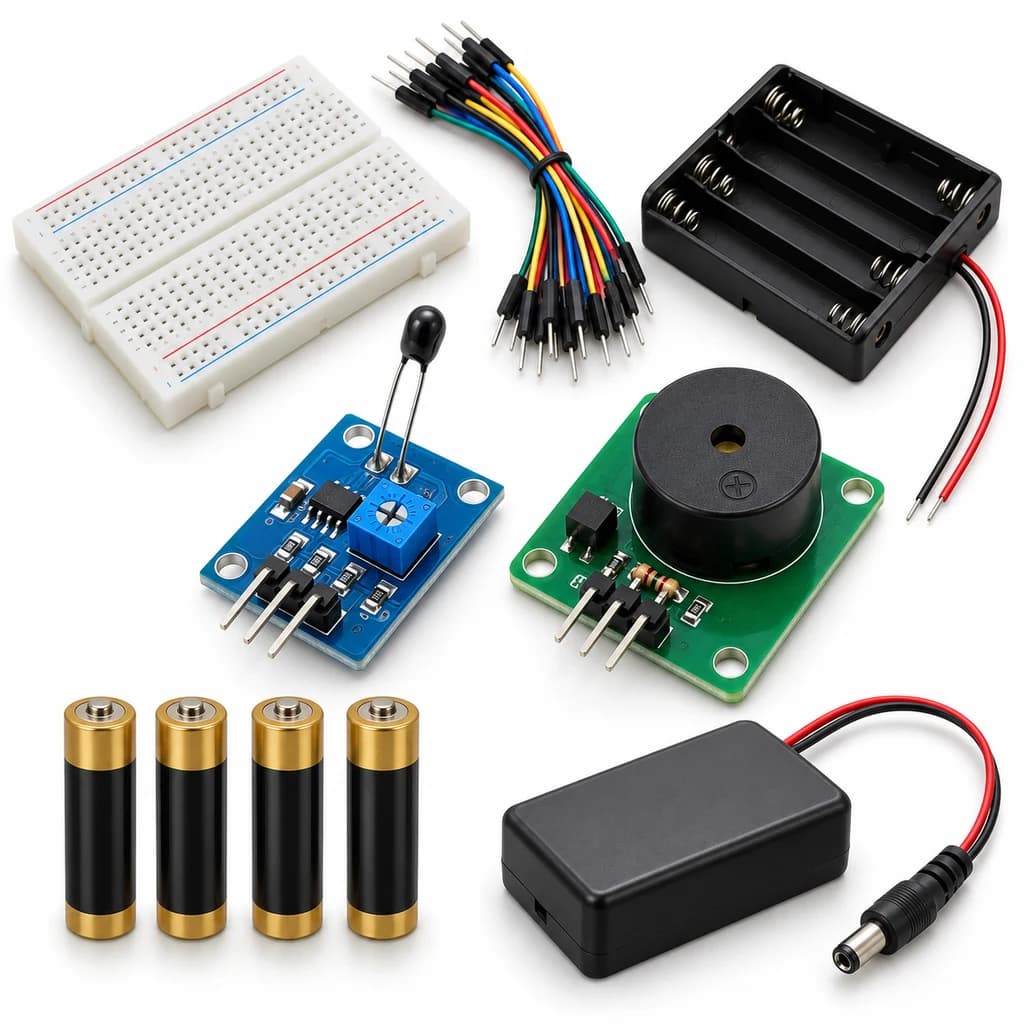
Heat Sense Alarm Kit
SKU: TT-SE-05-10
₹631.00
Includes 18% GST
Earn 6 reward points per unit. How rewards work
Detect a temperature change using a thermistor. Classes 5-6 · Ages 10–12. Complete electronics kit with an illustrated guide.
Delivery options
Courier from ₹79.00 per order · Free above ₹999.00
Product description
Classes 5-6, typical ages 10–12. Age ranges vary by learner. Guided low-voltage electronics.
Activity engagement
45–65 minutes. Explore 5–10 min · Build 15–20 min · Test and discuss 25–35 min. Estimated time for building, testing and discussion.
What you need
No computer required. An adult helps inspect connections.
Included components
- Small Breadboard / Mini Solderless Board - 400 points — 1 breadboard
- Jumper Wire Combo - Male to Male, Male to Female and Female to Female Breadboard Connecting Wires (10 Qty Each) — 1 set
- Illustrated Activity Guide and Observation Sheets — 1 set
- Fitted Headers and Labelled Connection Leads — 1 set
- 4 CELL AA BATTERY HOLDER WITH SWITCH / COVER — 1 holder
- AA BATTERY — 4 battery (individual units)
- Regulated 5 V Power Supply with Short-Circuit Protection — 1 power supply
- NTC Thermistor Temperature Sensor Module — 1 sensor module
- 5 V Active Buzzer — 1 buzzer
- 5 V Sensor Output Driver with Trigger Selector — 1 interface circuit
What you learn
- Temperature changes the NTC resistance; the comparator switches at its adjusted threshold.
- A comparator turns a changing sensor signal into a digital threshold output.
- A separate output driver keeps the sensor signal separate from its load.
Connection guide
- thermistor sensor VCC/GND → regulated +5 V/GND; its labelled DO output → driver IN.
- Driver VCC/GND → the same supply; use its supplied active-low/high trigger selector to match the module.
- Buzzer positive → driver labelled load +; buzzer negative → driver labelled load −.
Steps to make it
- Disconnect all power and identify the supplied part labels and pinouts before wiring.
- Switch the supply off and identify the sensor DO terminal; do not confuse it with AO.
- Connect the sensor, preassembled labelled driver and output using the connection card.
- Power on and adjust the sensor sensitivity at the baseline condition until the output is stable.
- Gently warm the sensor between dry fingertips, then allow it to return toward room temperature.
- Repeat five controlled trials, changing only one condition, then switch off and dry/clean the sensing surface as appropriate.
Test challenge
Gently warm the sensor between dry fingertips, then allow it to return toward room temperature.
Observation task
Room/warmed/cooling condition, threshold position and alarm state.
Expected result
Temperature changes the NTC resistance; the comparator switches at its adjusted threshold. The driver makes that change visible or audible.
If it does not work
Check the DO pin, shared ground, sensitivity setting and driver trigger selector. A brief sensor pulse gives only a brief output; this is not a latching alarm.
Try next
Discuss the difference between a threshold alarm and a calibrated thermometer.
Use and supervision
Warm the sensor only with dry fingertips. No flame, hot plate or boiling water. Use the supplied 5 V DC power unit and switch off before rewiring.
How this experiment works
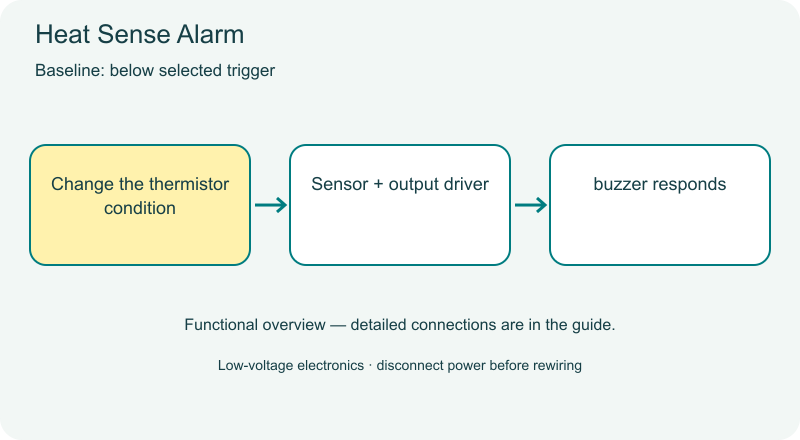
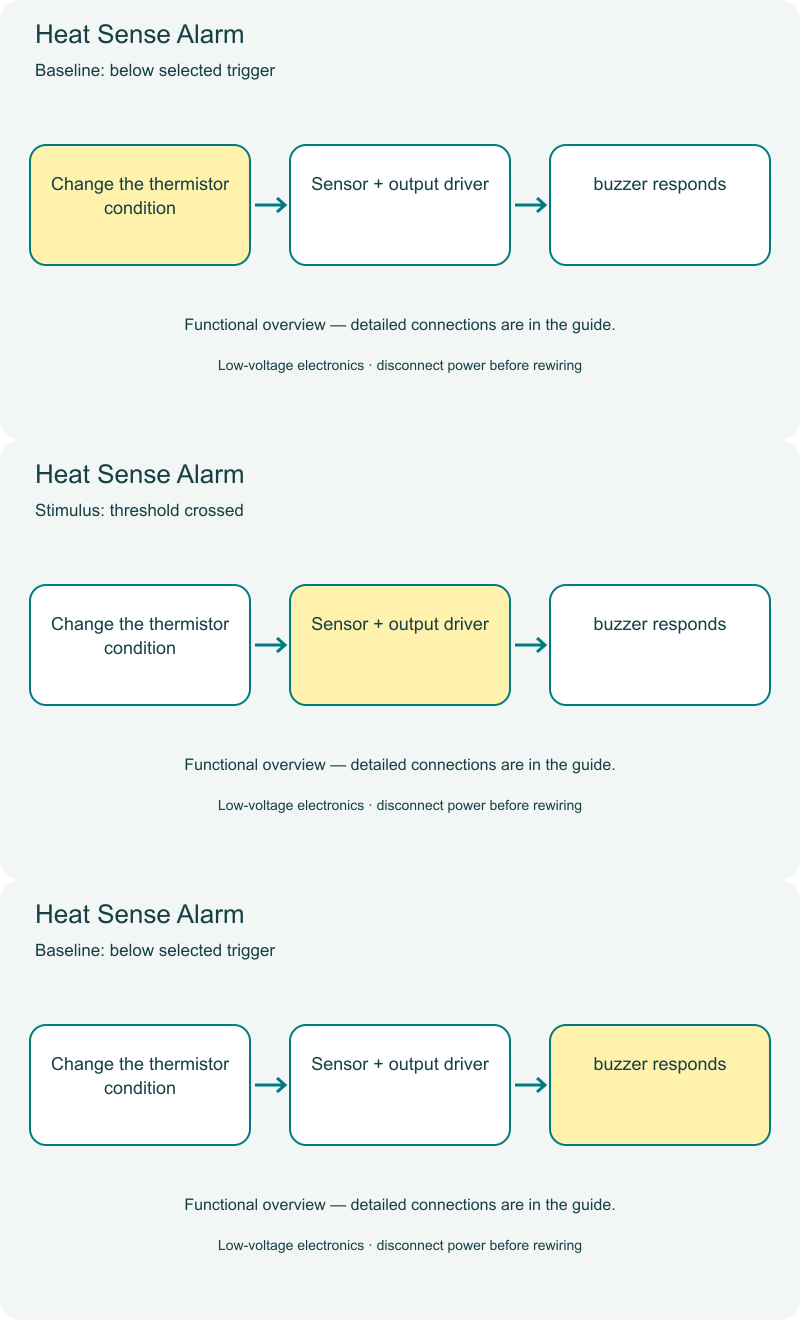
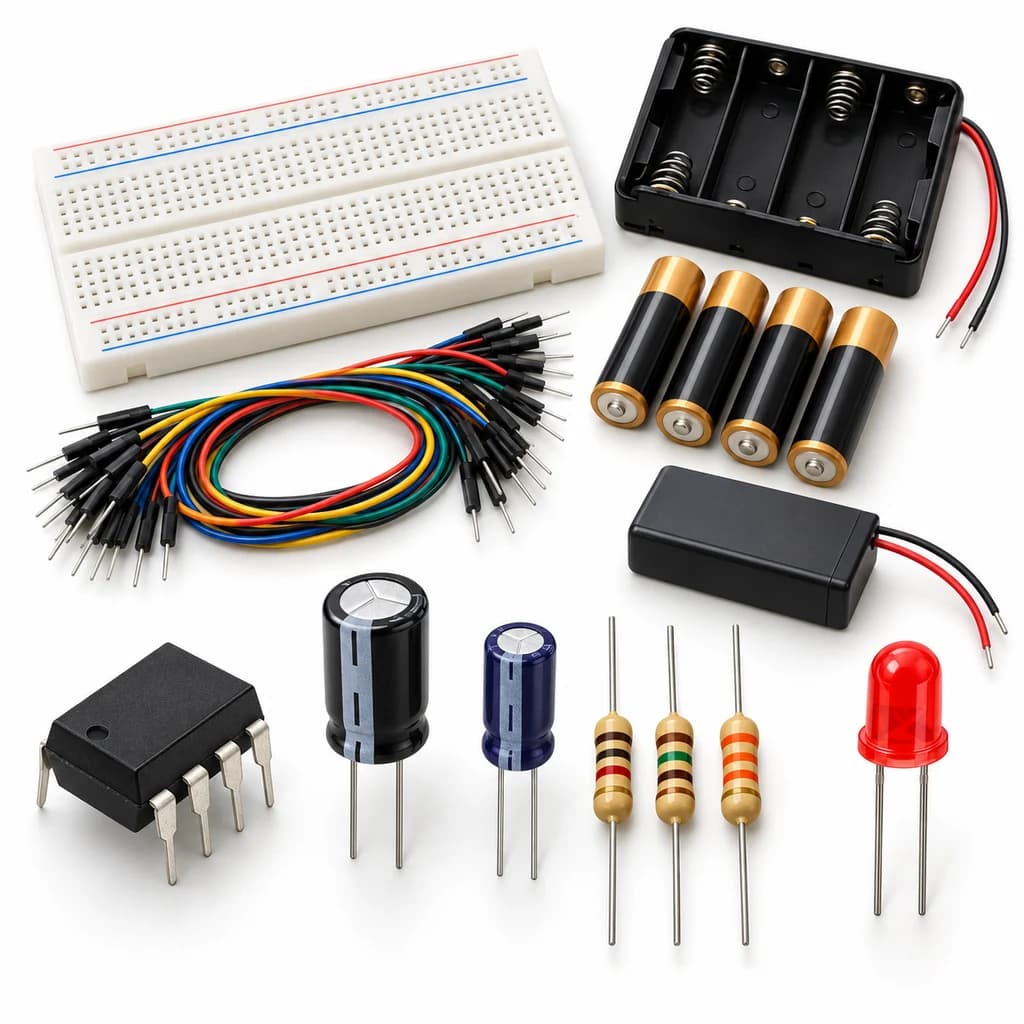
Cover illustrations show component types. Functional animations explain principles and are not recorded prototype tests. Follow the supplied connection labels and pinouts.
Customer feedback
Reviews
No published reviews yet. Be the first to share useful feedback.
Shop Related in this category
Related in this category
9 catalogue productsTechyTron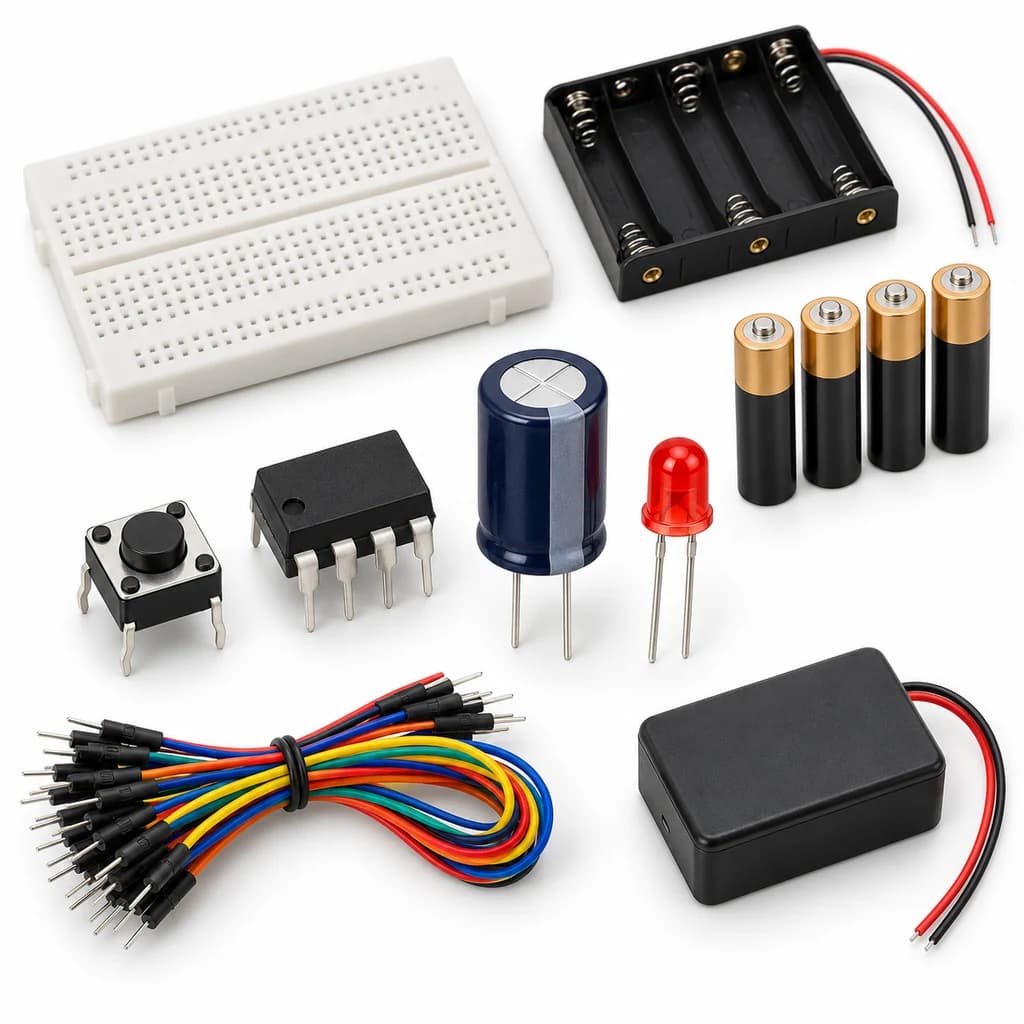 TechyTron
Capacitor Countdown Kit
₹537.50Earn 5 points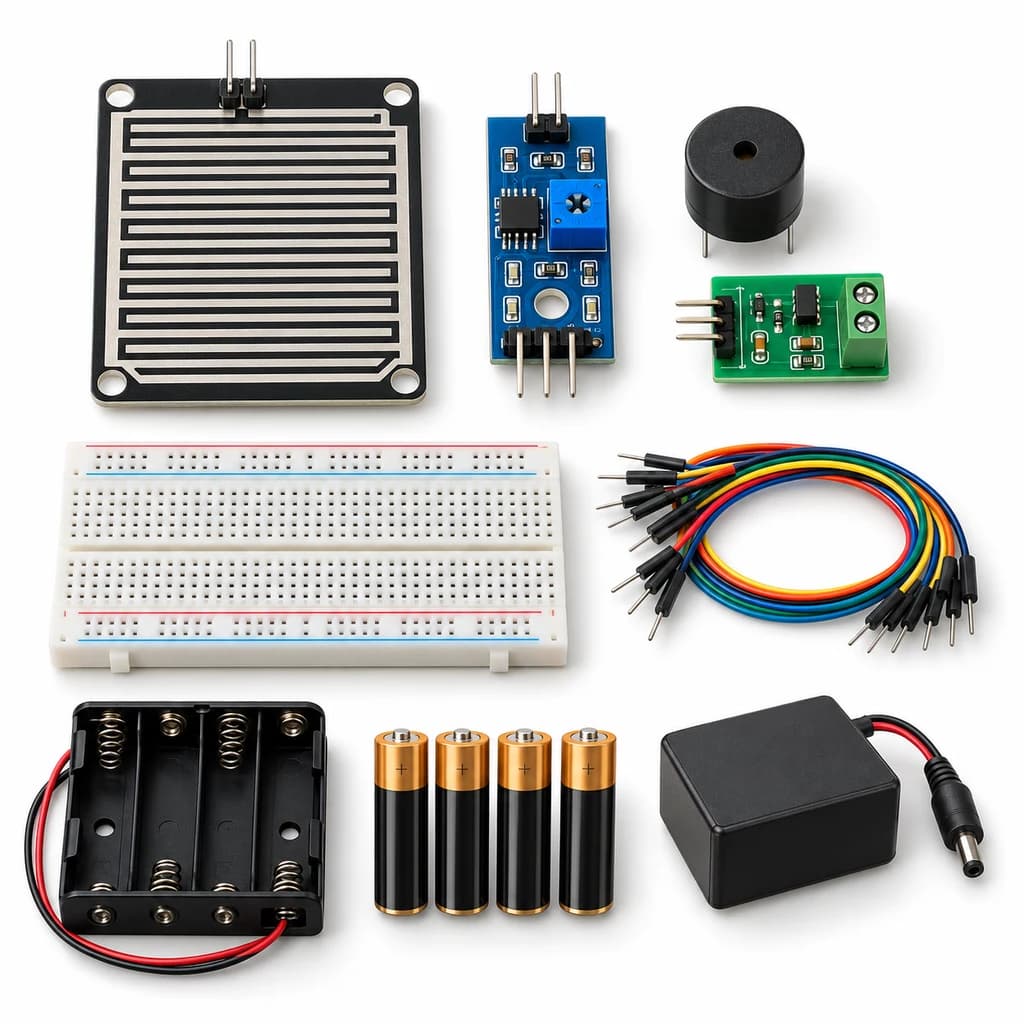 TechyTron
Rain Drop Alarm Kit
₹637.00Earn 6 points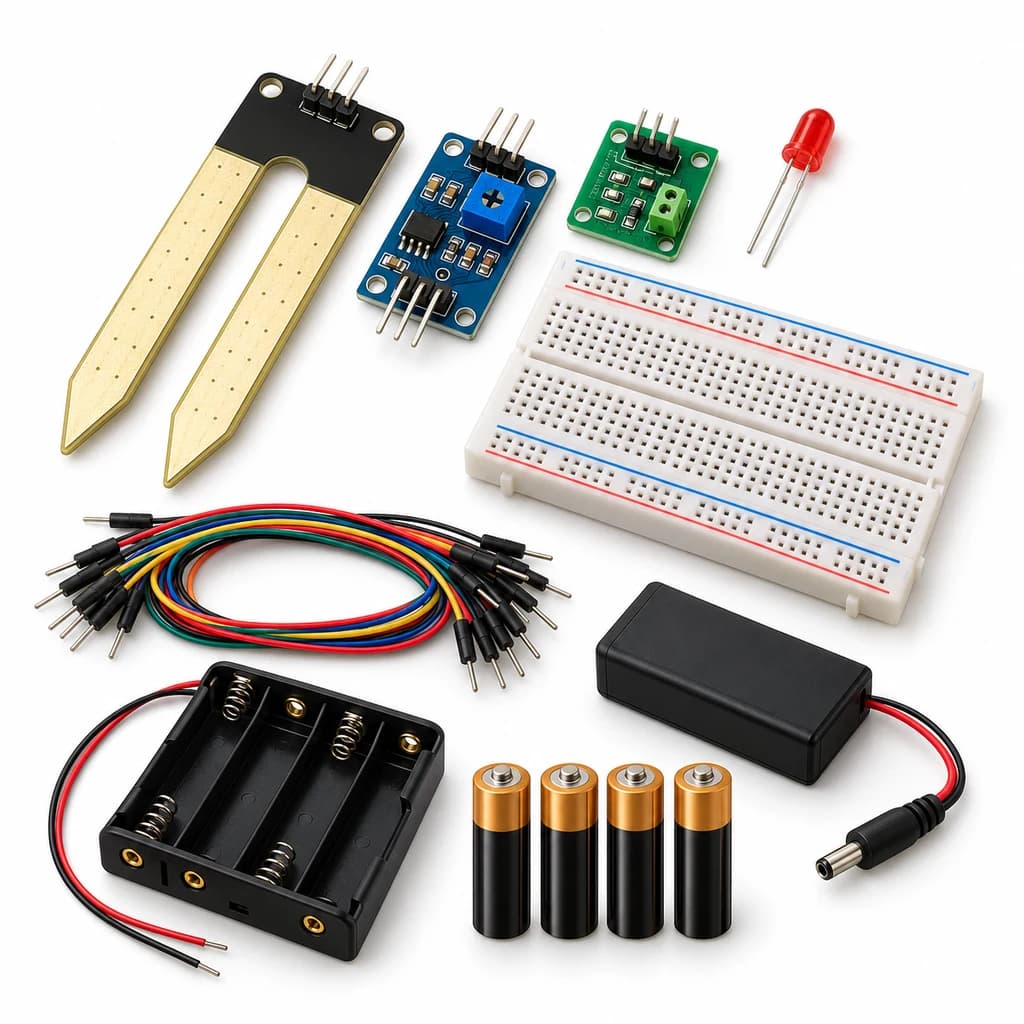 TechyTron
Soil Moisture Signal Kit
₹608.00Earn 6 points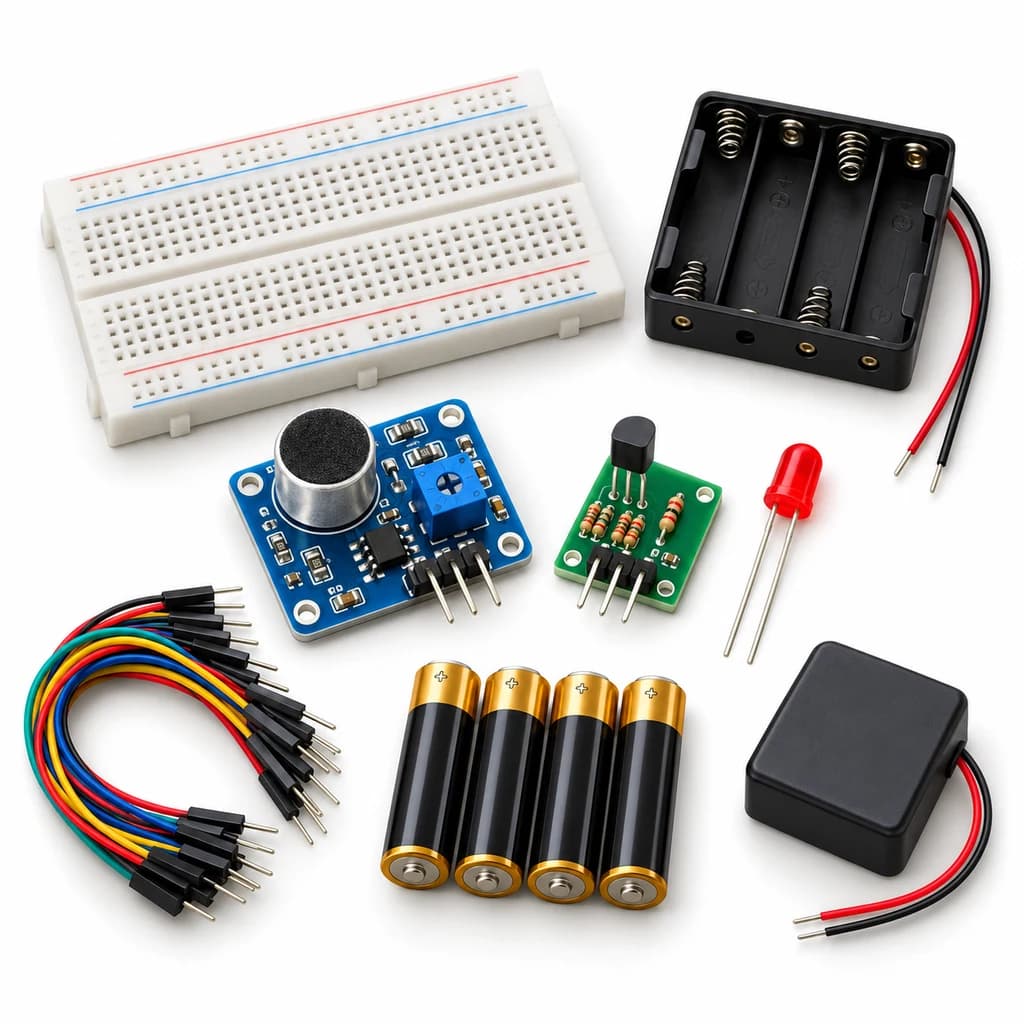 TechyTron
Sound Trigger Light Kit
₹609.00Earn 6 points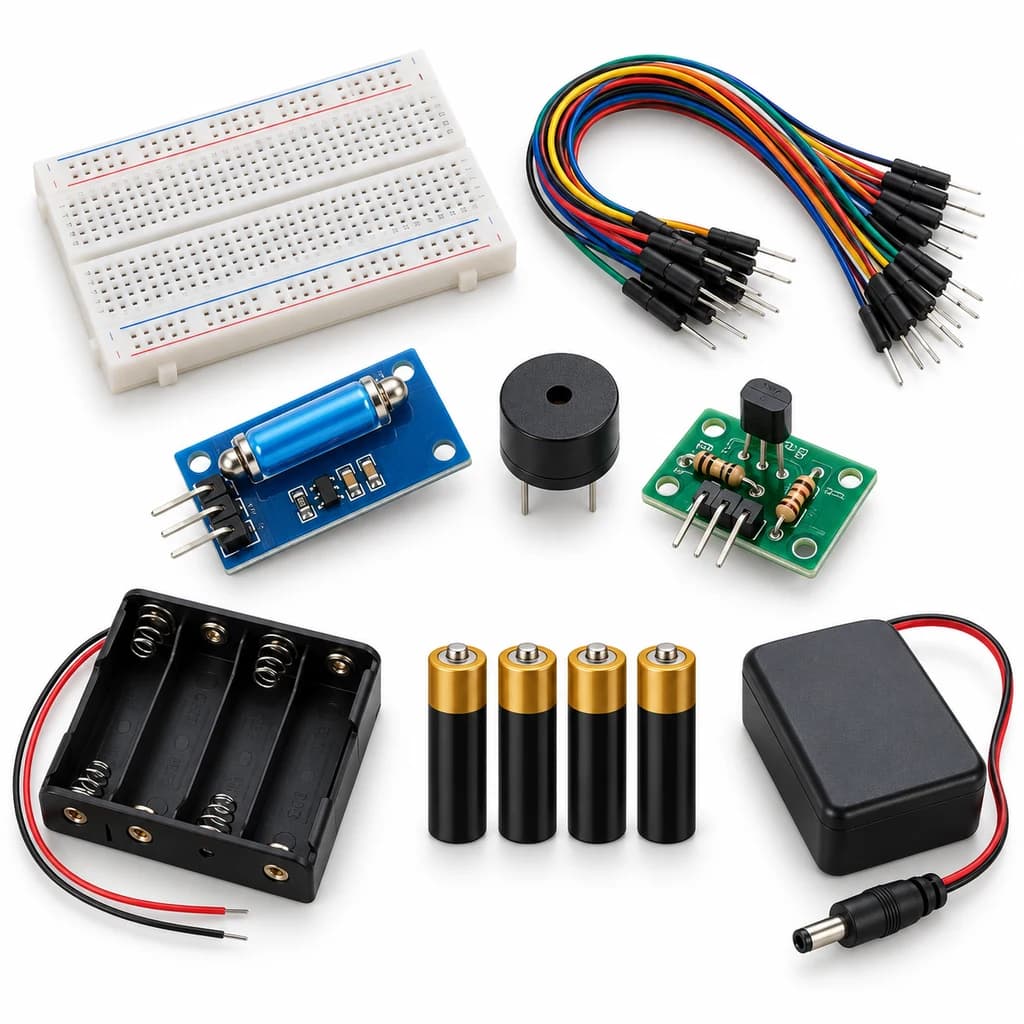 TechyTron
Tilt Alarm Lab Kit
₹631.00Earn 6 points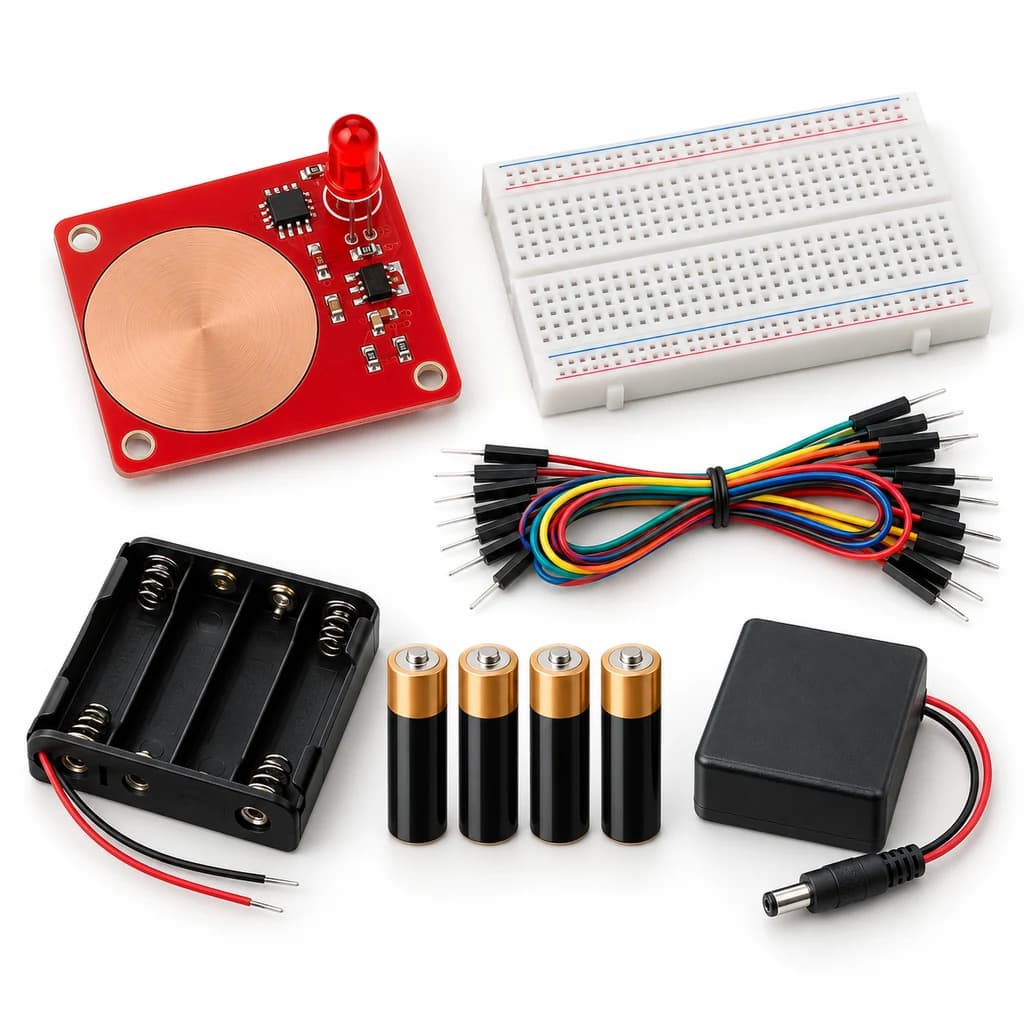 TechyTron
Touch Pad Light Kit
₹519.00Earn 5 points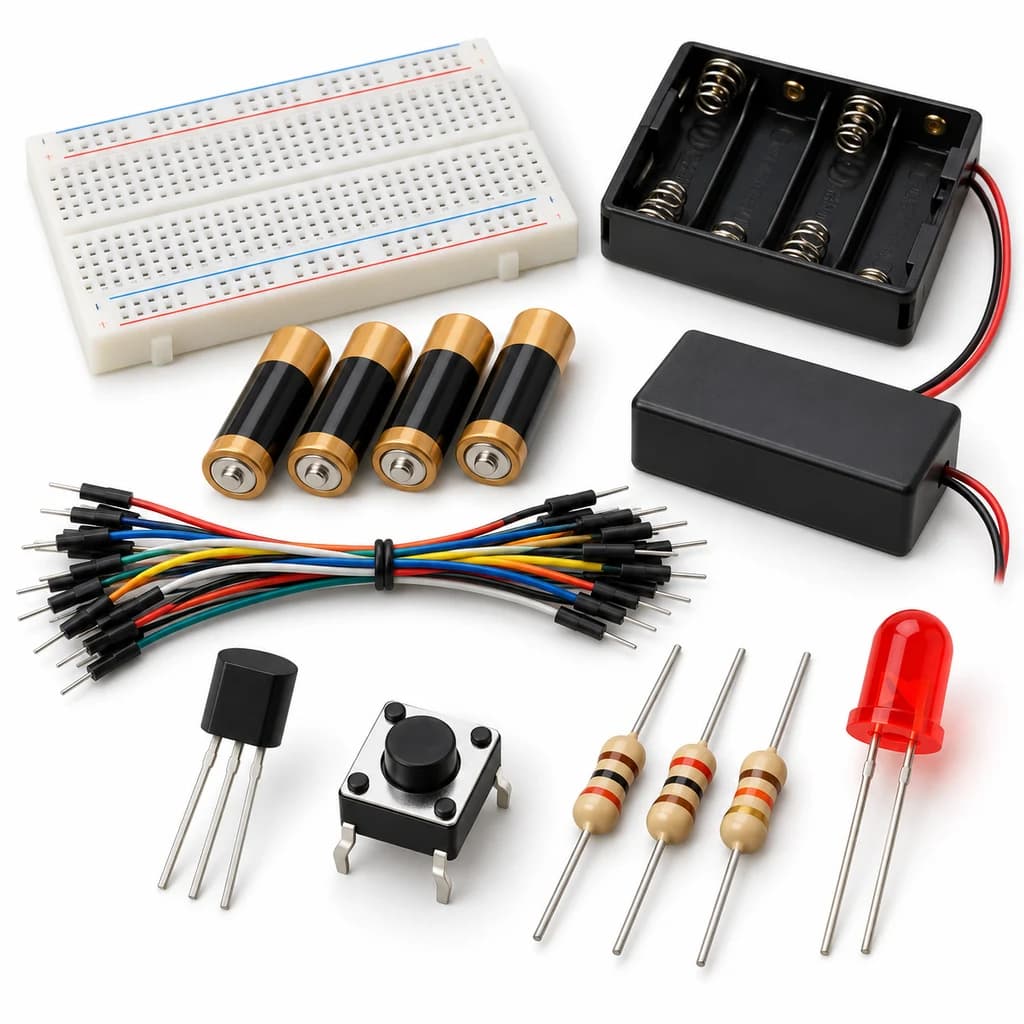 TechyTron
Transistor Light Switch Kit
₹521.50Earn 5 points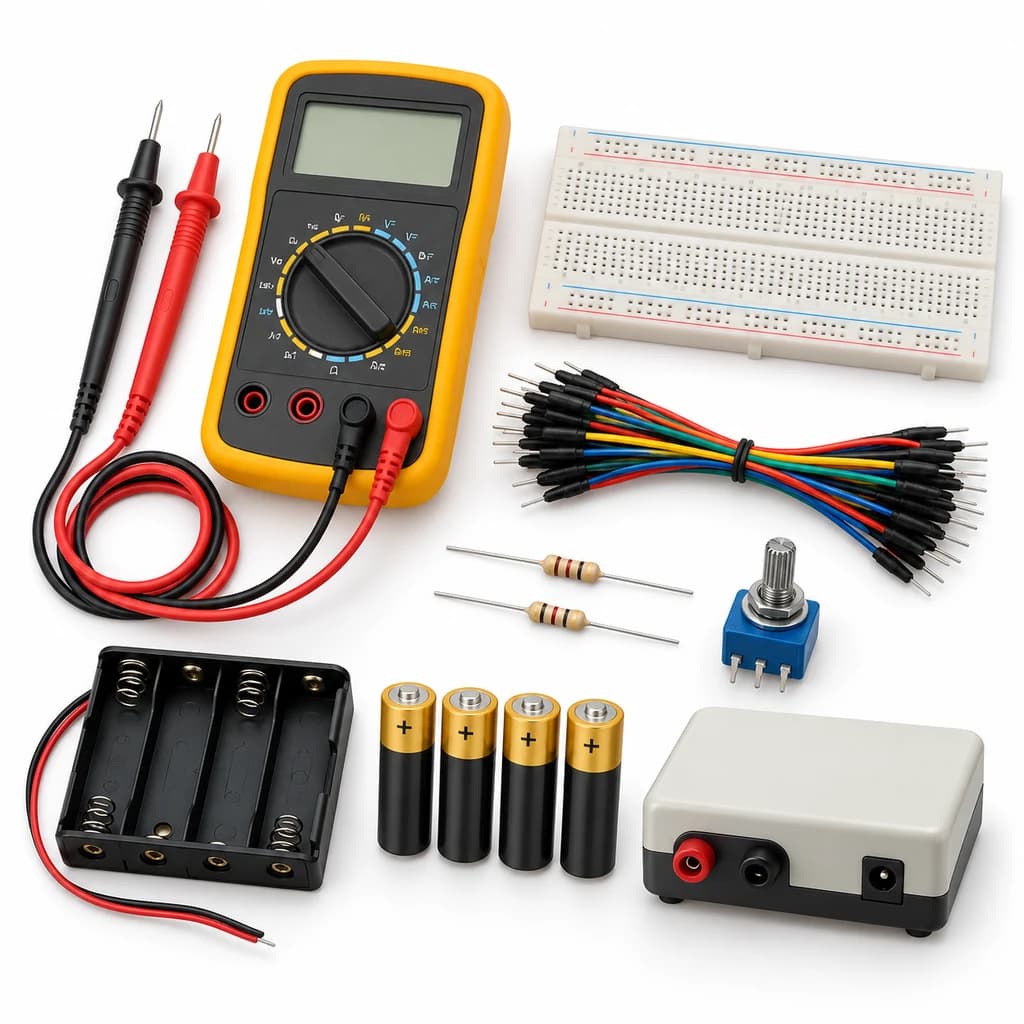 TechyTron
Voltage Explorer Kit
₹1,098.50Earn 10 pointsShop Related by product name
Related by product name
10 catalogue products Batteries, Power Supplies & Accessories
1.5mm Electrical Waterproof Seal Heat Shrink Splice Wire Sleeve - White
₹9.50 Batteries, Power Supplies & Accessories
3mm Electrical Waterproof Seal Heat Shrink Splice Wire Sleeve - Red
₹14.00 Batteries, Power Supplies & Accessories
5mm Electrical Waterproof Seal Heat Shrink Splice Wire Sleeve - Blue
₹16.50 Batteries, Power Supplies & Accessories
6mm Electrical Waterproof Seal Heat Shrink Splice Wire Sleeve - Yellow
₹16.50 Cutting & Gripping Tools
Taparia Bent Nose Plier BN-06
₹240.50Earn 2 points Batteries, Power Supplies & Accessories
120A Copper Bolt Type Double Threaded Square Battery Terminal - Black
₹212.50Earn 2 points Batteries, Power Supplies & Accessories
120A Copper Bolt Type Double Threaded Square Battery Terminal - Red
₹212.50Earn 2 points Batteries, Power Supplies & Accessories
2mm Transparent Industrial Grade Heat Shrink Sleeve - 1 Meter
₹10.50 Batteries, Power Supplies & Accessories
3 Section 21700 Lithium Battery Support Bracket
₹13.00Batteries, Power Supplies & Accessories