
 TechyTron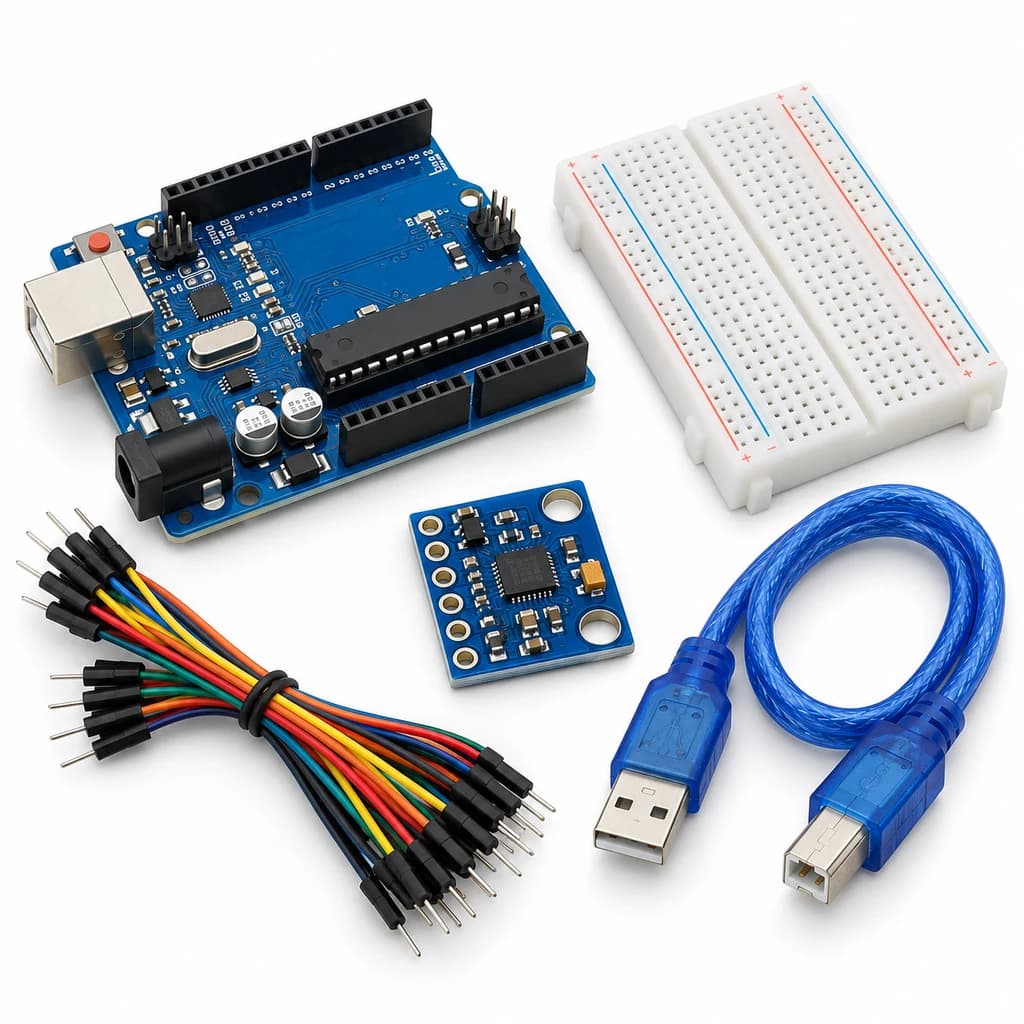
Tilt and Acceleration Logger Kit
SKU: TT-SE-09-09
₹702.00
Includes 18% GST
Earn 7 reward points per unit. How rewards work
Measure acceleration and compare sensor orientation. Classes 9-10 · Ages 14–16. Complete electronics kit with an illustrated guide.
Delivery options
Courier from ₹79.00 per order · Free above ₹999.00
Product description
Classes 9-10, typical ages 14–16. Age ranges vary by learner. Guided low-voltage electronics.
Activity engagement
90–120 minutes. Explore 15–20 min · Build 30–40 min · Test and discuss 45–60 min. Estimated time for building, testing and discussion.
What you need
A computer with a USB port and Arduino IDE is required and is not included.
Included components
- Small Breadboard / Mini Solderless Board - 400 points — 1 breadboard
- Jumper Wire Combo - Male to Male, Male to Female and Female to Female Breadboard Connecting Wires (10 Qty Each) — 1 set
- Illustrated Activity Guide and Observation Sheets — 1 set
- Fitted Headers and Labelled Connection Leads — 1 set
- Arduino Uno R3 CH340G version compatible Arduino Development Board — 1 controller board
- USB A to B Programming Cable for Arduino Uno/ Arduino Mega — 1 data cable
- MPU6050 3-Axis Gyroscope/Accelerometer Sensor Module — 1 sensor module
- Bidirectional 3.3 V / 5 V I2C Level Shifter — 1 level-shifter module
What you learn
- An accelerometer reports components of a vector.
- Gravity appears in stationary acceleration measurements.
- Offsets and mounting influence comparisons.
Connection guide
- Supplied regulated GY-521 VCC → 5 V; GND → GND. Its I2C signals remain at 3.3 V.
- Level shifter LV → 3.3 V, HV → 5 V, GND common; A4/A5 → HV1/HV2 and MPU SDA/SCL → LV1/LV2.
Steps to make it
- Disconnect all power and identify the supplied part labels and pinouts before wiring.
- Connect the I2C shifter and regulated sensor breakout, then install libraries.
- Upload and hold the module stationary on a level surface for ten seconds.
- Place each labelled sensor axis upward in turn and record the acceleration vector.
- Move it gently, compare dynamic readings, and distinguish acceleration from position.
- Change only the named parameter for the extension, repeat the controlled trials, save observations and disconnect power afterward.
Programming resources
Arduino IDE: select Arduino Uno and the USB port. Use the supplied USB data cable. Serial Monitor/Plotter: 115200 baud.
Libraries to install
- Adafruit MPU6050
- Adafruit Unified Sensor
- Adafruit BusIO
Test challenge
Does the stationary vector magnitude remain near 9.81 m/s² as the orientation changes?
Observation task
Orientation, mean x/y/z acceleration, vector magnitude and observed offsets.
Expected result
Gravity shifts between axes with orientation; gentle movement adds transient accelerations.
If it does not work
Verify address 0x68, level-shifter wiring and a stationary mount. Double-check that the supplied module has its 5 V VCC regulator.
Try next
Subtract a measured stationary baseline and explain why integration drifts.
Use and supervision
Use only the supplied low-voltage DC parts. Disconnect power before rewiring; check polarity and labelled pinouts. No soldering or exposed mains connections. Adult guidance is recommended.
How this experiment works
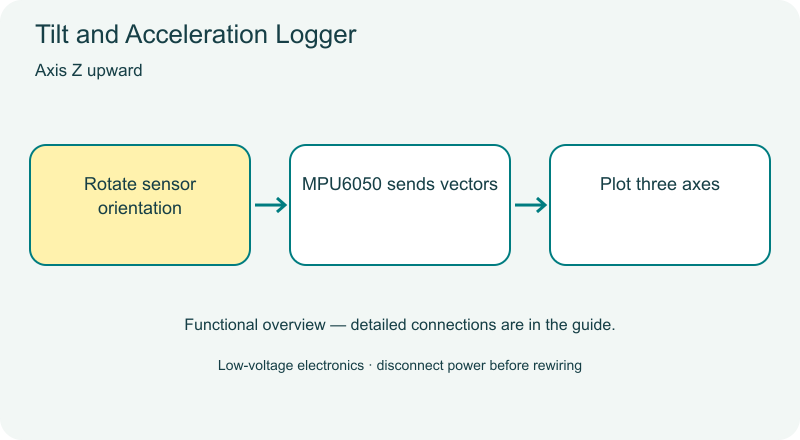
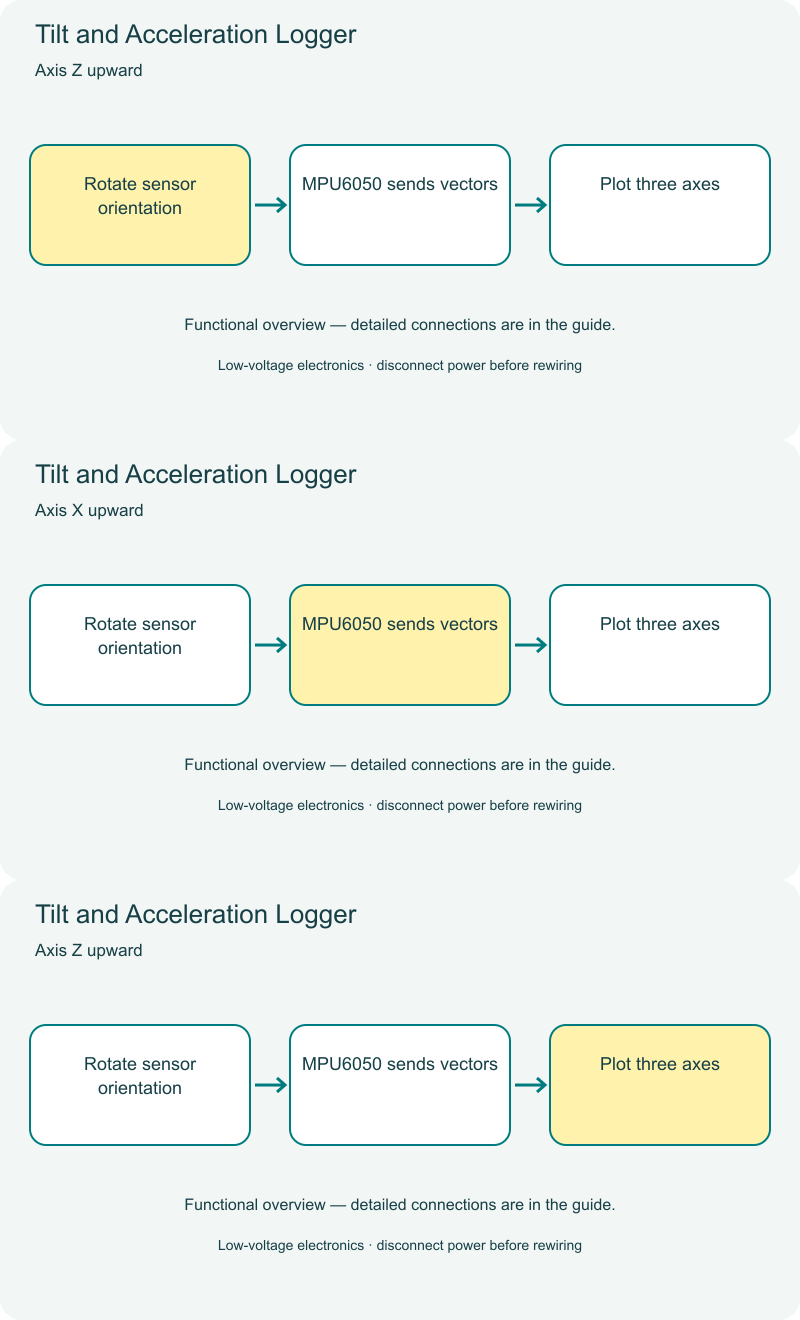
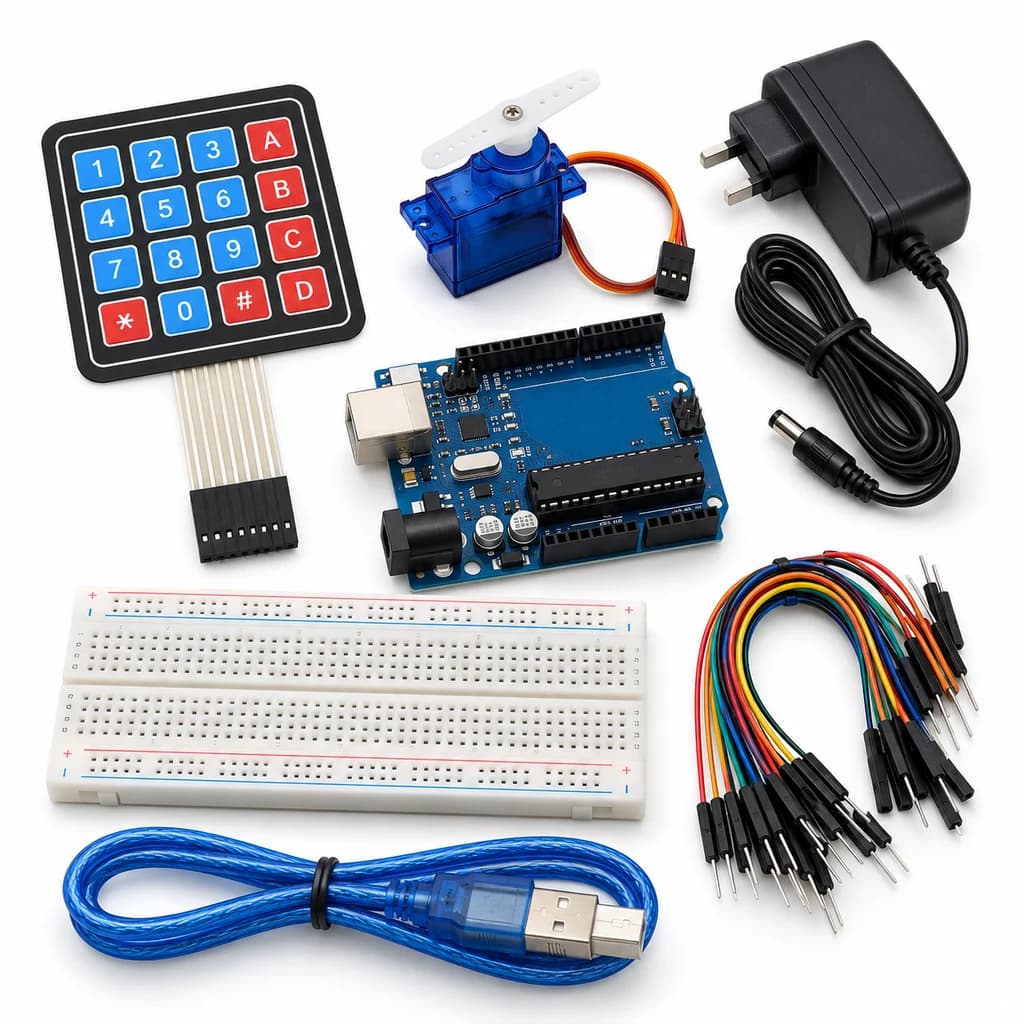
Cover illustrations show component types. Functional animations explain principles and are not recorded prototype tests. Follow the supplied connection labels and pinouts.
Customer feedback
Reviews
No published reviews yet. Be the first to share useful feedback.
Shop Related in this category
Related in this category
9 catalogue productsTechyTron TechyTron
Motion Event Alarm Kit
₹521.00Earn 5 points TechyTron
OLED Weather Dashboard Kit
₹833.50Earn 8 points TechyTron
Optical Speed Lab Kit
₹523.50Earn 5 points TechyTron
Precision Voltage Monitor Kit
₹1,137.50Earn 11 points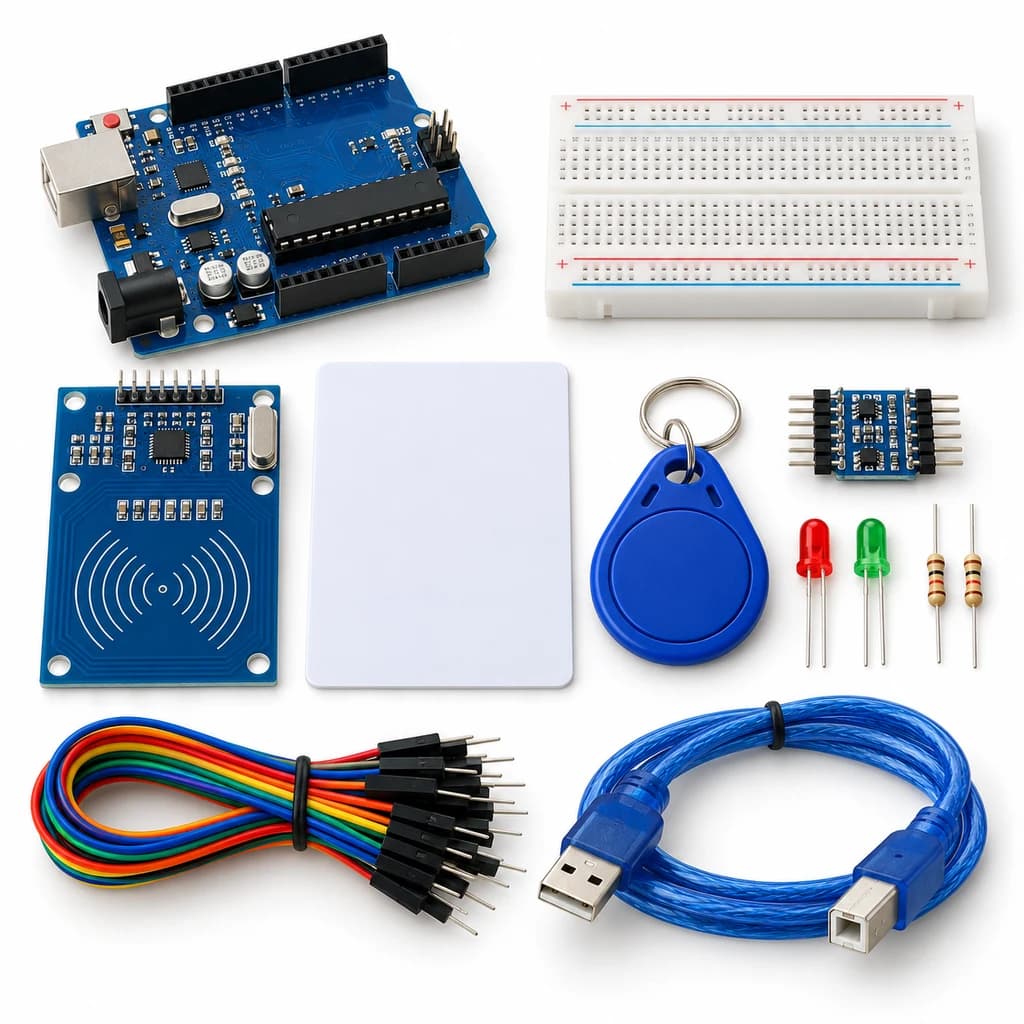 TechyTron
RFID Access Indicator Kit
₹593.50Earn 5 points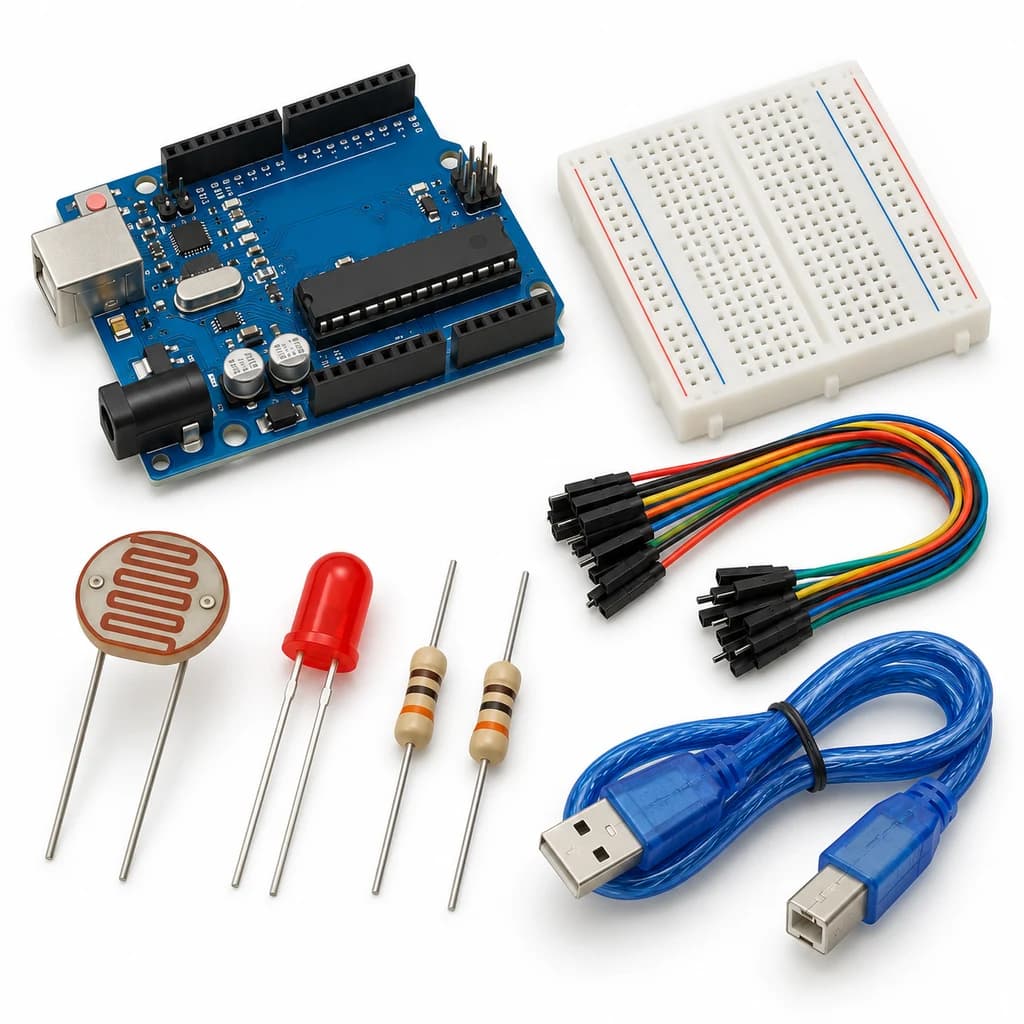 TechyTron
Smart Streetlight Control Kit
₹441.50Earn 4 points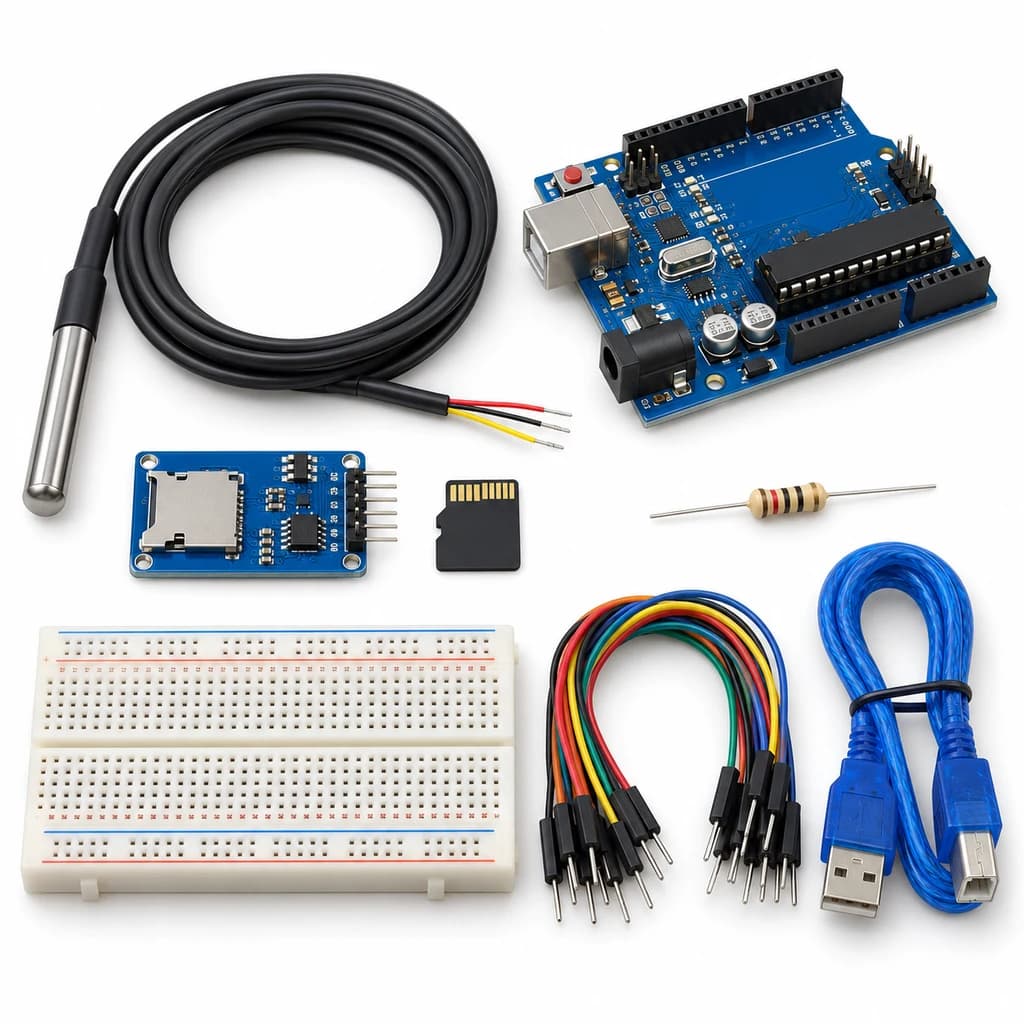 TechyTron
Temperature Data Recorder Kit
₹1,001.50Earn 10 points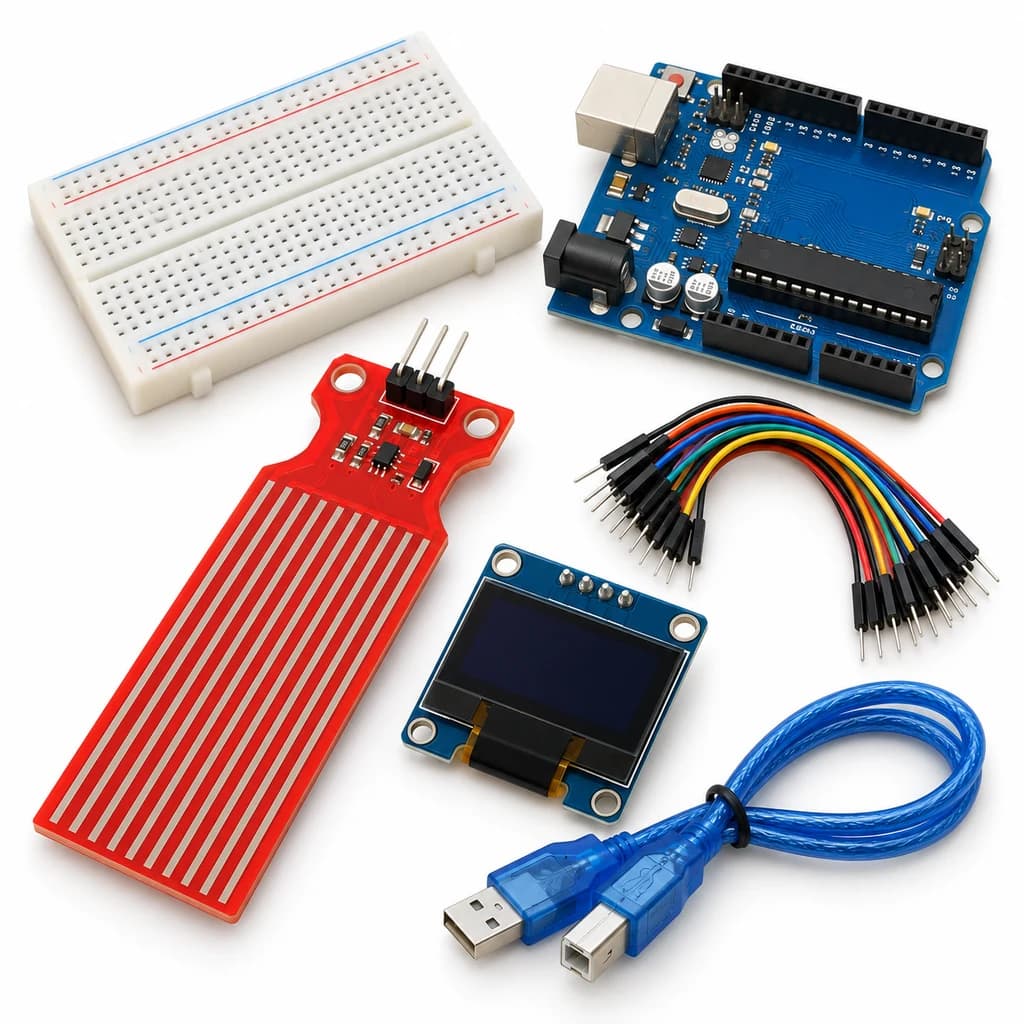 TechyTron
Water Level Display Kit
₹776.00Earn 7 pointsShop Related by product name
Related by product name
10 catalogue products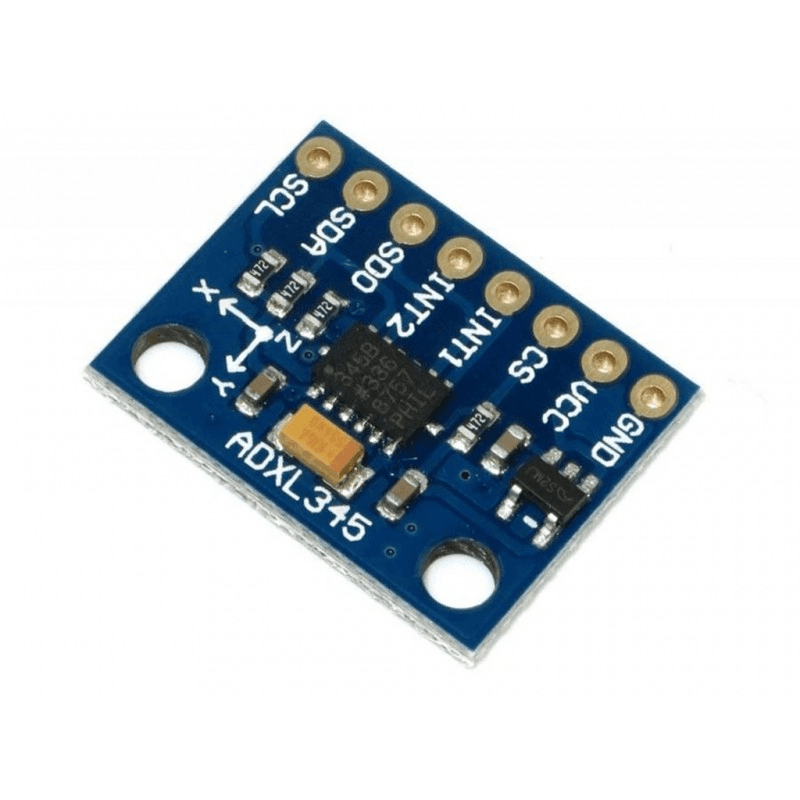 Accelerometer / Gyroscope Sensors
Adxl345 Triple Axis Accelerometer Sensor Module I2C/SPI
₹132.00Earn 1 points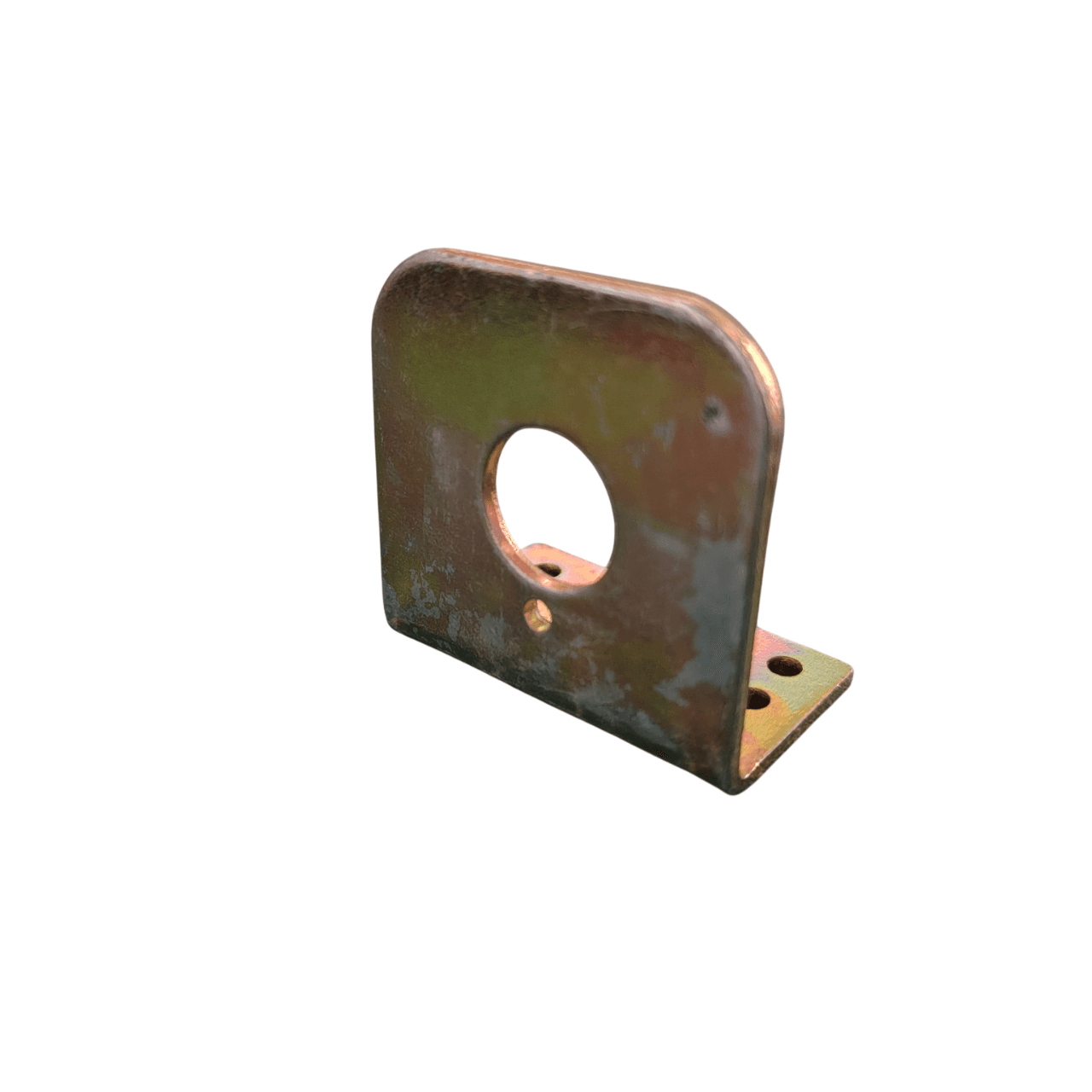 Motor Mounting Accessories
Center Shaft Motor L Clamp – 2mm Thick Heavy Duty Bracket
₹21.00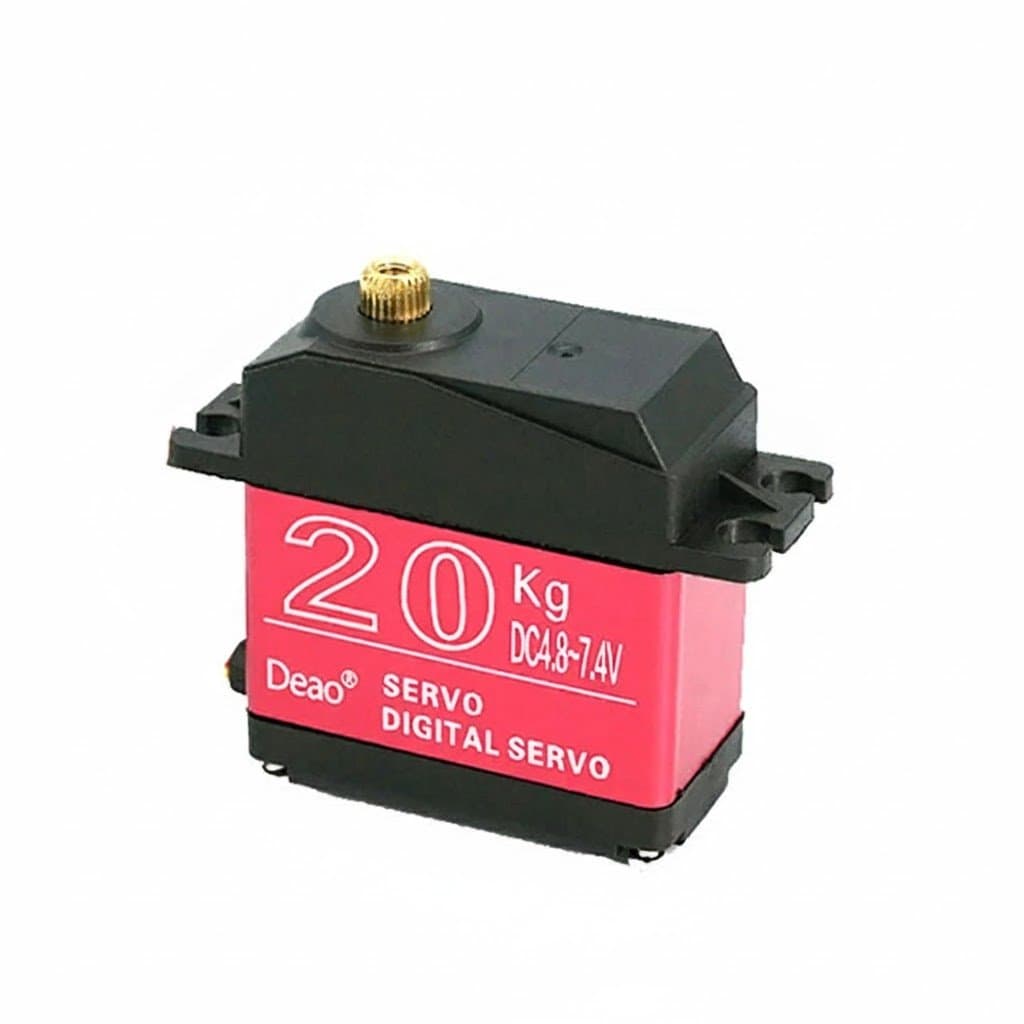 Servo Motors
Deao 20kg High Torque Digital Servo Motor
₹897.00Earn 8 points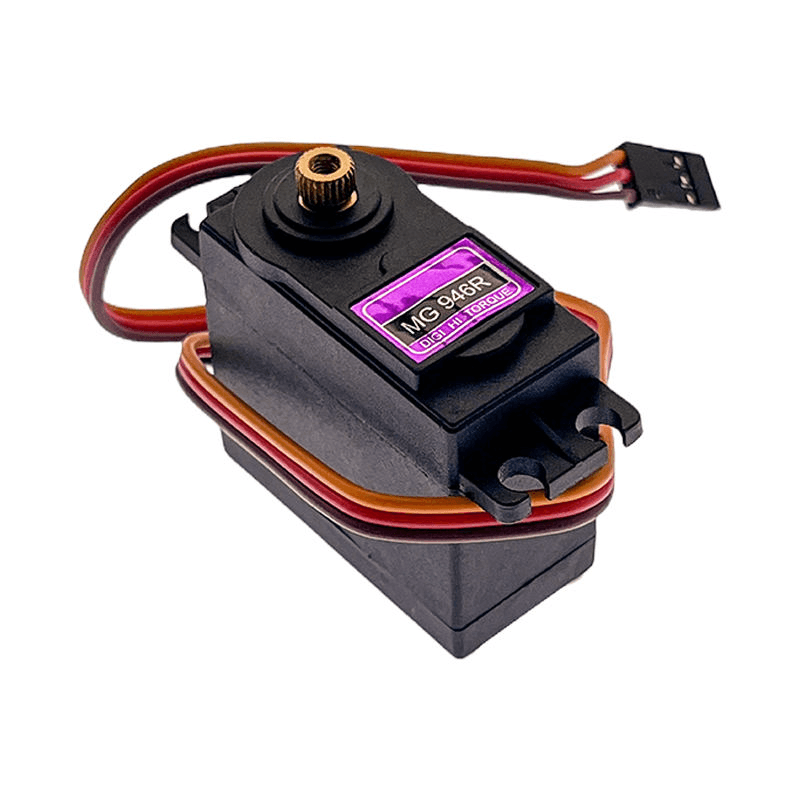 Servo Motors
MG946R Digital Metal Gear Servo Motor – High Torque
₹295.00Earn 2 points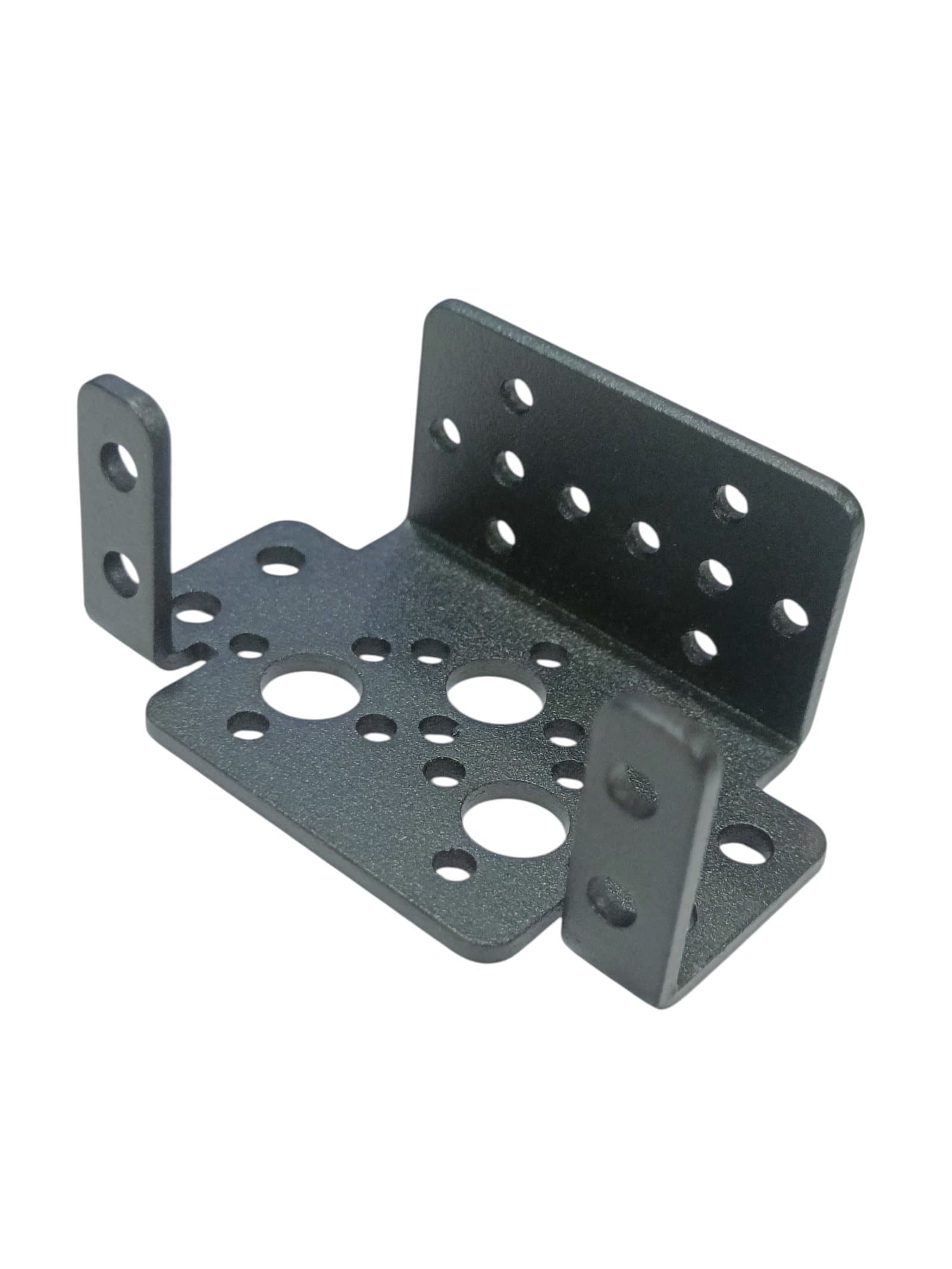 Motors, Drivers & Pumps
Multipurpose Aluminium Standard Servo Bracket – Pan Tilt Servo Mount
₹105.00Earn 1 points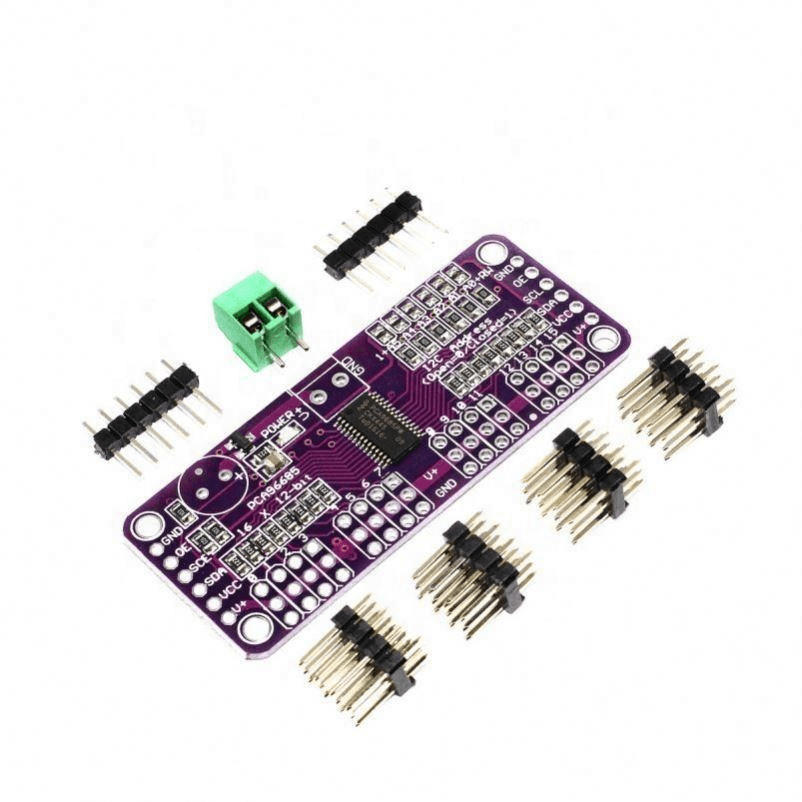 Servo Drivers & Controllers
PCA9685 16 Channel 12 Bit Servo Motor Driver – Without Solder Headers
₹255.00Earn 2 points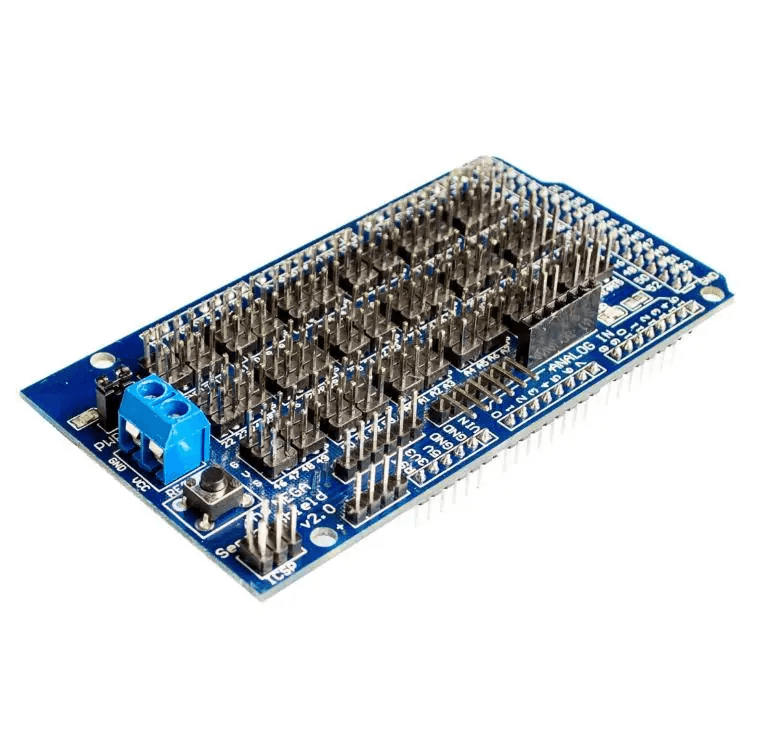 Board Support
Sensor Shield V2.0 for Arduino Mega 2560 R3
₹200.50Earn 2 points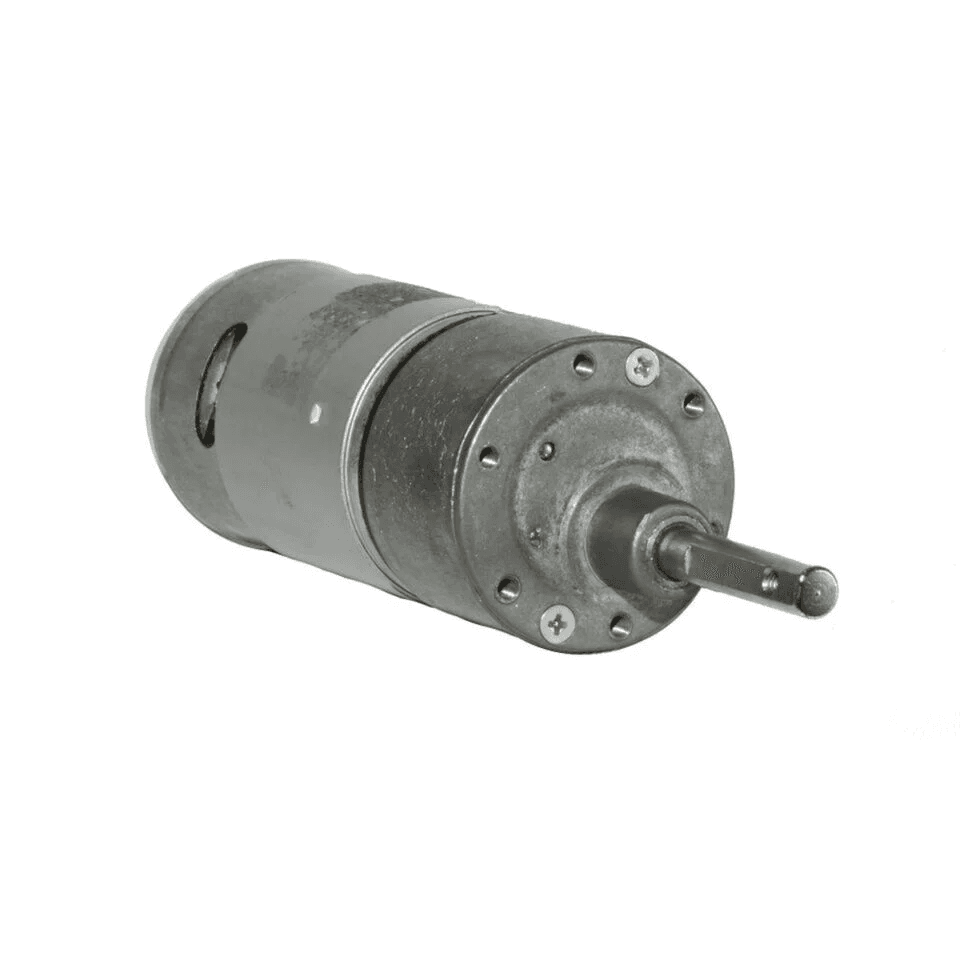 DC Motors
10 RPM 12V DC RS-37-555 High Torque Geared DC Motor
₹543.00Earn 5 points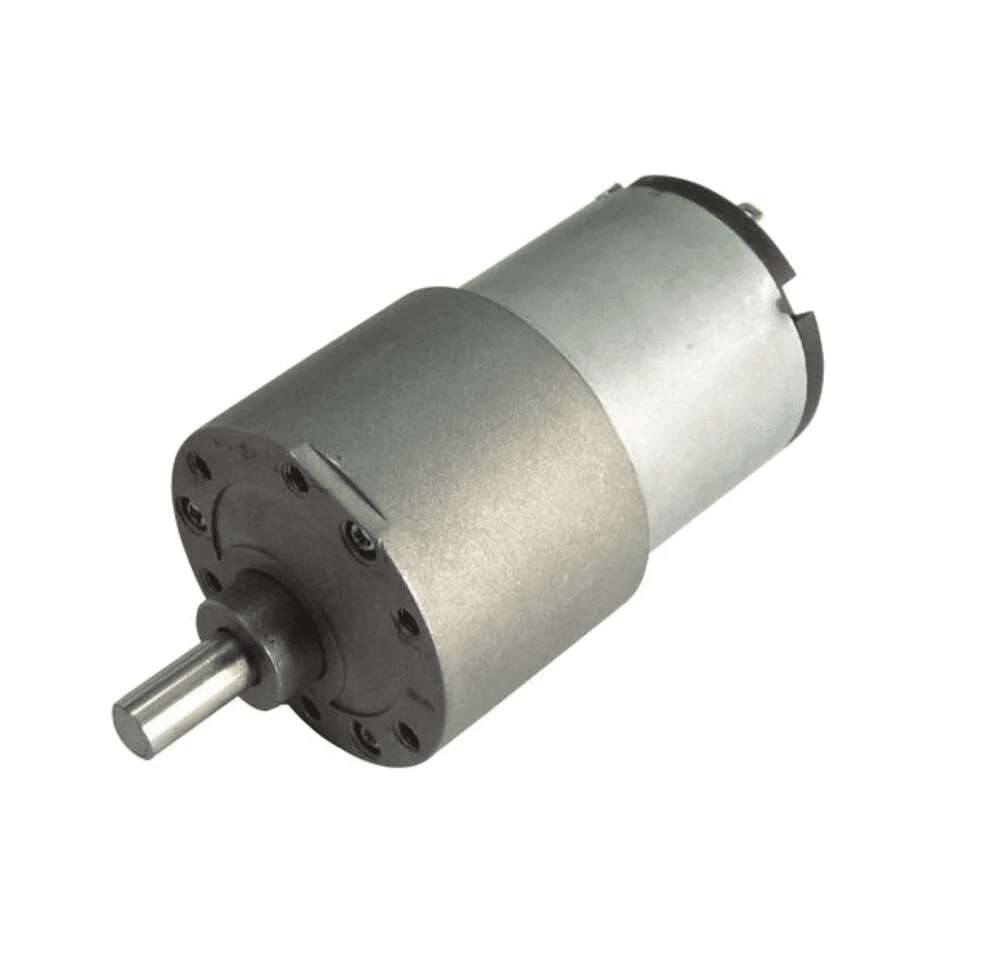 DC Motors
10 RPM 12V DC SIDE SHAFT GEAR MOTOR FOR ROBOTICS
₹413.00Earn 4 points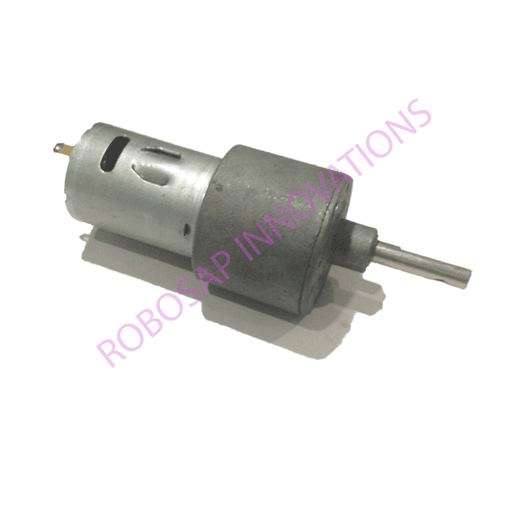 DC Motors