
 TechyTron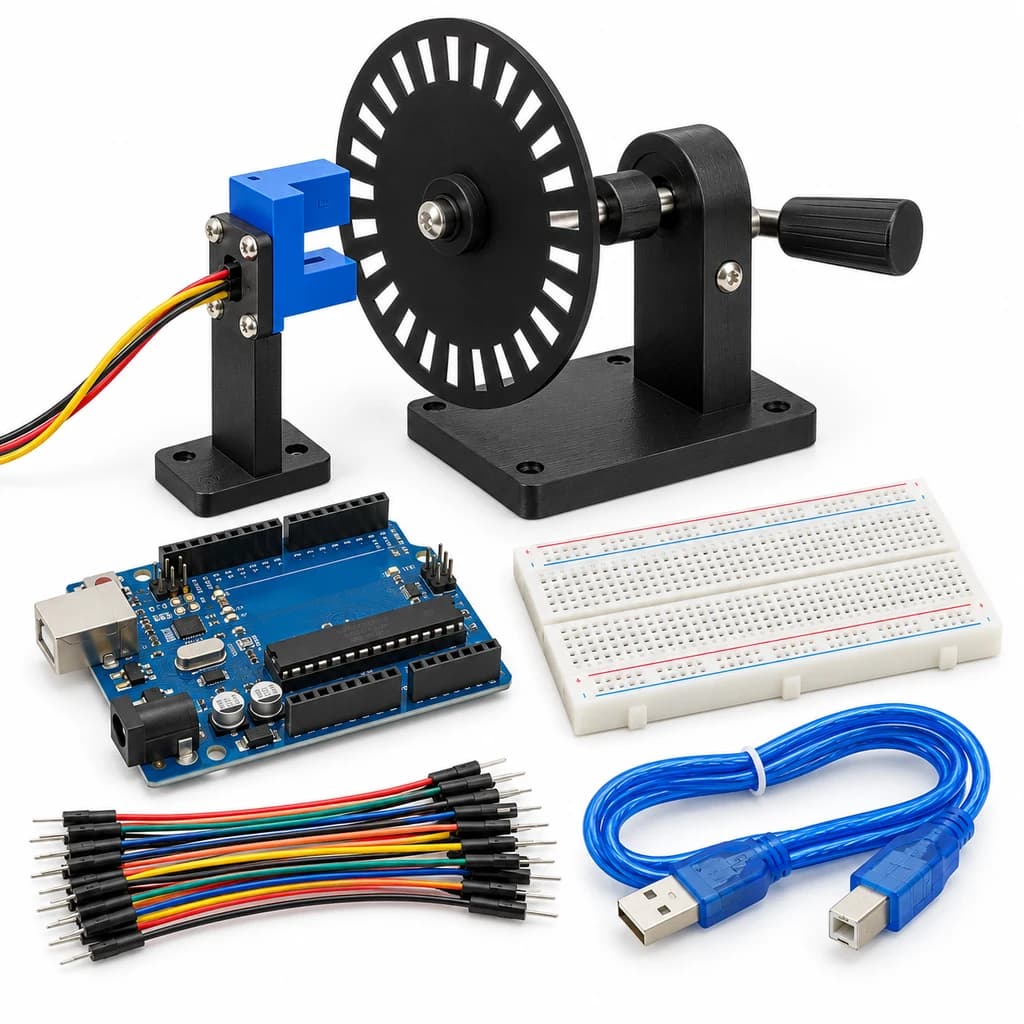
Optical Speed Lab Kit
SKU: TT-SE-09-07
₹523.50
Includes 18% GST
Earn 5 reward points per unit. How rewards work
Measure hand-turned wheel speed using optical pulses. Classes 9-10 · Ages 14–16. Complete electronics kit with an illustrated guide.
Delivery options
Courier from ₹79.00 per order · Free above ₹999.00
Product description
Classes 9-10, typical ages 14–16. Age ranges vary by learner. Guided low-voltage electronics.
Activity engagement
75–105 minutes. Explore 15–20 min · Build 25–35 min · Test and discuss 35–50 min. Estimated time for building, testing and discussion.
What you need
A computer with a USB port and Arduino IDE is required and is not included.
Included components
- Small Breadboard / Mini Solderless Board - 400 points — 1 breadboard
- Jumper Wire Combo - Male to Male, Male to Female and Female to Female Breadboard Connecting Wires (10 Qty Each) — 1 set
- Illustrated Activity Guide and Observation Sheets — 1 set
- Fitted Headers and Labelled Connection Leads — 1 set
- Arduino Uno R3 CH340G version compatible Arduino Development Board — 1 controller board
- USB A to B Programming Cable for Arduino Uno/ Arduino Mega — 1 data cable
- LM393 Motor Speed Measuring Sensor Module — 1 sensor module
- Twenty-Slot Encoder Disc and Hand-Turned Spindle Stand — 1 set
What you learn
- An optical interrupter converts slots into pulses.
- RPM depends on pulses per revolution and measurement time.
- Short measurement windows trade smoothness for responsiveness.
Connection guide
- LM393 optical slot sensor VCC → 5 V; GND → GND; DO → Uno D2.
- Mount the supplied twenty-slot disc so it passes through the sensor gap without touching it. Use the hand spindle only.
Steps to make it
- Disconnect all power and identify the supplied part labels and pinouts before wiring.
- Assemble the stable spindle mount and count the disc slots before entering slotsPerTurn.
- Wire the sensor, upload and turn the disc slowly by hand.
- Compare one-turn and five-turn pulse totals at slow speed.
- Turn steadily and compare RPM estimates using one-second and two-second windows.
- Change only the named parameter for the extension, repeat the controlled trials, save observations and disconnect power afterward.
Programming resources
Arduino IDE: select Arduino Uno and the USB port. Use the supplied USB data cable. Serial Monitor/Plotter: 115200 baud.
Uses the selected board core libraries.
Test challenge
Check pulses per full revolution before trusting the displayed RPM.
Observation task
Slot count, measurement window, pulses and computed RPM.
Expected result
Pulses are counted on one edge; RPM = pulses × 60 / (slots × elapsed seconds).
If it does not work
Check sensor gap alignment and the actual disc slot count. Do not spin it with a drill or motor.
Try next
Estimate the minimum resolvable RPM increment for each window length.
Use and supervision
Use only the supplied low-voltage DC parts. Disconnect power before rewiring; check polarity and labelled pinouts. No soldering or exposed mains connections. Adult guidance is recommended.
How this experiment works
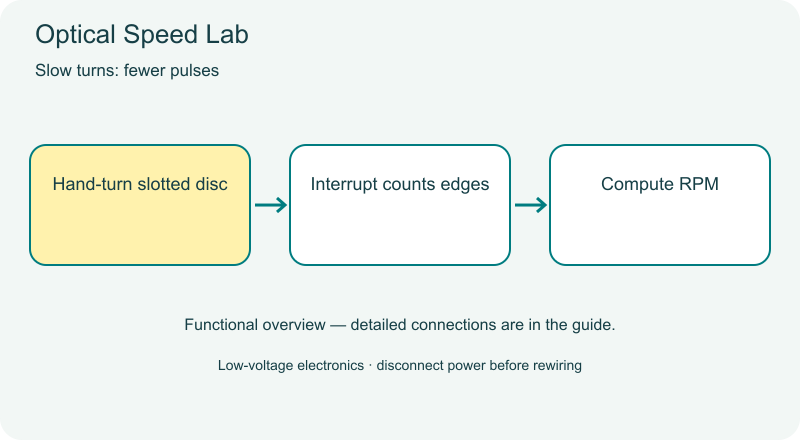
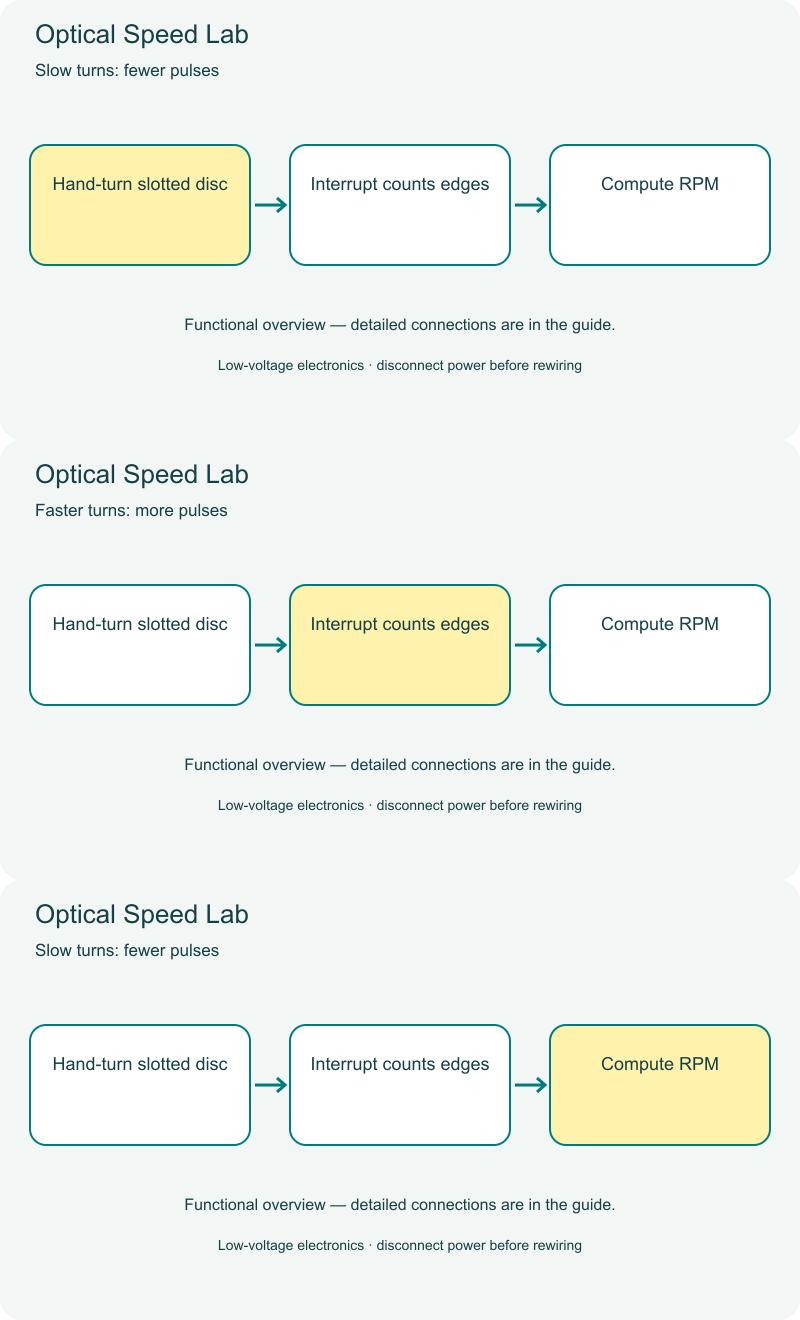
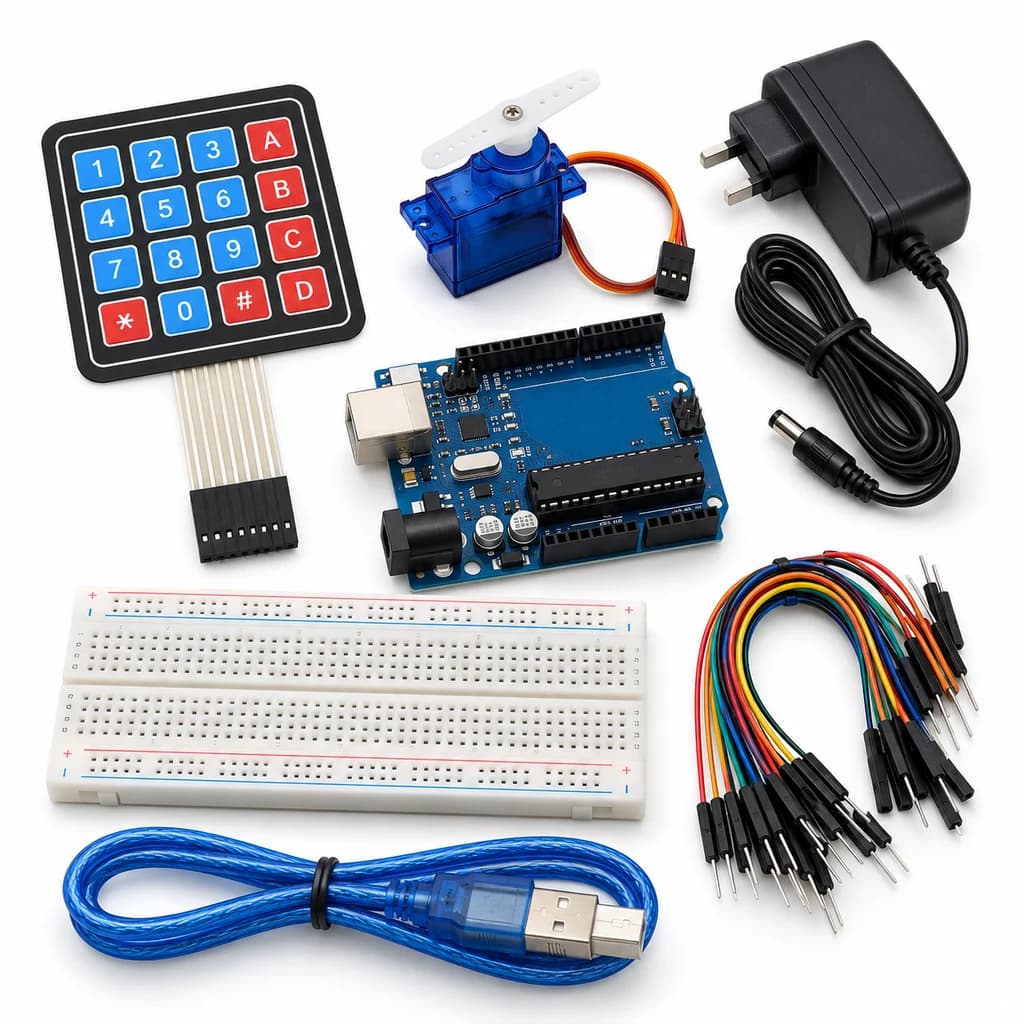
Cover illustrations show component types. Functional animations explain principles and are not recorded prototype tests. Follow the supplied connection labels and pinouts.
Customer feedback
Reviews
No published reviews yet. Be the first to share useful feedback.
Shop Related in this category
Related in this category
9 catalogue productsTechyTron TechyTron
Motion Event Alarm Kit
₹521.00Earn 5 points TechyTron
OLED Weather Dashboard Kit
₹833.50Earn 8 points TechyTron
Precision Voltage Monitor Kit
₹1,137.50Earn 11 points TechyTron
RFID Access Indicator Kit
₹593.50Earn 5 points TechyTron
Smart Streetlight Control Kit
₹441.50Earn 4 points TechyTron
Temperature Data Recorder Kit
₹1,001.50Earn 10 points TechyTron
Tilt and Acceleration Logger Kit
₹702.00Earn 7 points TechyTron
Water Level Display Kit
₹776.00Earn 7 pointsShop Related by product name
Related by product name
10 catalogue products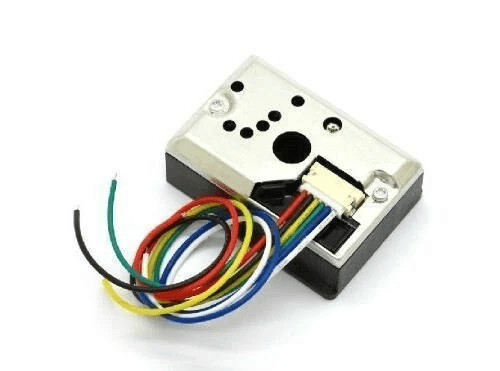 Dust / Particle Sensors
GP2Y1010AU0F-Optical Dust Sensor for Arduino/ Raspberry Pi
₹383.50Earn 3 points Relay Modules (Multi-Channel)
2 Channel 5V Relay Module With Optocoupler Protection
₹73.00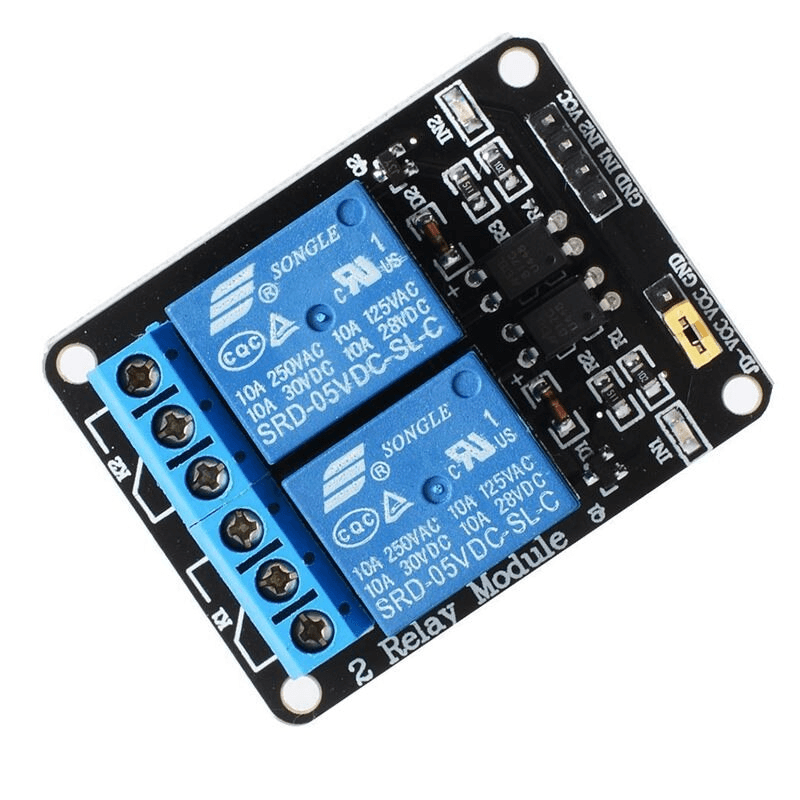 Relay Modules (Multi-Channel)
2 Channel Relay Module 12 V
₹78.00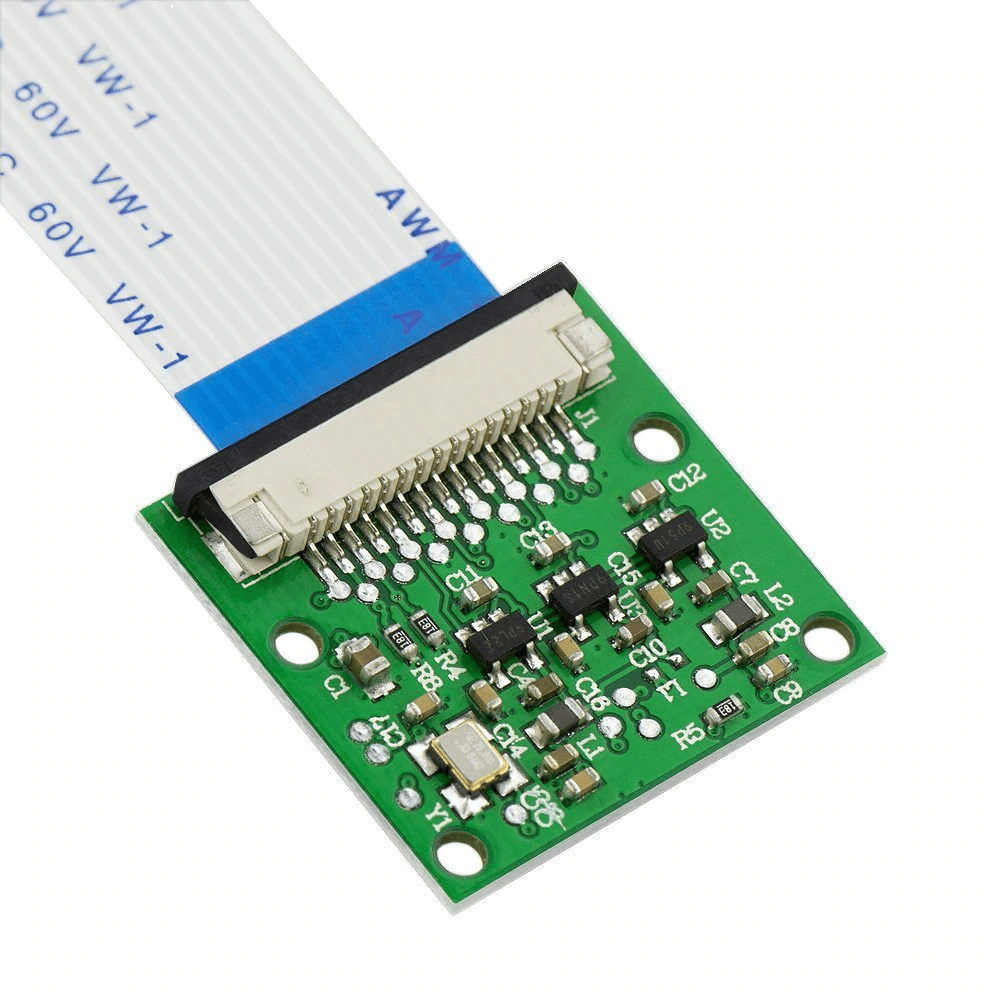 Other Raspberry Pi
5MP Raspberry Pi Camera Module (Rev 1.3)
₹283.00Earn 2 points Other Relays
5V 30A 1-Channel Relay Module With Optocoupler High/Low Level Trigger
₹168.50Earn 1 points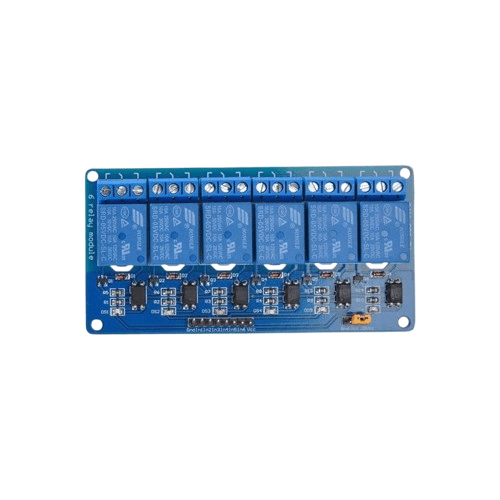 Relay Modules (Multi-Channel)
5V 6 Channel Relay Module with OptoCoupler
₹307.00Earn 3 points Component Handling Tools
5X 10X Light-Weight Portable Tabletop Gooseneck Led Magnifying Desk Lamp
₹1,050.00Earn 10 points Components
6N137 High Speed Optocoupler IC - DIP-8 Package
₹39.00 SMD LEDs
6Pin 3 Watt RGB SMD LED - High Power Surface Mount LED
₹25.00 Relay Modules (Multi-Channel)