
 TechyTron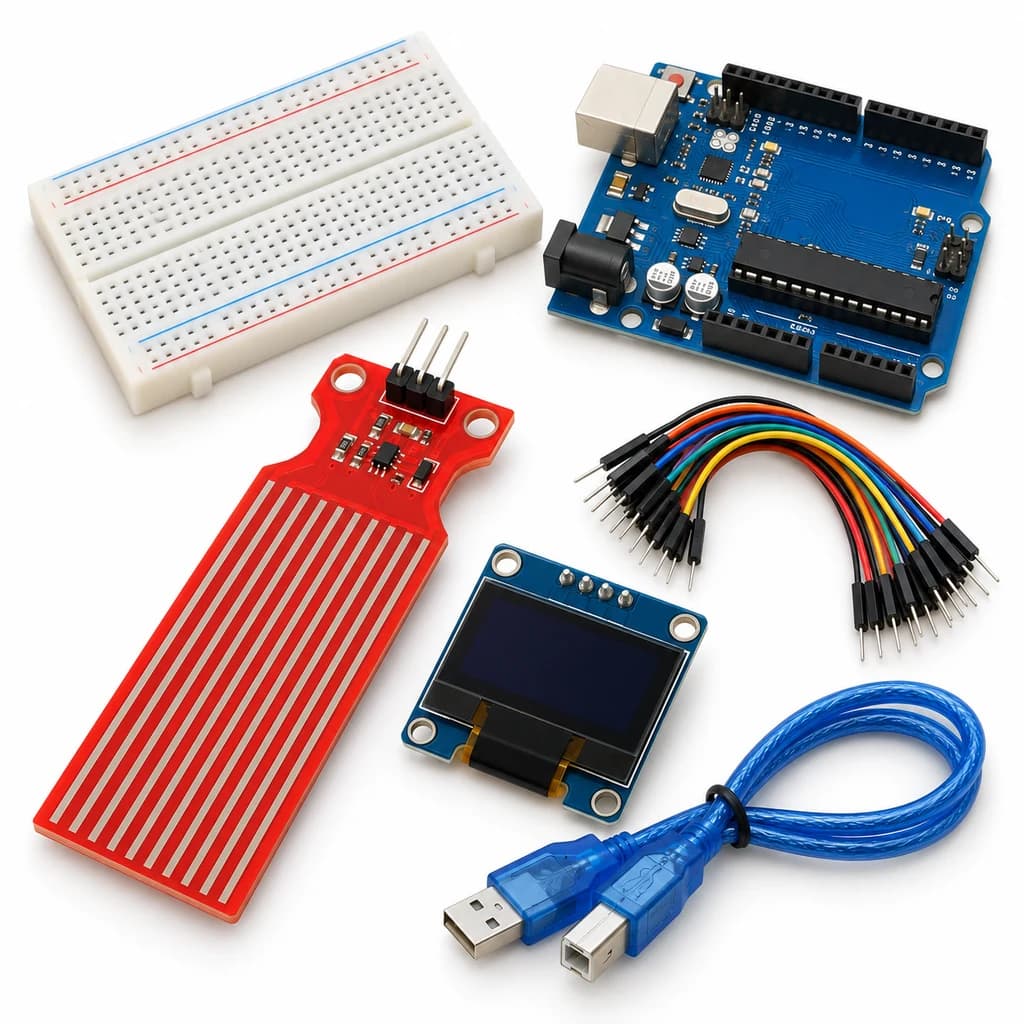
Water Level Display Kit
SKU: TT-SE-09-10
₹776.00
Includes 18% GST
Earn 7 reward points per unit. How rewards work
Calibrate a relative liquid-contact level display. Classes 9-10 · Ages 14–16. Complete electronics kit with an illustrated guide.
Delivery options
Courier from ₹79.00 per order · Free above ₹999.00
Product description
Classes 9-10, typical ages 14–16. Age ranges vary by learner. Guided low-voltage electronics.
Activity engagement
75–105 minutes. Explore 15–20 min · Build 25–35 min · Test and discuss 35–50 min. Estimated time for building, testing and discussion.
What you need
A computer with a USB port and Arduino IDE is required and is not included.
Included components
- Small Breadboard / Mini Solderless Board - 400 points — 1 breadboard
- Jumper Wire Combo - Male to Male, Male to Female and Female to Female Breadboard Connecting Wires (10 Qty Each) — 1 set
- Illustrated Activity Guide and Observation Sheets — 1 set
- Fitted Headers and Labelled Connection Leads — 1 set
- Arduino Uno R3 CH340G version compatible Arduino Development Board — 1 controller board
- USB A to B Programming Cable for Arduino Uno/ Arduino Mega — 1 data cable
- Water Level Depth Detection Sensor Module For Arduino — 1 sensor module
- 0.96 inch Monochrome OLED Display (SSD1306) — 1 display module
- Bidirectional 3.3 V / 5 V I2C Level Shifter — 1 level-shifter module
What you learn
- A wet contact area changes a resistive sensor signal.
- Calibration maps two reference readings to a relative scale.
- Water composition and corrosion limit repeatability.
Connection guide
- Water sensor labelled + → 5 V; − → GND; S → A0. Keep its connector and electronics above the water.
- OLED VCC → Uno 3.3 V; GND → GND. I2C level shifter LV → 3.3 V, HV → 5 V, common GND; Uno A4/A5 → HV1/HV2, OLED SDA/SCL → LV1/LV2.
Steps to make it
- Disconnect all power and identify the supplied part labels and pinouts before wiring.
- Connect the dry sensor and OLED and upload the sketch.
- Note dry and safe wet-reference raw readings, keeping water below the marked trace limit.
- Enter those two values as dryRaw/wetRaw and re-upload.
- Compare four immersion depths, then disconnect power, rinse the sensing end and dry it.
- Change only the named parameter for the extension, repeat the controlled trials, save observations and disconnect power afterward.
Programming resources
Arduino IDE: select Arduino Uno and the USB port. Use the supplied USB data cable. Serial Monitor/Plotter: 115200 baud.
Libraries to install
- Adafruit GFX Library
- Adafruit SSD1306
Test challenge
Compare the same marked depth on three repeats; do not interpret the relative percentage as tank volume.
Observation task
Immersion mark, raw value, scaled percentage and repeat variation.
Expected result
The screen shows a calibrated relative contact level; the reading depends on water conductivity and geometry.
If it does not work
Recalibrate if the water changes. Protect the board/USB connection from splashes and avoid prolonged probe energisation.
Try next
Draw a calibration curve for a specific vessel without extrapolating beyond the tested depths.
Use and supervision
Only the sensor trace end touches clean water; its connector, display, breadboard and computer remain dry. Use low-voltage USB power, disconnect before handling wet parts and dry after a short experiment. No pumps or mains wiring.
How this experiment works
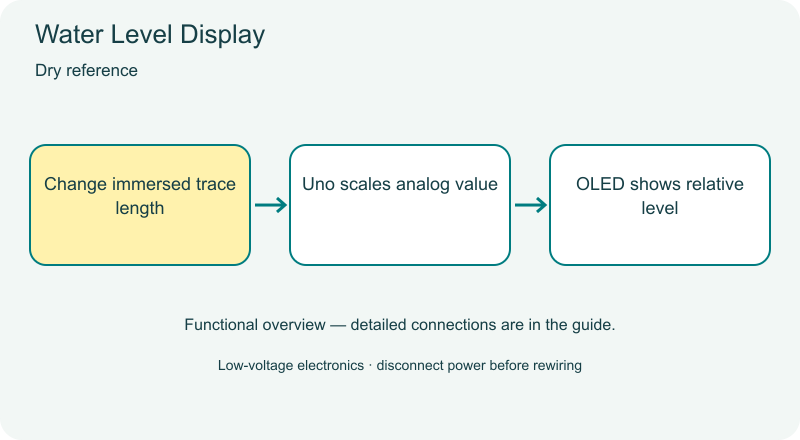
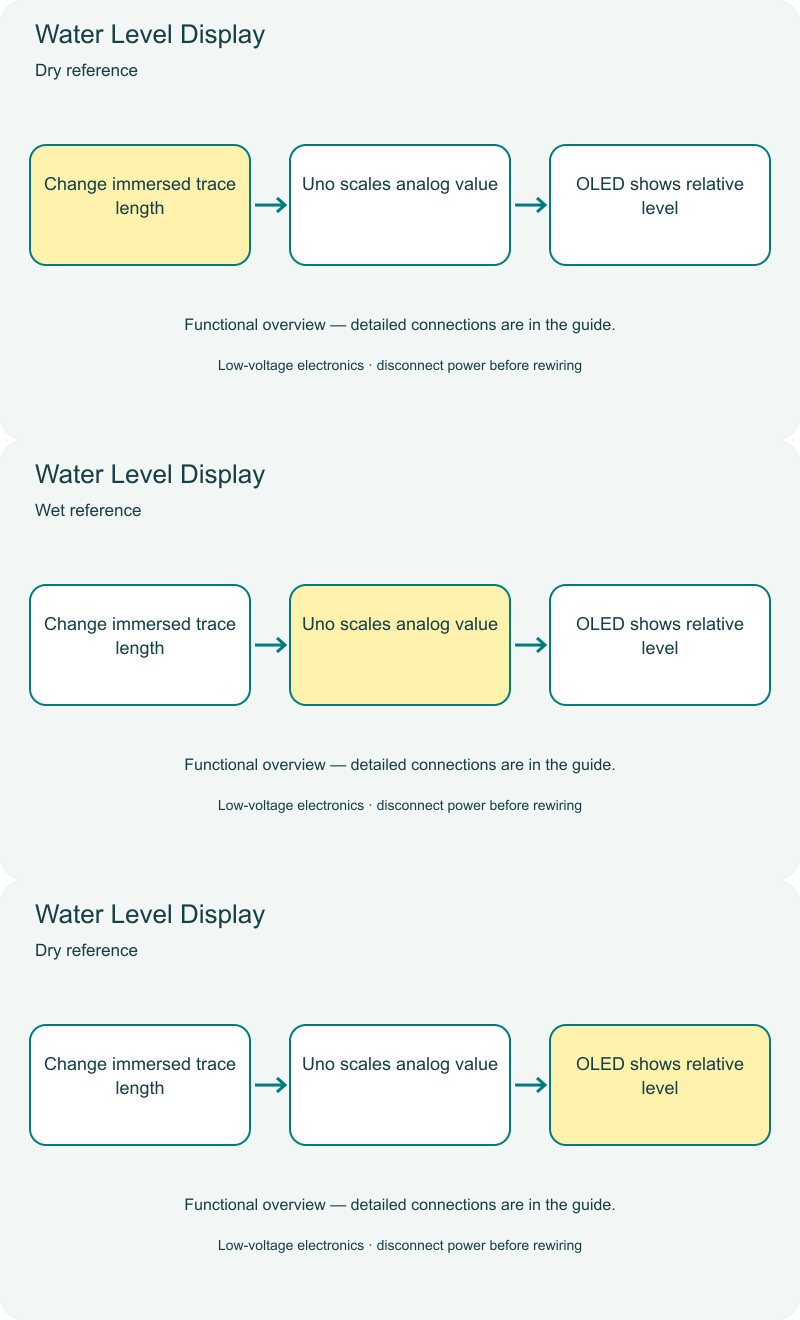
Cover illustrations show component types. Functional animations explain principles and are not recorded prototype tests. Follow the supplied connection labels and pinouts.
Customer feedback
Reviews
No published reviews yet. Be the first to share useful feedback.
Shop Related in this category
Related in this category
9 catalogue productsTechyTron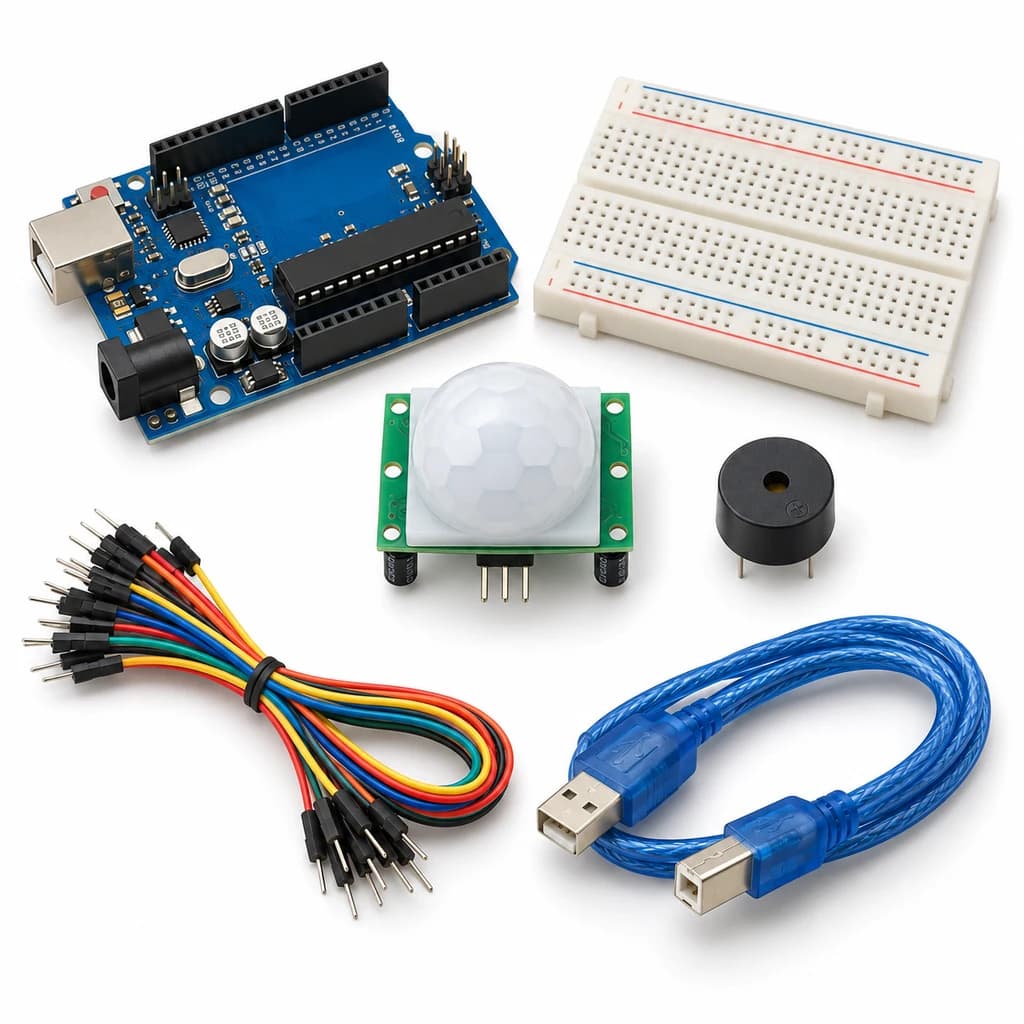 TechyTron
Motion Event Alarm Kit
₹521.00Earn 5 points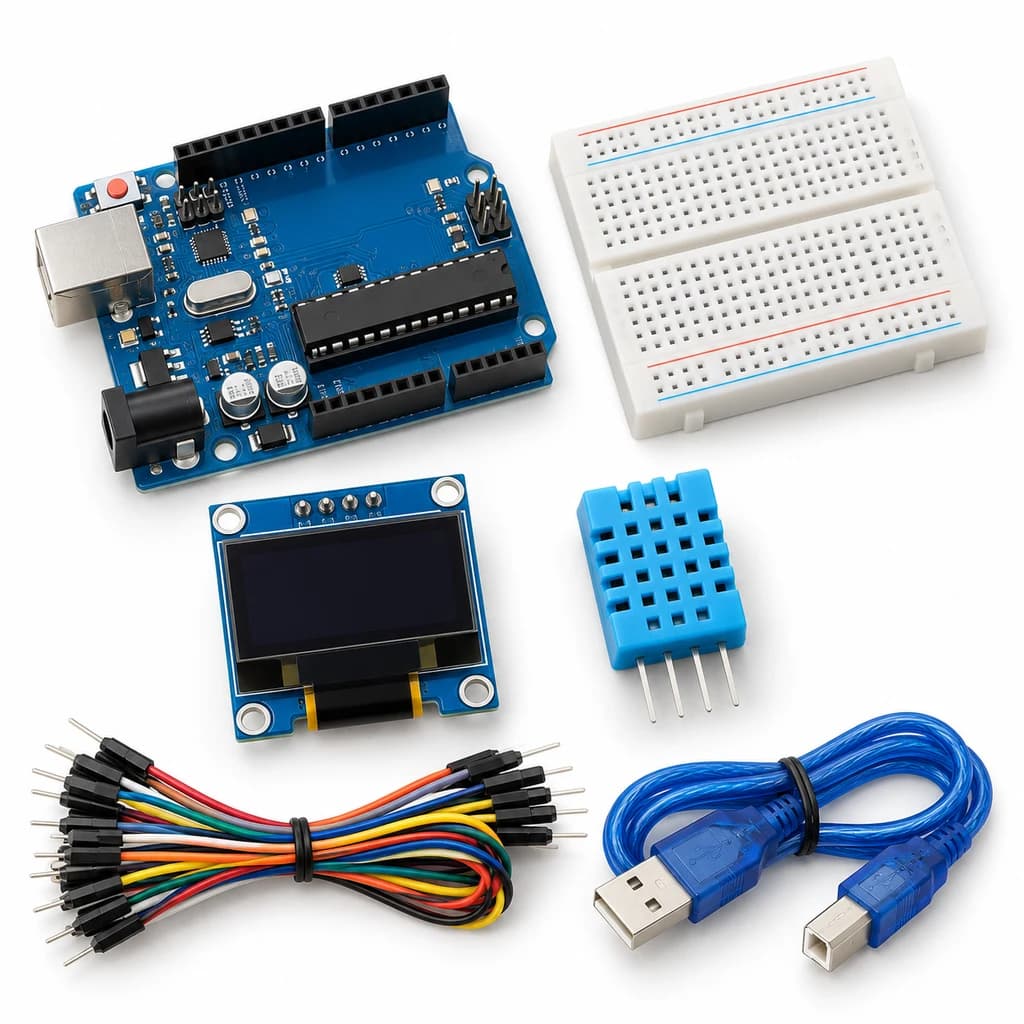 TechyTron
OLED Weather Dashboard Kit
₹833.50Earn 8 points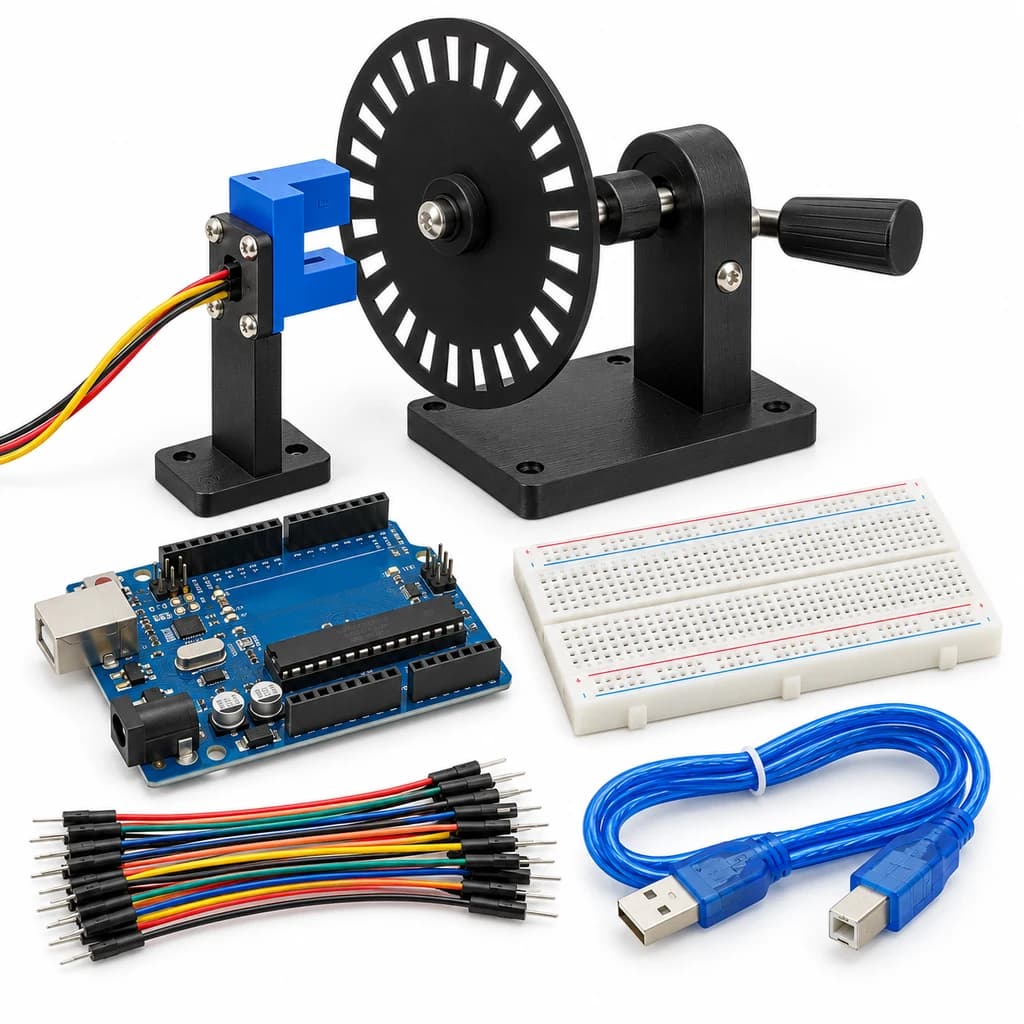 TechyTron
Optical Speed Lab Kit
₹523.50Earn 5 points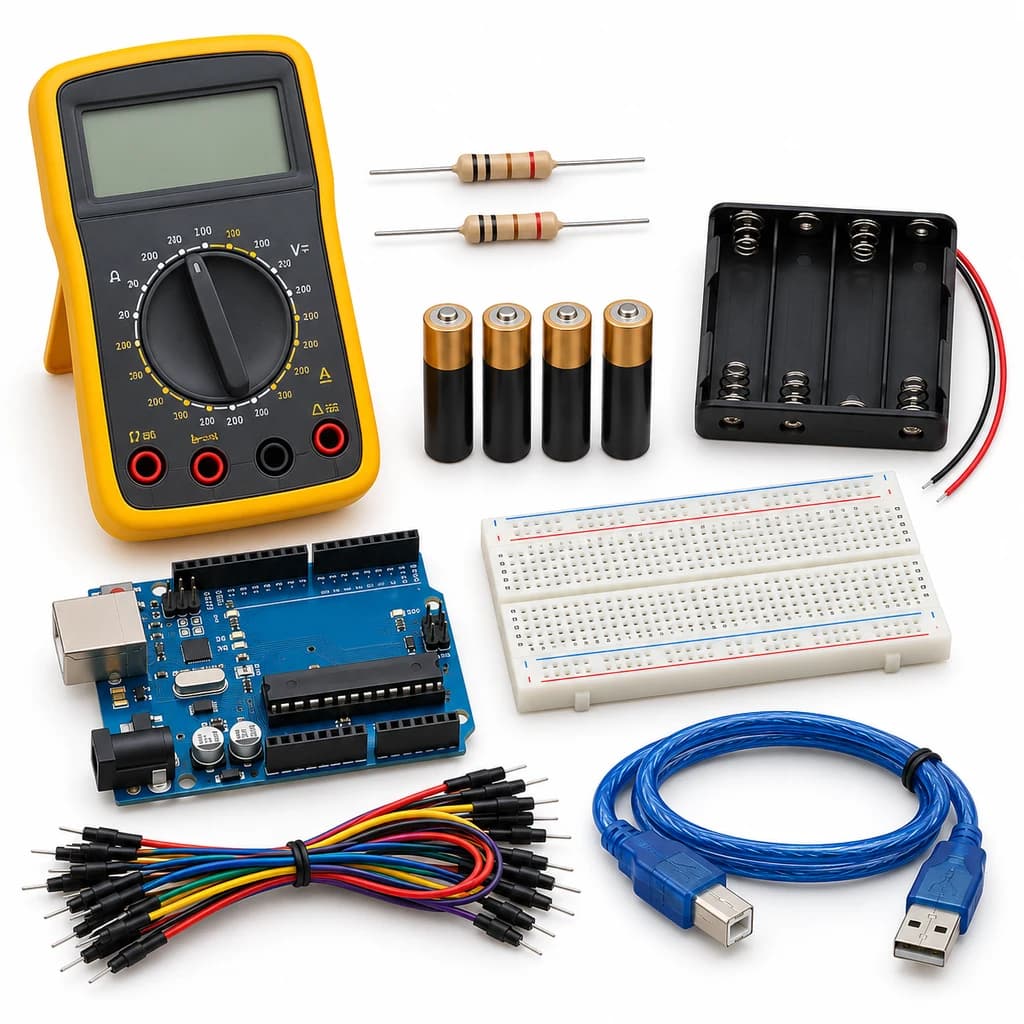 TechyTron
Precision Voltage Monitor Kit
₹1,137.50Earn 11 points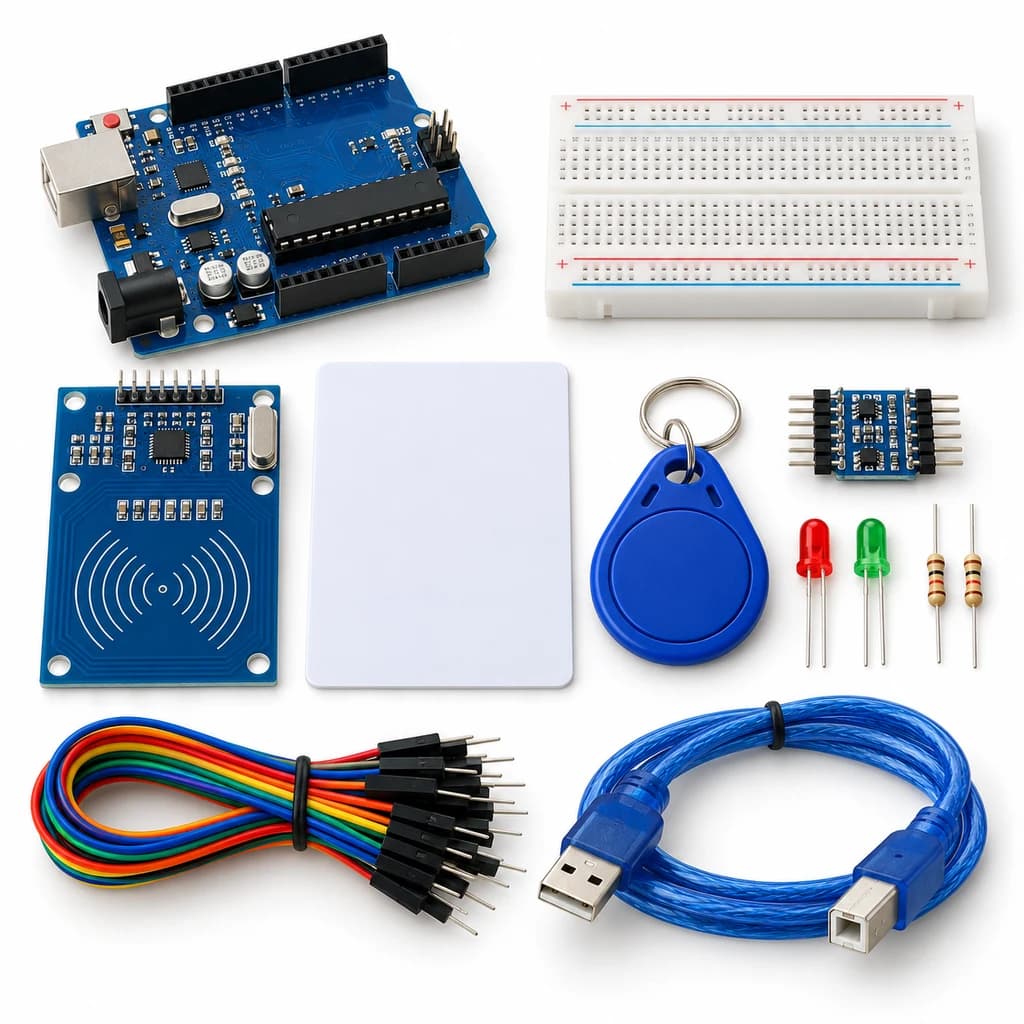 TechyTron
RFID Access Indicator Kit
₹593.50Earn 5 points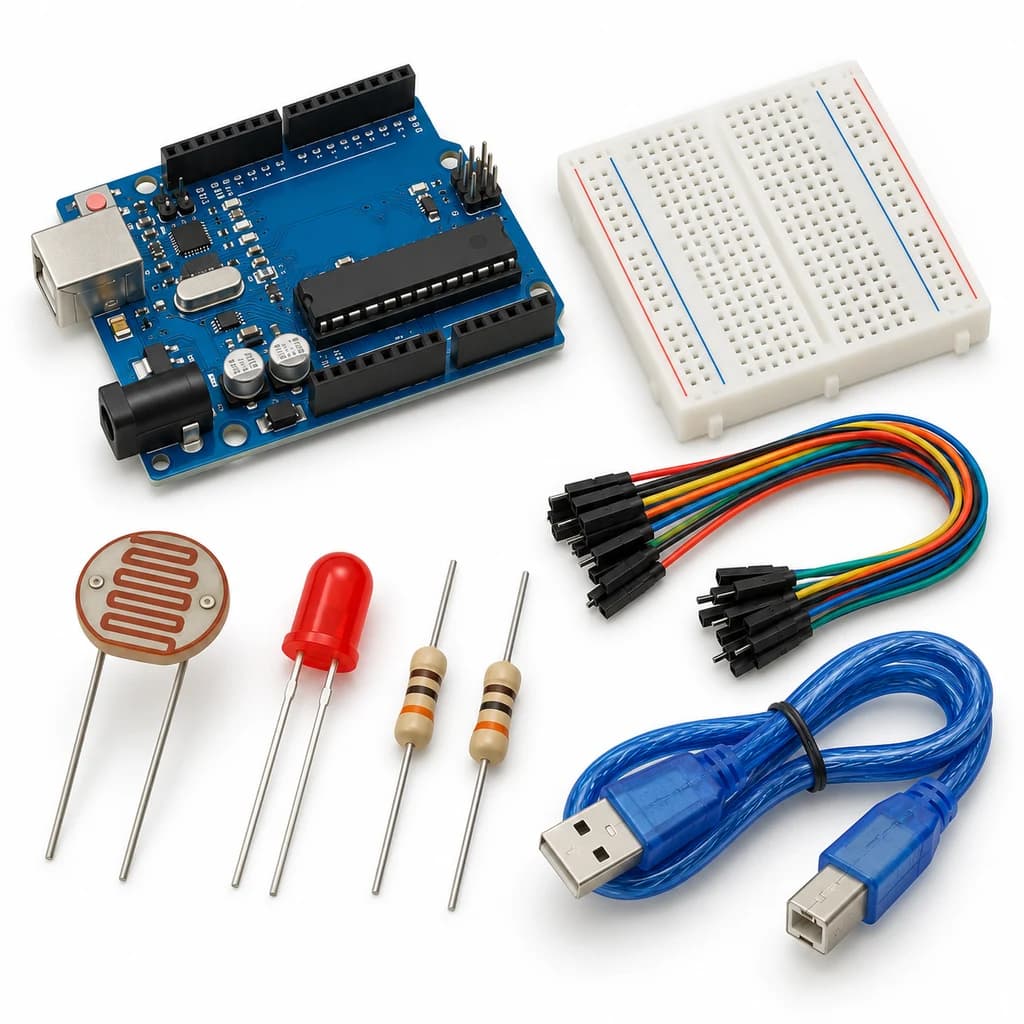 TechyTron
Smart Streetlight Control Kit
₹441.50Earn 4 points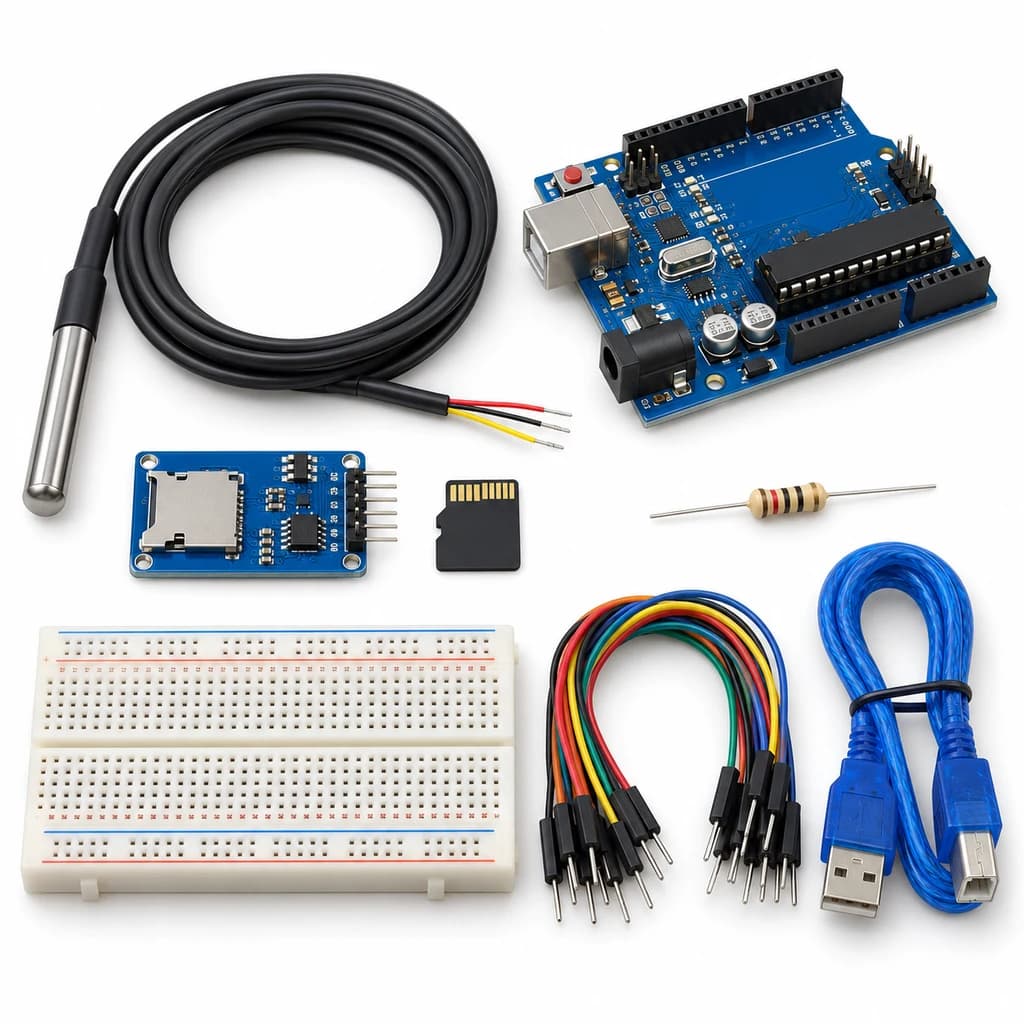 TechyTron
Temperature Data Recorder Kit
₹1,001.50Earn 10 points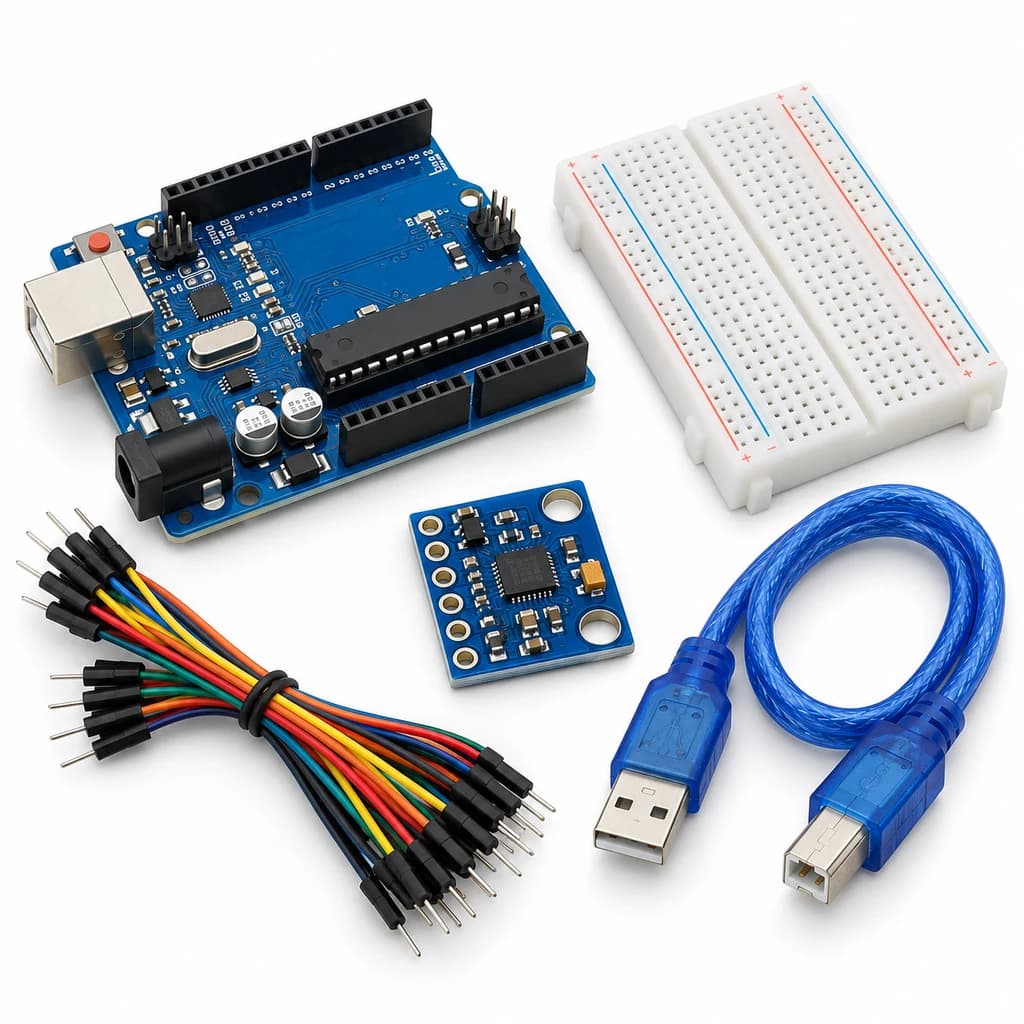 TechyTron
Tilt and Acceleration Logger Kit
₹702.00Earn 7 pointsShop Related by product name
Related by product name
10 catalogue products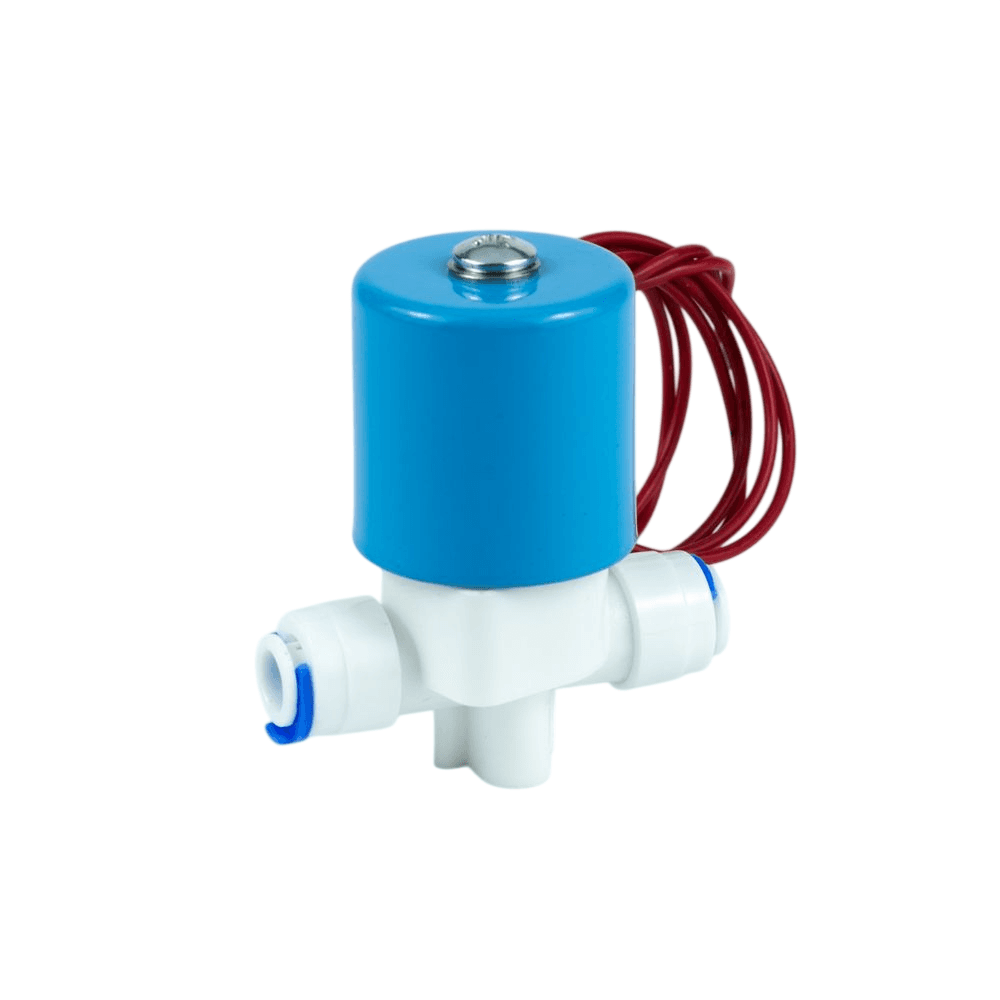 Miscellaneous
24V DC RO Solenoid Valve – Normally Closed Water Purifier Valve
₹177.00Earn 1 points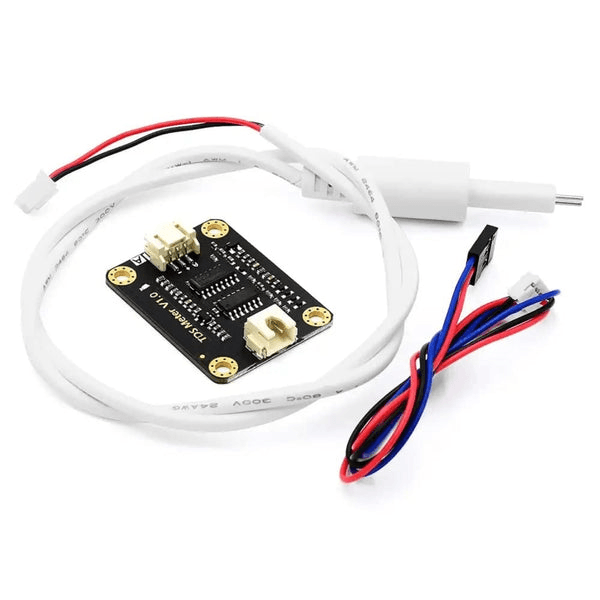 Agriculture & Water Sensors
Analog TDS Sensor Module
₹407.00Earn 4 points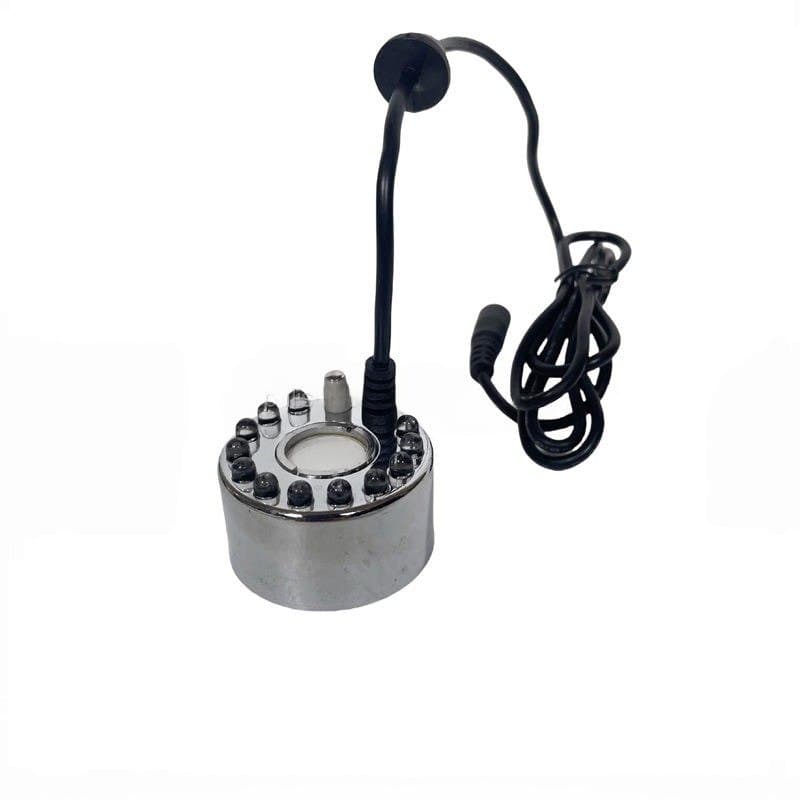 Miscellaneous
DC24V 36MM 12LED Alloy Air Humidifier Mist Maker
₹389.50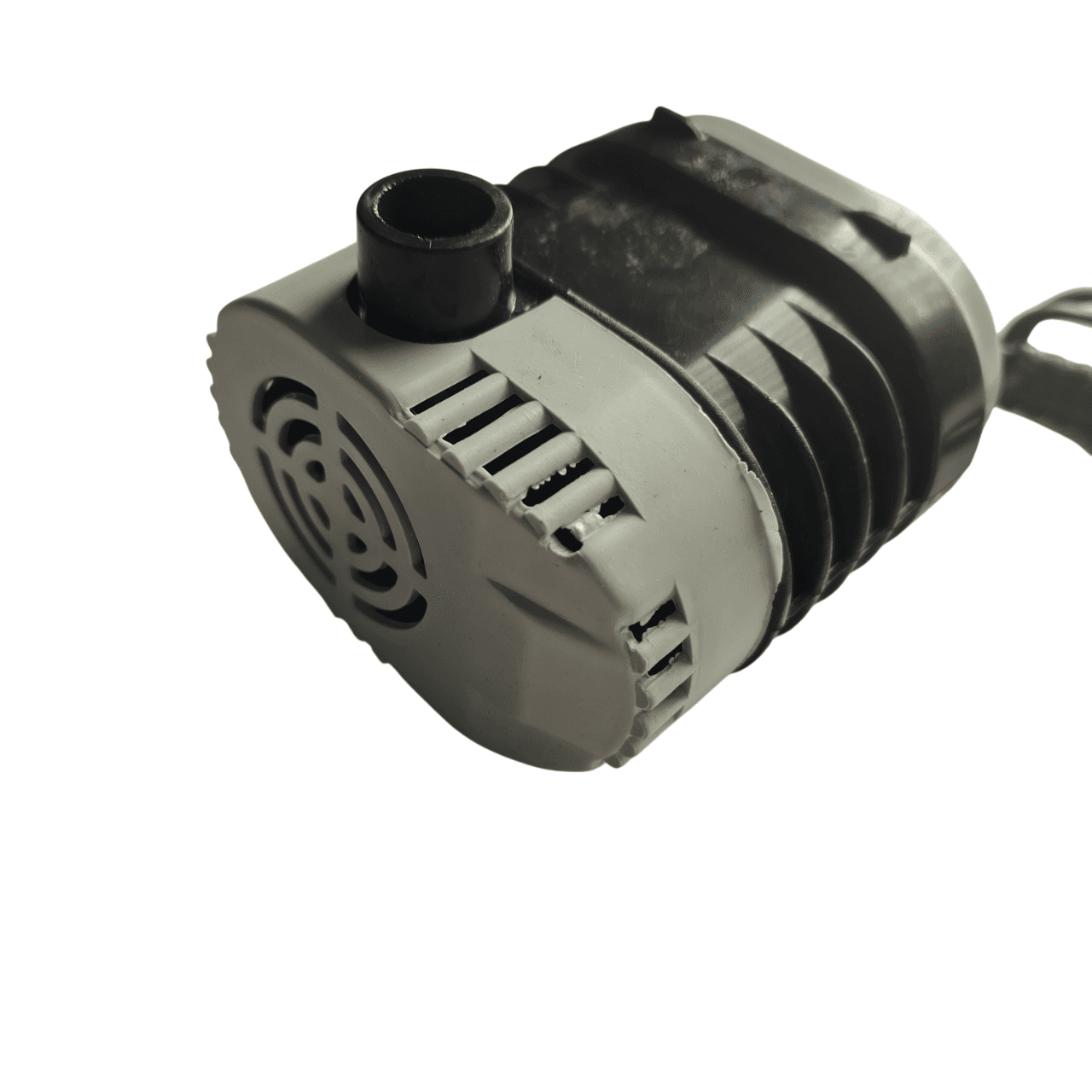 Pumps
Pumps18W Submersible Cooler Pump – 1.85m Lift, 165V-220V AC
₹198.00Earn 1 points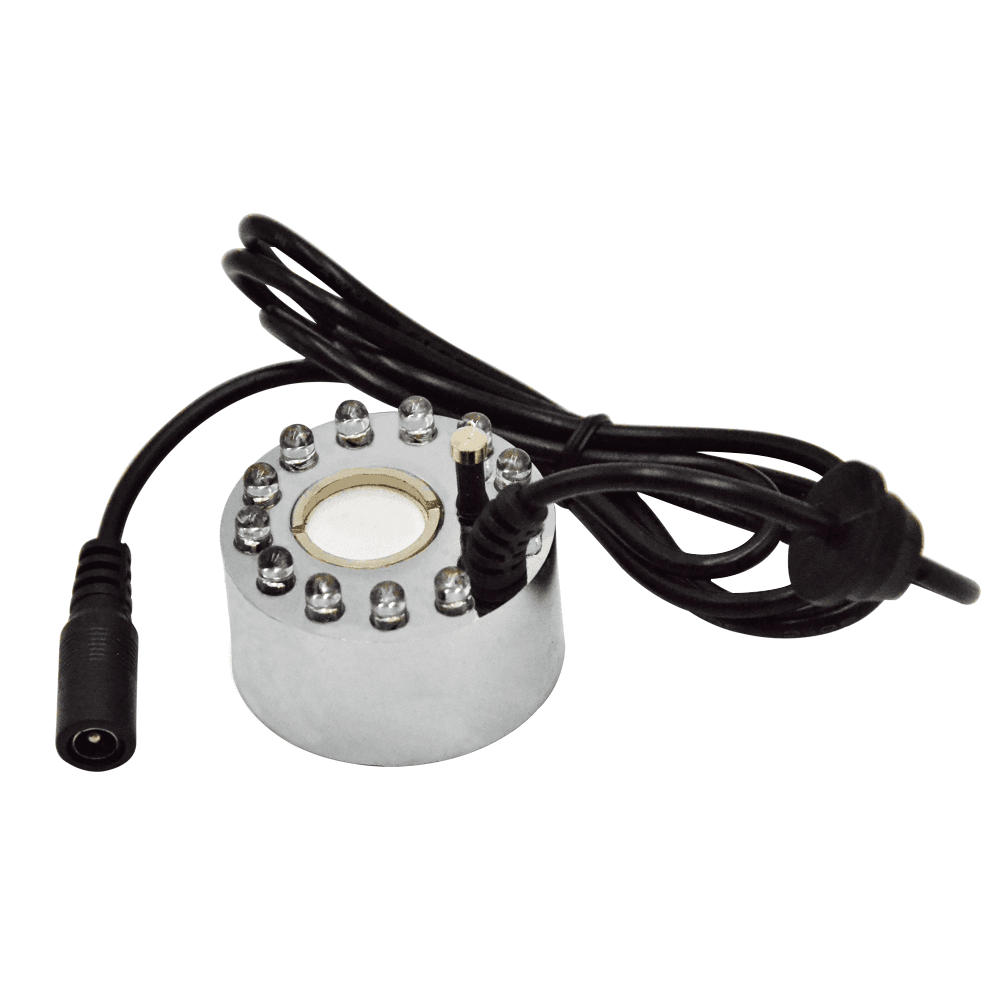 Miscellaneous
DC24V 20MM 12LED Alloy Air Humidifier Mist Maker
₹368.00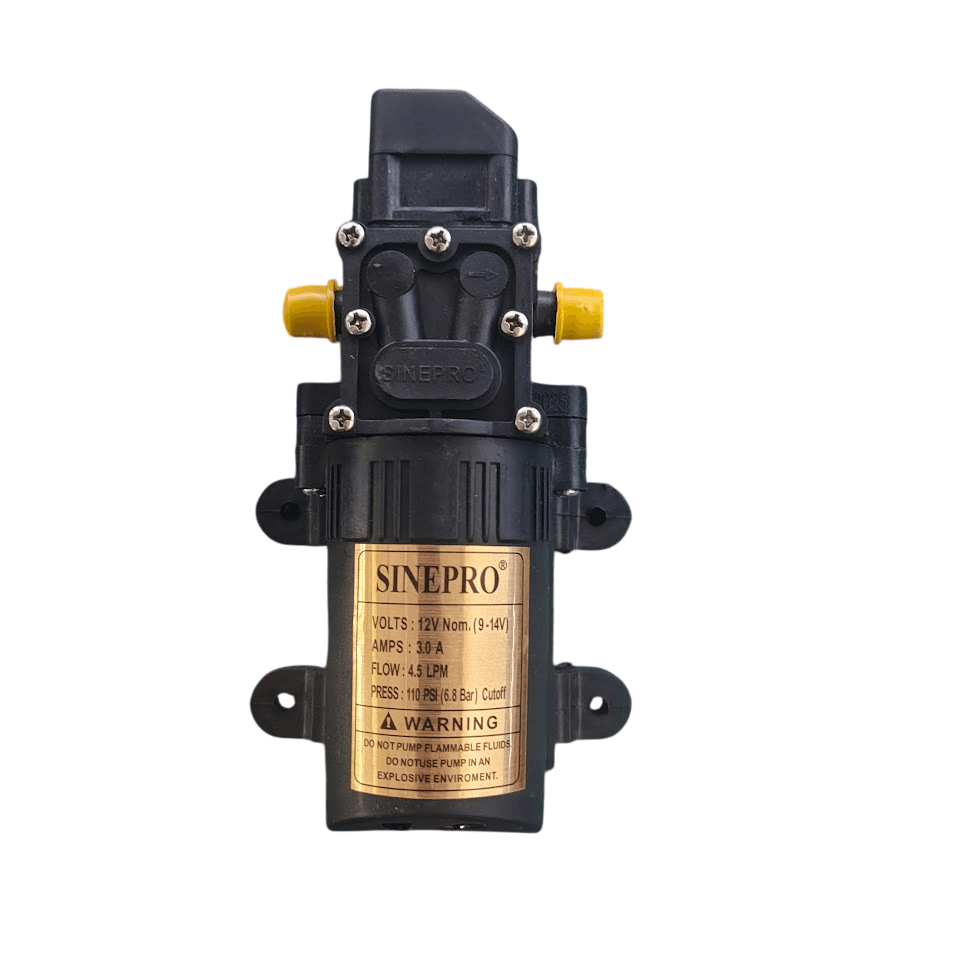 Motors, Drivers & Pumps
Heavy Duty 12V DC Battery Operated Sprayer Pump Motor 110 PSI
₹448.50Earn 4 points Batteries, Power Supplies & Accessories
Large Space Fire and Water Resistant Lipo Battery Bag (26x18x13cm)
₹926.50Earn 9 points LED Strips & Controllers
RGB LED Kit (3 Meter Strip - Water-resistant) with Remote Control and Adaptor
₹291.50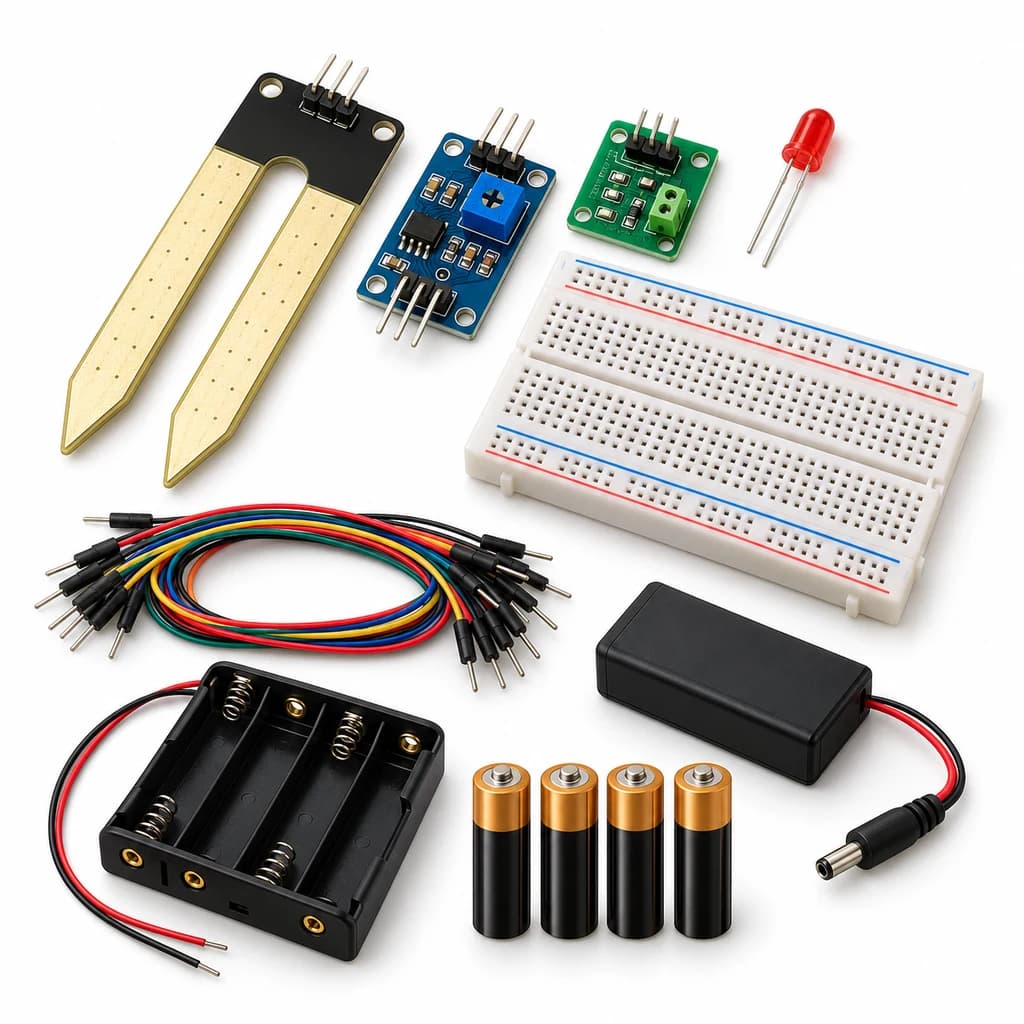 TechyTron
Soil Moisture Signal Kit
₹608.00Earn 6 points Miscellaneous