
 TechyTron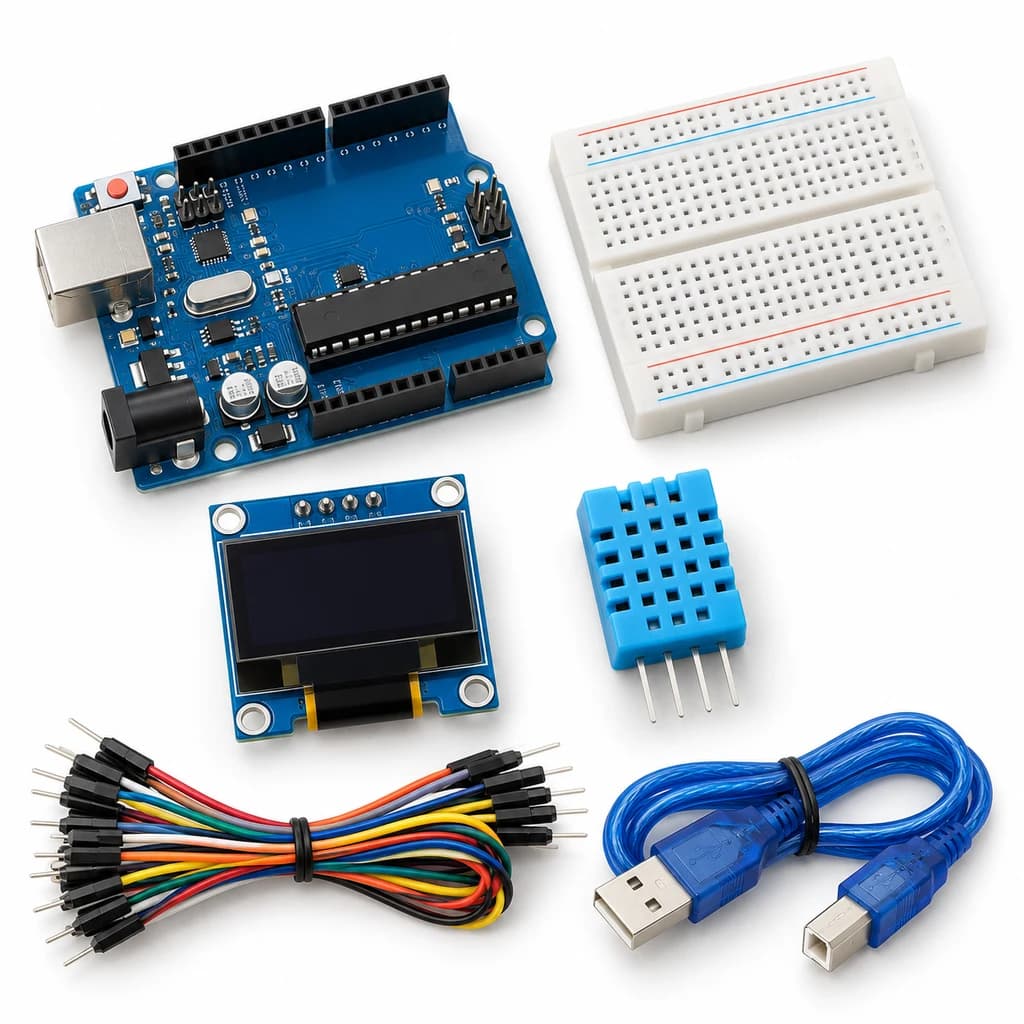
OLED Weather Dashboard Kit
SKU: TT-SE-09-02
₹833.50
Includes 18% GST
Earn 8 reward points per unit. How rewards work
Show temperature and humidity on a compact OLED screen. Classes 9-10 · Ages 14–16. Complete electronics kit with an illustrated guide.
Delivery options
Courier from ₹79.00 per order · Free above ₹999.00
Product description
Classes 9-10, typical ages 14–16. Age ranges vary by learner. Guided low-voltage electronics.
Activity engagement
90–120 minutes. Explore 15–20 min · Build 30–40 min · Test and discuss 45–60 min. Estimated time for building, testing and discussion.
What you need
A computer with a USB port and Arduino IDE is required and is not included.
Included components
- Small Breadboard / Mini Solderless Board - 400 points — 1 breadboard
- Jumper Wire Combo - Male to Male, Male to Female and Female to Female Breadboard Connecting Wires (10 Qty Each) — 1 set
- Illustrated Activity Guide and Observation Sheets — 1 set
- Fitted Headers and Labelled Connection Leads — 1 set
- Arduino Uno R3 CH340G version compatible Arduino Development Board — 1 controller board
- USB A to B Programming Cable for Arduino Uno/ Arduino Mega — 1 data cable
- 0.96 inch Monochrome OLED Display (SSD1306) — 1 display module
- DHT11 — 1 sensor module
- 10K Ω 1/4 Watts (10 PCS) — 1 resistor
- Bidirectional 3.3 V / 5 V I2C Level Shifter — 1 level-shifter module
What you learn
- I2C shares a clock and data pair between a controller and display.
- A display should distinguish missing data from real readings.
- Logic-level compatibility matters when combining modules.
Connection guide
- OLED VCC → Uno 3.3 V; GND → GND. I2C level shifter LV → 3.3 V, HV → 5 V, common GND; Uno A4/A5 → HV1/HV2, OLED SDA/SCL → LV1/LV2.
- DHT11 VCC → 5 V; GND → GND; DATA → D2 with supplied 10 kOhm pull-up to 5 V.
Steps to make it
- Disconnect all power and identify the supplied part labels and pinouts before wiring.
- Wire the OLED through its supplied level shifter and connect the DHT11.
- Install the libraries, upload, and confirm the OLED address is 0x3C using the supplied diagnostic sketch if needed.
- Observe the screen for three minutes at room conditions, leaving two seconds between updates.
- Disconnect power before deliberately removing DATA, then restart and compare the sensor-error display.
- Change only the named parameter for the extension, repeat the controlled trials, save observations and disconnect power afterward.
Programming resources
Arduino IDE: select Arduino Uno and the USB port. Use the supplied USB data cable. Serial Monitor/Plotter: 115200 baud.
Libraries to install
- DHT sensor library (Adafruit)
- Adafruit Unified Sensor
- Adafruit GFX Library
- Adafruit SSD1306
Test challenge
Confirm that the screen presents valid units and a clear error instead of stale temperature when the sensor is absent.
Observation task
Time, temperature, humidity, settling conditions and error state.
Expected result
The OLED shows valid temperature/humidity pairs or a sensor-error message.
If it does not work
Verify OLED address, 128x64 resolution, SDA/SCL placement and the separate 3.3/5 V level-shifter supplies.
Try next
Add minimum and maximum values for the current powered session.
Use and supervision
Use only the supplied low-voltage DC parts. Disconnect power before rewiring; check polarity and labelled pinouts. No soldering or exposed mains connections. Adult guidance is recommended.
How this experiment works
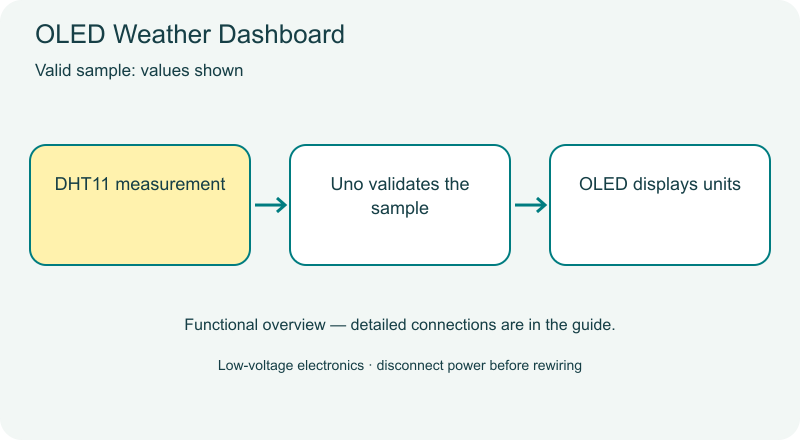
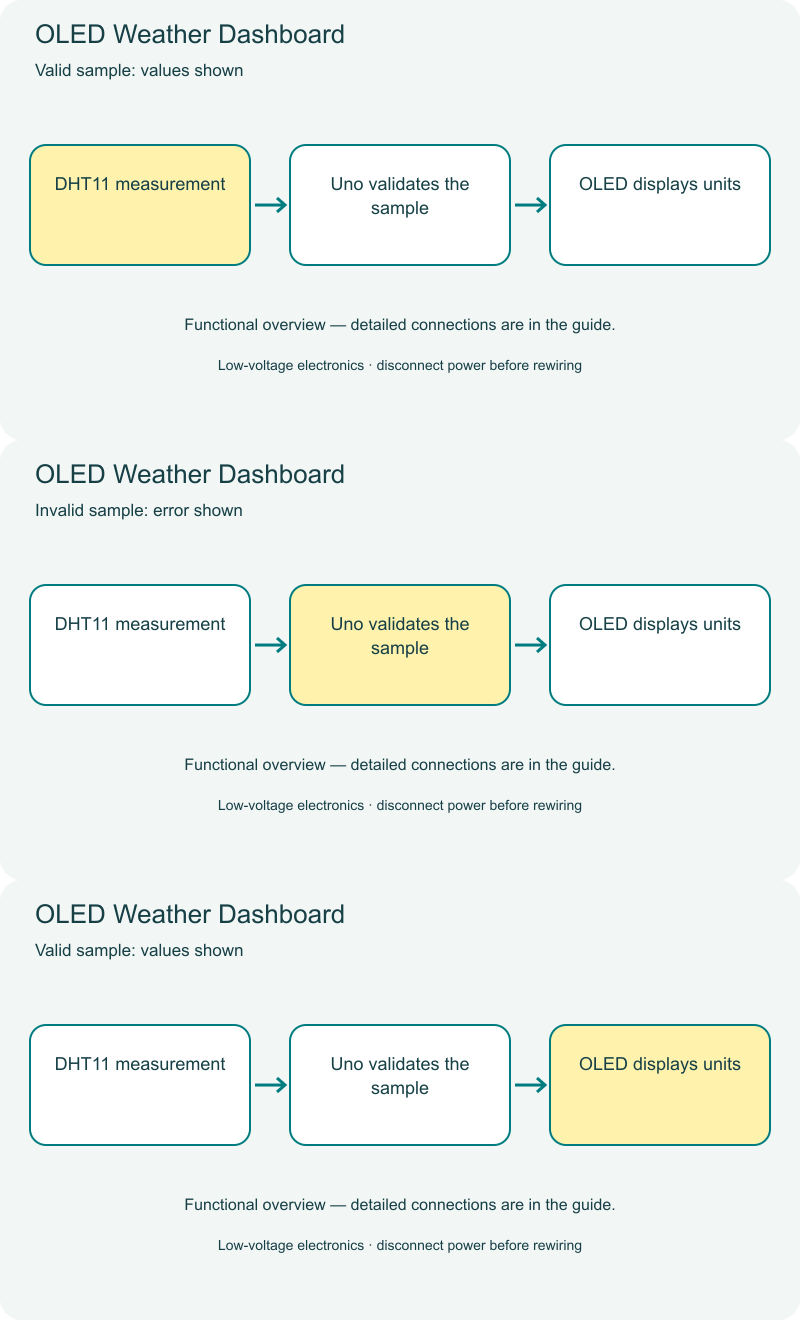
Cover illustrations show component types. Functional animations explain principles and are not recorded prototype tests. Follow the supplied connection labels and pinouts.
Customer feedback
Reviews
No published reviews yet. Be the first to share useful feedback.
Shop Related in this category
Related in this category
9 catalogue productsTechyTron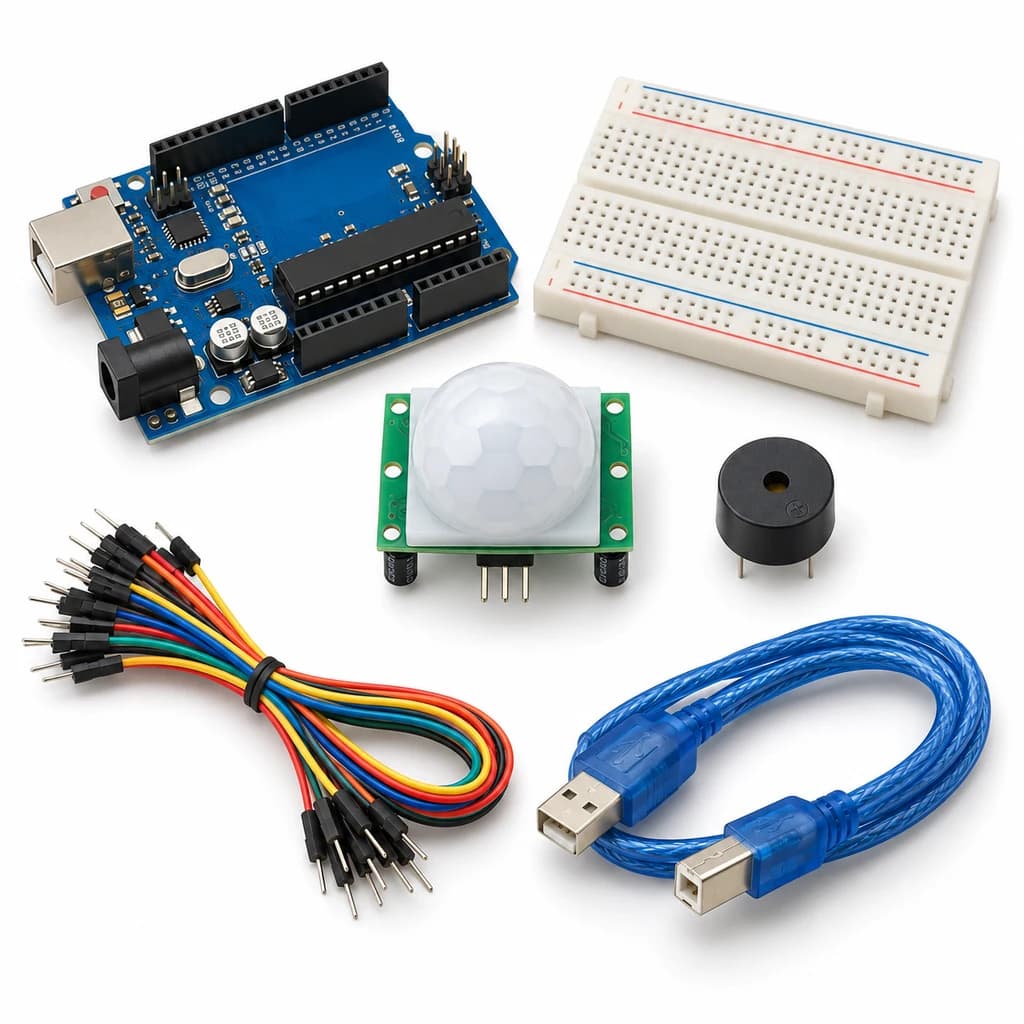 TechyTron
Motion Event Alarm Kit
₹521.00Earn 5 points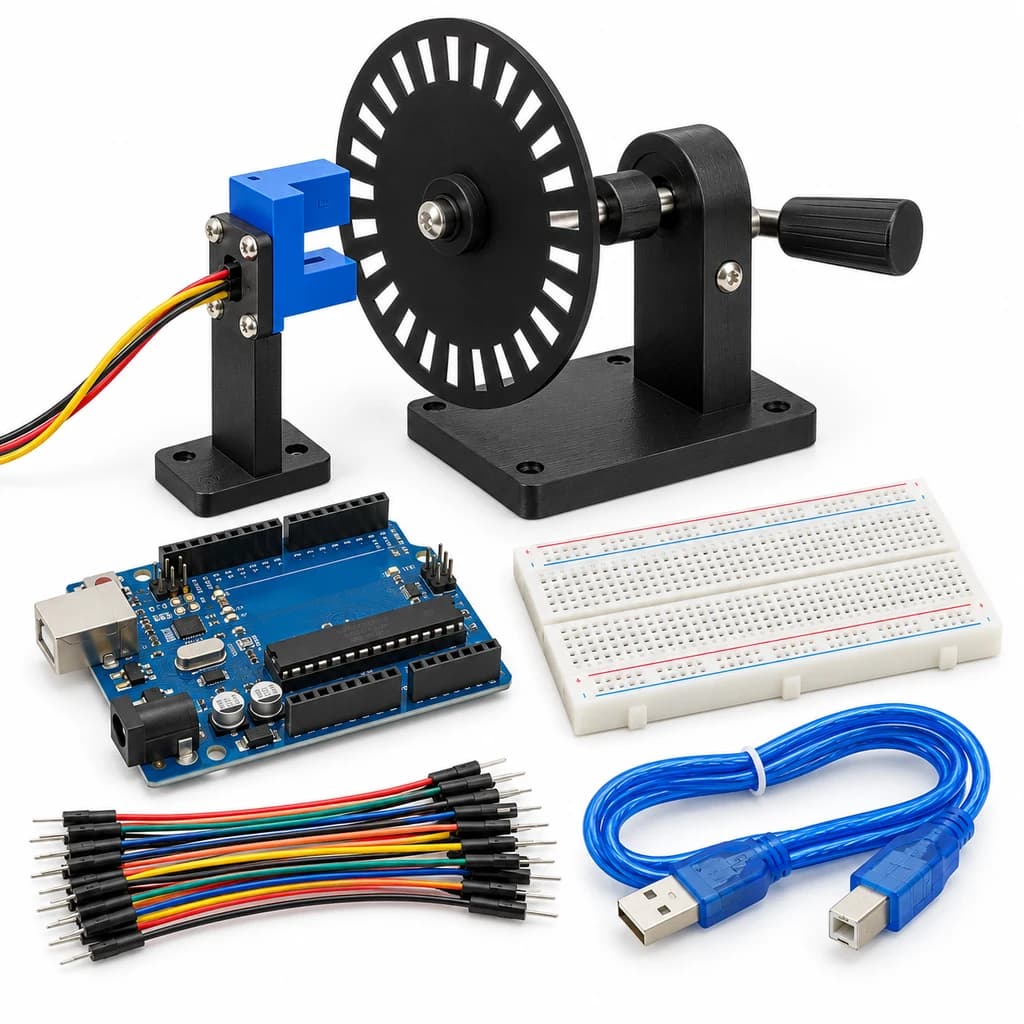 TechyTron
Optical Speed Lab Kit
₹523.50Earn 5 points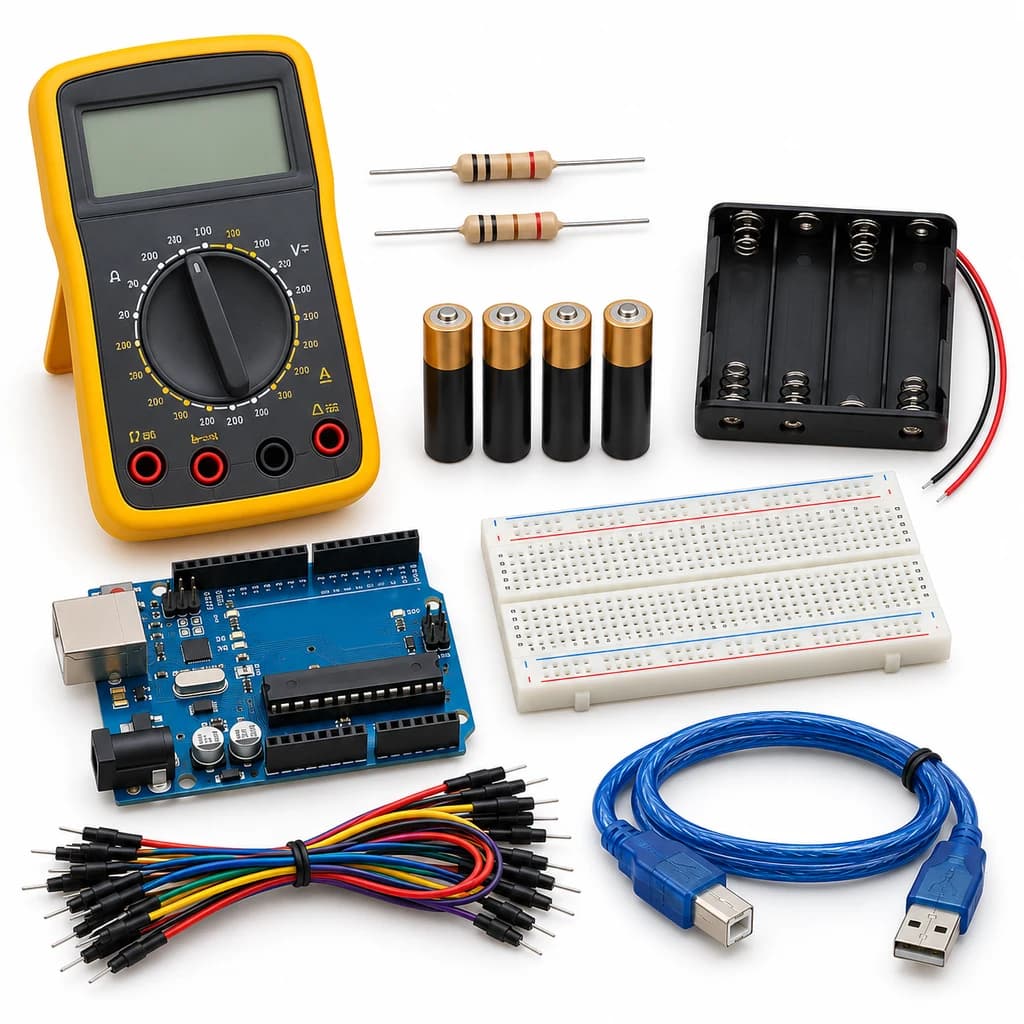 TechyTron
Precision Voltage Monitor Kit
₹1,137.50Earn 11 points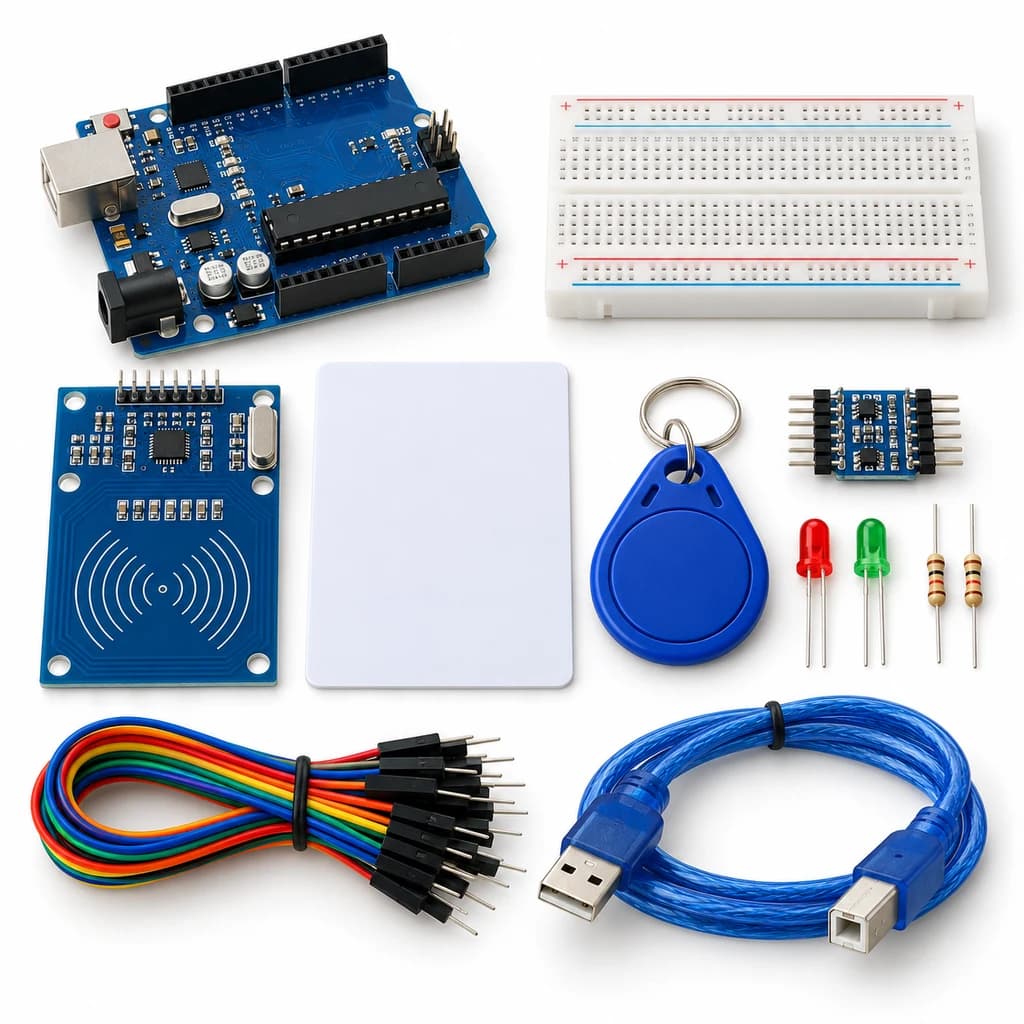 TechyTron
RFID Access Indicator Kit
₹593.50Earn 5 points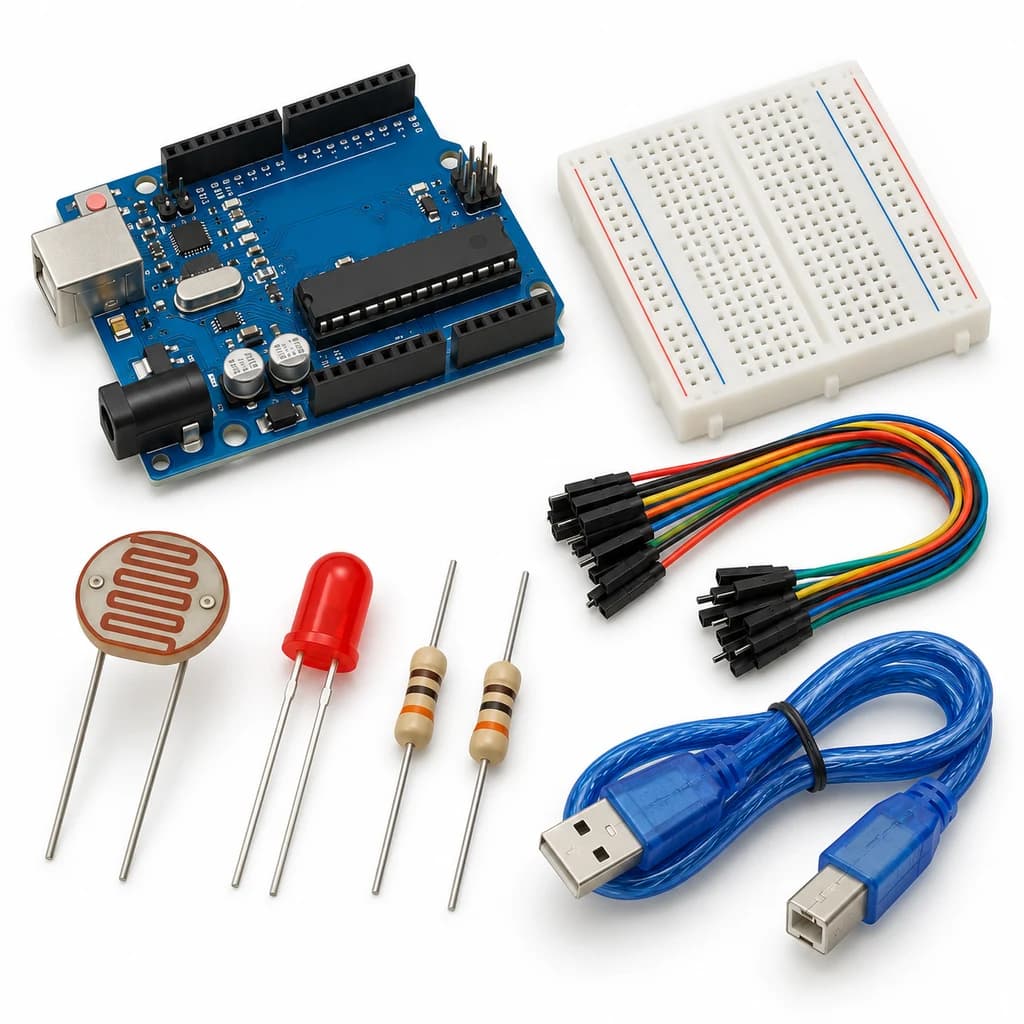 TechyTron
Smart Streetlight Control Kit
₹441.50Earn 4 points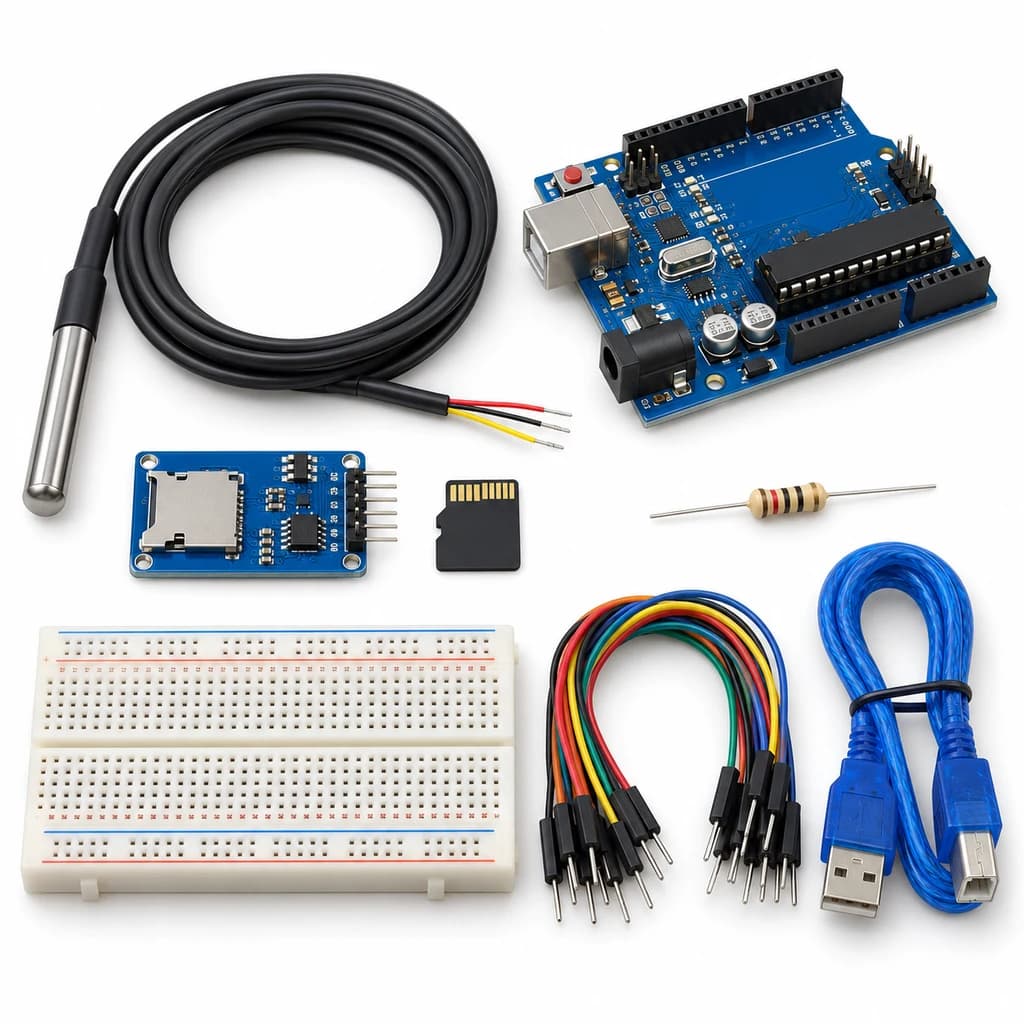 TechyTron
Temperature Data Recorder Kit
₹1,001.50Earn 10 points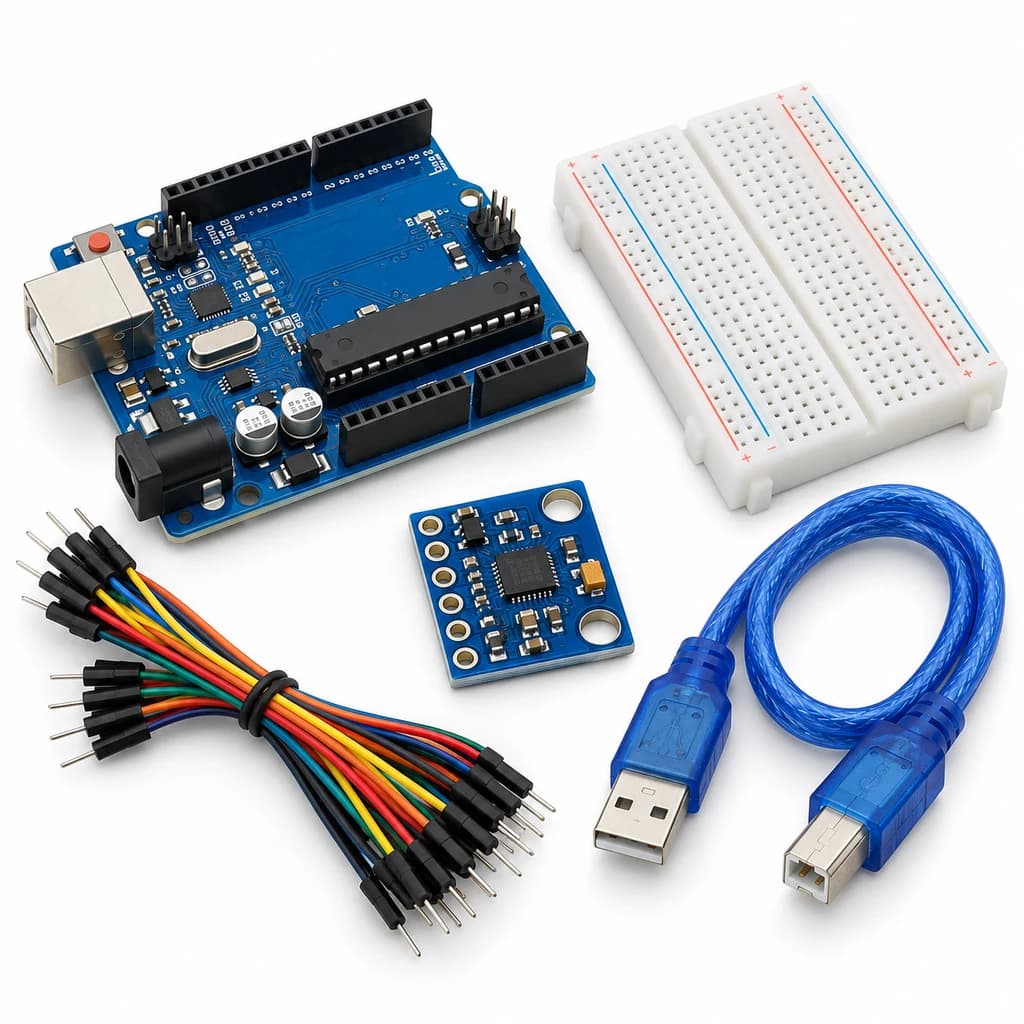 TechyTron
Tilt and Acceleration Logger Kit
₹702.00Earn 7 points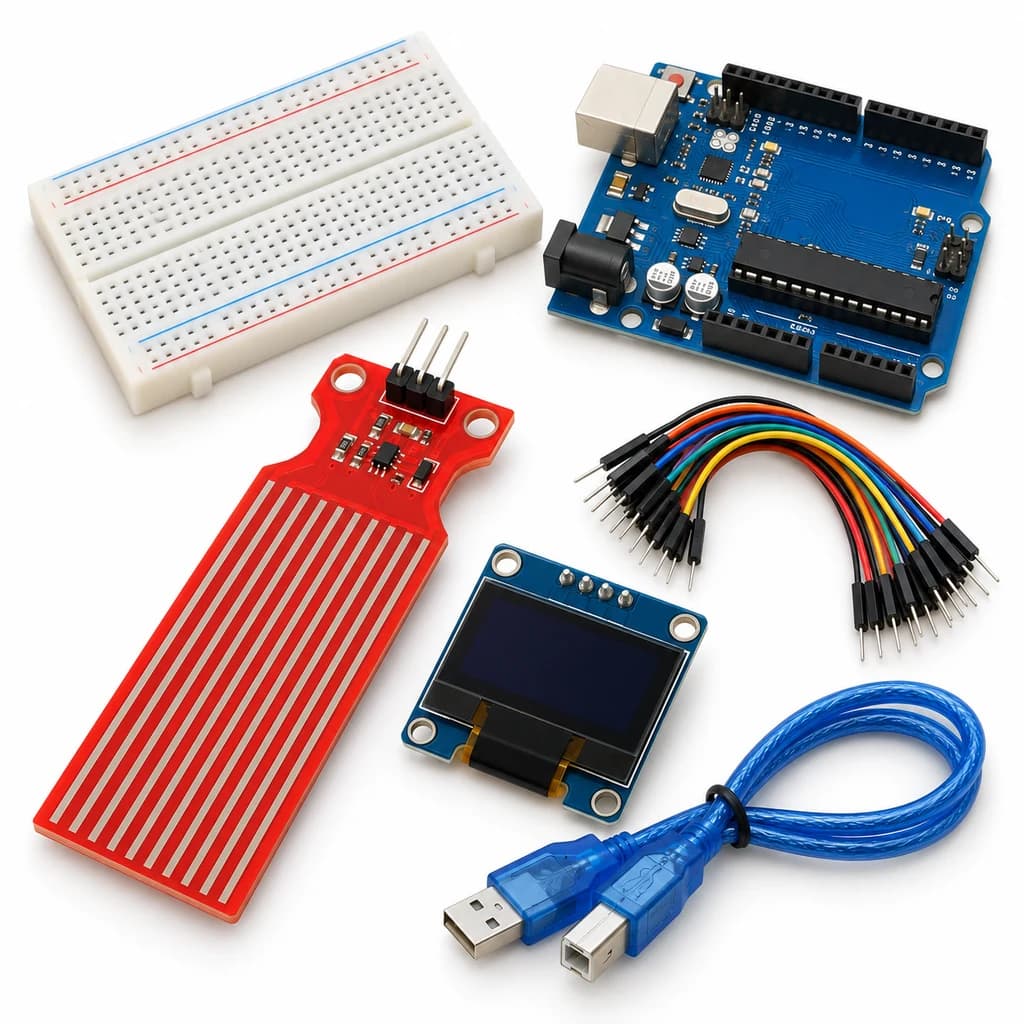 TechyTron
Water Level Display Kit
₹776.00Earn 7 pointsShop Related by product name
Related by product name
10 catalogue products0.91 INCH OLED
₹160.00Earn 1 points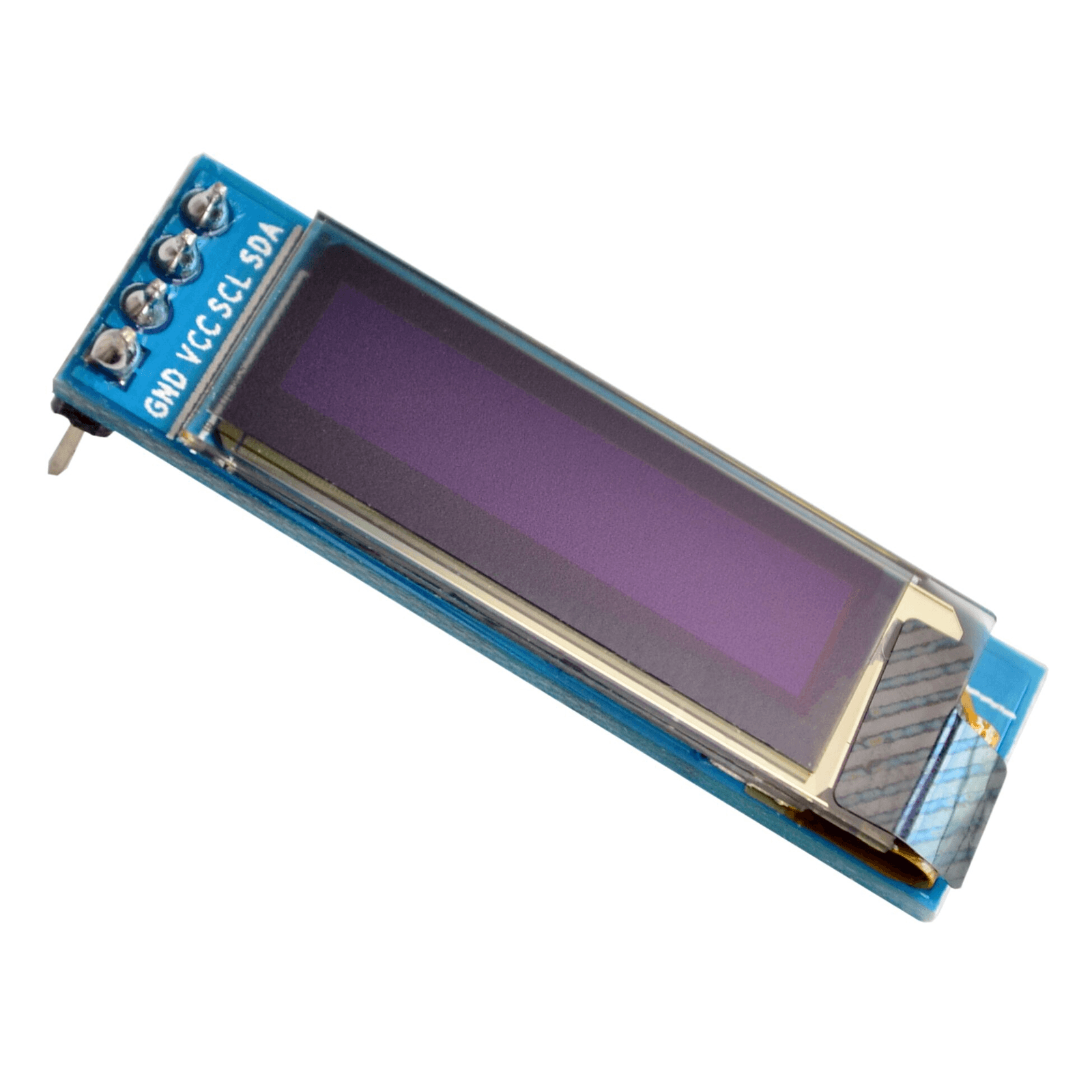 OLED Displays
0.91 Inch 128×32 IIC I2C Blue OLED LCD Display Oled Module
₹200.50Earn 2 points OLED Displays
0.91 inch 128x32 OLED Display Module with I2C/IIC Serial Interface
₹212.50Earn 2 points0.96 INCH OLED
₹158.00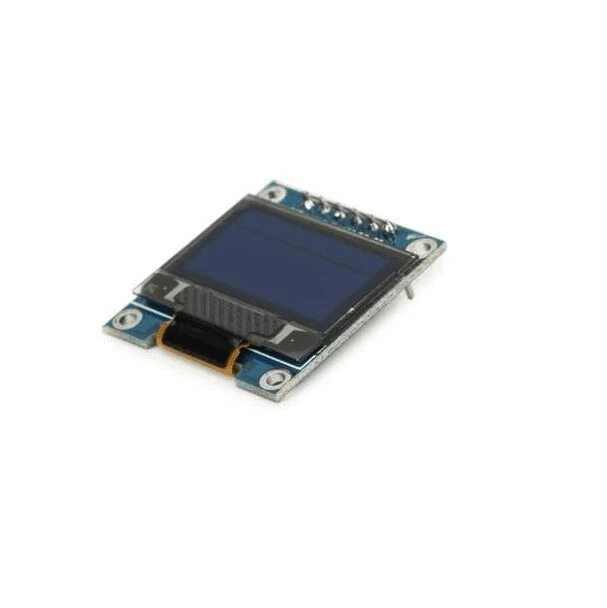 OLED Displays
0.96 Inch 4Pin Blue IIC I2C OLED Display Module For Arduino
₹167.50Earn 1 points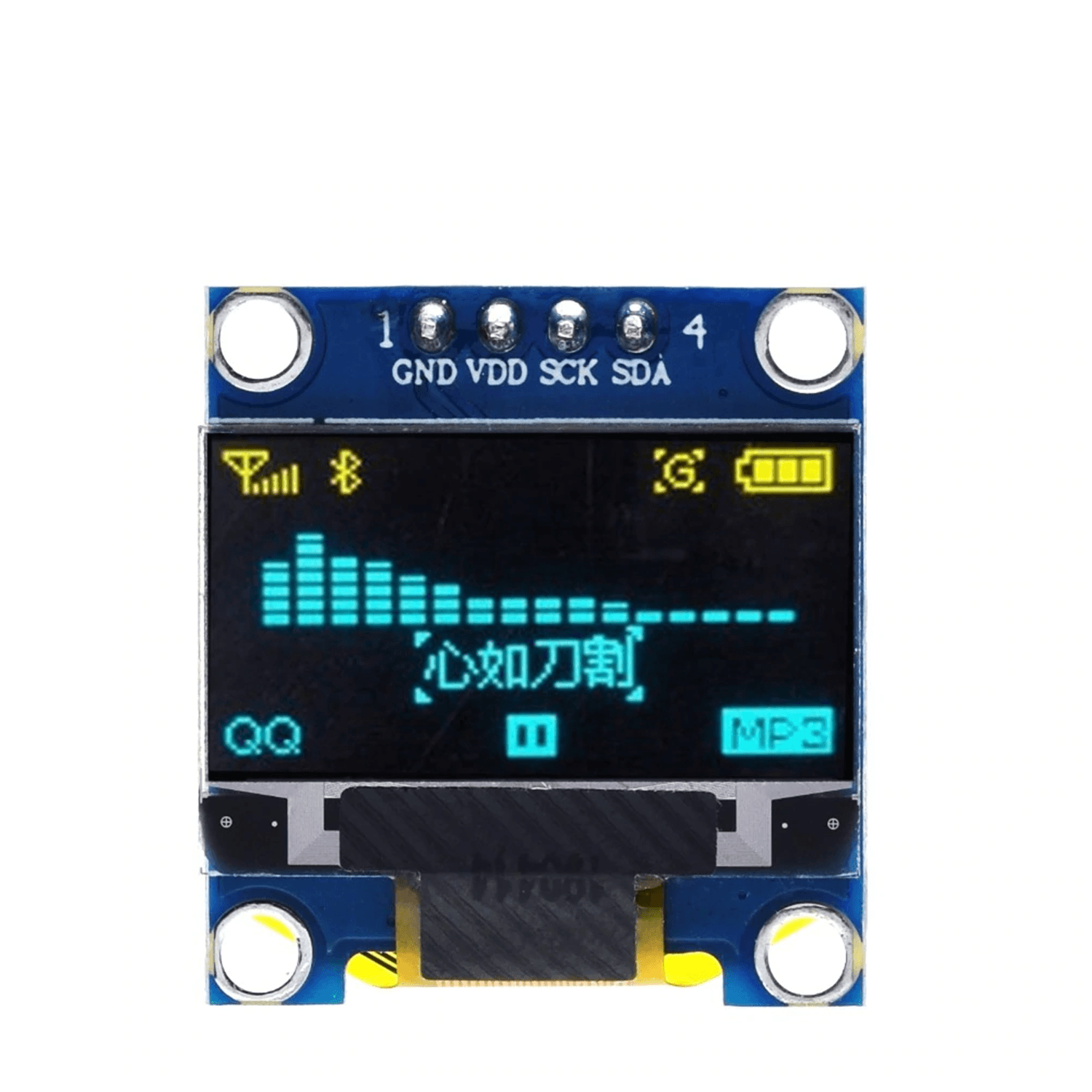 OLED Displays
0.96 Inch 4Pin Blue Yellow IIC I2C OLED Display Module For Arduino
₹206.50Earn 2 points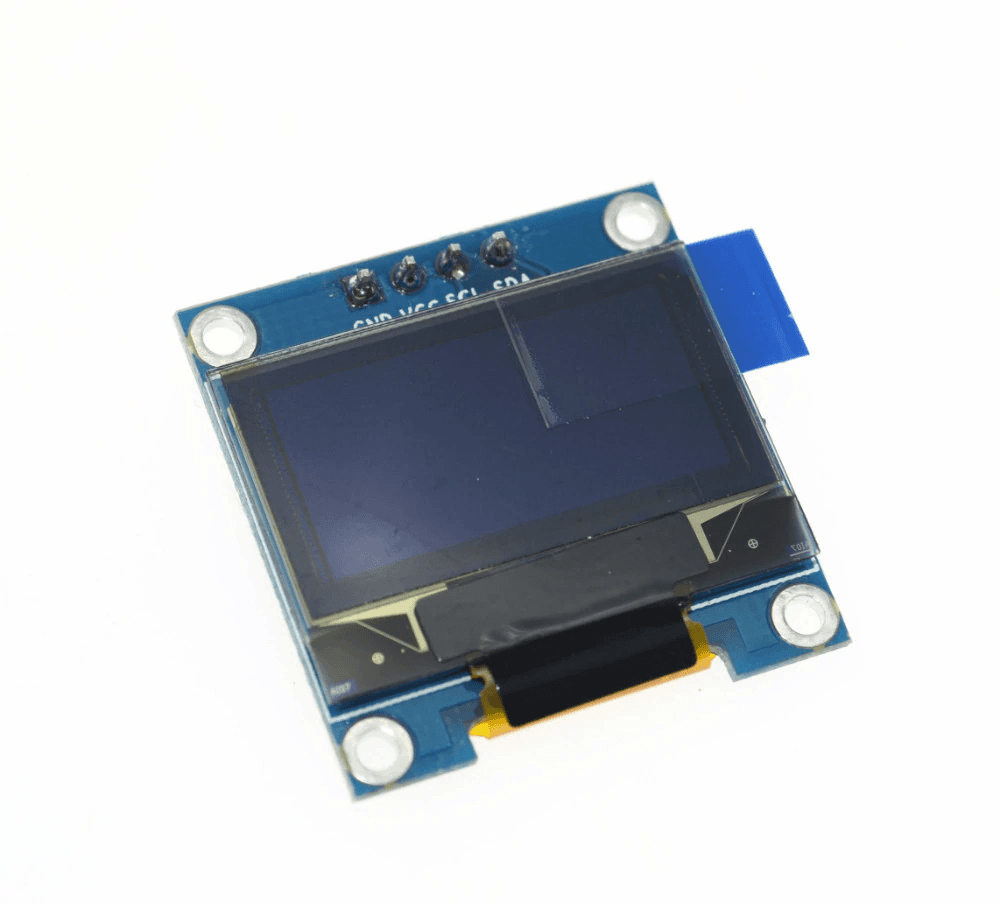 OLED Displays
0.96 Inch 4Pin White IIC I2C OLED Display Module For Arduino
₹167.50Earn 1 points OLED Displays
0.96 inch Monochrome OLED Display (SSD1306)
₹225.501.3 INCH OLED
₹305.00Earn 3 points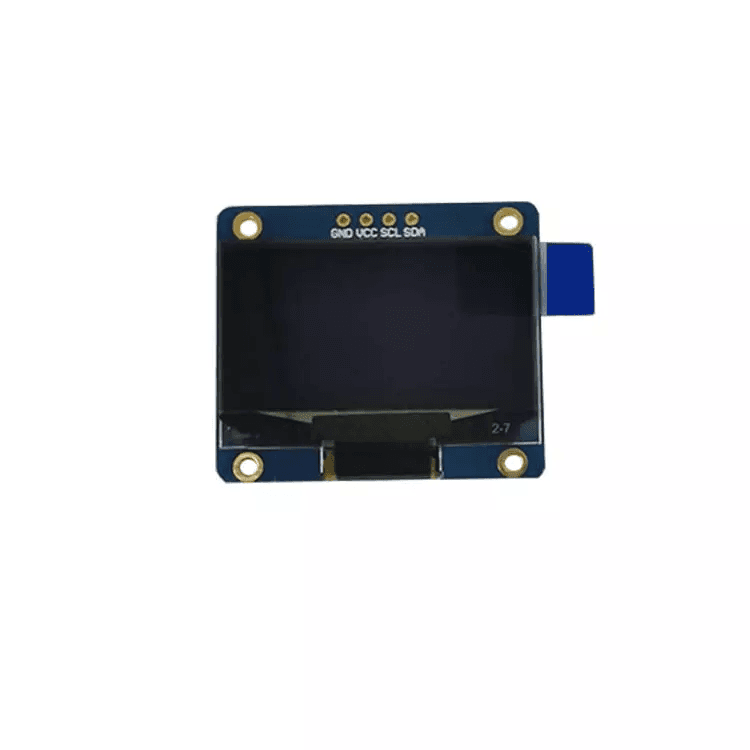 OLED Displays