
 TechyTron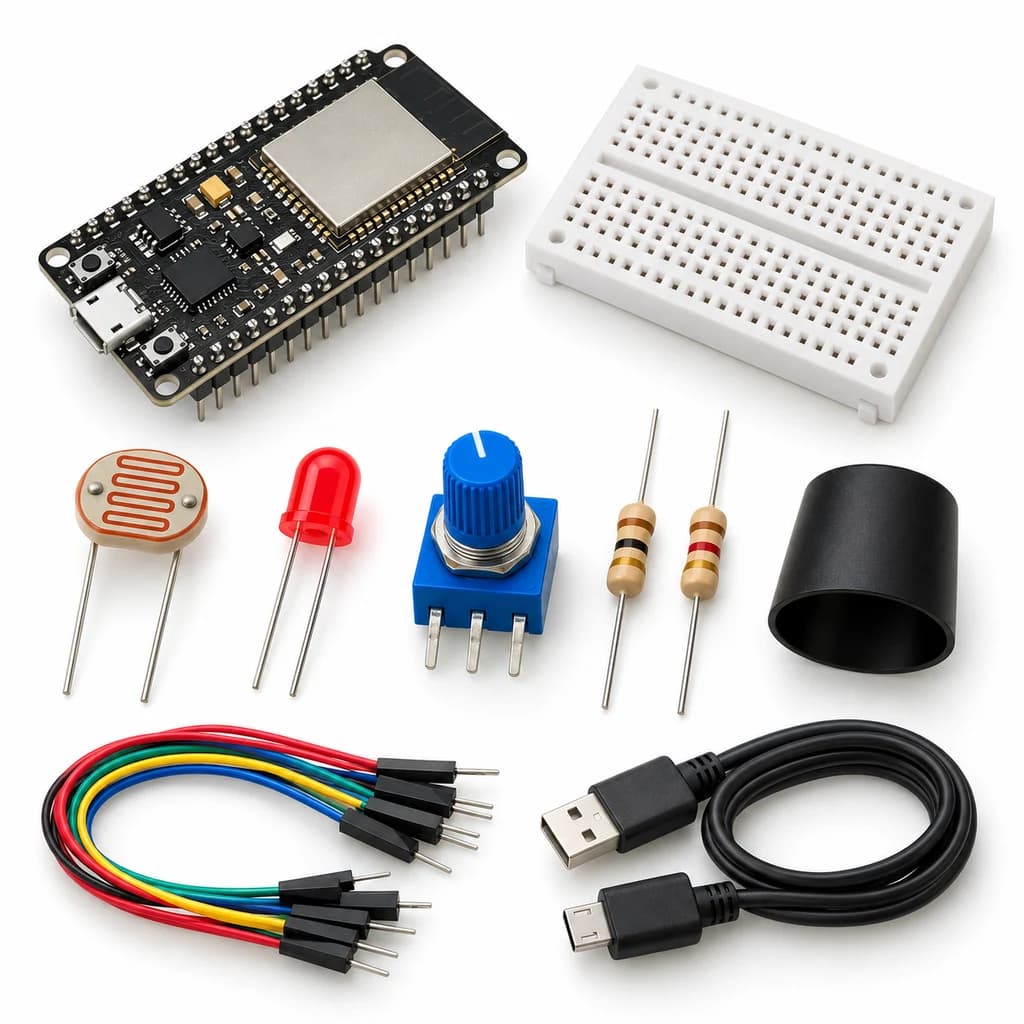
PID Light Control Lab Kit
SKU: TT-SE-11-03
₹755.50
Includes 18% GST
Earn 7 reward points per unit. How rewards work
Explore feedback control by regulating light at a sensor. Classes 11-12 · Ages 16–18. Complete electronics kit with an illustrated guide.
Delivery options
Courier from ₹79.00 per order · Free above ₹999.00
Product description
Classes 11-12, typical ages 16–18. Age ranges vary by learner. Guided low-voltage electronics.
Activity engagement
120–180 minutes. Explore 20–35 min · Build 40–60 min · Test and discuss 60–85 min. Estimated time for building, testing and discussion.
What you need
A computer with a USB port and Arduino IDE is required and is not included. Wi-Fi/BLE experiments also require the local network or phone specified in the guide.
Included components
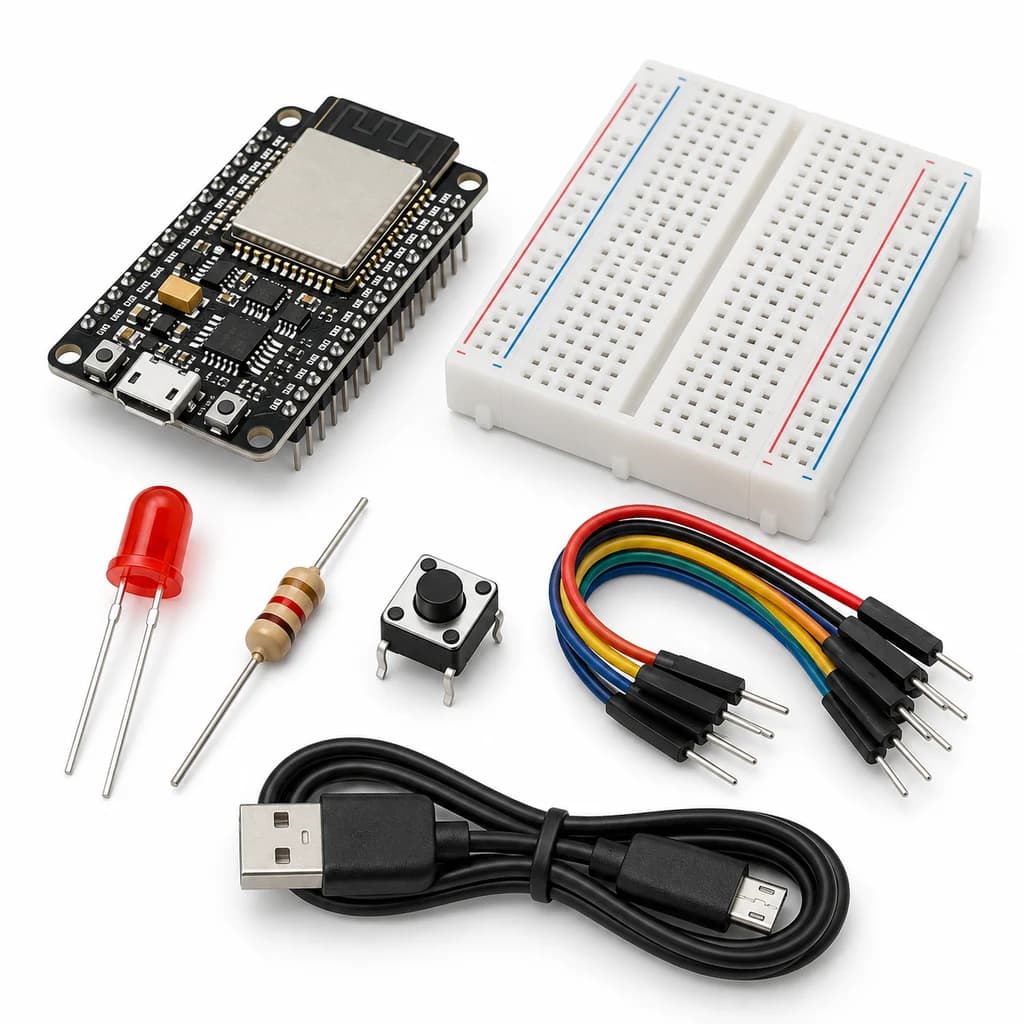
- Small Breadboard / Mini Solderless Board - 400 points — 1 breadboard
- Jumper Wire Combo - Male to Male, Male to Female and Female to Female Breadboard Connecting Wires (10 Qty Each) — 1 set
- Illustrated Activity Guide and Observation Sheets — 1 set
- Fitted Headers and Labelled Connection Leads — 1 set
- ESP32S 38Pin Development Board (WIFI+BLUETOOTH) — 1 controller board
- MICRO USB DATA CABLE — 1 data cable
- LDR Sensor (Light Dependent Resistor) - 5mm — 1 photoresistor
- 10K Ω 1/4 Watts (10 PCS) — 1 resistor
- 5mm LED - Red Color — 1 LED
- 330 Ω 1/4 Watts (10 PCS) — 1 resistor
- 10 K POTENTIOMETER — 1 potentiometer
- Opaque Light-Control Shade and Sensor Mount — 1 set
What you learn
- Feedback compares a measured value with a target.
- Proportional, integral and derivative terms affect response differently.
- Output and integral limits reduce saturation problems.
Connection guide
- 3.3 V → LDR → GPIO34 node → 10 kOhm → GND.
- Pot outer pins → 3.3 V/GND; wiper → GPIO35. GPIO25 → 330 Ohm → LED anode; cathode → GND.
- Fix LED and LDR facing one another under the opaque shade; do not short their leads.
Steps to make it
- Disconnect all power and identify the supplied part labels and pinouts before wiring.
- Mount the light path and wire both ADC1 inputs and PWM output.
- Upload with Ki and Kd initially set to zero and observe response to a small target change.
- Increase Ki modestly, then add a small Kd; compare settling time, overshoot and oscillation.
- Temporarily shade the light path and observe recovery without changing the target.
- Change only the named parameter for the extension, repeat the controlled trials, save observations and disconnect power afterward.
Programming resources
Arduino IDE: install esp32 by Espressif Systems 3.x; select ESP32 Dev Module for the supplied classic WROOM board. Serial Monitor: 115200 baud. GPIO is 3.3 V only.
Uses the selected board core libraries.
Test challenge
Use the same target step for P-only, PI and PID trials; keep geometry and room light fixed.
Observation task
Time, target, measured ADC count, duty, gains, overshoot and settling behaviour.
Expected result
The LED duty adjusts to reduce light error within available brightness and sensor limits; tuning depends on the actual setup.
If it does not work
Verify divider orientation: more LED light must increase the reading. If feedback runs away, switch off and fix orientation before increasing gains.
Try next
Add integral anti-windup conditional on output saturation and compare with the bounded-integral starter.
Use and supervision
Use only the supplied low-voltage DC parts. Disconnect power before rewiring; check polarity and labelled pinouts. No soldering or exposed mains connections. Adult guidance is recommended.
How this experiment works
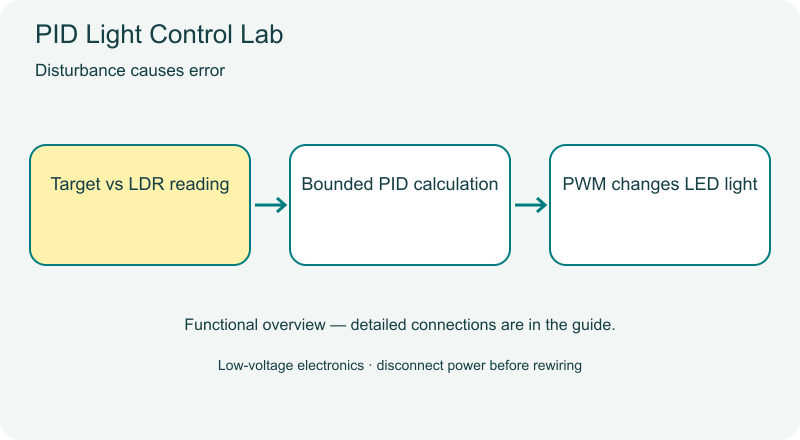
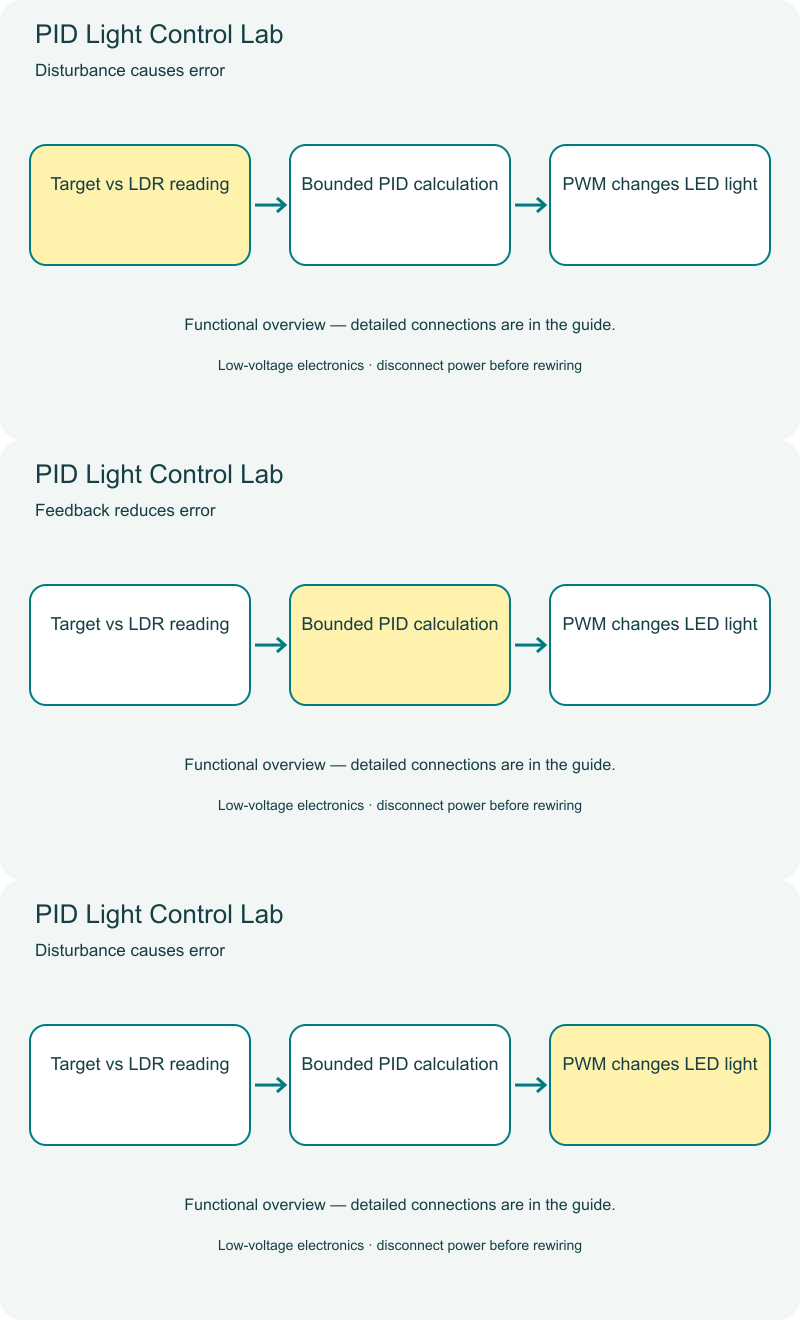
Cover illustrations show component types. Functional animations explain principles and are not recorded prototype tests. Follow the supplied connection labels and pinouts.
Customer feedback
Reviews
No published reviews yet. Be the first to share useful feedback.
Shop Related in this category
Related in this category
9 catalogue productsTechyTron TechyTron
IoT Tank Level Monitor Kit
₹833.00Earn 8 points TechyTron
Local Wi-Fi Sensor Dashboard Kit
₹832.50Earn 8 points TechyTron
MQTT Environment Station Kit
₹1,055.50Earn 10 points TechyTron
Power and Energy Monitor Kit
₹1,074.50Earn 10 points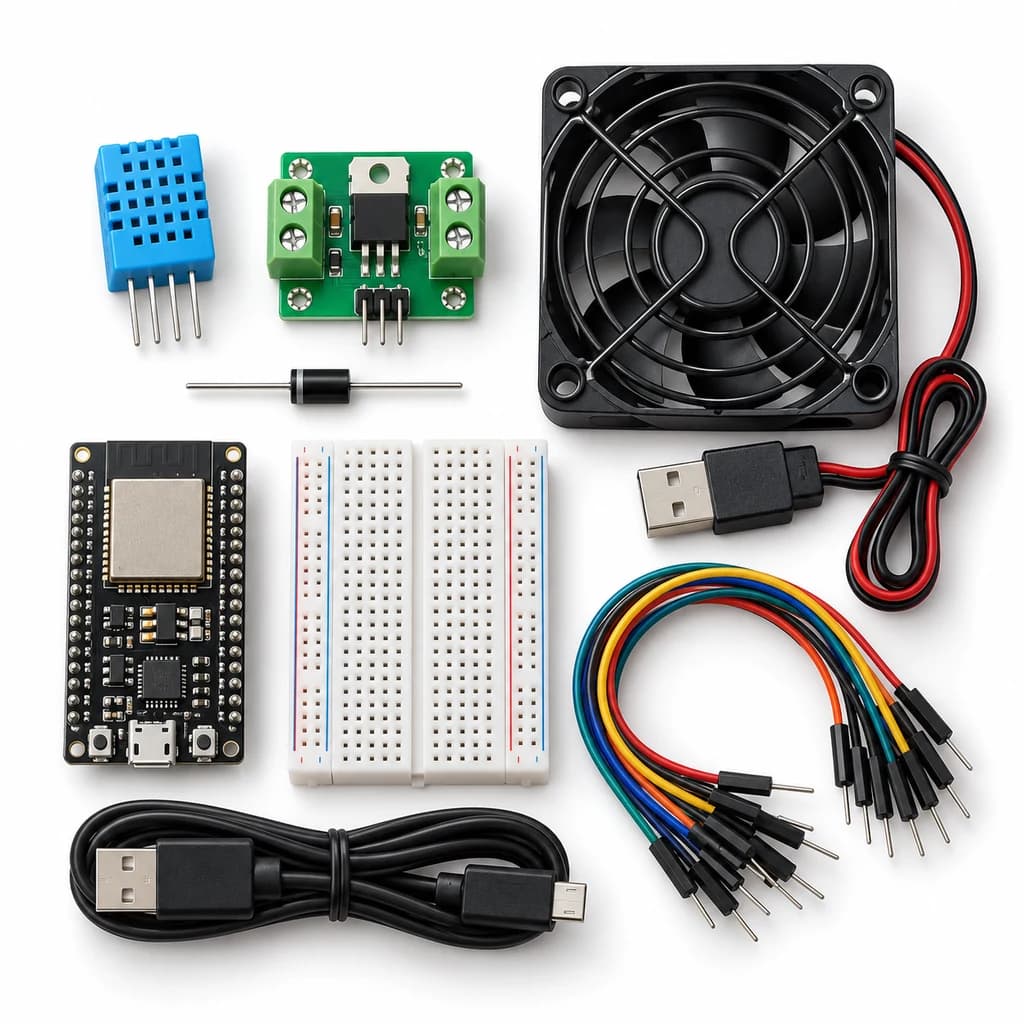 TechyTron
Room Comfort Controller Kit
₹1,253.00Earn 12 points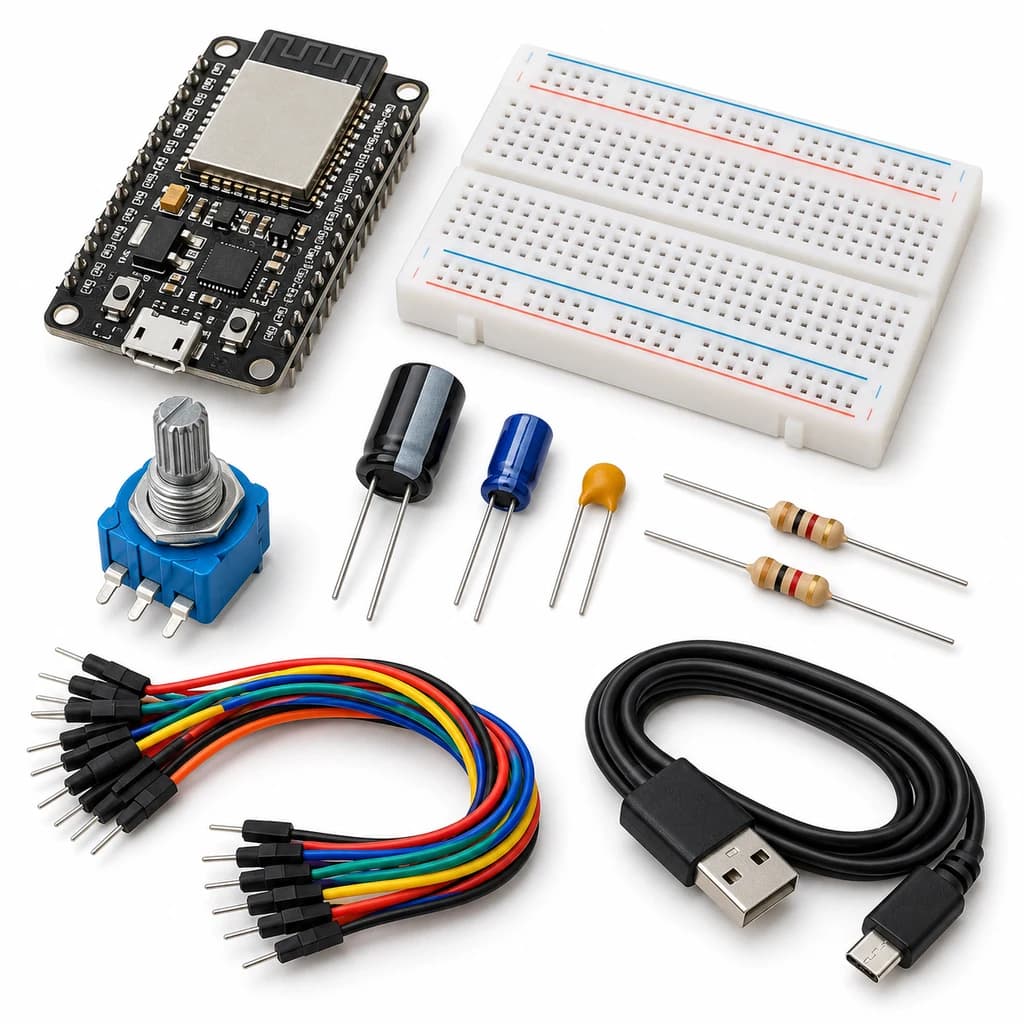 TechyTron
Signal Sampling and Filtering Kit
₹738.00Earn 7 points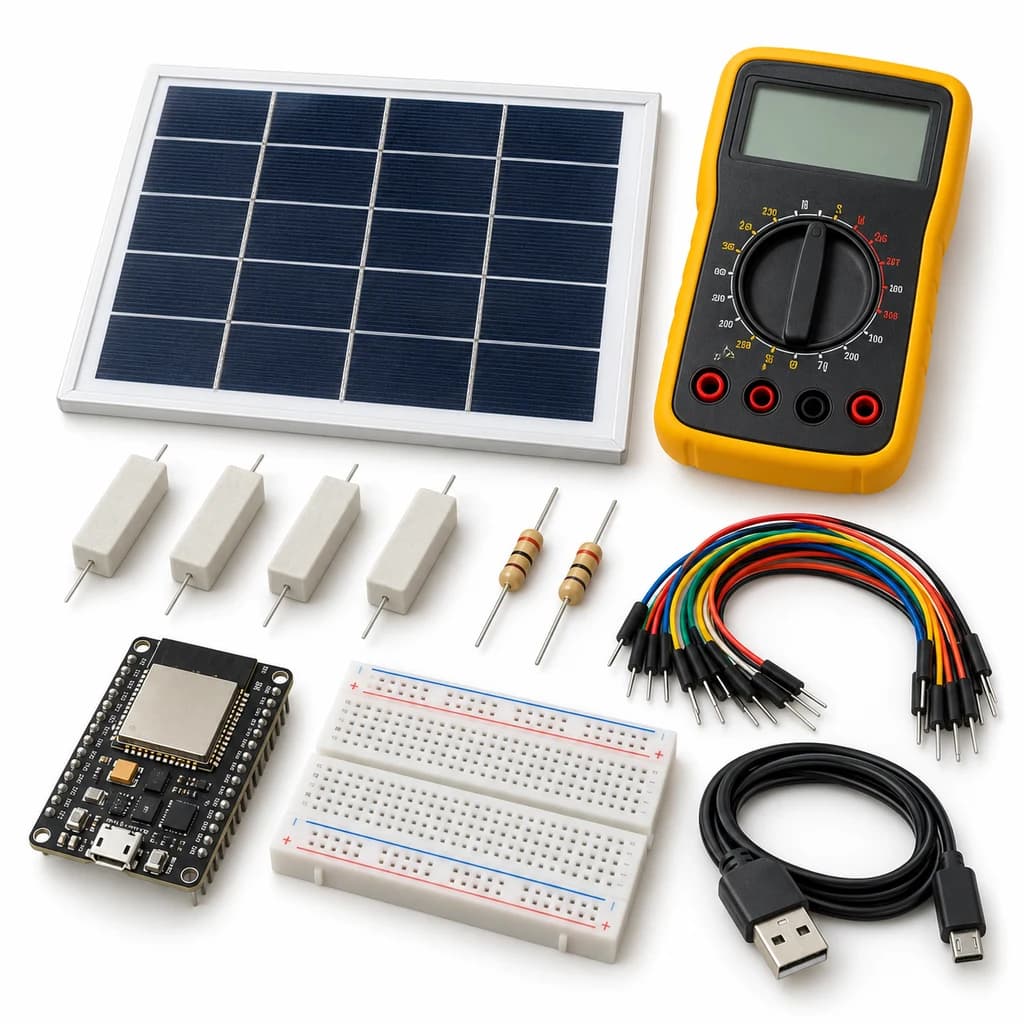 TechyTron
Solar I-V Explorer Kit
₹1,344.50Earn 13 points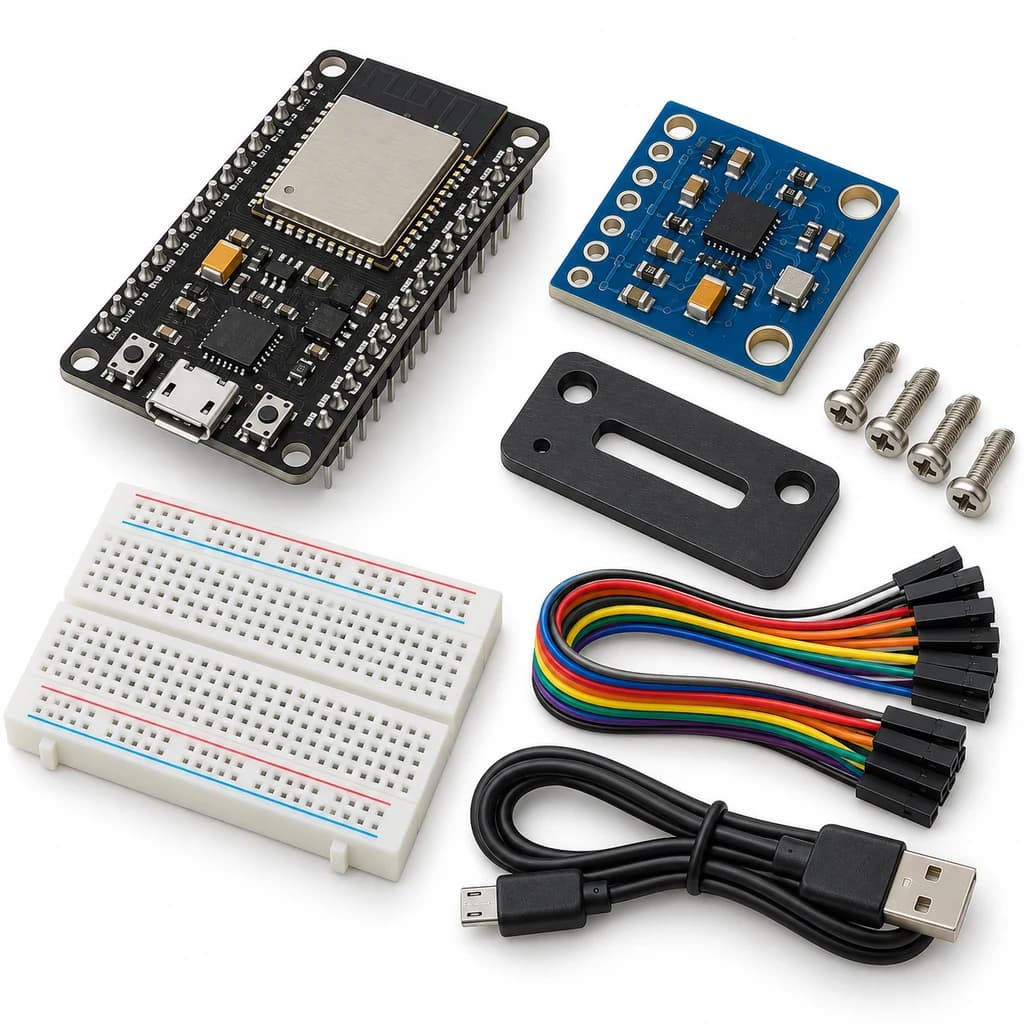 TechyTron
Vibration Spectrum Lab Kit
₹947.50Earn 9 pointsShop Related by product name
Related by product name
10 catalogue products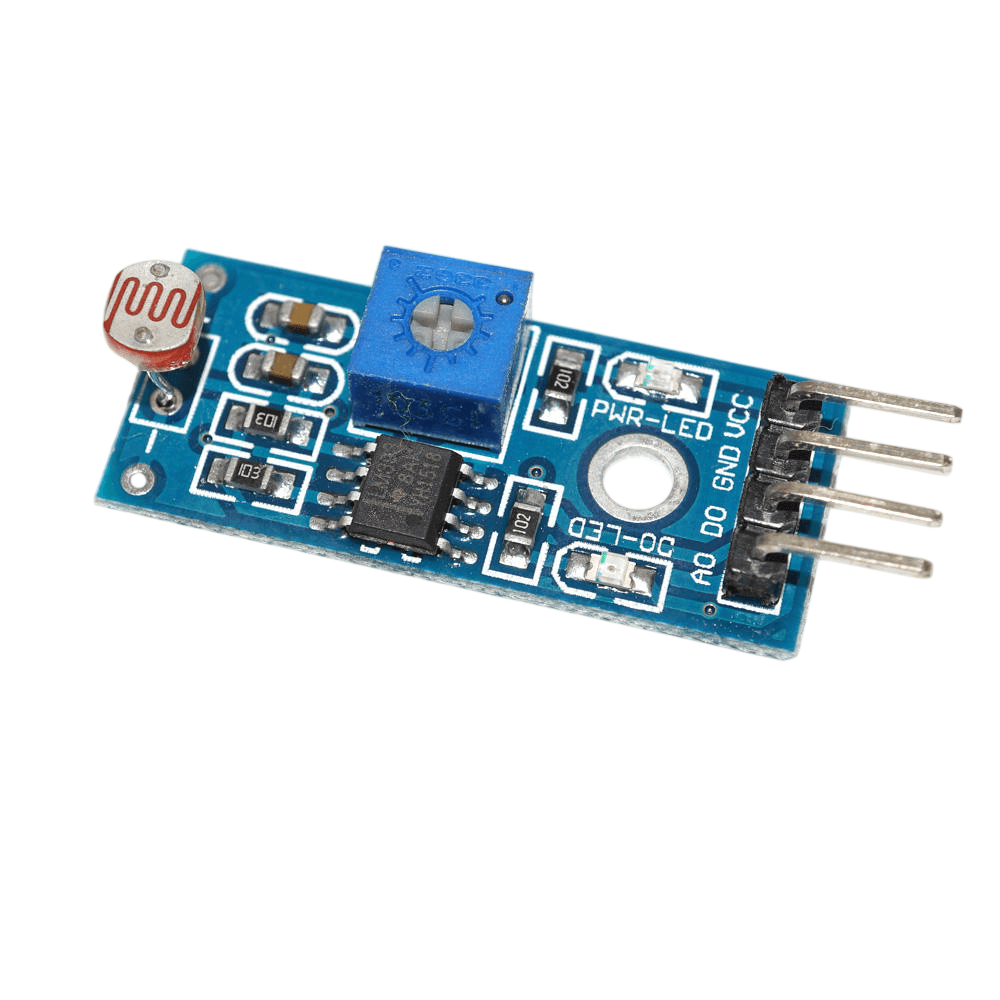 Components
LM393 Photosensitive LDR Light Sensor Module for Arduino
₹28.50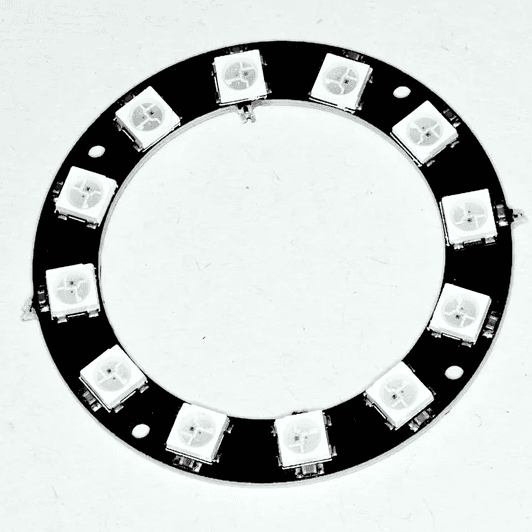 LED Strips & Controllers
12Bit WS2812 5050 RGB LED Built-in Full Color Driving Lights Round
₹69.50 Component Handling Tools
5X 10X Light-Weight Portable Tabletop Gooseneck Led Magnifying Desk Lamp
₹1,050.00Earn 10 points Discrete LEDs
5mm Bi-colour 2 Pin LED (Green + Red)
₹4.50 Drone Motors & ESCs
614 Magnetic Micro Coreless Drone Motor for Micro Quadcopters
₹36.50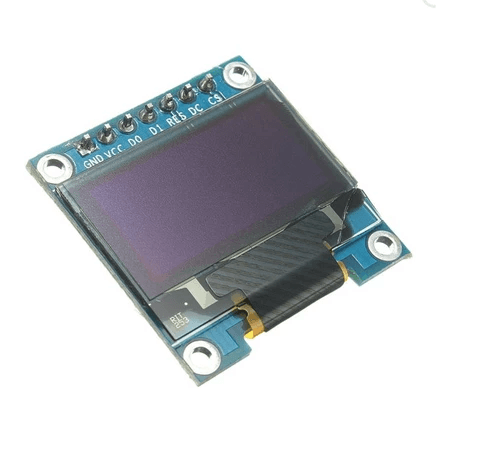 OLED Displays
7PIN 0.96 INCH IIC/SPI SERIAL 128X64 WHITE OLED DISPLAY MODULE FOR ARDUINO
₹277.50Earn 2 points Motor Drivers
AC Light lamp dimming LED lamp and 2 Channel motor Dimmer Module
₹1,177.50Earn 11 points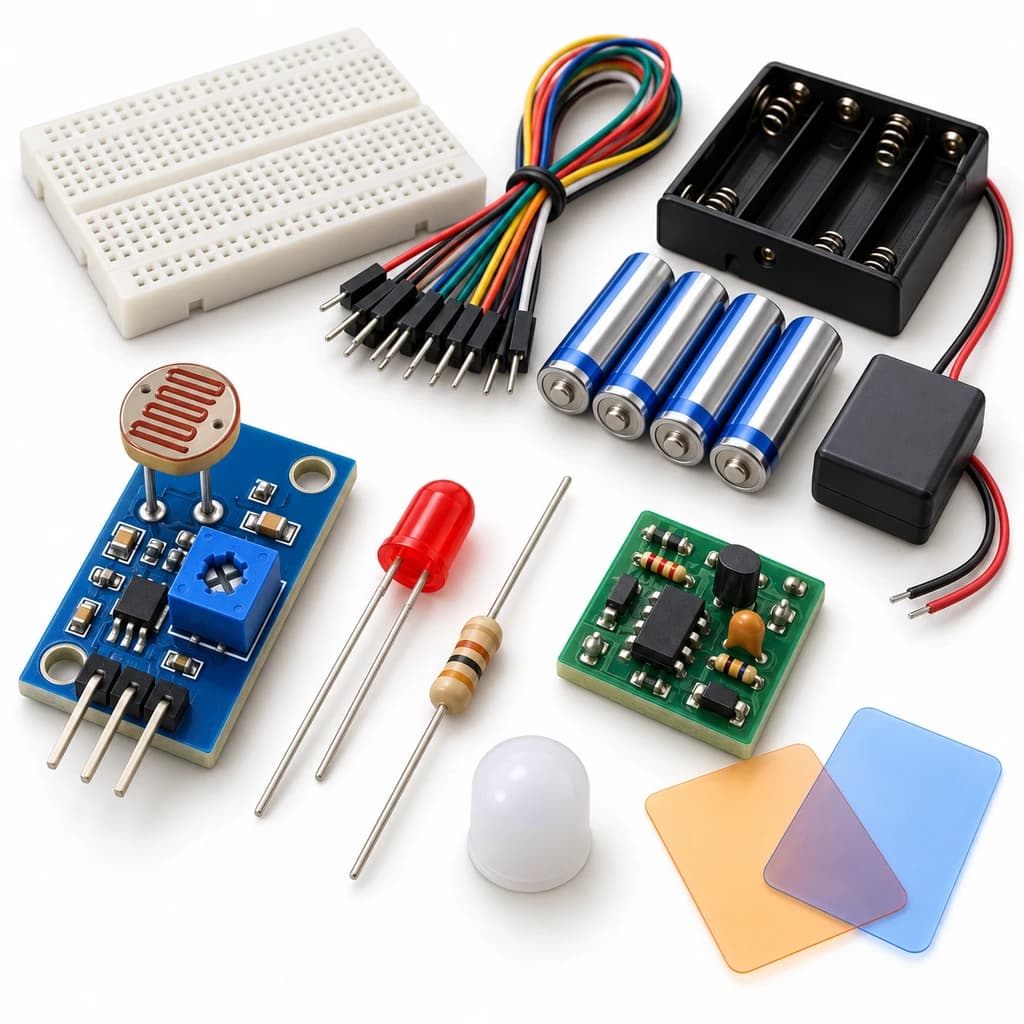 TechyTron
Automatic Night Light Kit
₹577.50Earn 5 points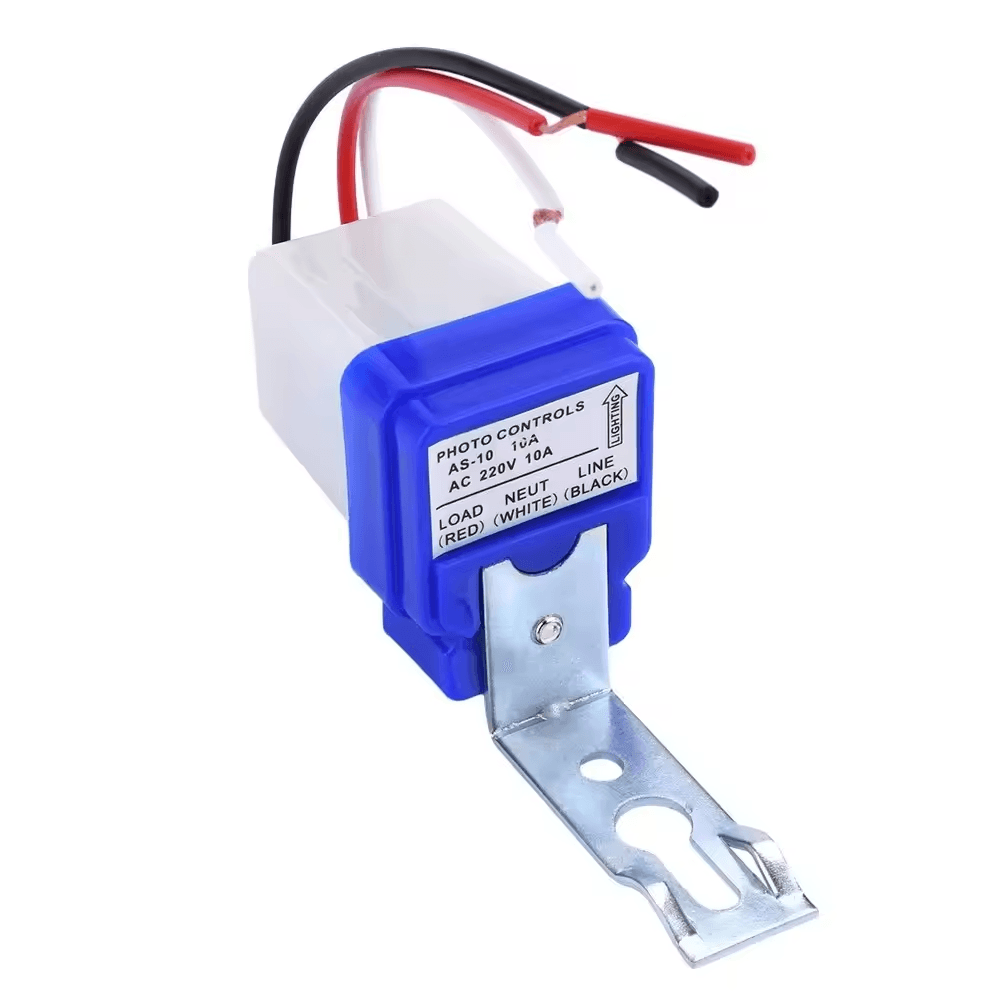 Environmental Sensors
Automatic On/Off Photocell Street Lamp Light Switch Controller AC 220V 50-60Hz 10A
₹141.50Earn 1 points SMD LEDs