 TechyTron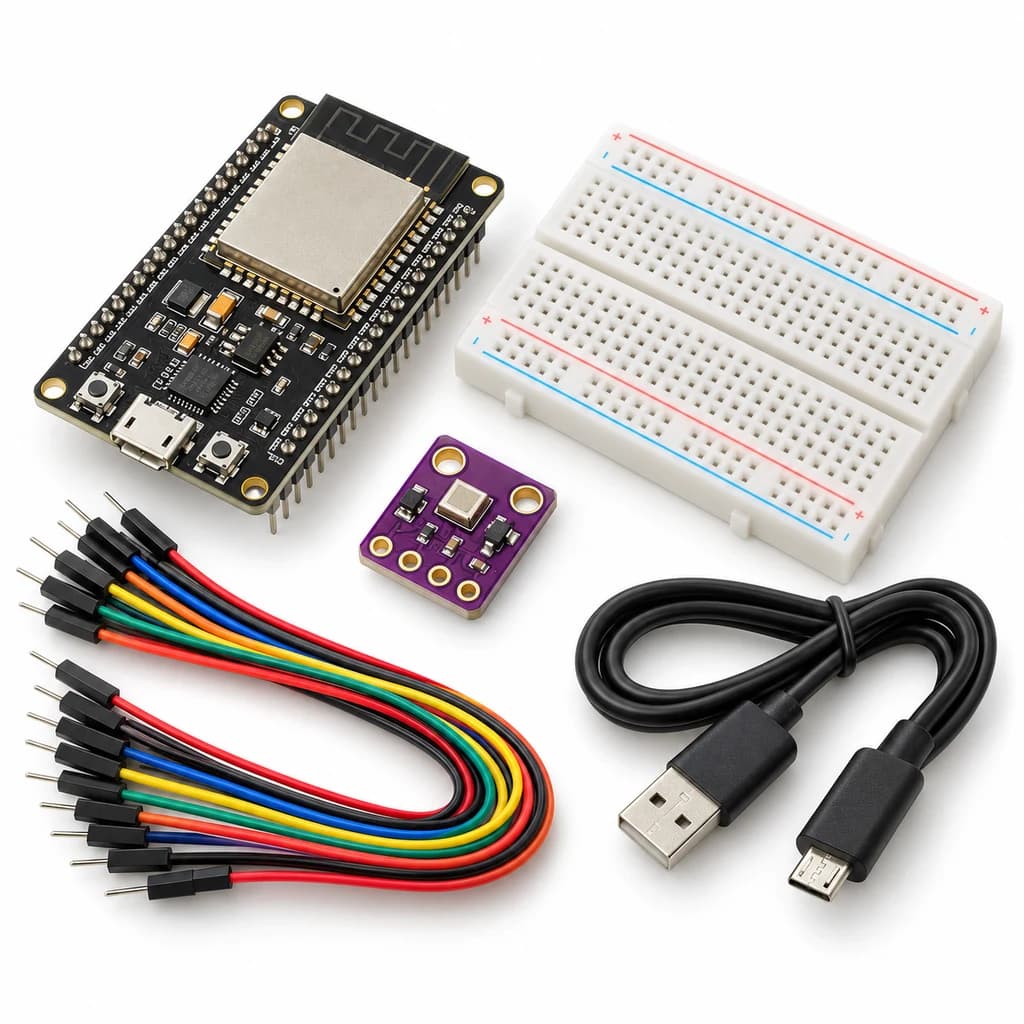
MQTT Environment Station Kit
SKU: TT-SE-11-07
₹1,055.50
Includes 18% GST
Earn 10 reward points per unit. How rewards work
Publish environmental readings to a local MQTT broker. Classes 11-12 · Ages 16–18. Complete electronics kit with an illustrated guide.
Delivery options
Courier from ₹79.00 per order · Free above ₹999.00
Product description
Classes 11-12, typical ages 16–18. Age ranges vary by learner. Guided low-voltage electronics.
Activity engagement
120–180 minutes. Explore 20–35 min · Build 40–60 min · Test and discuss 60–85 min. Estimated time for building, testing and discussion.
What you need
A computer with a USB port and Arduino IDE is required and is not included. Wi-Fi/BLE experiments also require the local network or phone specified in the guide.
Included components
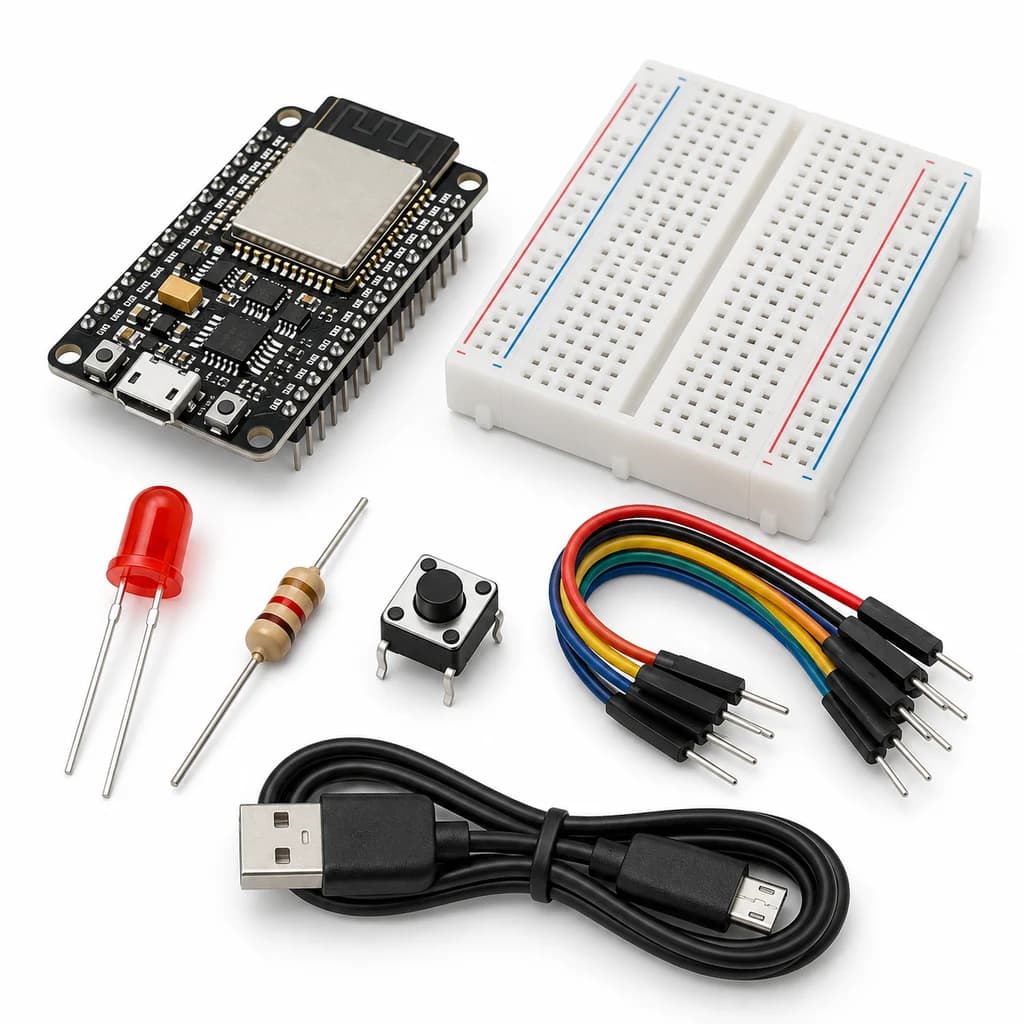
- Small Breadboard / Mini Solderless Board - 400 points — 1 breadboard
- Jumper Wire Combo - Male to Male, Male to Female and Female to Female Breadboard Connecting Wires (10 Qty Each) — 1 set
- Illustrated Activity Guide and Observation Sheets — 1 set
- Fitted Headers and Labelled Connection Leads — 1 set
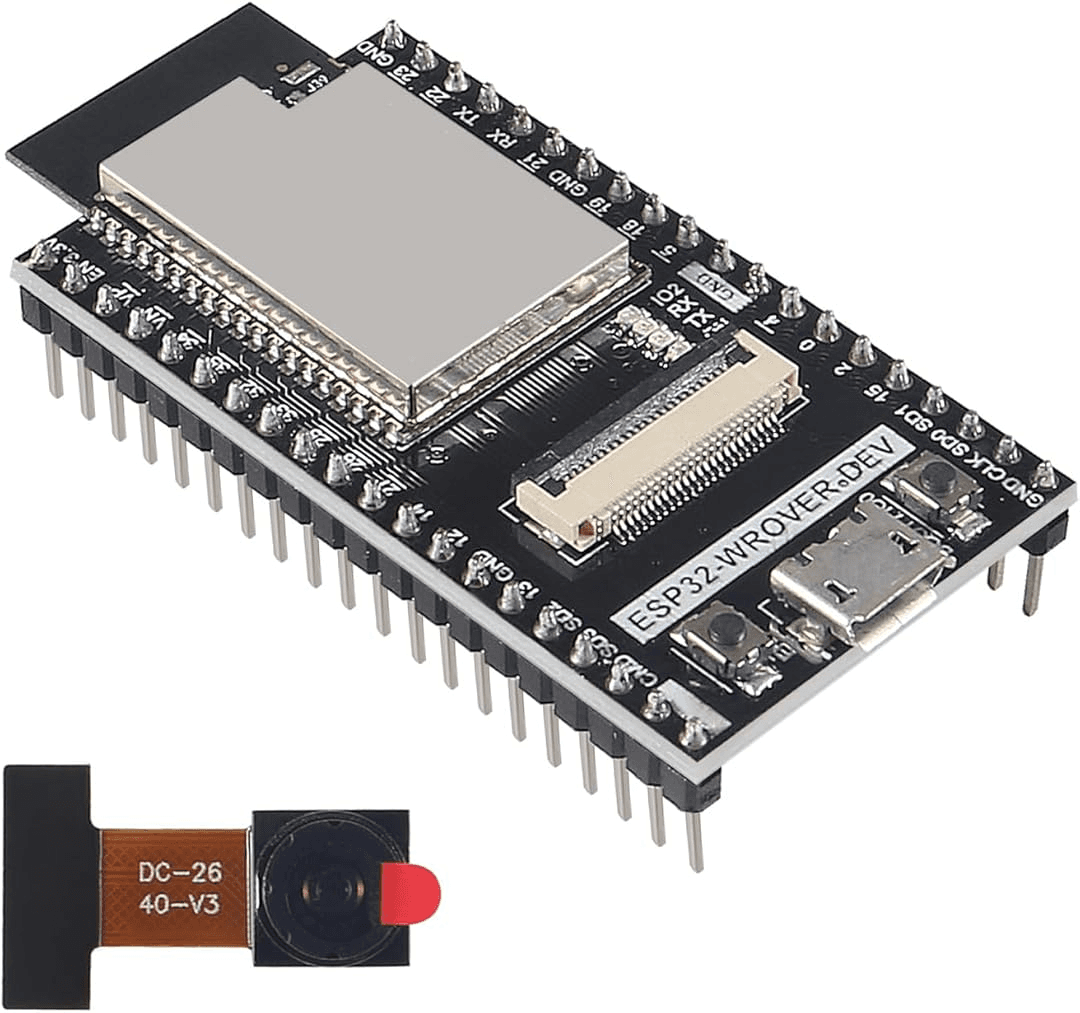
- ESP32S 38Pin Development Board (WIFI+BLUETOOTH) — 1 controller board
- MICRO USB DATA CABLE — 1 data cable
- Bme280 Embedded High Precision Atmospheric Pressure Height Sensor Module — 1 sensor module
What you learn
- MQTT separates publishers from subscribers through topics.
- Sensor identity and valid data types matter.
- Reconnect logic and local credentials are part of a working networked system.
Connection guide
- BME280 VCC → 3.3 V; GND → GND; SDA → GPIO21; SCL → GPIO22. Use BME280, not a BMP280 substitute.
Steps to make it
- Disconnect all power and identify the supplied part labels and pinouts before wiring.
- Connect the 3.3 V sensor and install the listed libraries.
- On a computer/local classroom server, prepare an MQTT broker and subscriber on the same private LAN.
- Enter local Wi-Fi, broker host and the classroom broker credentials in your own sketch copy.
- Upload, subscribe to techytron/lab/environment, and compare received JSON with serial readings.
- Change only the named parameter for the extension, repeat the controlled trials, save observations and disconnect power afterward.
Programming resources
Arduino IDE: install esp32 by Espressif Systems 3.x; select ESP32 Dev Module for the supplied classic WROOM board. Serial Monitor: 115200 baud. GPIO is 3.3 V only.
Libraries to install
- Adafruit BME280 Library
- Adafruit Unified Sensor
- Adafruit BusIO
- PubSubClient
Test challenge
Disconnect and restore Wi-Fi once; check reconnection and the return of valid messages.
Observation task
Message time, topic, temperature, humidity, pressure and reconnect events.
Expected result
Valid BME280 measurements publish as JSON on the configured local topic; no broker or cloud subscription is supplied.
If it does not work
Check 0x76/0x77 address, 2.4 GHz Wi-Fi, broker access/credentials and firewall rules. Keep the teaching broker on the private LAN.
Try next
Add unique device IDs, retained-message policy and a sample timestamp; compare MQTT with direct HTTP.
Use and supervision
Use only the supplied low-voltage DC parts. Disconnect power before rewiring; check polarity and labelled pinouts. No soldering or exposed mains connections. Adult guidance is recommended.
How this experiment works
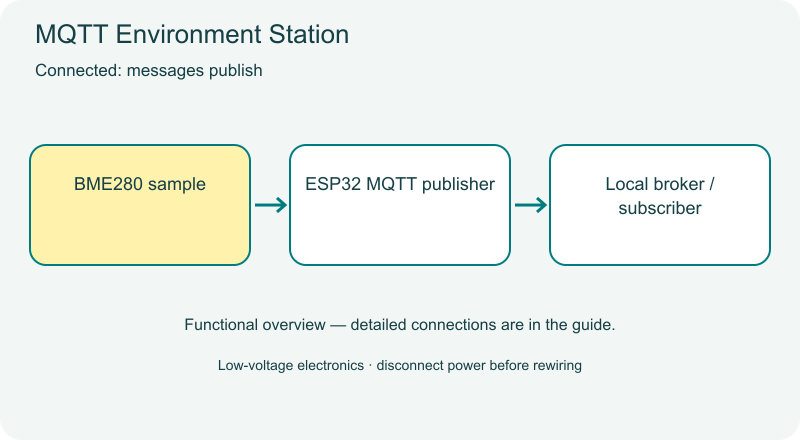
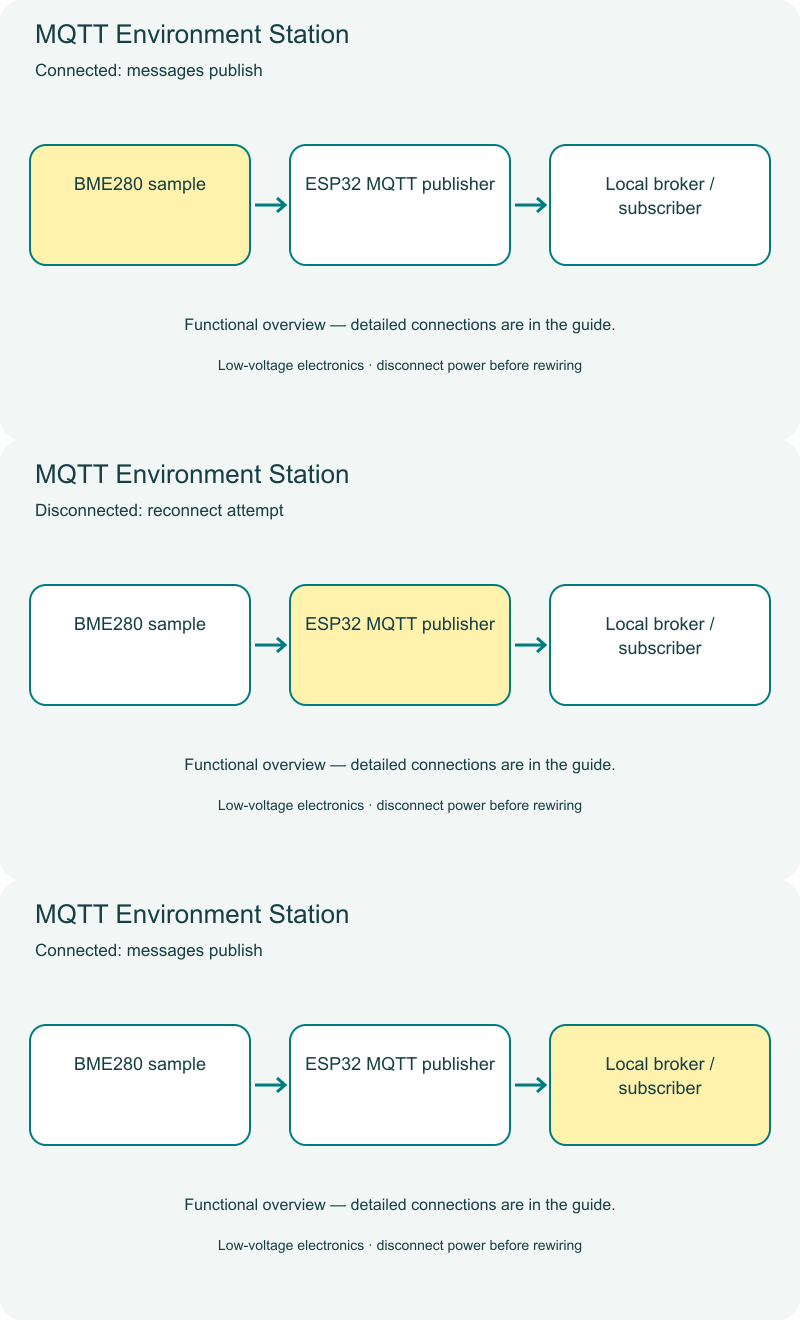
Cover illustrations show component types. Functional animations explain principles and are not recorded prototype tests. Follow the supplied connection labels and pinouts.
Customer feedback
Reviews
No published reviews yet. Be the first to share useful feedback.
Shop Related in this category
Related in this category
9 catalogue productsTechyTron TechyTron
IoT Tank Level Monitor Kit
₹833.00Earn 8 points TechyTron
Local Wi-Fi Sensor Dashboard Kit
₹832.50Earn 8 points TechyTron
PID Light Control Lab Kit
₹755.50Earn 7 points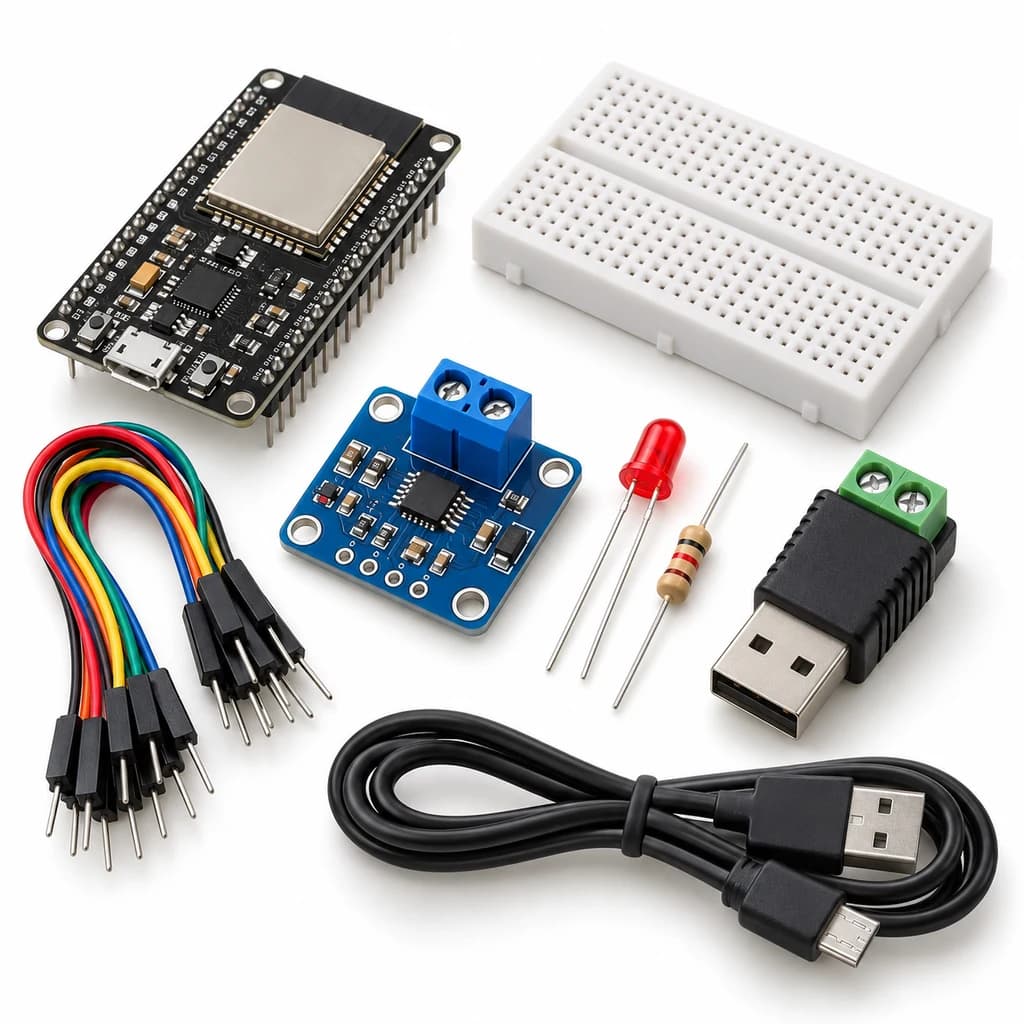 TechyTron
Power and Energy Monitor Kit
₹1,074.50Earn 10 points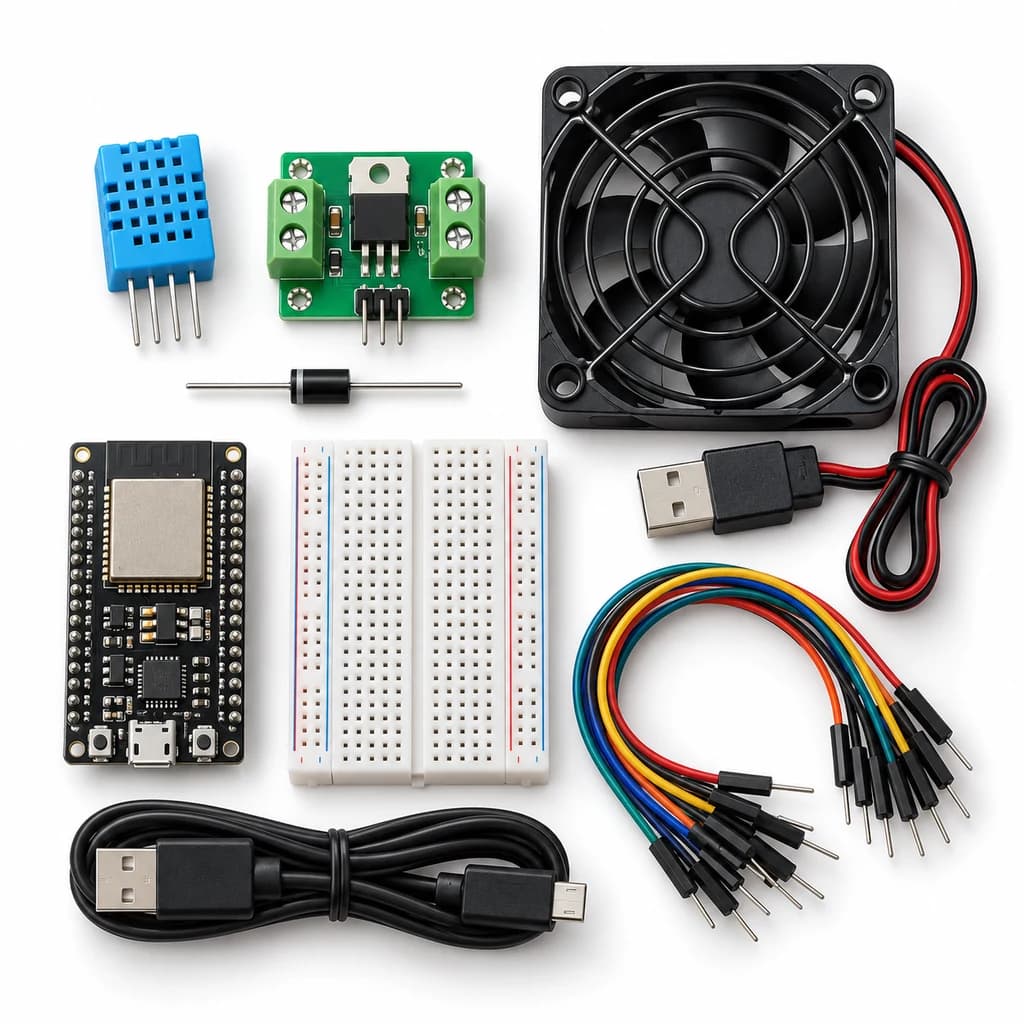 TechyTron
Room Comfort Controller Kit
₹1,253.00Earn 12 points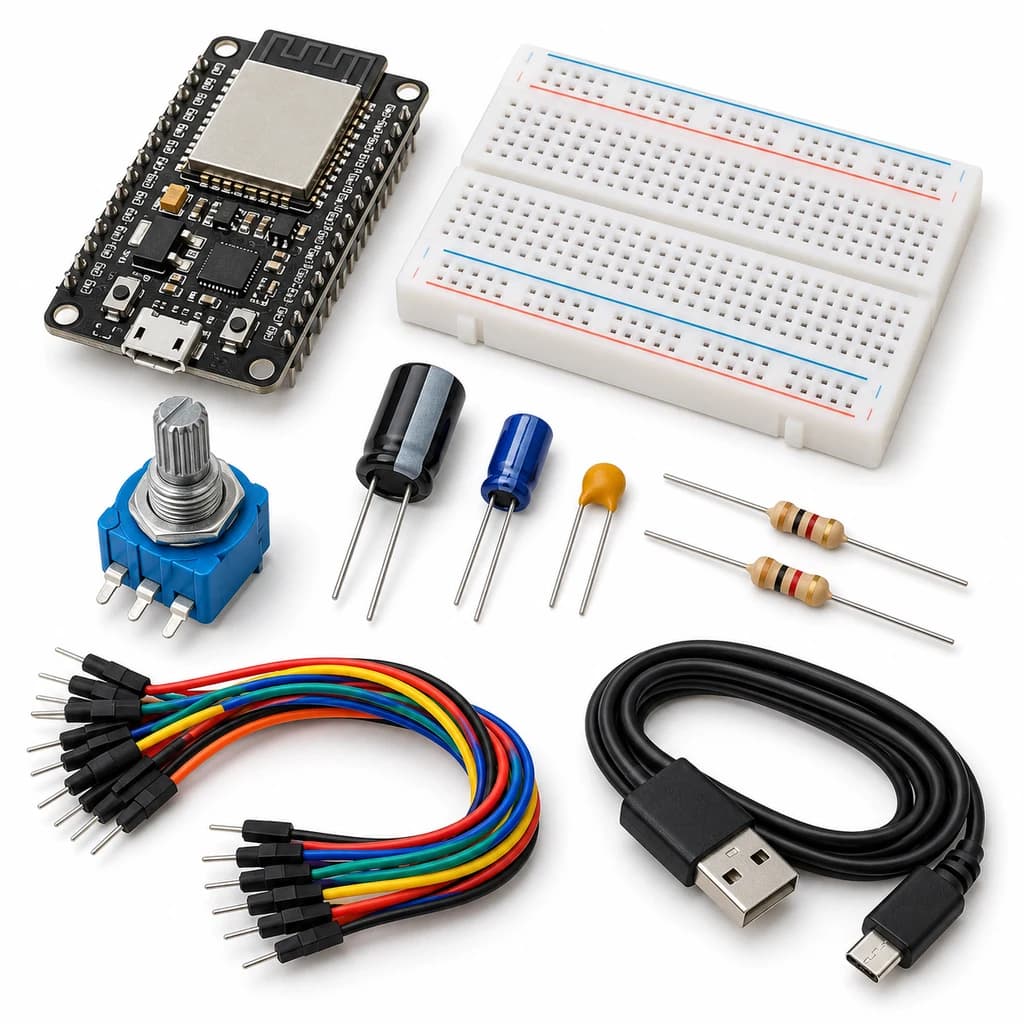 TechyTron
Signal Sampling and Filtering Kit
₹738.00Earn 7 points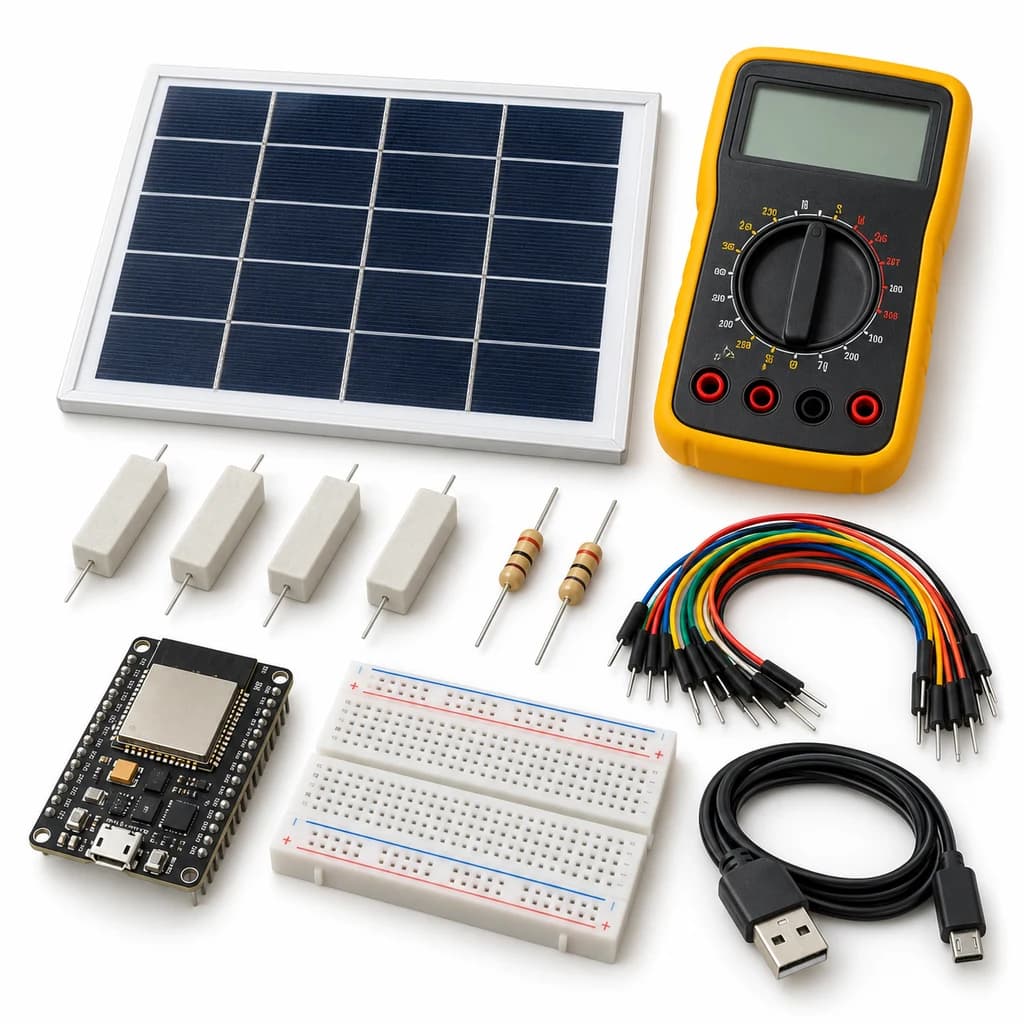 TechyTron
Solar I-V Explorer Kit
₹1,344.50Earn 13 points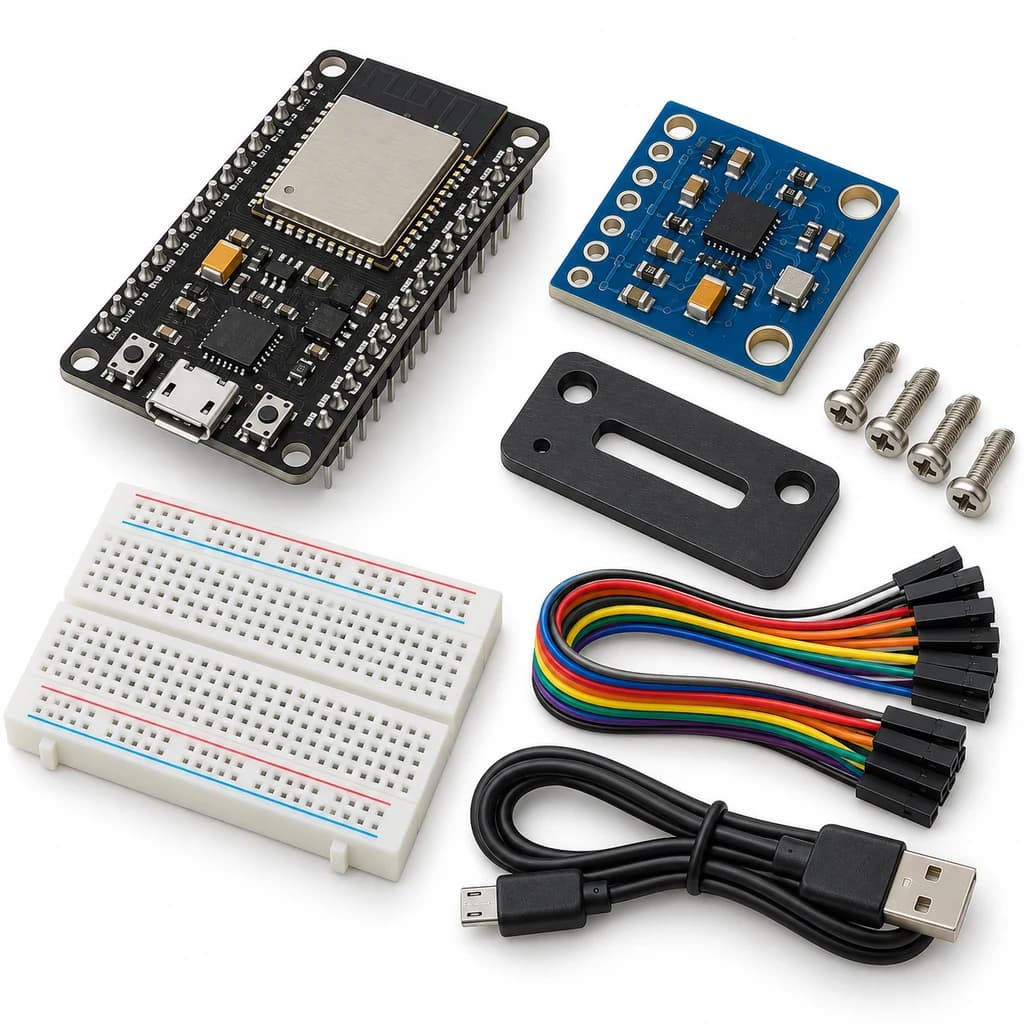 TechyTron
Vibration Spectrum Lab Kit
₹947.50Earn 9 pointsShop Related by product name