
 TechyTron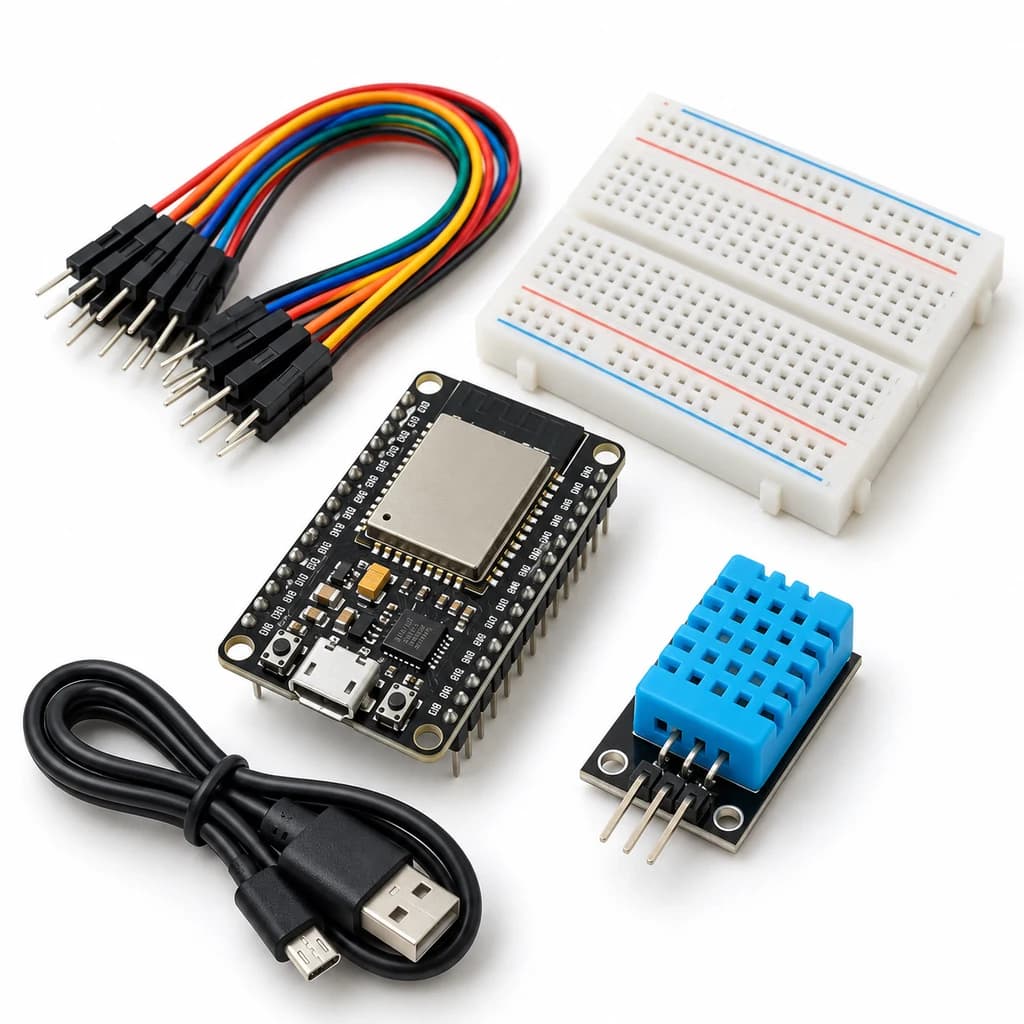
Local Wi-Fi Sensor Dashboard Kit
SKU: TT-SE-11-01
₹832.50
Includes 18% GST
Earn 8 reward points per unit. How rewards work
Host a temperature and humidity dashboard on your local network. Classes 11-12 · Ages 16–18. Complete electronics kit with an illustrated guide.
Delivery options
Courier from ₹79.00 per order · Free above ₹999.00
Product description
Classes 11-12, typical ages 16–18. Age ranges vary by learner. Guided low-voltage electronics.
Activity engagement
90–150 minutes. Explore 15–30 min · Build 30–50 min · Test and discuss 45–70 min. Estimated time for building, testing and discussion.
What you need
A computer with a USB port and Arduino IDE is required and is not included. Wi-Fi/BLE experiments also require the local network or phone specified in the guide.
Included components
- Small Breadboard / Mini Solderless Board - 400 points — 1 breadboard
- Jumper Wire Combo - Male to Male, Male to Female and Female to Female Breadboard Connecting Wires (10 Qty Each) — 1 set
- Illustrated Activity Guide and Observation Sheets — 1 set
- Fitted Headers and Labelled Connection Leads — 1 set
- ESP32S 38Pin Development Board (WIFI+BLUETOOTH) — 1 controller board
- MICRO USB DATA CABLE — 1 data cable
- DHT11 — 1 sensor module
- 10K Ω 1/4 Watts (10 PCS) — 1 resistor
- Bidirectional 3.3 V / 5 V Sensor Data Level Shifter — 1 level-shifter module
What you learn
- A microcontroller can serve a web page to a browser on the same LAN.
- Data acquisition should run separately from request handling.
- Missing sensor data should remain visibly invalid.
Connection guide
- DHT11 VCC → USB-powered board 5 V output, GND → GND. DATA has its supplied 10 kOhm pull-up to 5 V.
- Bidirectional data shifter HV → 5 V, LV → 3.3 V, common GND; DHT DATA → HV1, GPIO27 → LV1. Do not connect a 5 V data line directly to ESP32.
Steps to make it
- Disconnect all power and identify the supplied part labels and pinouts before wiring.
- Connect the DHT11 through the supplied data level shifter.
- Install the libraries and edit only the Wi-Fi settings in your local copy of the sketch.
- Upload, open Serial Monitor and visit the printed local IP from a device on the same network.
- Compare browser values with serial readings and unplug the sensor only with power off to test the unavailable-data state.
- Change only the named parameter for the extension, repeat the controlled trials, save observations and disconnect power afterward.
Programming resources
Arduino IDE: install esp32 by Espressif Systems 3.x; select ESP32 Dev Module for the supplied classic WROOM board. Serial Monitor: 115200 baud. GPIO is 3.3 V only.
Libraries to install
- DHT sensor library (Adafruit)
- Adafruit Unified Sensor
Test challenge
Reload the page from two local devices while collecting a three-minute temperature/humidity record.
Observation task
Local sample time, browser value, serial value and any connection or sensor failure.
Expected result
The ESP32 serves current valid room readings locally; no cloud account or Internet publishing is required.
If it does not work
Use a 2.4 GHz Wi-Fi network and the correct local IP; guest-network client isolation may prevent access. Check the DHT11 level shifter.
Try next
Add JSON output with explicit units and a sample-age field.
Use and supervision
Use only the supplied low-voltage DC parts. Disconnect power before rewiring; check polarity and labelled pinouts. No soldering or exposed mains connections. Adult guidance is recommended.
How this experiment works
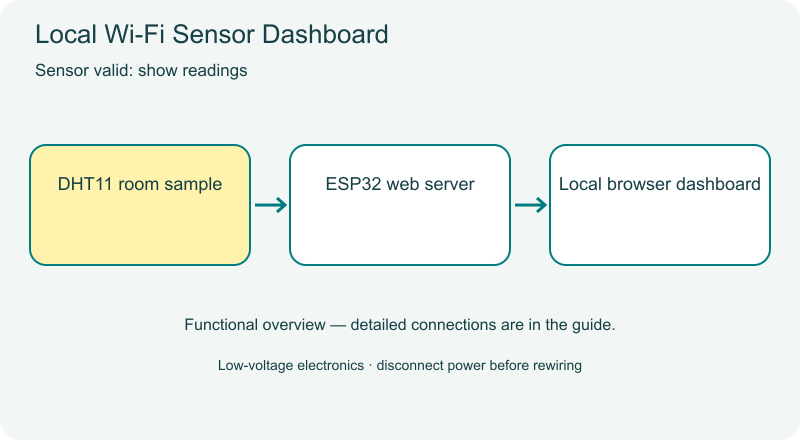
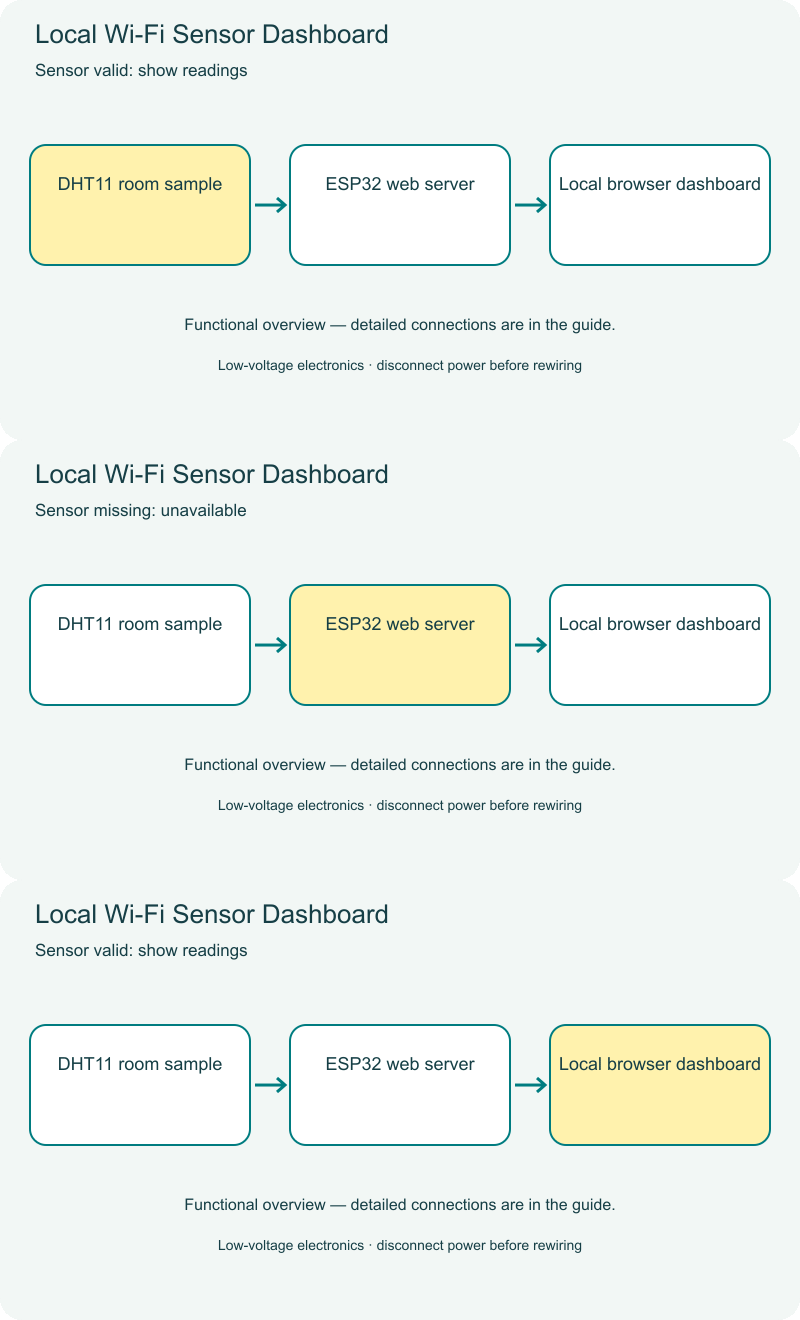
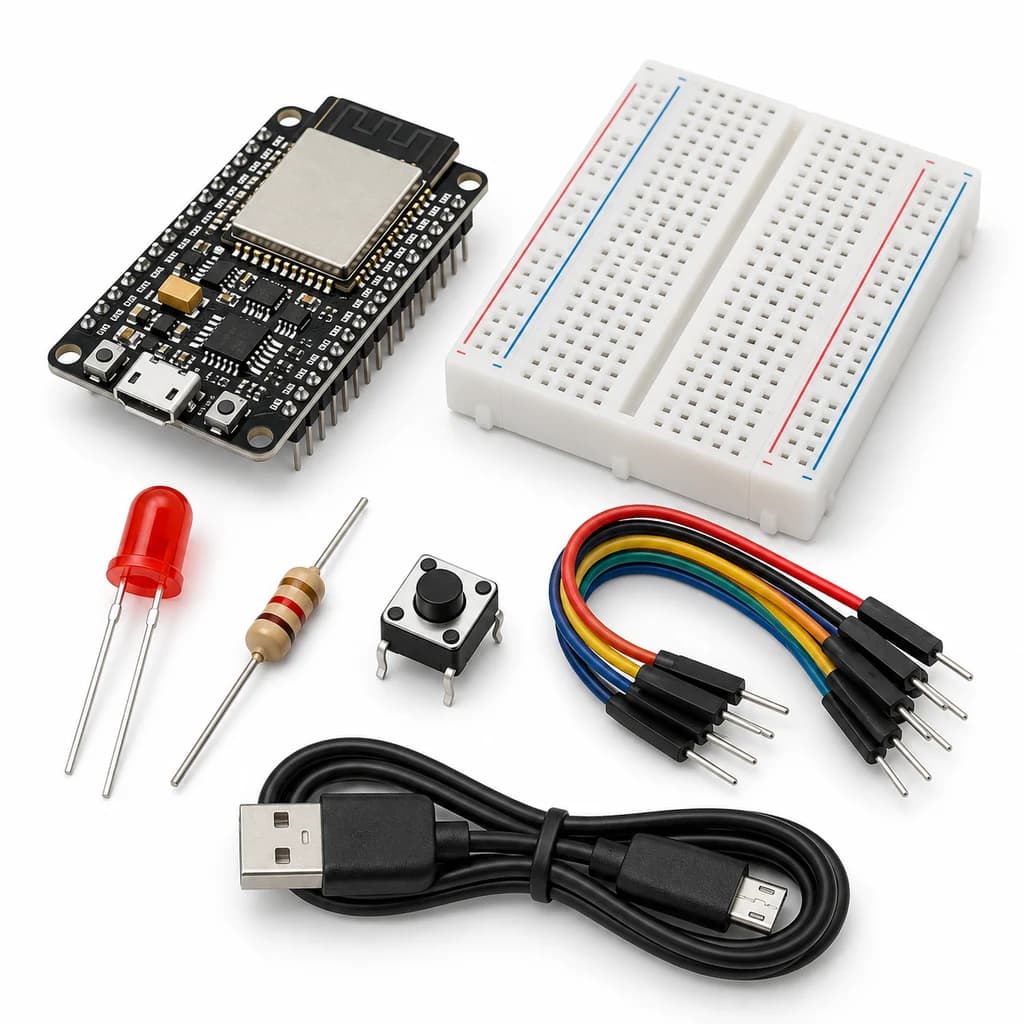
Cover illustrations show component types. Functional animations explain principles and are not recorded prototype tests. Follow the supplied connection labels and pinouts.
Customer feedback
Reviews
No published reviews yet. Be the first to share useful feedback.
Shop Related in this category
Related in this category
9 catalogue productsTechyTron TechyTron
IoT Tank Level Monitor Kit
₹833.00Earn 8 points TechyTron
MQTT Environment Station Kit
₹1,055.50Earn 10 points TechyTron
PID Light Control Lab Kit
₹755.50Earn 7 points TechyTron
Power and Energy Monitor Kit
₹1,074.50Earn 10 points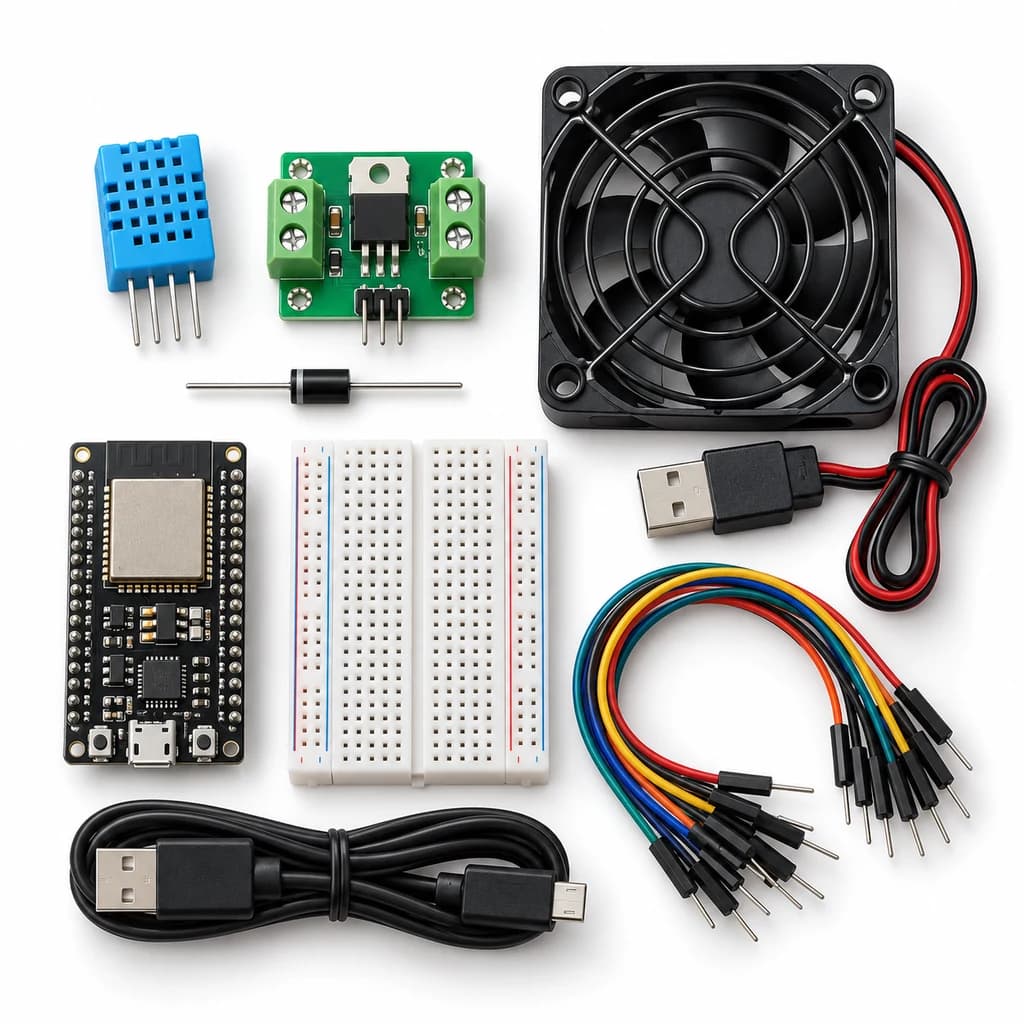 TechyTron
Room Comfort Controller Kit
₹1,253.00Earn 12 points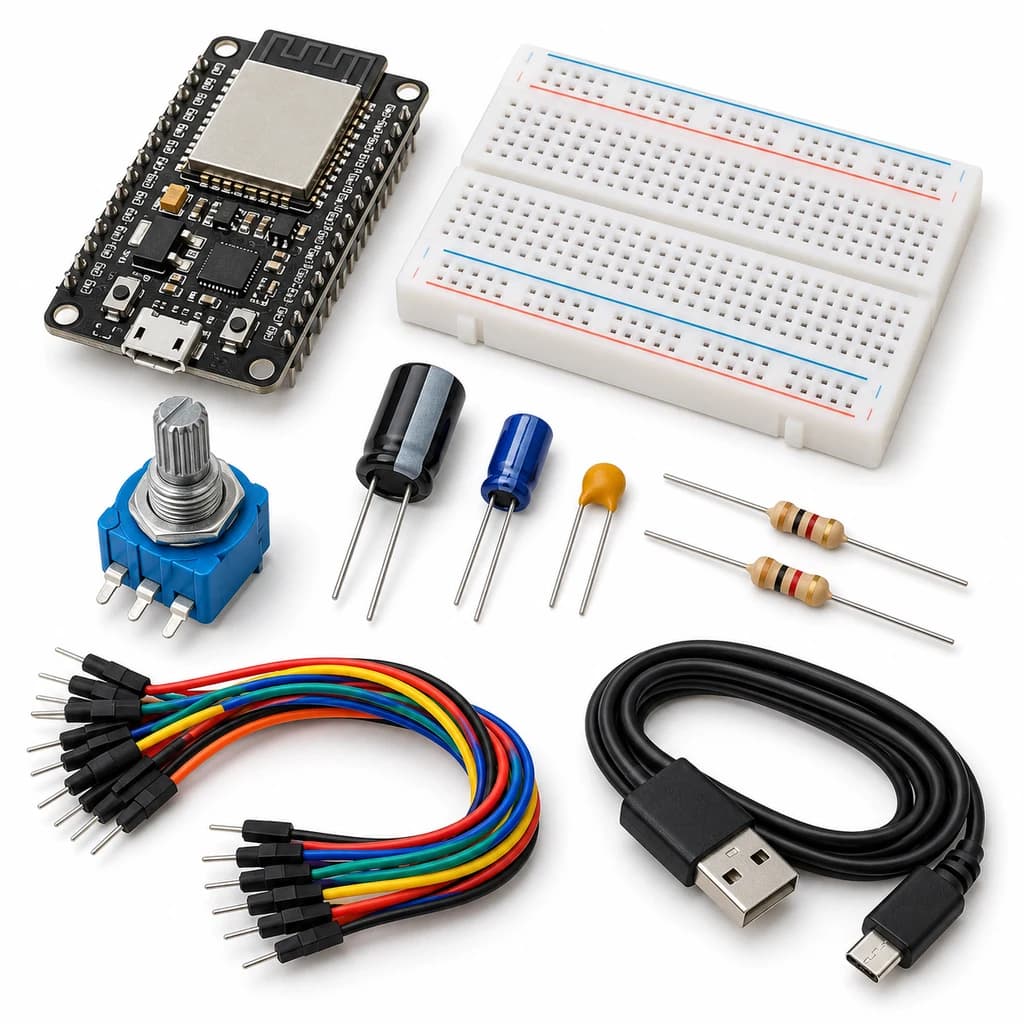 TechyTron
Signal Sampling and Filtering Kit
₹738.00Earn 7 points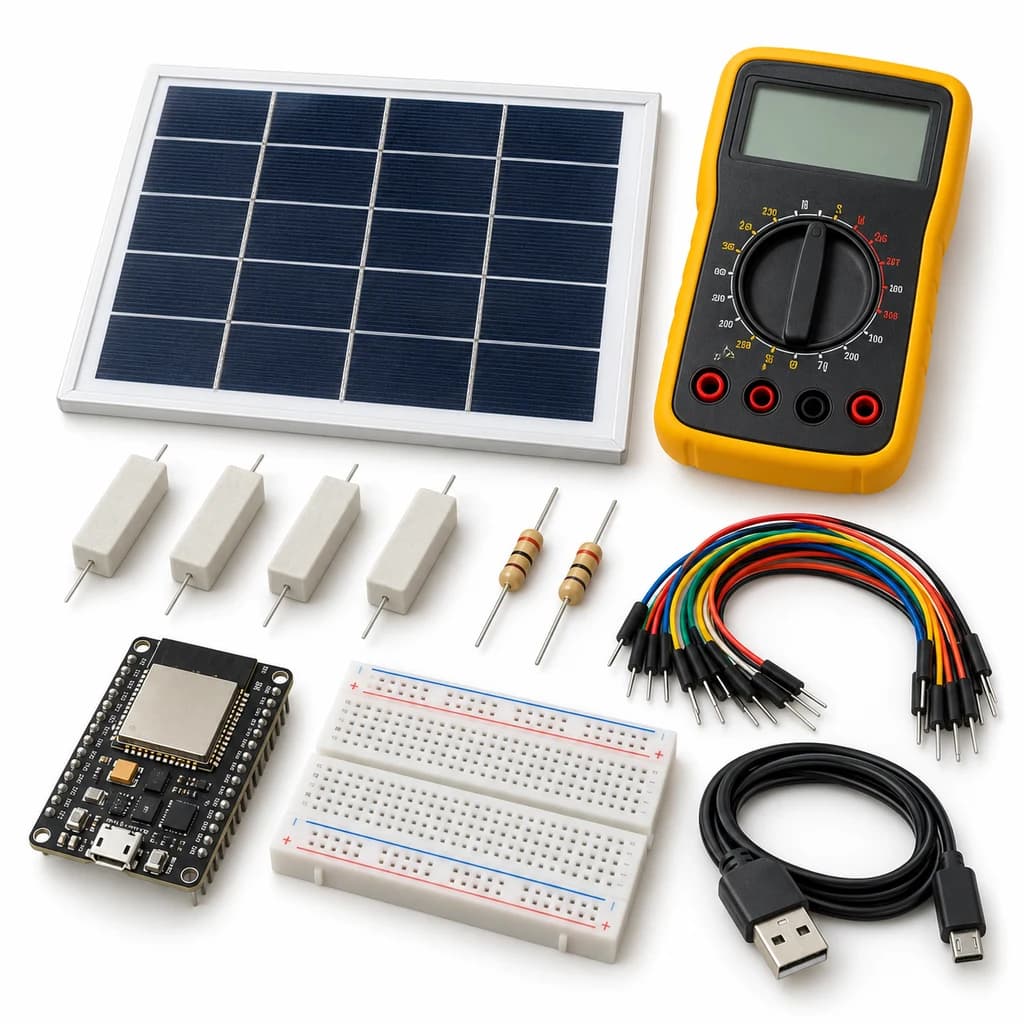 TechyTron
Solar I-V Explorer Kit
₹1,344.50Earn 13 points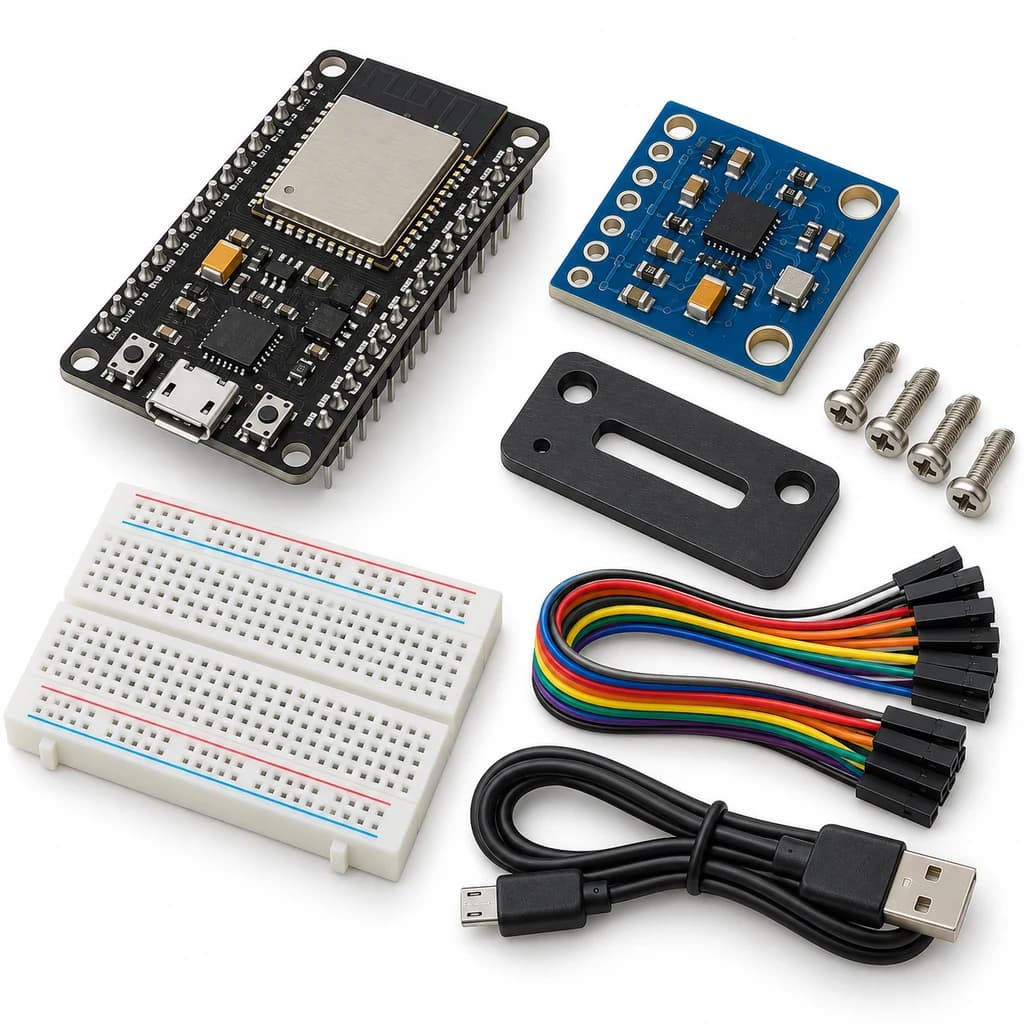 TechyTron
Vibration Spectrum Lab Kit
₹947.50Earn 9 pointsShop Related by product name
Related by product name
10 catalogue products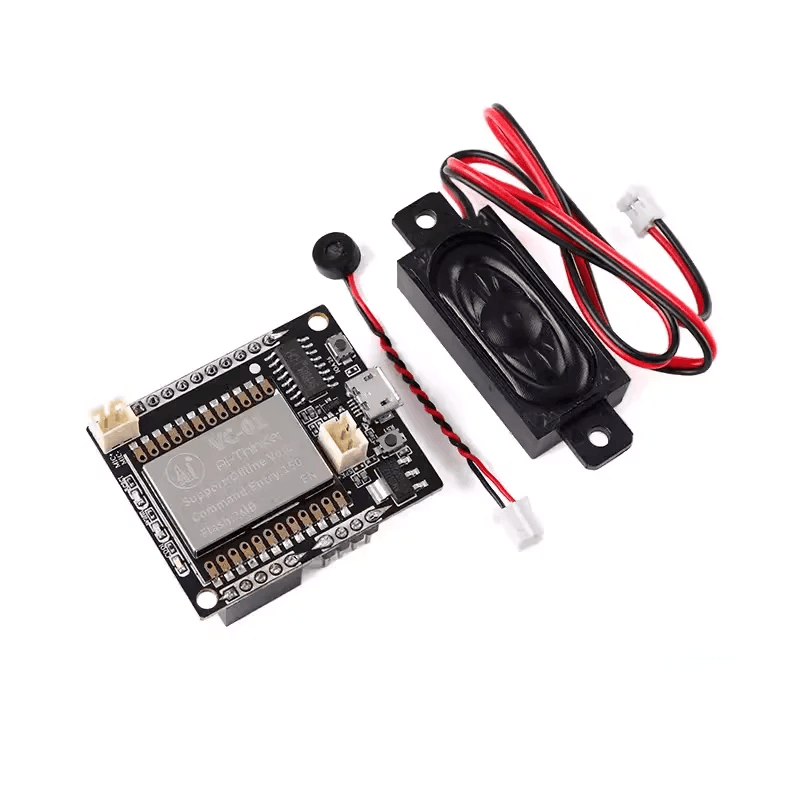 Voice Recognition Boards
Ai Thinker VC-01-Kit
₹743.50Earn 7 points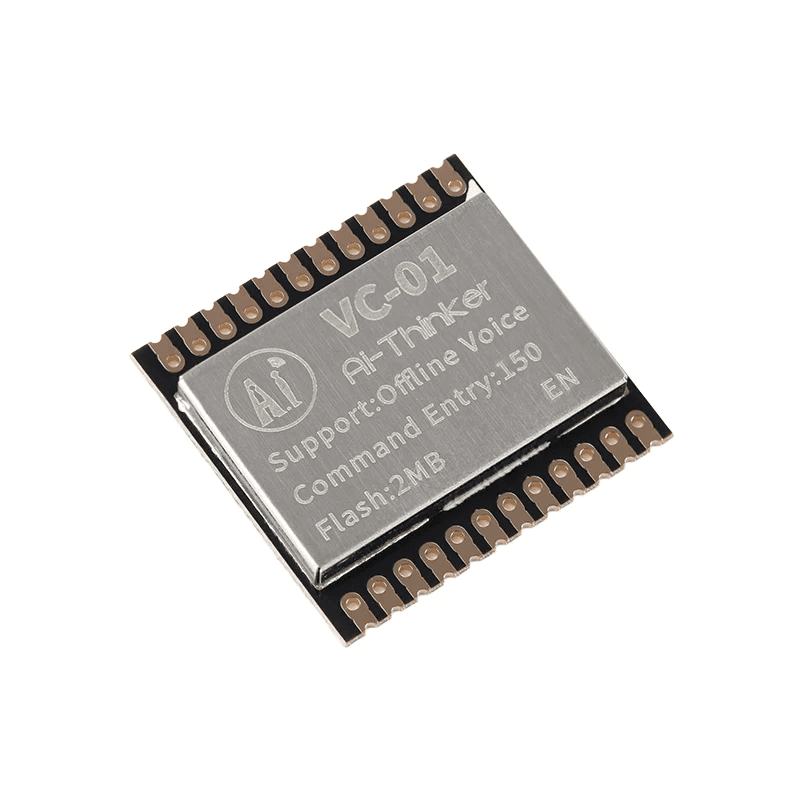 Voice Recognition Modules
Ai-Thinker VC-01 Offline Speech Recognition Module
₹298.50Earn 2 points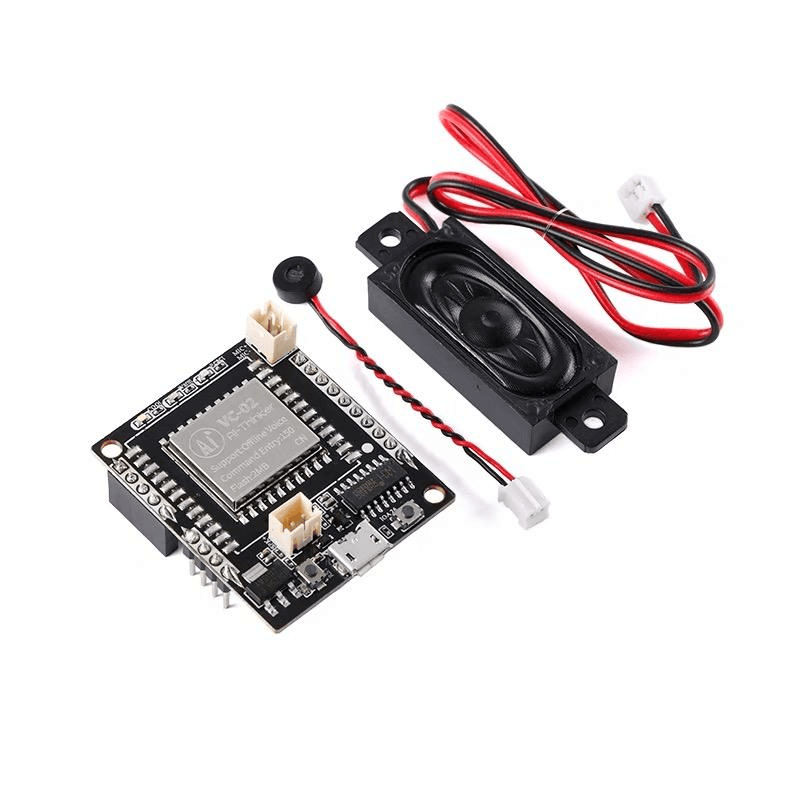 Voice Recognition Boards
Ai-Thinker VC-02-Kit Voice Recognition Development Board
₹744.50Earn 7 pointsTechyTronBluetooth LED Control Kit
₹720.50Earn 7 points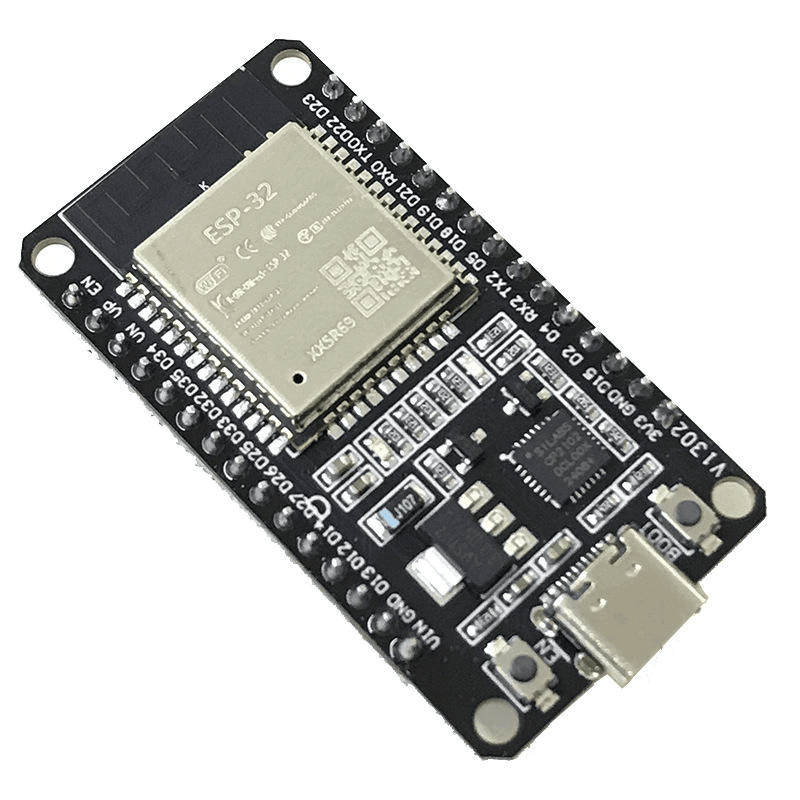 Boards
ESP32 Type-C CP2102 30 Pin Dev Board – Dual Core WiFi+BT
₹395.50Earn 3 points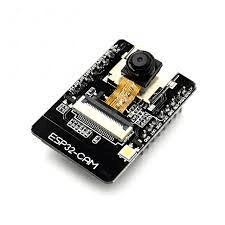 Boards
ESP32-CAM Camera Development Board OV2640 /OV3660 Camera Module
₹761.00Earn 7 points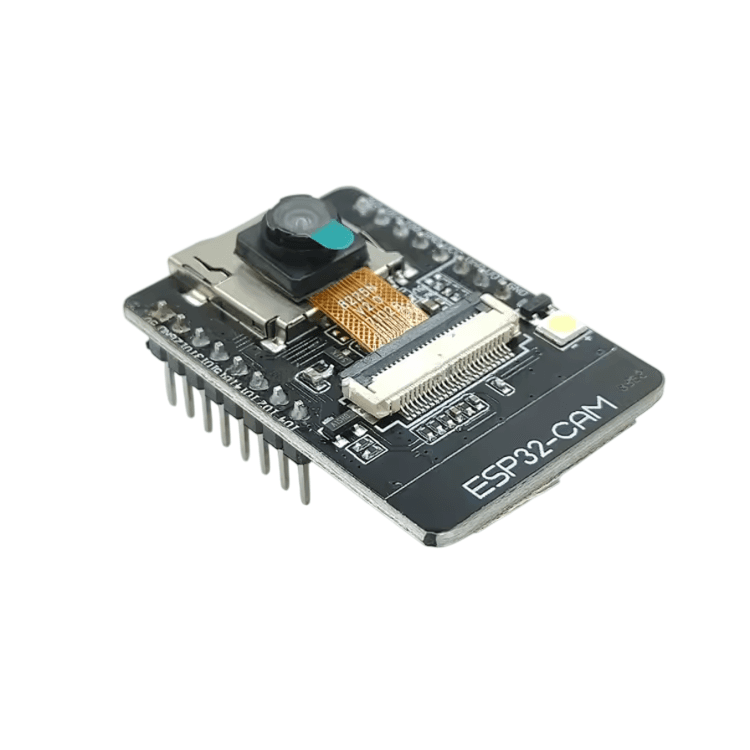 Boards
ESP32-CAM WiFi Bluetooth Development Board with OV5640 5MP Camera Module
₹973.50Earn 9 points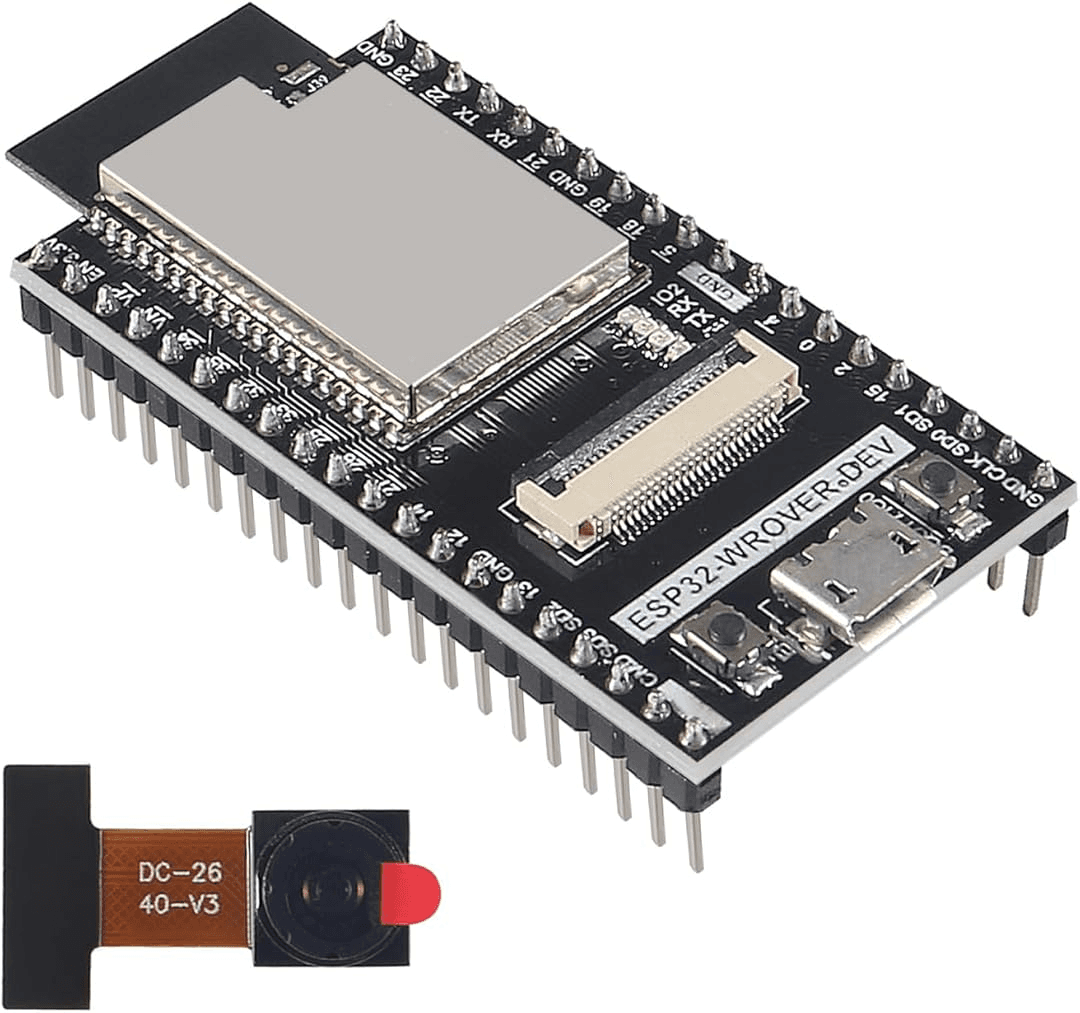 Boards
ESP32-WROVER CAM Board with OV2640 Camera
₹767.00Earn 7 points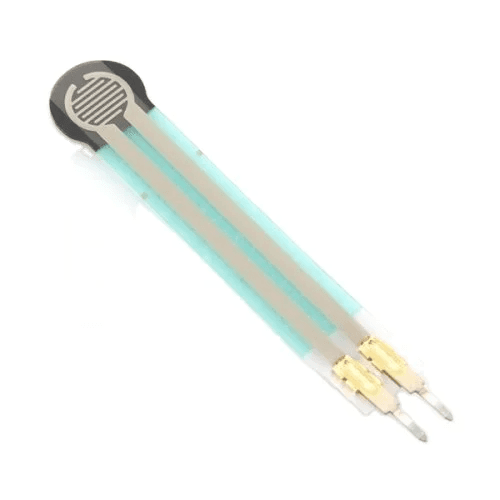 Biomedical Sensors
FSR 400 FORCE SMALL 5.08MM SENSOR CAPACTIVE
₹246.50Earn 2 pointsTechyTron