 TechyTron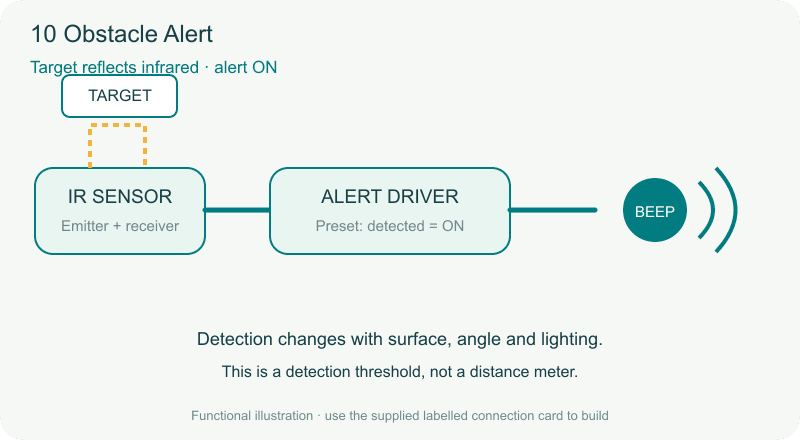
TechyTron Obstacle Alert STEM Kit
Detect an object without touching it. Classes 3–4 · Ages 8–10 · 40–50 minutes. Coming soon.
Delivery options
Courier from ₹79.00 per order · Free above ₹999.00
Product description
For Classes 3–4, ages 8–10, with adult guidance. No coding or soldering.
Engagement: 40–50 minutes. Explore 5 min · Build 15 min · Test and compare 20–30 min.
Included components
- 4 CELL AA BATTERY HOLDER WITH SWITCH / COVER — 1 holder
- AA BATTERY — 4 batteries (1.5 V alkaline AA cells.)
- Regulated 5 V Power Supply with Short-Circuit Protection — 1 power supply (Supplied in a screw-closed enclosure with fitted leads.)
- Small Breadboard / Mini Solderless Board - 400 points — 1 breadboard
- Jumper Wire Combo - Male to Male, Male to Female and Female to Female Breadboard Connecting Wires (10 Qty Each) — 1 set (Colour-coded leads supplied with fitted connectors.)
- Illustrated Activity Guide and Observation Sheet — 1 set
- IR Obstacle Avoidance Sensor Module - LM393 Photoelectric Sensor Module — 1 sensor
- Infrared Sensor Alarm Interface Circuit — 1 piece
- 5 V Active Buzzer — 1 buzzer (Self-oscillating; no external tone generator required.)
- Obstacle Detection Ruler Guide — 1 piece
- White and Black Target Cards — 1 pair
Steps to make it
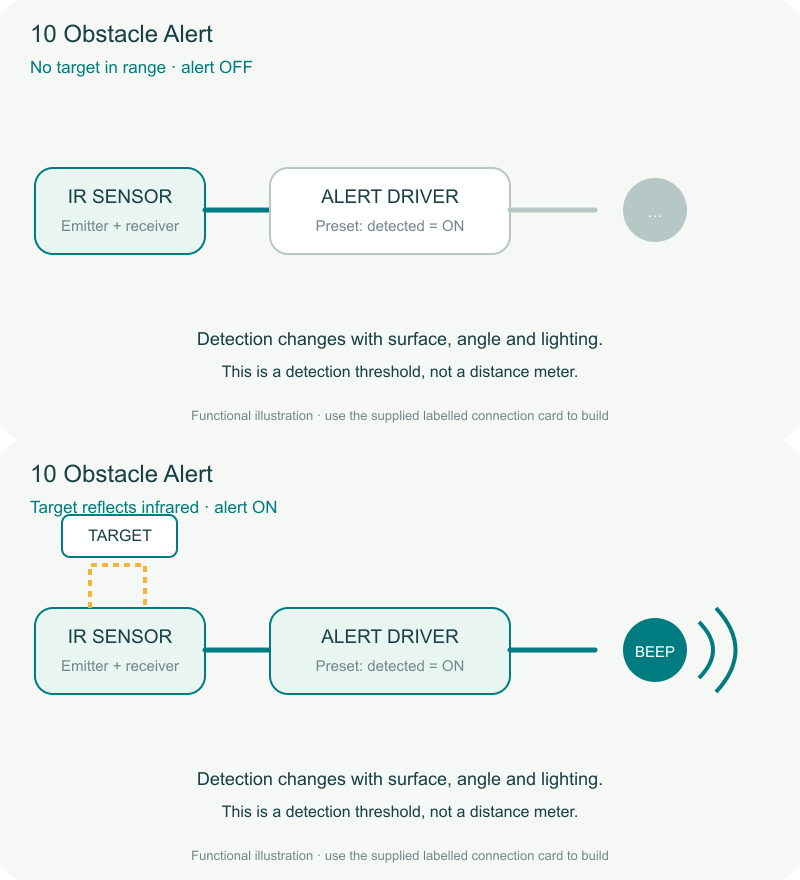
- With power off, connect the sensor and driver to POWER, sensor SIGNAL to driver SENSOR IN, and buzzer to SOUND OUT.
- Turn on with no target in front of the sensor. An adult helps set the marked sensitivity adjustment.
- Move the white target slowly toward the sensor along the ruler guide until the buzzer sounds.
- Remove it, repeat three times, then repeat with the black target at the same angle.
- Compare the switching positions. Do not change sensitivity during the comparison.
What children learn
- An infrared emitter and receiver detect reflected light.
- Object colour, angle and room lighting can affect detection.
- A detection sensor reports a condition; it does not measure distance precisely.
Test challenge
Does target surface colour change the approximate detection position when size, angle and sensitivity stay the same?
Observation task
Record three trigger positions for each card and compare the typical results.
Expected result
The buzzer sounds when enough reflected infrared light crosses the set threshold. The white card will often be detected farther away, but actual results depend on the card material and lighting.
Troubleshooting
Work indoors away from strong direct sunlight. Check target alignment and allow space behind the sensor so background objects do not trigger it.
Try next
Keep the same white card and compare straight-on and tilted angles.
Use and supervision
Use only the supplied low-voltage power unit. Switch power off before changing connections. Keep metal objects across the test gap only, never across the battery terminals. Keep liquids away. Adults handle battery access and inspect parts. Kit 8 uses an enclosed motor indicator, not an exposed propeller. Use the buzzer at a comfortable level away from ears.
See how it works
Download the illustrated activity guide
Coming soon. Timing is estimated for guided first use. Illustrations show the learning principle; supplied assemblies are subject to final validation.
Customer feedback
Reviews
No published reviews yet. Be the first to share useful feedback.
Shop Related in this category
Related in this category
9 catalogue productsTechyTron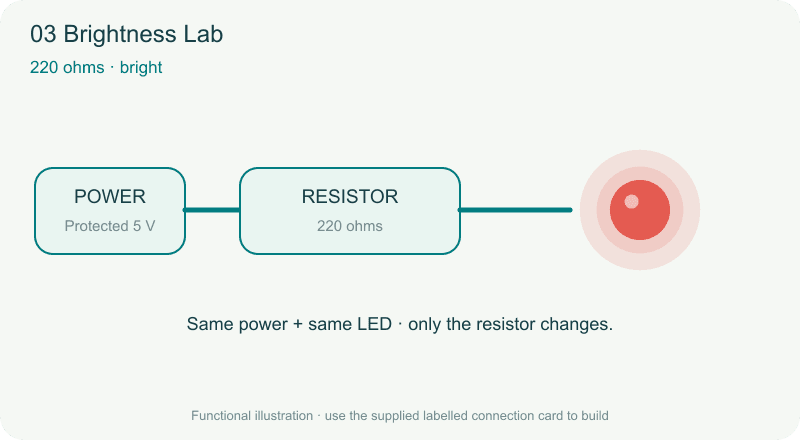 TechyTron
TechyTron Brightness Lab STEM Kit
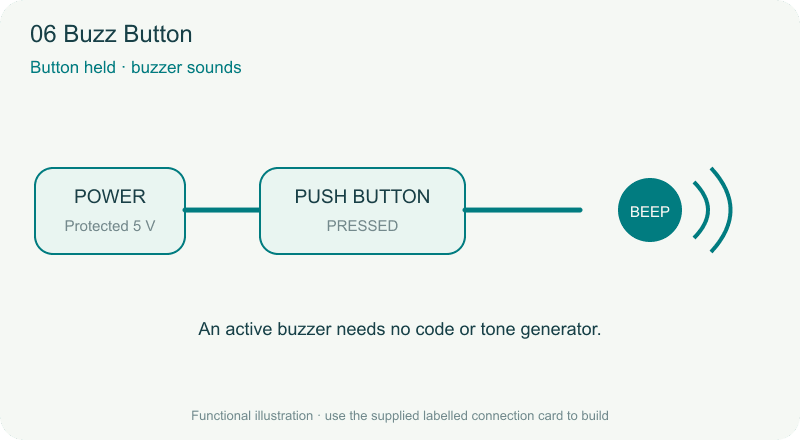 TechyTron
TechyTron Buzz Button STEM Kit
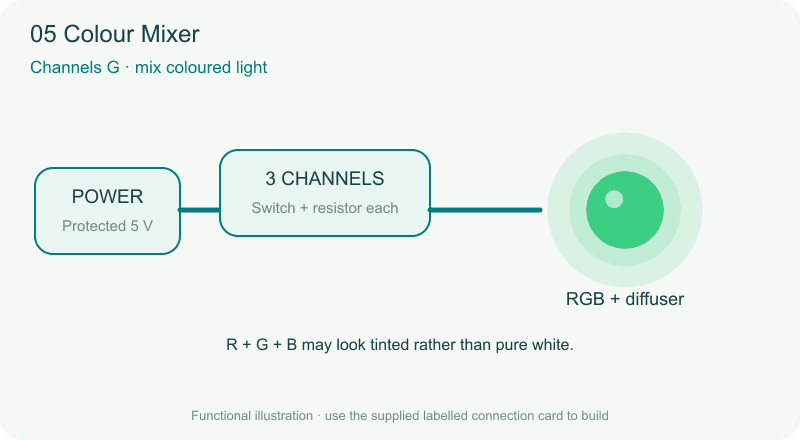 TechyTron
TechyTron Colour Mixer STEM Kit
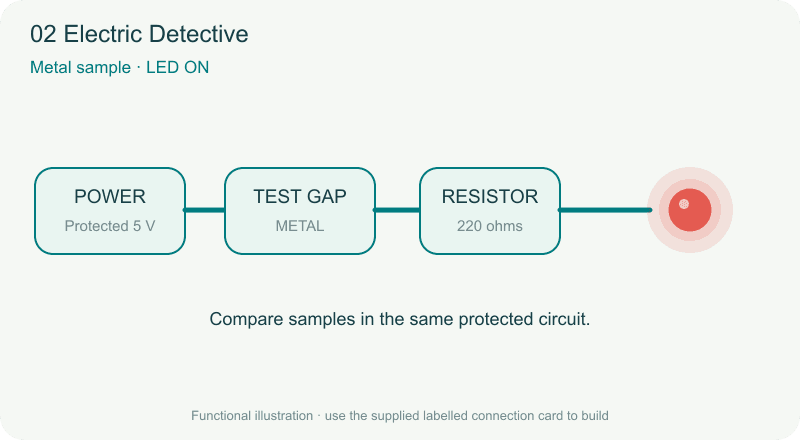 TechyTron
TechyTron Electric Detective STEM Kit
 TechyTron
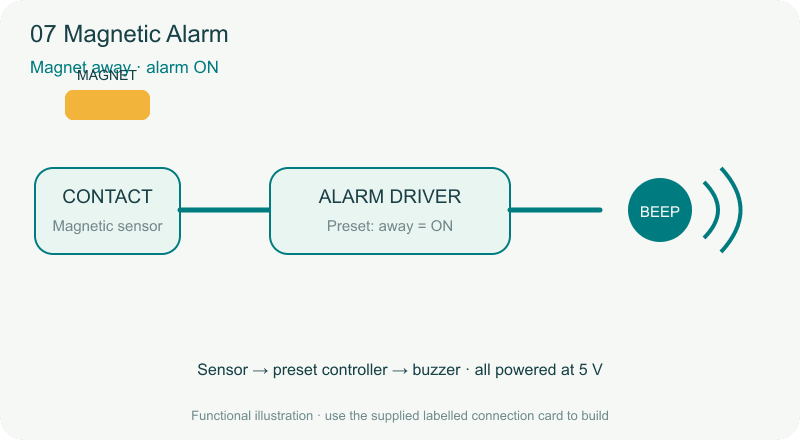
TechyTron Magnetic Alarm STEM Kit
 TechyTron
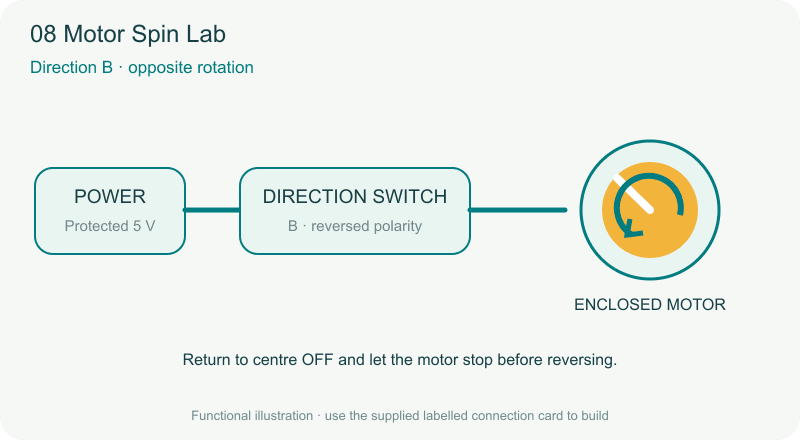
TechyTron Motor Spin Lab STEM Kit
 TechyTron
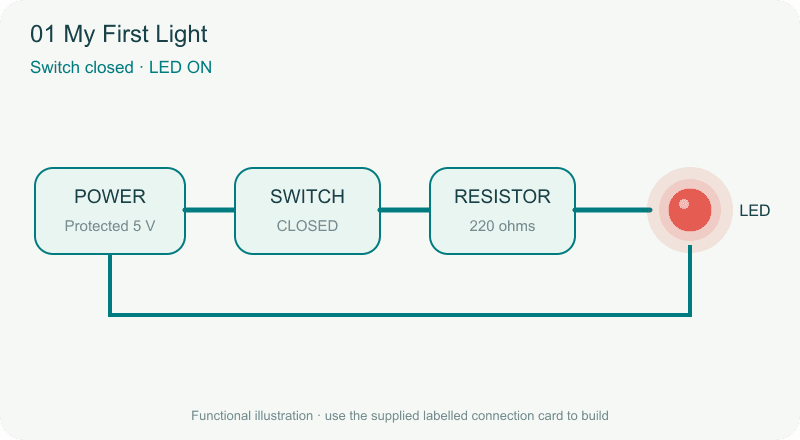
TechyTron My First Light STEM Kit
 TechyTron
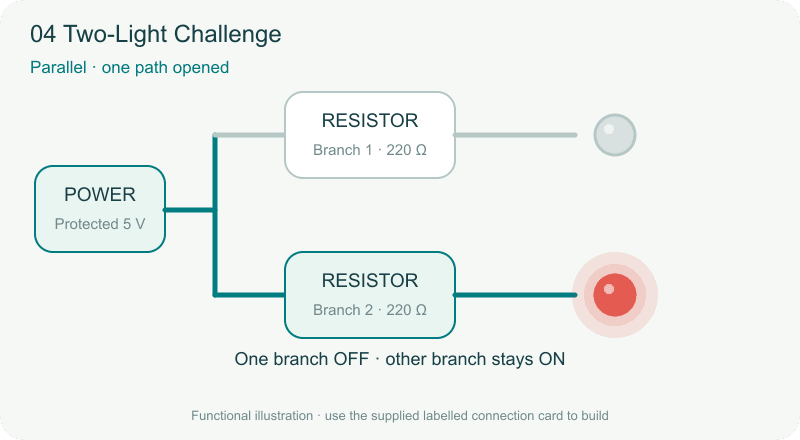
TechyTron Two-Light Challenge STEM Kit
Shop Related by product name