
 TechyTron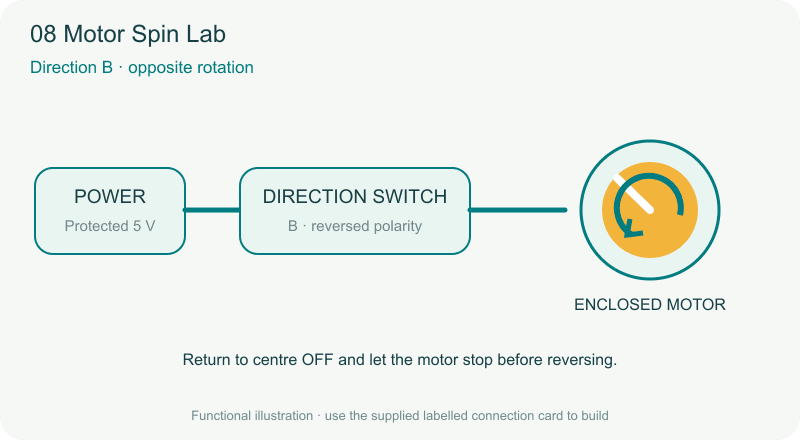
TechyTron Motor Spin Lab STEM Kit
Reverse a motor with a switch. Classes 3–4 · Ages 8–10 · 30–40 minutes. Coming soon.
Delivery options
Courier from ₹79.00 per order · Free above ₹999.00
Product description
For Classes 3–4, ages 8–10, with adult guidance. No coding or soldering.
Engagement: 30–40 minutes. Explore 5 min · Build 10–15 min · Observe and explain 15–20 min.
Included components
- 4 CELL AA BATTERY HOLDER WITH SWITCH / COVER — 1 holder
- AA BATTERY — 4 batteries (1.5 V alkaline AA cells.)
- Regulated 5 V Power Supply with Short-Circuit Protection — 1 power supply (Supplied in a screw-closed enclosure with fitted leads.)
- Small Breadboard / Mini Solderless Board - 400 points — 1 breadboard
- Jumper Wire Combo - Male to Male, Male to Female and Female to Female Breadboard Connecting Wires (10 Qty Each) — 1 set (Colour-coded leads supplied with fitted connectors.)
- Illustrated Activity Guide and Observation Sheet — 1 set
- 3V Miniature DC Motor — 1 motor (Selected motor must support the supplied 5 V; supply must tolerate its startup current.)
- DPDT Center Off Rocker Switch - 6A 250V — 1 switch (Supplied prewired for motor reversal; low-voltage DC use only.)
- Enclosed Motor Rotation Indicator — 1 piece
- Motor Direction Observation Card — 1 piece
Steps to make it
- Check that the motor indicator guard is fitted. Put the direction switch in centre OFF and keep the power off.
- Connect power to the switch POWER terminals and the motor assembly to its MOTOR terminals.
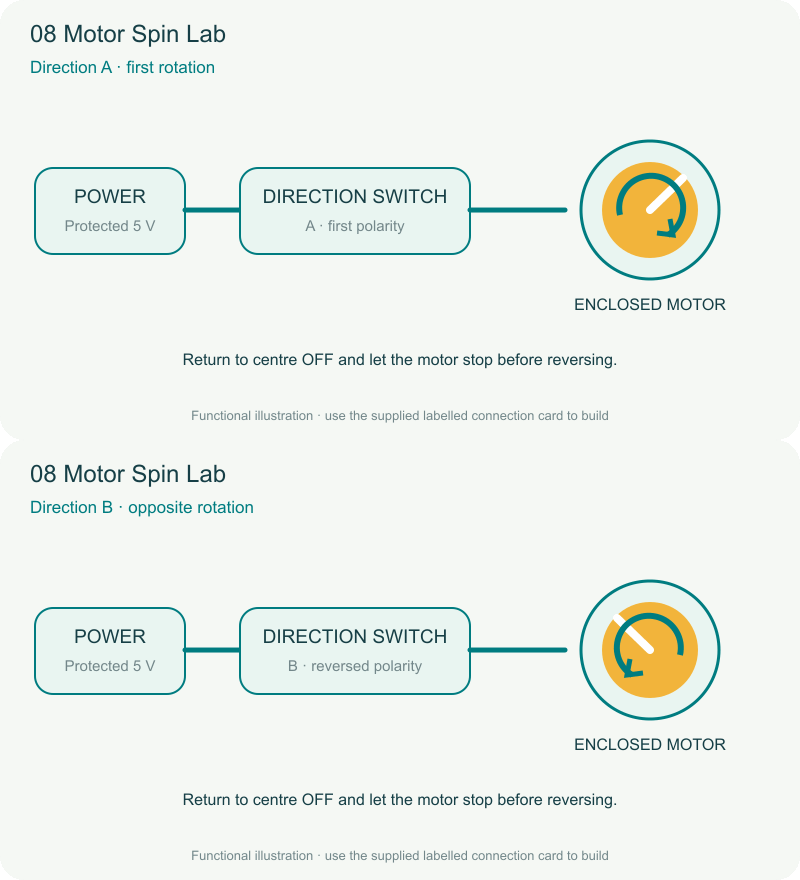
- Turn on the supply. Select direction A and observe the marked disc through the guard.
- Return the switch to centre OFF and wait for the motor to stop.
- Select direction B and record the change. Always stop between reversals.
What children learn
- A motor converts electrical energy into motion.
- Reversing polarity reverses this brushed DC motor.
- A centre-OFF switch gives a controlled stopping position.
Test challenge
Viewed from the same side, what happens to rotation direction when the switch reverses the motor connections?
Observation task
Draw an arrow for direction A and direction B, using the same viewing side.
Expected result
The enclosed disc rotates in opposite directions for the two switch positions and stops in the centre position.
Troubleshooting
Switch off if it stalls. An adult checks the free-running motor and startup-current capacity; children must not open the guard.
Try next
Explain the power → switch → motor → movement sequence to a partner using four picture cards.
Use and supervision
Use only the supplied low-voltage power unit. Switch power off before changing connections. Keep metal objects across the test gap only, never across the battery terminals. Keep liquids away. Adults handle battery access and inspect parts. Kit 8 uses an enclosed motor indicator, not an exposed propeller. Use the buzzer at a comfortable level away from ears.
See how it works
Download the illustrated activity guide
Coming soon. Timing is estimated for guided first use. Illustrations show the learning principle; supplied assemblies are subject to final validation.
Customer feedback
Reviews
No published reviews yet. Be the first to share useful feedback.
Shop Related in this category
Related in this category
9 catalogue productsTechyTron TechyTron
TechyTron Brightness Lab STEM Kit
 TechyTron
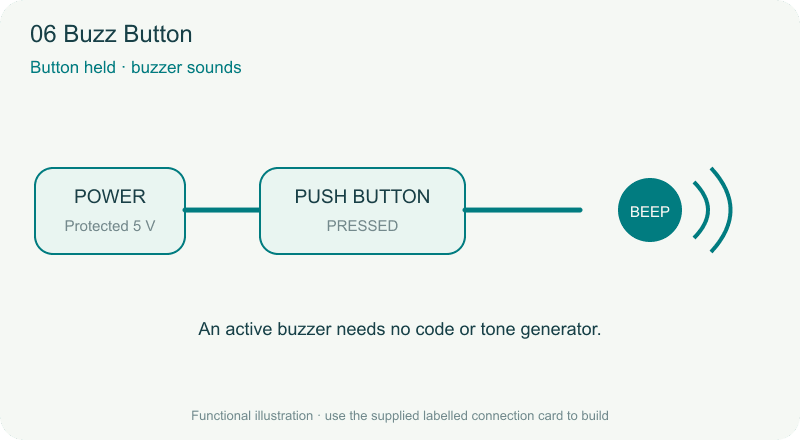
TechyTron Buzz Button STEM Kit
 TechyTron
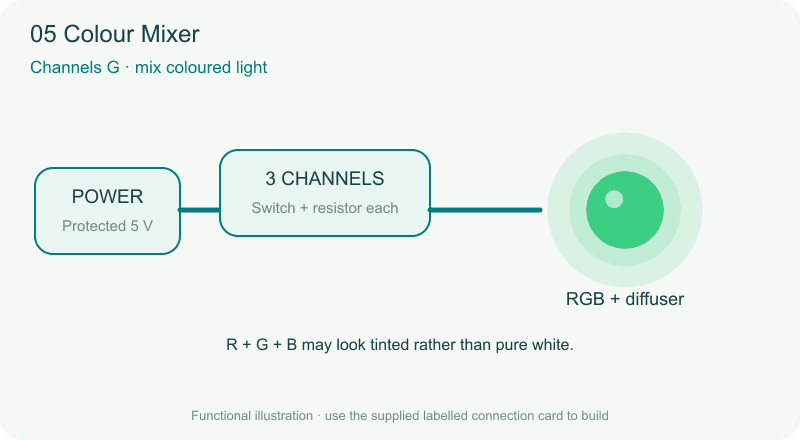
TechyTron Colour Mixer STEM Kit
 TechyTron
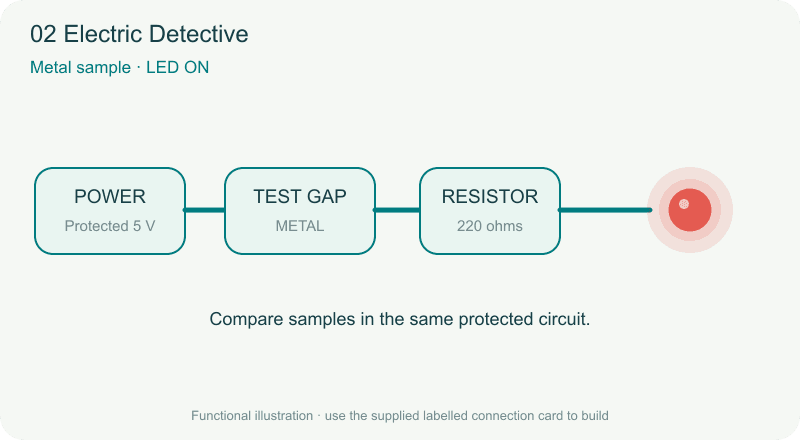
TechyTron Electric Detective STEM Kit
 TechyTron
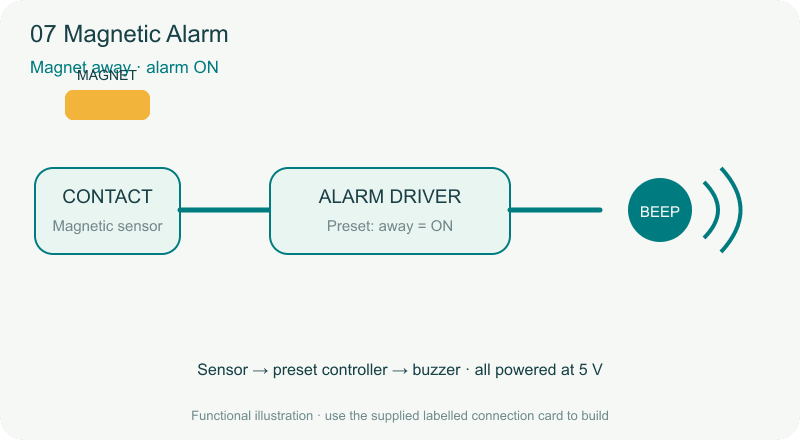
TechyTron Magnetic Alarm STEM Kit
 TechyTron
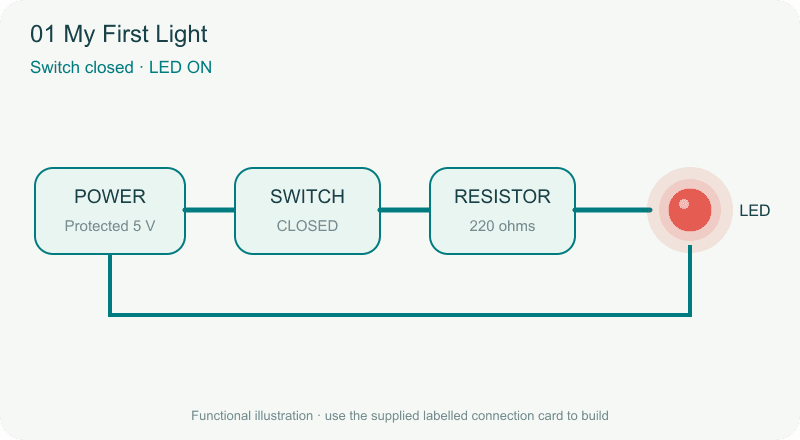
TechyTron My First Light STEM Kit
 TechyTron
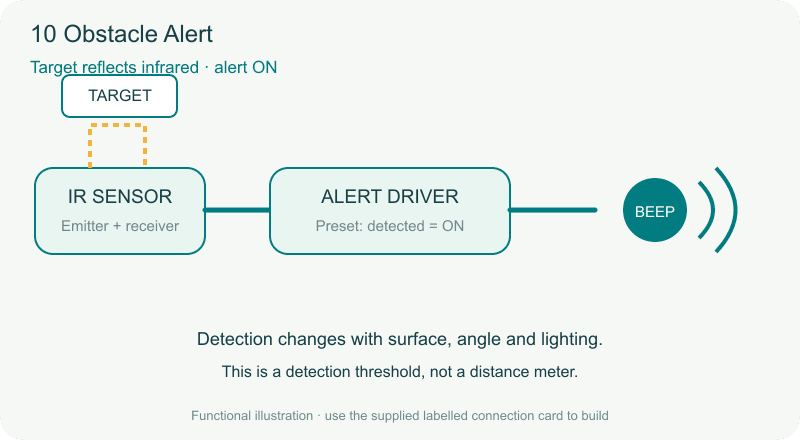
TechyTron Obstacle Alert STEM Kit
 TechyTron
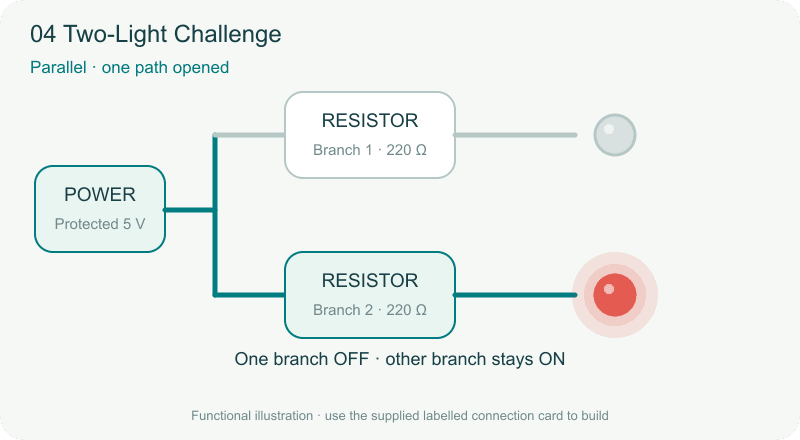
TechyTron Two-Light Challenge STEM Kit
Shop Related by product name