 TechyTron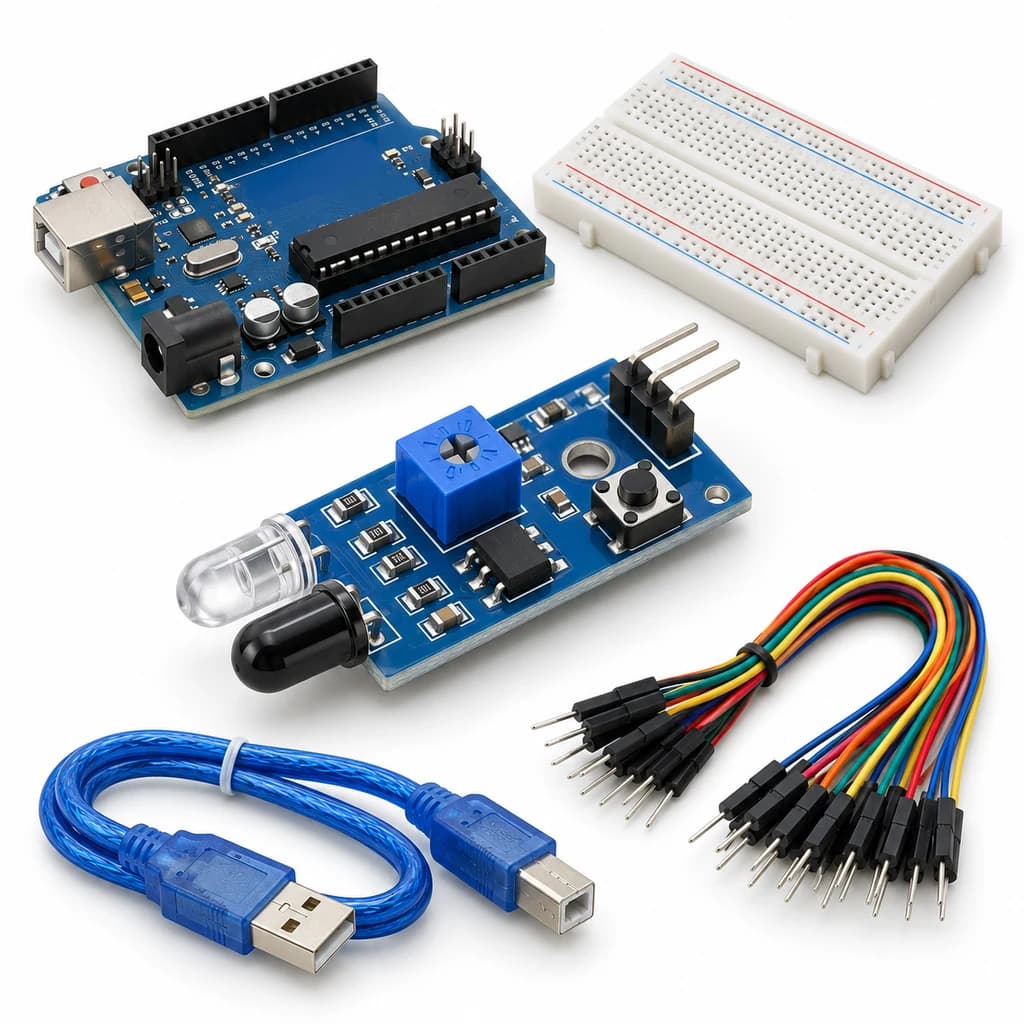
IR Visitor Counter Kit
SKU: TT-SE-07-10
₹474.00
Includes 18% GST
Earn 4 reward points per unit. How rewards work
Count separate object passes with an infrared sensor. Classes 7-8 · Ages 12–14. Complete electronics kit with an illustrated guide.
Delivery options
Courier from ₹79.00 per order · Free above ₹999.00
Product description
Classes 7-8, typical ages 12–14. Age ranges vary by learner. Guided low-voltage electronics.
Activity engagement
60–90 minutes. Explore 10–15 min · Build 20–30 min · Test and discuss 30–45 min. Estimated time for building, testing and discussion.
What you need
A computer with a USB port and Arduino IDE is required and is not included.
Included components
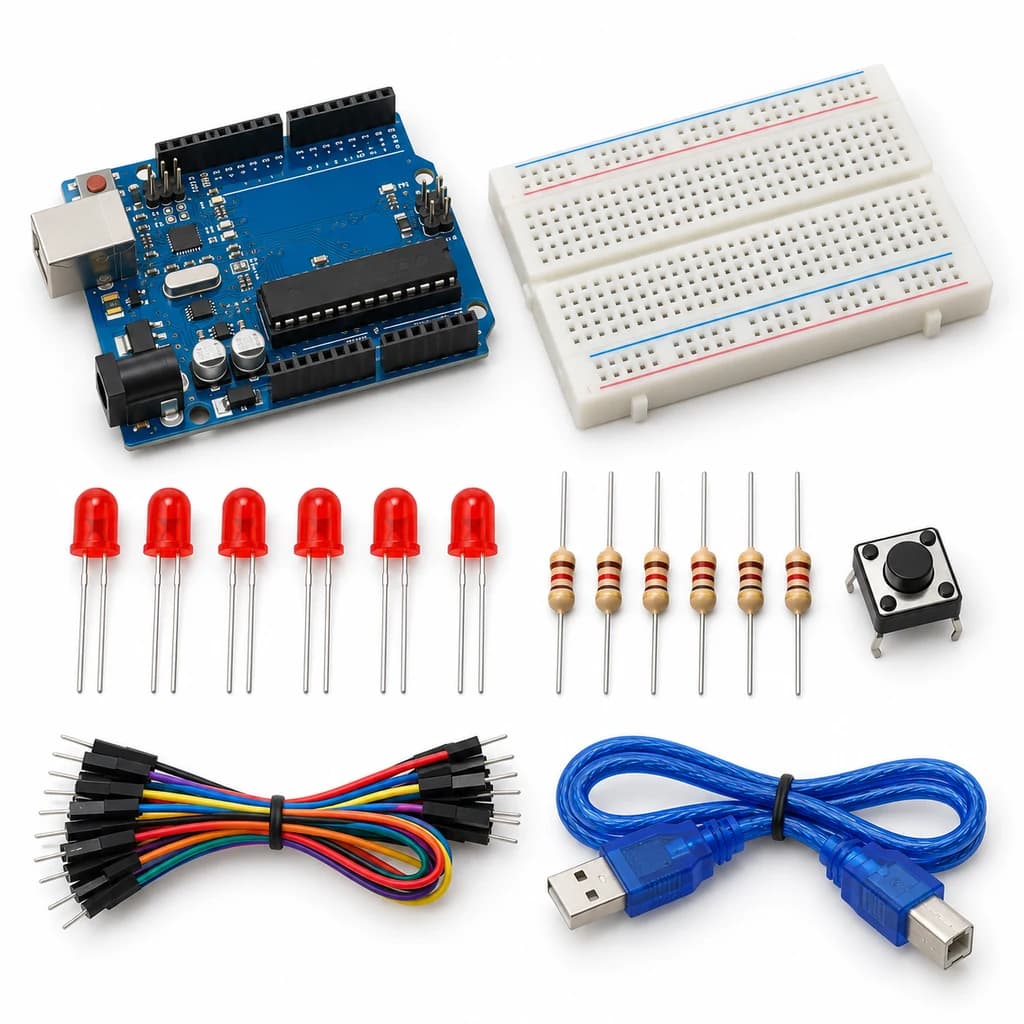
- Small Breadboard / Mini Solderless Board - 400 points — 1 breadboard
- Jumper Wire Combo - Male to Male, Male to Female and Female to Female Breadboard Connecting Wires (10 Qty Each) — 1 set
- Illustrated Activity Guide and Observation Sheets — 1 set
- Fitted Headers and Labelled Connection Leads — 1 set
- Arduino Uno R3 CH340G version compatible Arduino Development Board — 1 controller board
- USB A to B Programming Cable for Arduino Uno/ Arduino Mega — 1 data cable
- IR Obstacle Avoidance Sensor Module - LM393 Photoelectric Sensor Module — 1 sensor module
- Tactile Push Button Switch 12x12x8mm 4-Pin — 1 button
What you learn
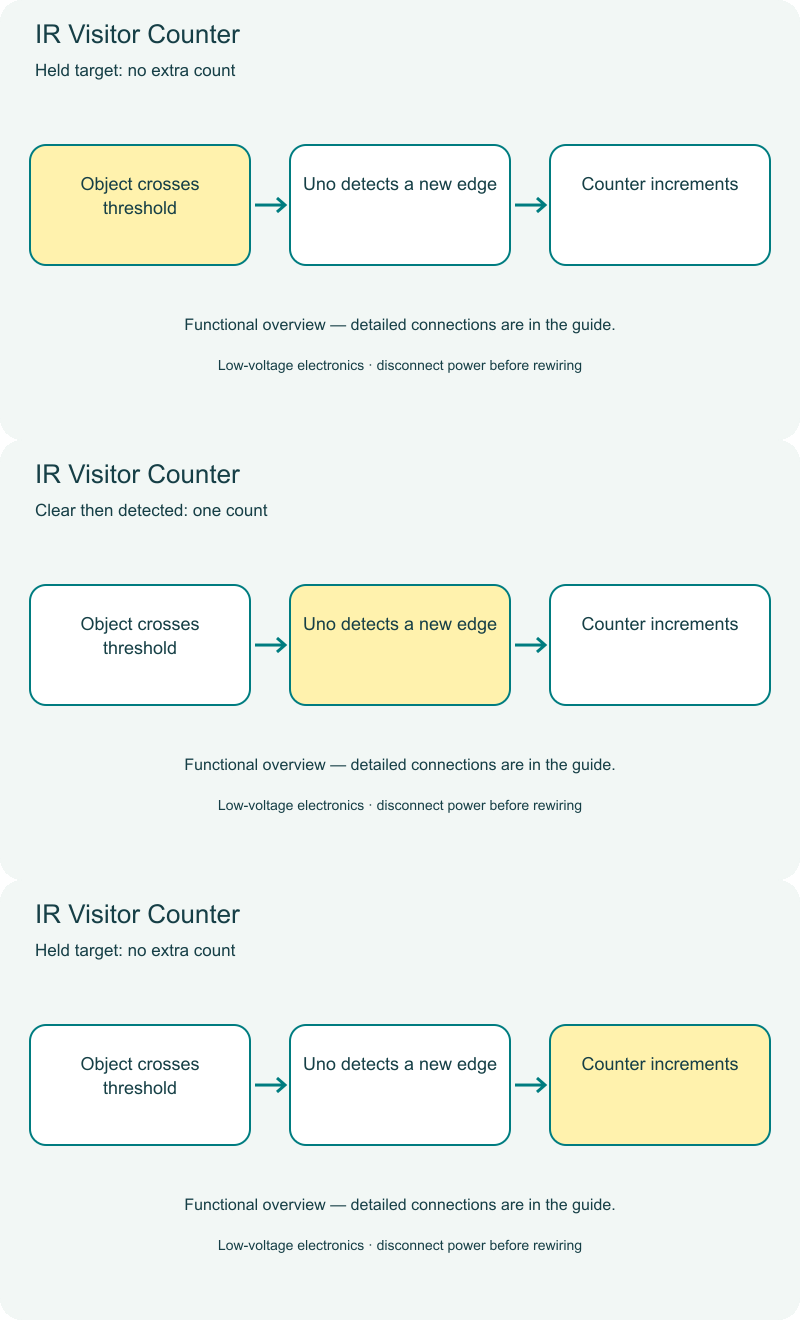
- A transition can count one event without counting every loop.
- Reflective IR sensing depends on target surface and distance.
- A single sensor cannot determine direction or reliably count crowds.
Connection guide
- IR module VCC → 5 V; GND → GND; DO → D2.
- Reset button → D4 and GND. Supplied module is configured active-low on detection.
Steps to make it
- Disconnect all power and identify the supplied part labels and pinouts before wiring.
- Mount the sensor facing a single clear path and adjust sensitivity for a card-sized target.
- Upload and move one object into range, hold it there and then remove it.
- Repeat ten separate passes; compare count with actual passes.
- Press reset and repeat with a dark target.
- Change only the named parameter for the extension, repeat the controlled trials, save observations and disconnect power afterward.
Programming resources
Arduino IDE: select Arduino Uno and the USB port. Use the supplied USB data cable. Serial Monitor/Plotter: 115200 baud.
Uses the selected board core libraries.
Test challenge
Does holding one target in range count only once until it leaves?
Observation task
Target type, actual separate passes, reported count and missed detections.
Expected result
A confirmed clear-to-detected transition increments the count once; the reset button clears it.
If it does not work
Check active-low DO configuration, threshold setting and sufficient clear time between passes.
Try next
Design a two-sensor sequence for determining direction, without claiming it is included here.
Use and supervision
Use only the supplied low-voltage DC parts. Disconnect power before rewiring; check polarity and labelled pinouts. No soldering or exposed mains connections. Adult guidance is recommended.
How this experiment works
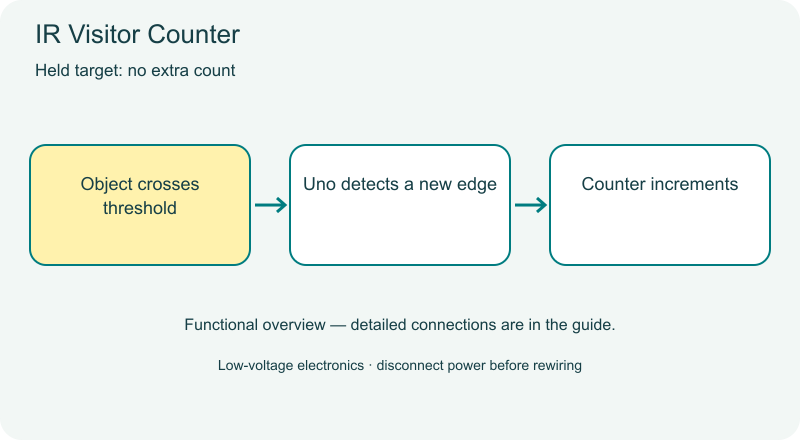
Cover illustrations show component types. Functional animations explain principles and are not recorded prototype tests. Follow the supplied connection labels and pinouts.
Customer feedback
Reviews
No published reviews yet. Be the first to share useful feedback.
Shop Related in this category
Related in this category
9 catalogue productsTechyTron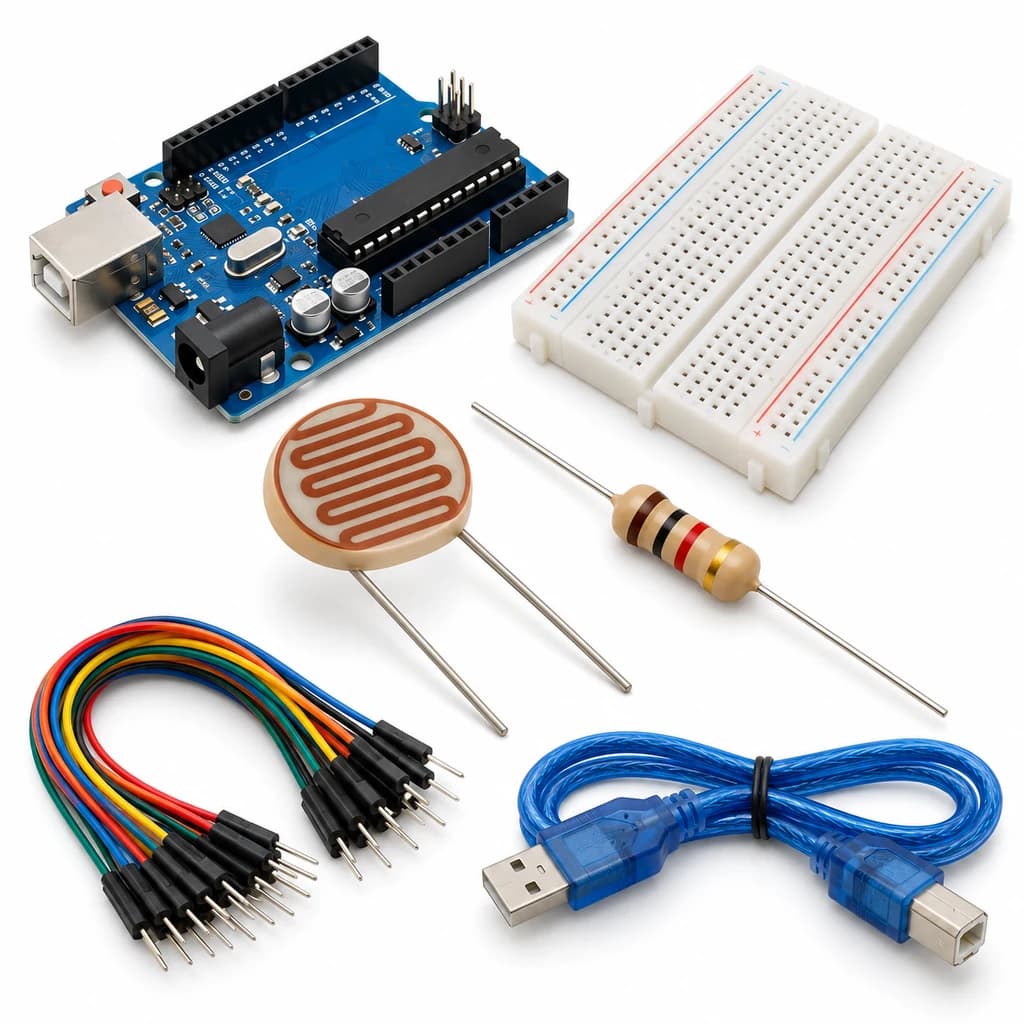 TechyTron
Light Meter Logger Kit
₹438.00Earn 4 points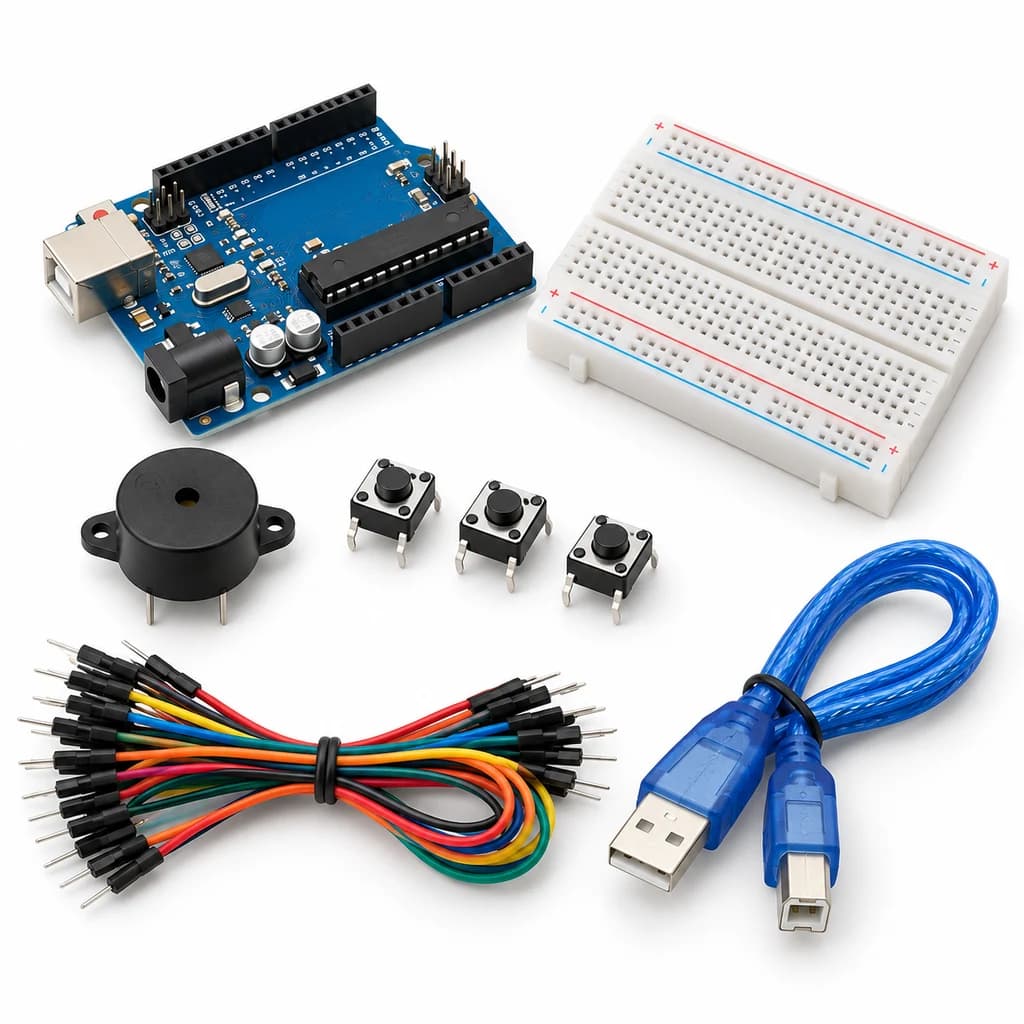 TechyTron
Melody Maker Kit
₹459.00Earn 4 points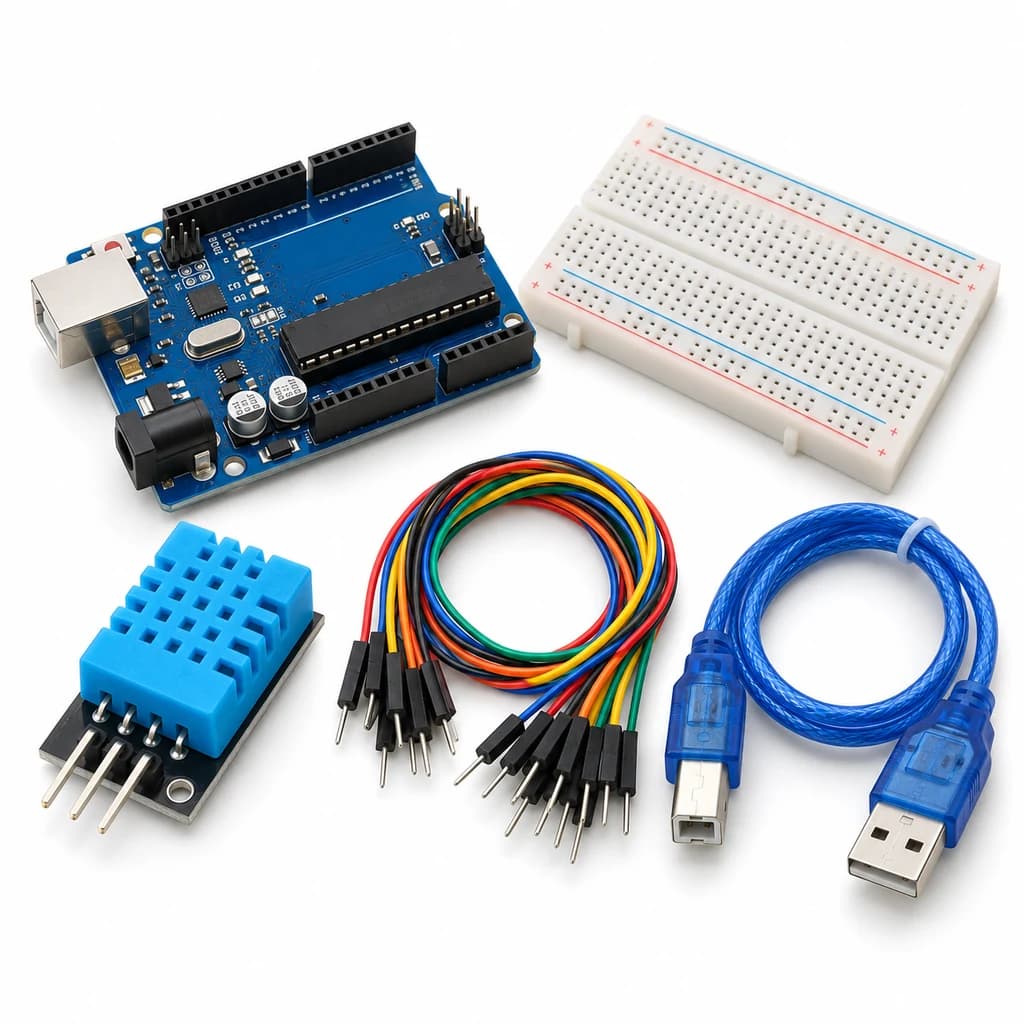 TechyTron
Mini Weather Station Kit
₹509.00Earn 5 points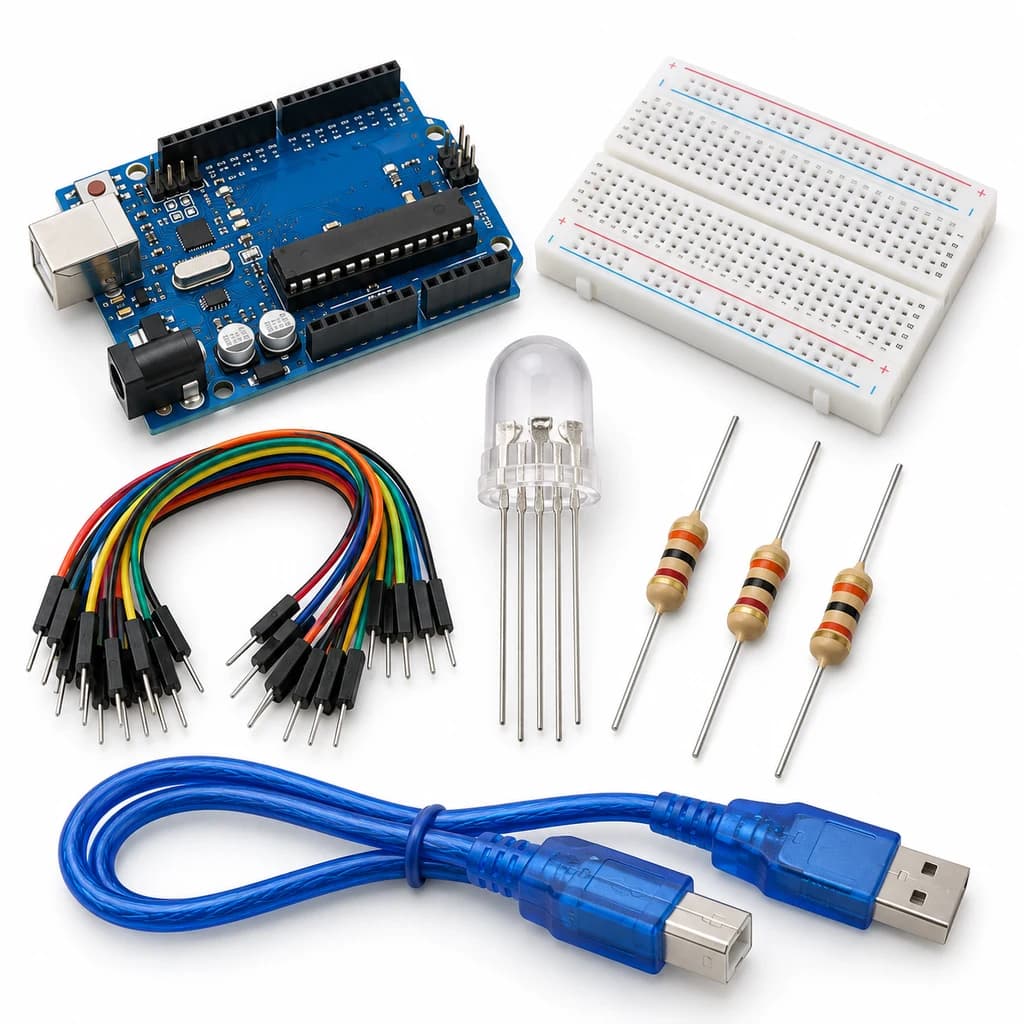 TechyTron
Rainbow PWM Mixer Kit
₹437.50Earn 4 points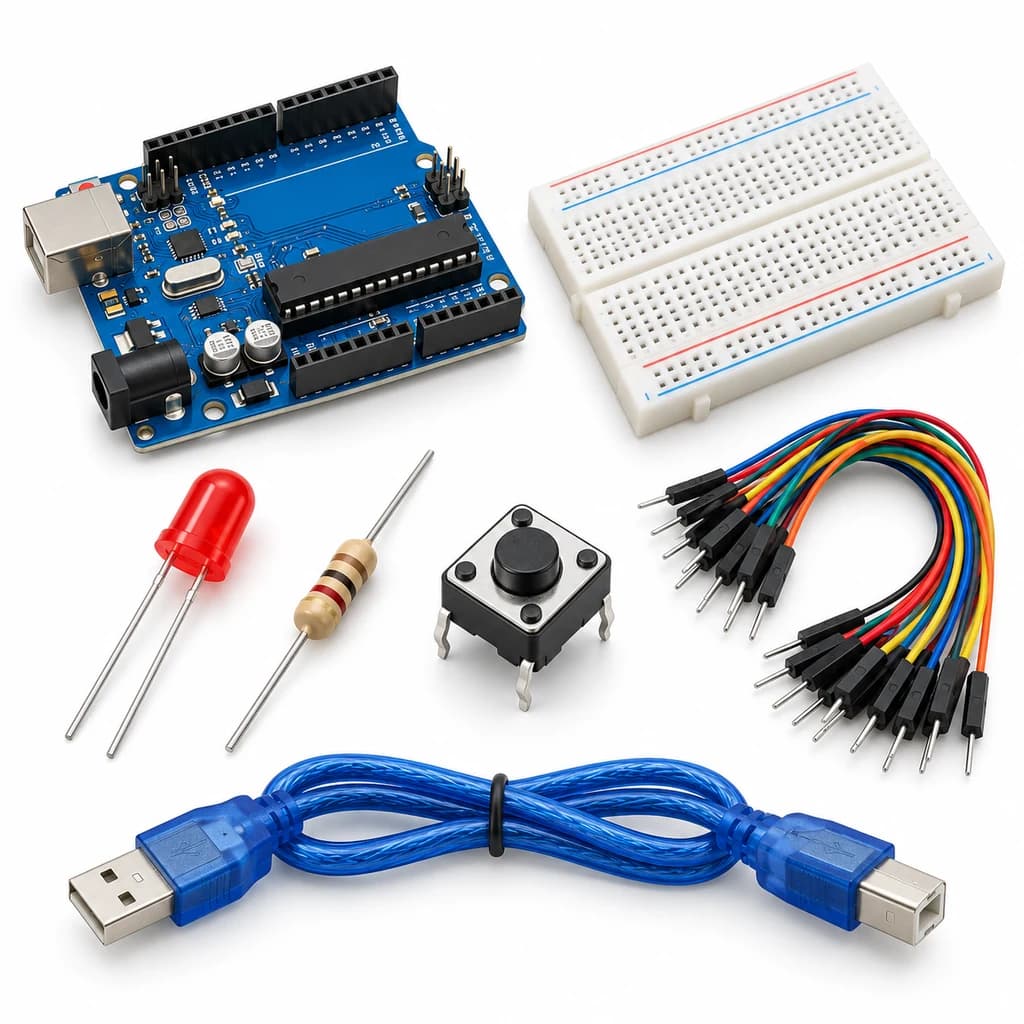 TechyTron
Reaction Time Challenge Kit
₹439.50Earn 4 points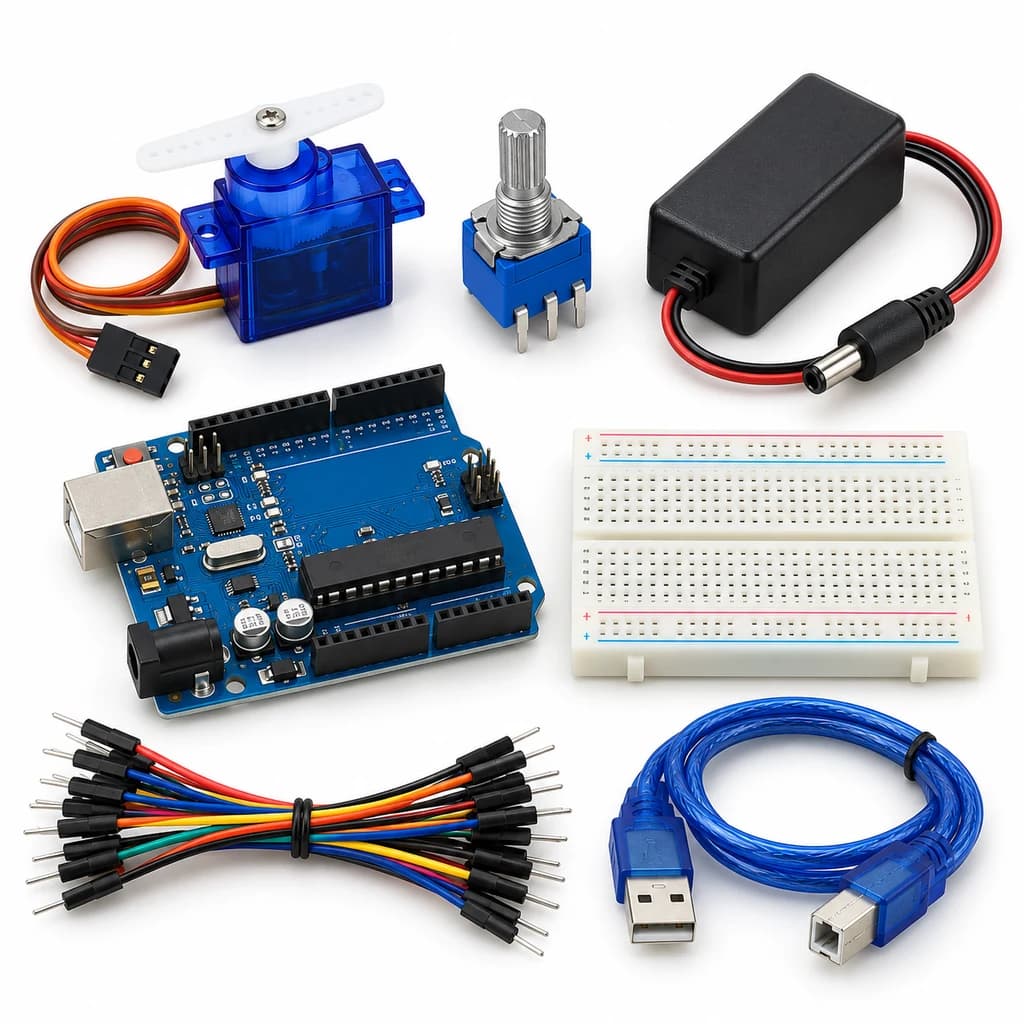 TechyTron
Servo Angle Dial Kit
₹809.50Earn 8 points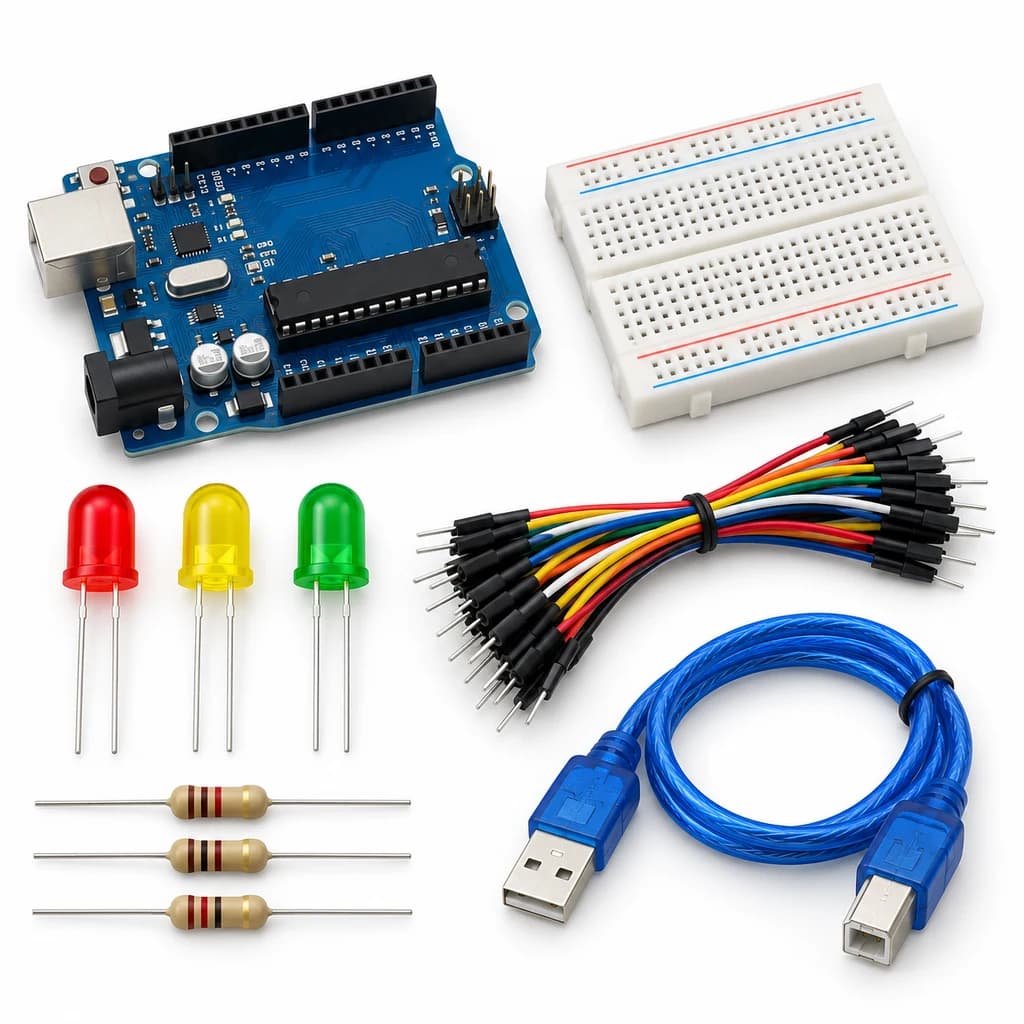 TechyTron
Traffic Signal Coder Kit
₹441.00Earn 4 points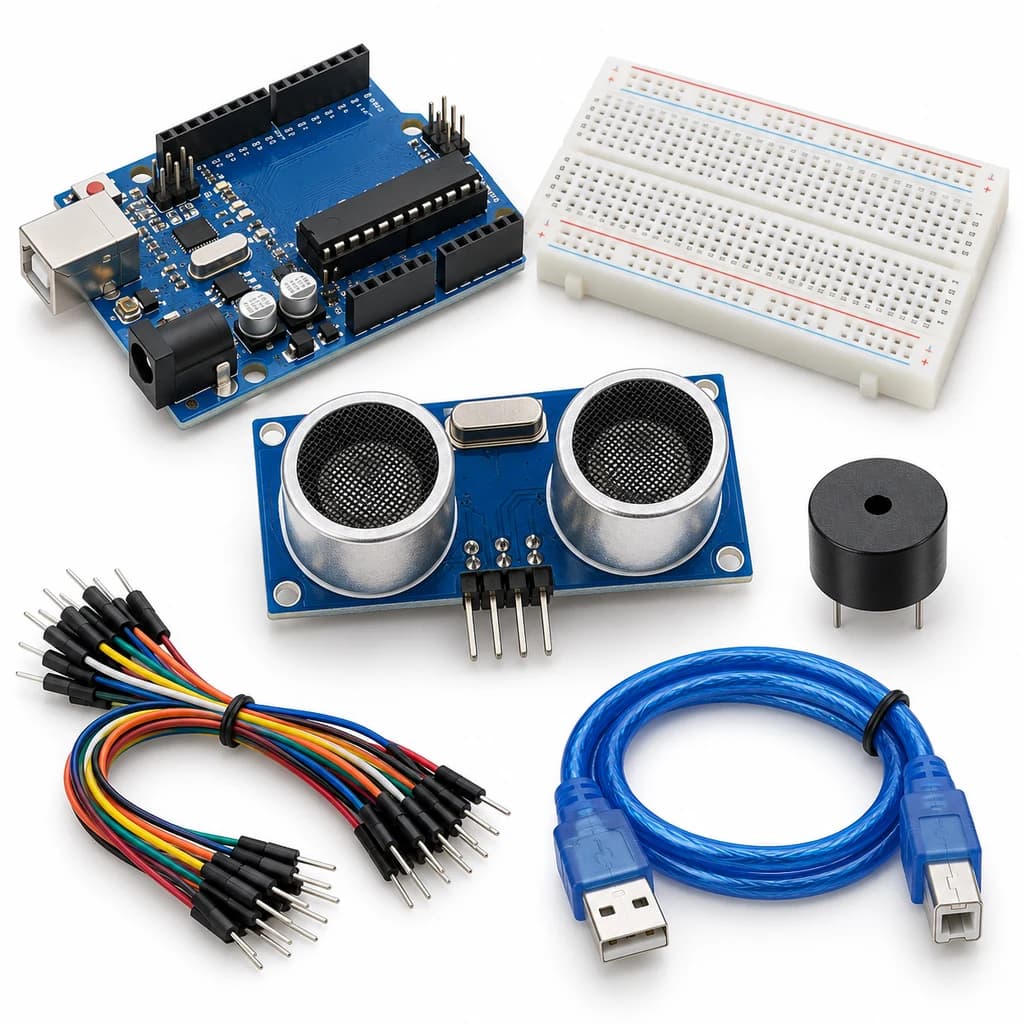 TechyTron
Ultrasonic Parking Guide Kit
₹563.00Earn 5 pointsShop Related by product name